
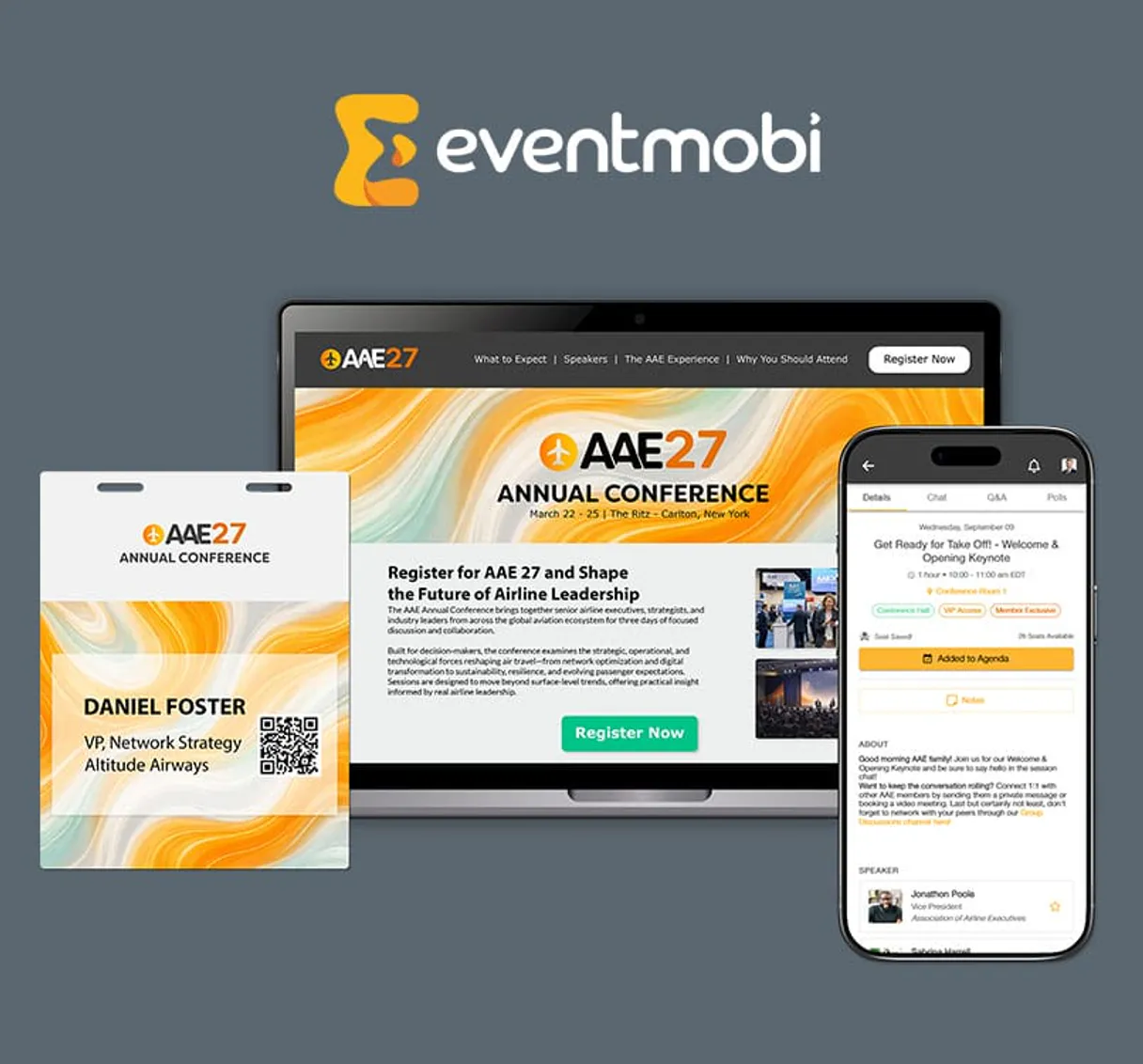
EventMobi MCP for AI. Orchestrate your entire conference from natural conversation.
 Gemini
 Works with every AI agent you already use
…and any MCP-compatible client









How this MCP server connects to your AI agent
EventMobi connects your AI agent directly to a professional event management suite for virtual or hybrid conferences. It gives you full control over conference logistics, allowing you to manage everything from attendee sign-ups and real-time poll monitoring to updating the entire agenda using natural language commands.
What AI agents can do with EventMobi Automation
Attendee checkin
Marks an attendee as present in a specific session.
Register attendee
Creates a new profile for someone attending the event.
Create agenda session
Adds an entirely new time slot or session to the overall event agenda.
Retrieve detailed metadata about your entire collection of managed events.
Create new participant profiles, check people in for specific sessions, or list all current attendees at an event.
Access complete session tracks, list existing agenda items, or add a brand-new session to the master calendar.
List active polls or view current gamification challenges happening at an event.
Set up webhooks to track specific event triggers and retrieve the participant directory for coordinated operations.
Ask an AI about this
Waiting for input…
What AI agents can do with EventMobi: 12 Tools for Event Management
These twelve tools allow your AI client to perform every function needed for running large events, from basic attendee lookups to complex webhook creation.
Make your AI actually useful.
Add this MCP to Claude, Cursor, or Windsurf and your AI stops guessing. It gets real tools to look things up, take action, and handle the stuff you keep doing by hand.
Start using EventMobi on VinkiusAttendee Checkin
Marks an attendee as present in a specific session.
Register Attendee
Creates a new profile for someone attending the event.
Create Agenda Session
Adds an entirely new time slot or session to the overall event agenda.
Create Webhook
Sets up a data trigger so that external systems are notified when something happens...
Get Event Details
Retrieves specific branding and setting information for one managed event.
List Gamification Challenges
Fetches a list of active competitive challenges running during the conference.
List Events
Lists all conferences and events that have been set up using the system.
List Attendees
Pulls a roster of everyone who has registered for an event.
List Live Polls
Displays all polls that are currently active and collecting responses during the...
List Sessions
Lists all scheduled sessions for a specific event's agenda.
List Event Tracks
Retrieves the different topical tracks or categories of sessions available at the...
List Webhooks
Displays all configured data sync webhooks for an event.
Security and governance baked right in.
Pick your AI client below to get set up. Just create a Vinkius account, subscribe, and you're instantly up and running. We handle the entire backend infrastructure, delivering out-of-the-box support for HTTPS Streamable, SSE, and OAuth2—zero messy routing required.
Claude AI
Open Claude Settings
Go to claude.ai, click your profile icon, then navigate to Customize → Connectors.
Add Custom Connector
Click the "+" button and select Add custom connector. Paste your Vinkius endpoint URL:
https://edge.vinkius.com/[YOUR_TOKEN_HERE]/mcp
Replace [YOUR_TOKEN_HERE] with your token
from cloud.vinkius.com. For OAuth-protected servers, expand
Advanced settings to add credentials.
Start a conversation
Open a new chat. The EventMobi integration is available immediately — no restart needed.
Choose How to Get Started
Build a custom MCP for your own tools, or connect a ready-made integration from our catalog.
Build Your Own
Turn any API into an MCP. Import a spec, define Agent Skills, or deploy with MCPFusion.
- Import from OpenAPI, Swagger, or YAML specs
- Create Agent Skills with progressive disclosure
- Deploy to edge with MCPFusion framework
- Built in DLP, auth, and compliance on every call
- Real time usage dashboard and cost metering
- Publish to catalog or keep private
Make Your AI Do More
Start with EventMobi, then connect any of our 5,100+ other servers whenever your AI needs more. One click, no limits.
- Use this MCP plus 5,100+ others, all in one place
- Add new capabilities to your AI anytime you want
- Every connection is secured and compliant automatically
- Track usage and costs across all your servers
- Works with Claude, ChatGPT, Cursor, and more
- New servers added to the catalog every week
Independent Platform Disclaimer: Vinkius is an independent platform and is not affiliated with, endorsed by, sponsored by, verified by, or otherwise authorized by EventMobi. All third-party trademarks, logos, and brand names are the property of their respective owners. Their use on this website is strictly for informational purposes to identify service compatibility and interoperability.
VINKIUS INFRASTRUCTURE
Cloud Hosted
Managed infra
V8 Isolated
Sandboxed per request
Zero-Trust Proxy
No stored credentials
DLP Enforced
Policy on every call
GDPR Compliant
EU data residency
Token Compression
~60% cost reduction
Built on the Model Context Protocol (MCP) for Claude, ChatGPT, Cursor, and more
The Model Context Protocol standardizes how applications expose capabilities to LLMs. Instead of operating in isolation, your AI gains direct access to external platforms, live data, and real-world actions through secure, standardized connections.
This connection provides 12 powerful capabilities that interface natively with Claude, ChatGPT, Cursor, and other compatible AI platforms. No middleware. No custom integration required.
Managing a multi-day event used to feel like juggling flaming chainsaws., Solved with Vinkius AI Gateway
Every morning, the operations team has to do it: open the main schedule sheet, check the sign-in spreadsheet, jump to the poll results dashboard, and then update the master website calendar. They copy session names from one tab into another, manually checking that every track detail is correct before sending out the day's agenda.
Now, your agent handles it all. You simply tell your AI client, 'Update the schedule for tomorrow.' It reads the event metadata, checks the list_event_tracks, and programmatically updates the necessary sessions using create_agenda_session. You get a perfectly coordinated event status with zero manual clicking.
EventMobi MCP: Attendance Tracking Made Conversational
Before this, checking in attendees required accessing the dedicated platform, searching by name or ID, and hitting a specific button. If an attendee was missing from the list, someone had to run a full report before they could even start.
Now, you ask your agent to check people in. It executes the action instantly, logging the attendance directly into EventMobi's system through the attendee_checkin tool. The process is seamless and auditable.
What your AI can actually do with this
Managing large events used to mean jumping between five different dashboards: one for schedules, one for registrations, one for live data feeds, and three more for tracking specific sessions. Now, you don't have to do that. This MCP lets your agent handle the entire lifecycle of an event through simple conversation.
You can tell it to list all active gatherings or pull detailed information on a single event's branding settings. Need to manage people? Your agent registers new participants and checks in attendees for specific sessions, keeping the entry process automated. Want to know what people are talking about right now? It monitors live polls and gamification challenges as they happen.
Even connecting external data streams is simple; your agent can set up webhooks so that when one thing happens—like a session starting—another system gets notified instantly. Because this MCP is hosted on Vinkius, you connect once from any compatible client (Claude, Cursor, Windsurf) and get instant access to all of these critical event tools without needing to learn complicated API calls.
019dd0ea-c728-70ba-b8ad-4d8e12fd42e5 
Here's how it actually works
The bottom line is, once connected, your agent handles event logistics using plain conversation instead of complex dashboards.
Subscribe to this MCP on Vinkius.
Get your unique API Key from the EventMobi Experience Manager's Integrations tab.
Start telling your AI client what you need done—whether it's listing all events or checking in a participant.
Who is this actually for?
Conference Planners, Marketing Managers, and Operations Leads who get frustrated by the constant need to copy data from a spreadsheet into another system. You're tired of updating agendas manually or waiting for someone to run a report before you know attendance numbers.
Uses this MCP to update session details, list all managed events, and ensure the master agenda is always accurate.
Relies on it to check live poll results and track gamification leaderboards without leaving their primary workspace.
Automates the participant journey by registering new people and managing data sync webhooks for seamless event entry.
What Changes When You Connect
Stop updating schedules manually. You can tell the agent to create an agenda session or list event tracks, keeping the master schedule accurate instantly.
Automate participant entry by letting your agent handle attendee registration and checking people in with a simple query. No more manual sheet updates for every check-in.
Monitor engagement without context switching. You can use the agent to list live polls or retrieve gamification challenges, giving you instant insight into audience participation.
Keep data flowing between systems. Use the tools to create webhooks and manage event triggers, ensuring that when a session starts in EventMobi, your CRM knows about it immediately.
Get an overview of everything. You can list all managed events or pull detailed metadata for one specific gathering, giving you immediate context on branding and settings.
See it in action
The Kickoff Day Rush
An Operations Lead needs to know how many people are actually present. Instead of opening the dashboard and running a report, they ask their agent to list attendees for today's session. The agent executes this via tools like list_attendees and attendee_checkin, giving them an immediate count.
The Last-Minute Schedule Change
A Conference Planner has to swap out a speaker for the afternoon. They use their agent to create_agenda_session, specifying the new time and track. This automatically updates the schedule without touching any underlying system files.
Tracking Post-Event Interest
A Marketing Manager wants to know which topics resonated most during the conference. They ask their agent to list live polls, immediately getting a count of responses for various themes that informed next year's strategy.
The Data Silo Problem
An Operations Lead needs attendance data to feed into billing. Instead of exporting and emailing files, they instruct their agent to create_webhook, connecting the event platform directly to the accounting system so that every check-in triggers a record.
The honest tradeoffs
Manual Session Updates
The planner finds the session in the old dashboard and manually changes the time, only for it to conflict with other tracks.
Use your agent to list sessions first. Then instruct it to create_agenda_session or modify existing details programmatically. This keeps everything synced.
Ignoring Data Triggers
The team forgets that when a session ends, the marketing system needs to be notified so they can send a follow-up email.
Before the next event, use create_webhook. This sets up a guaranteed trigger for data syncs, making sure your systems talk to each other.
When It Fits, When It Doesn't
Use this MCP if your core job involves managing complex, multi-stage workflows—like conferences or large training programs—where scheduling, attendance tracking, and live data feeds must all be coordinated. You need the AI agent to act as a central control panel for event logistics.
Don't use it if you simply need to create simple records (e.g., just creating an attendee profile). In that case, a basic form-filling tool would suffice. This MCP is built for orchestration; it connects disparate functions like list_events, list_attendees, and create_agenda_session into one conversation flow. If your problem is 'how do I get data from A to B?', this MCP will give you the tools to build that bridge.
Questions you might have
Can I use EventMobi MCP to list all conferences? +
Yes, you can. Using list_events, your agent pulls a full roster of every event managed in the system, helping you know exactly what gatherings are active.
How do I add a new session using EventMobi MCP? +
You use create_agenda_session. You just tell your agent the name, time, and track, and it builds the session into the master agenda for you.
What if I need to connect my internal CRM data? +
Your MCP allows you to create_webhook. This sets up a trigger so that when an event action happens—like registration—your external system is automatically updated.
Does EventMobi MCP help with live Q&A polling? +
Yes, it does. You can list_live_polls to see what questions are active and track real-time audience participation from the event floor.
Is EventMobi MCP better than just using a spreadsheet? +
Absolutely. A spreadsheet is static; this MCP runs live workflows. You can use it to register_attendee or list_webhooks, performing actions that spreadsheets simply can't do.
We've already built the connector for EventMobi. Just plug in your AI agents and start using Vinkius.
No hosting. No infrastructure. No complex setup.
All 12 tools are live and waiting.
You're up and running in seconds.
Gemini Vinkius gives your AI agents access to the full catalog of app connectors, all fully managed, secure, and enterprise-ready. One subscription, every tool you need.
Built, hosted, and secured by Vinkius. You just connect and go.