
Goody MCP. Manage gifts, track orders, and automate corporate gifting.
 Gemini
 Works with every AI agent you already use
…and any MCP-compatible client









Just plug in your AI agents and start using Vinkius.
Goody MCP Server automates corporate gifting. Use it to browse gift catalogs, create large order batches, and track every gift's status—from initial request to final delivery.
Manage employee appreciation, client thank-yous, and event giveaways without manual data entry.
What your AI agents can do
Create order batch
Submits a gift order batch to one or more recipients.
Get campaign
Retrieves specific details about a defined gifting campaign.
Get order
Gets the full details for a single gift order.
Retrieves available gifts from the catalog, allowing you to narrow down options by criteria like price or category.
Views, lists, and retrieves details for active corporate gifting campaigns.
Generates and submits a gift order batch to multiple recipients using a single command.
Checks the current status of specific orders or entire groups of orders from acceptance to delivery.
Retrieves a list of people who can receive gifts, including their current shipment status.
Lists the current stock and availability of corporate gifts.
Ask AI about this MCP
Supported MCP Clients
Gemini Waiting for input…
Goody MCP Server: 11 Tools for Gifting & Order Management
These 11 tools let your AI client list products, manage campaigns, check inventory, and submit order batches for corporate gifting.
019d75a7create order batch
Submits a gift order batch to one or more recipients.
019d75a7get campaign
Retrieves specific details about a defined gifting campaign.
019d75a7get order
Gets the full details for a single gift order.
019d75a7get order batch
Retrieves details for an entire group of gift orders.
019d75a7get product
Retrieves detailed information for a specific gift product ID.
019d75a7list campaigns
Lists all active gifting campaigns currently set up.
019d75a7list inventory
Lists the current available stock of corporate gifts.
019d75a7list order batches
Lists all previously created gift order batches.
019d75a7list orders
Lists all individual gift orders placed.
019d75a7list products
Lists all available gifts in the catalog.
019d75a7list recipients
Lists the individuals who can receive gifts and their current status.
Choose How to Get Started
Build a custom MCP for your own tools, or connect a ready-made integration from our catalog.
Build Your Own
Turn any API into an MCP. Import a spec, define Agent Skills, or deploy with MCPFusion.
- Import from OpenAPI, Swagger, or YAML specs
- Create Agent Skills with progressive disclosure
- Deploy to edge with MCPFusion framework
- Built in DLP, auth, and compliance on every call
- Real time usage dashboard and cost metering
- Publish to catalog or keep private
Make Your AI Do More
Start with Goody, then connect any of our 4,700+ other servers whenever your AI needs more. One click, no limits.
- Use this MCP plus 4,700+ others, all in one place
- Add new capabilities to your AI anytime you want
- Every connection is secured and compliant automatically
- Track usage and costs across all your servers
- Works with Claude, ChatGPT, Cursor, and more
- New servers added to the catalog every week
What you can do with this MCP connector
Goody MCP Server automates your whole corporate gifting setup. Use it to browse gift catalogs, create large order batches, and track every gift's status—from the initial request to final delivery. You can manage employee appreciation, client thank-yous, and event giveaways without manually entering any data.
List and Filter Products lets you pull available gifts from the catalog; you can narrow down options by price or category using list_products and get_product. Check Inventory Levels shows you the current stock for corporate gifts by running list_inventory. View Recipient Lists pulls a list of people who can get gifts, and it shows you their current shipment status with list_recipients.
Manage Gifting Campaigns lets you see, list, and get details for active gifting campaigns using list_campaigns and get_campaign. Create and Send Gift Batches lets you submit a gift order batch to multiple recipients with one shot using create_order_batch. Track Orders and Batches lets you check the current status of a specific order or an entire group of orders—from acceptance to delivery—using get_order and get_order_batch.
Other tools include list_order_batches to list all previous order batches, list_orders to list all individual gift orders, and get_order to get the full details for a single gift order.
How Goody MCP Works
- 1 Subscribe to the Goody server and provide your Goody API Key (found in your Goody for Business settings).
- 2 Tell your AI agent what you want to do: 'Send a gift to John Doe for his anniversary.'
- 3 Your agent calls the necessary tools—like
list_productsto find the item, thencreate_order_batch—and executes the gift order.
The bottom line is, your AI agent handles the catalog browsing and order placement for you, eliminating manual form filling.
Who Is Goody MCP For?
HR managers, Sales Directors, and Marketing Operations staff need this. If your job involves acknowledging milestones—anniversaries, client wins, event participation—and sending physical gifts, this saves hours of manual data entry and status checking. It lets you manage gifting at scale, turning a manual process into a natural conversation.
Automates sending gifts for work anniversaries or birthdays by asking the agent to send specific items to employee lists.
Sends thank-you gifts to clients immediately after a successful call, logging the gift and the recipient details instantly.
Manages large-scale gifting campaigns for product launches or industry events using natural language prompts.
What Changes When You Connect
- Automate fulfillment: Use
create_order_batchto send a gift to 50 people instead of processing 50 individual orders. The AI client handles the list and the submission. - Immediate visibility: Check current stock levels using
list_inventory. Know exactly which products are available before starting a campaign. - Full lifecycle tracking: Use
get_orderorget_order_batchto track a gift's status, from 'Pending Acceptance' to 'Delivered'. You never lose track of a shipment. - Campaign oversight: Run
list_campaignsto see an overview of all active gifting programs and what's scheduled for the quarter. - Targeted communication: Use
list_recipientsto confirm who can get gifts and what their latest shipment status is before sending anything. - Catalog depth: Run
list_productsto browse the full catalog and find the right item, then useget_productto pull all the necessary details for the order.
Real-World Use Cases
Client Thank You After a Big Pitch
A sales rep just finished a successful pitch. They ask their agent: 'Send a thank-you gift to Jane Smith (jane@example.com) for the pitch.' The agent runs list_products to select an item, then uses create_order_batch to send the gift instantly, all without the rep leaving their CRM.
HR Work Anniversary Wave
HR needs to send 15 gifts for work anniversaries. Instead of opening 15 separate records, they ask the agent to 'Send a 'Wellness Candle' to the 15 people in the Q2 employee list.' The agent uses list_recipients and then create_order_batch to handle the bulk order.
Event Giveaway Management
A marketing manager runs a product launch giveaway. They ask the agent to 'List all available gifts and create a campaign for the launch.' The agent uses list_products and list_campaigns to set up the event and then manages the order flow.
Checking Global Fulfillment Status
Operations needs to know where 100 gifts are. They ask the agent to 'Show the status of all gifts sent in the last week.' The agent runs list_orders and then uses get_order_batch to give a consolidated status report.
The Tradeoffs
Manual Lookup and Copying
Going to the Goody website, searching for a product ID, copying the ID, going to the order screen, and pasting it in. This takes minutes per gift.
→
Tell your agent: 'Send a 'Succulent Trio' gift to John Doe.' The agent runs list_products to find the item, then create_order_batch and handles the rest.
Tracking One Order at a Time
Calling the order system, entering a single order ID, and checking the status. This is slow when you have 20 people to check.
→
Use list_orders to see all recent orders, then use get_order_batch to get a status report for a group of orders at once.
Ignoring Inventory Limits
Building a gift list without checking stock, only to find out 3 items are out of stock and the campaign stalls.
→
First, run list_inventory to check stock levels. Then, use list_products to confirm the available items before running create_order_batch.
When It Fits, When It Doesn't
Use this server if your process requires moving data from a natural language prompt into a structured, actionable command (e.g., 'Send a gift to X for Y reason'). You need to manage the lifecycle of physical items—from selecting the product (use list_products) to placing the order (use create_order_batch) and tracking fulfillment (use get_order_batch).
Don't use this if you just need to read simple data, like checking a user's email address. For that, a dedicated contact list tool is better. If you only need to see a list of campaign names, list_campaigns is sufficient. But if you need to combine the campaign list with the current inventory, you must use the Goody MCP Server.
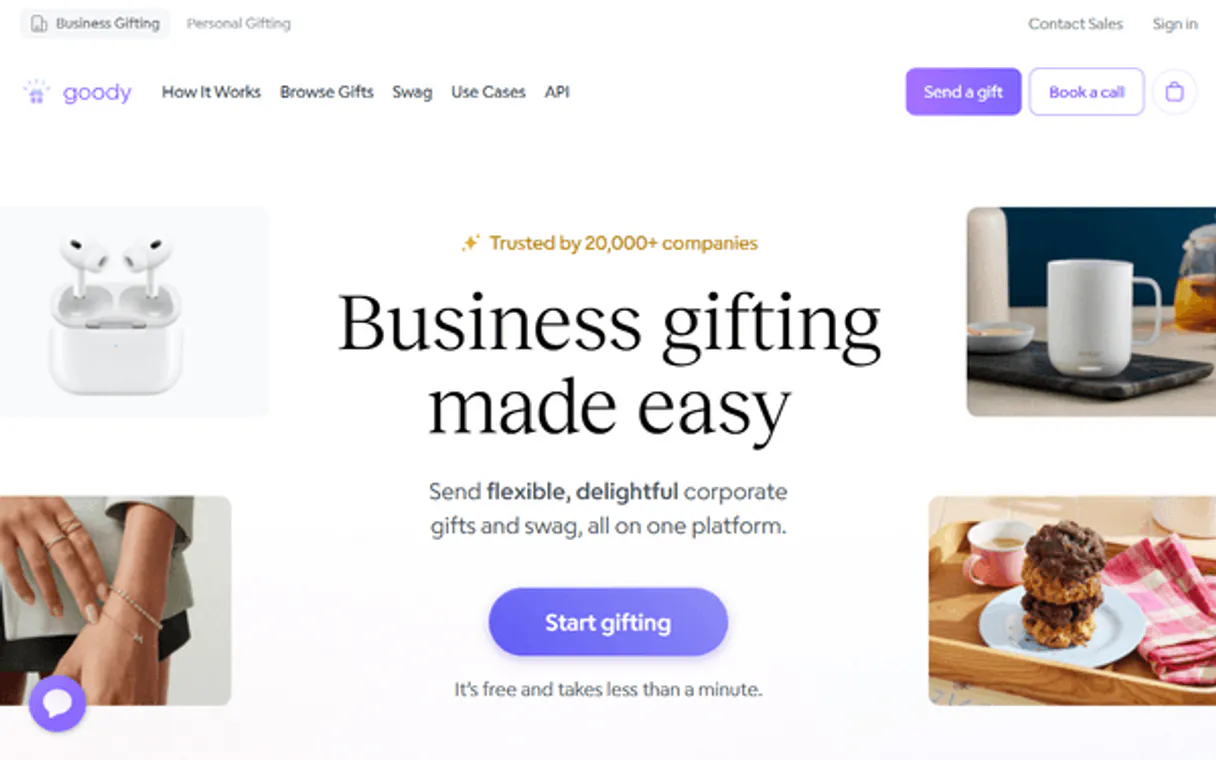
Independent Platform Disclaimer: Vinkius is an independent platform and is not affiliated with, endorsed by, sponsored by, verified by, or otherwise authorized by Goody. All third-party trademarks, logos, and brand names are the property of their respective owners. Their use on this website is strictly for informational purposes to identify service compatibility and interoperability.
VINKIUS INFRASTRUCTURE
Cloud Hosted
Managed infra
V8 Isolated
Sandboxed per request
Zero-Trust Proxy
No stored credentials
DLP Enforced
Policy on every call
GDPR Compliant
EU data residency
Token Compression
~60% cost reduction
Works with Claude, ChatGPT, Cursor, and more
The Model Context Protocol standardizes how applications expose capabilities to LLMs. Instead of operating in isolation, your AI gains direct access to external platforms, live data, and real-world actions through secure, standardized connections.
This server provides 11 capabilities that interface natively with Claude, ChatGPT, Cursor, and any MCP client. No middleware. No custom integration required.
Available Capabilities
Manually managing gift orders is a total time sink.
Right now, sending out appreciation gifts means jumping between multiple tabs. You check the catalog for product IDs, copy those IDs. Then you open the order form, manually entering every recipient's name and email. Finally, you hit 'submit' and then have to open another dashboard just to see if the order was accepted.
With this MCP Server, you just talk to your agent. You say, 'Send a thank-you gift to Jane Doe.' The agent runs the tools—it finds the product, validates the recipient, and submits the whole batch. You get a confirmation ID, and the whole thing is done.
Goody MCP Server: Automate gift distribution with conversational commands.
The biggest time sink that disappears is the multi-step data validation. You don't have to manually check if the gift exists, if the recipient is valid, or if you have enough stock. The agent runs `list_inventory` and `list_recipients` in the background, confirming everything before it executes `create_order_batch`.
This changes the workflow from 'click-copy-paste-check-dashboard' to a single conversational instruction. You just tell the agent what to send and who gets it.
Common Questions About Goody MCP
How do I find out what gifts are available using the Goody MCP Server? +
Use the list_products tool. This function returns a list of all items in the Goody catalog. You can then use get_product if you need deep details on a specific item.
What is the best way to send gifts to multiple people with Goody MCP Server? +
Use create_order_batch. This tool is designed for bulk sending. You provide the list of recipients and the product, and it handles the entire order process in one go.
Can I track a single gift order with Goody MCP Server? +
Yes, use get_order. This tool pulls up all the details and current status for one specific order ID.
Does Goody MCP Server track campaigns? +
Yes, use list_campaigns to see an overview of all active campaigns. If you need details on a specific campaign, call get_campaign.
How do I use the `list_recipients` tool in the Goody MCP Server? +
It lists all gift recipients currently stored in your Goody account. You can use this list to verify addresses or check if a recipient exists before sending gifts.
What is the `get_product` tool for in the Goody MCP Server? +
This tool pulls specific details about a single product. You can check pricing, availability, and descriptions before creating an order.
Can I check the status of gift order batches using the `get_order_batch` tool? +
Yes, get_order_batch provides a summary of an entire group of gifts. You see the overall status, including how many items are pending or shipped.
How does the Goody MCP Server handle large gift orders? +
The server manages large orders by creating and tracking specific order batches. This allows you to send many gifts to multiple people while maintaining clear visibility on fulfillment status.
Can I allow recipients to choose their own gift or swap an item? +
Yes! Goody is designed for flexibility. When you send a gift via the AI agent, the recipient receives a link where they can accept the gift, swap it for an alternative, and provide their preferred shipping address.
How do I track the shipping status of a gift I just sent? +
Simply ask the agent to list_orders or get_order with the specific ID. You'll see real-time updates including 'accepted', 'shipped', and 'delivered', along with tracking numbers when available.
Can I send gifts to multiple people at once with a single command? +
Yes! Use the create_order_batch tool. You can provide a list of recipients, and the AI agent will organize them into a single batch, generating individual gift links for everyone involved.
Use it with your favorite AI tools
Connect this server to Cursor, Claude, VS Code, and more.
More in this category

Hexomatic
Automate web scraping and worklfows via Hexomatic — manage workflows, recipes, and automation logs directly from any AI agent.

NeonCRM
Manage non-profit operations via NeonCRM — track donations, memberships, and events directly from your AI agent.

NameSilo (Domain Registrar Developer API)
Manage your domain portfolio, DNS records, and registrations directly through NameSilo's developer API.
You might also like

SMS Mobile API
Send SMS and WhatsApp messages directly from your Android devices with AI agents.
NASA APOD — Astronomy Picture of the Day
Access NASA's most popular service: the Astronomy Picture of the Day. Browse today's image, explore the 30-year archive back to 1995, retrieve images by date range, or discover random astronomical treasures — each with expert explanations from professional astronomers.

Argo CD (GitOps)
Manage Kubernetes deployments via Argo CD — sync applications, check logs, and manage clusters/repositories directly from your AI agent.