
GoTab MCP. Manage menus, orders, and tabs from your chat.
 Gemini
 Works with every AI agent you already use
…and any MCP-compatible client









Just plug in your AI agents and start using Vinkius.
GoTab MCP Server manages your entire restaurant operation—menus, orders, and customer tabs—using your AI client. Instead of logging into the GoTab dashboard, your agent checks real-time order queues, updates item availability (like marking a 'Truffle Fries' batch as sold out), and looks up specific customer tabs.
It lets you manage the front-of-house flow directly from your chat interface.
What your AI agents can do
Get item
Get details for a specific item
Get location
Get details for a specific location
Get menu
Get details for a specific menu
List all available menus and categories for a location, or mark a specific item as sold out.
Look up details for specific tabs or list recent orders to check balances and itemized lists.
Query data for various physical venues connected to your GoTab account.
List all catalog items associated with a specific location or menu.
List and view details for recent orders across defined locations.
Ask AI about this MCP
Supported MCP Clients
Gemini Waiting for input…
GoTab MCP Server: 12 Tools for Restaurant Operations
Use these tools to list, get, and update everything from your restaurant's menus and items to customer orders and tabs.
019d75a9get item
Get details for a specific item
019d75a9get location
Get details for a specific location
019d75a9get menu
Get details for a specific menu
019d75a9get order
Get details for a specific order
019d75a9get tab
Get details for a specific tab
019d75a9list categories
List categories within a menu
019d75a9list items
List catalog items for a location
019d75a9list locations
List all accessible locations
019d75a9list menus
List menus for a location
019d75a9list orders
List recent orders for a location
019d75a9list tabs
List active or closed tabs
019d75a9update item status
Update the availability status of an item
Choose How to Get Started
Build a custom MCP for your own tools, or connect a ready-made integration from our catalog.
Build Your Own
Turn any API into an MCP. Import a spec, define Agent Skills, or deploy with MCPFusion.
- Import from OpenAPI, Swagger, or YAML specs
- Create Agent Skills with progressive disclosure
- Deploy to edge with MCPFusion framework
- Built in DLP, auth, and compliance on every call
- Real time usage dashboard and cost metering
- Publish to catalog or keep private
Make Your AI Do More
Start with GoTab, then connect any of our 4,700+ other servers whenever your AI needs more. One click, no limits.
- Use this MCP plus 4,700+ others, all in one place
- Add new capabilities to your AI anytime you want
- Every connection is secured and compliant automatically
- Track usage and costs across all your servers
- Works with Claude, ChatGPT, Cursor, and more
- New servers added to the catalog every week
What you can do with this MCP connector
Your AI client runs your whole restaurant operation through GoTab. You can manage everything—menus, orders, and customer tabs—without ever logging into the GoTab dashboard. This server lets your agent handle the front-of-house flow right from your chat.
Check Menu and Item Status: You can use list_menus and list_categories to see all menus and categories for a location, or use update_item_status to mark a specific item as sold out.
Track Customer Bills and Orders: Check out details for a specific tab using get_tab, or get a list of recent orders with list_orders to check balances and itemized lists. You can also look up specific order details with get_order and check a tab's details with get_tab.
Manage Multiple Locations: You can list all accessible locations with list_locations, and then use list_items to view the full catalog of items at any of those venues.
View Item Catalog: You can list all catalog items for a location using list_items, or get specific details for an item using get_item.
Retrieve Order History: You can list recent orders for a location with list_orders, or get specific details for an order using get_order.
How GoTab MCP Works
- 1 Subscribe to the server and provide your GoTab API Access ID and Secret.
- 2 Your AI client connects to the server using the credentials.
- 3 You prompt the agent in natural language (e.g., 'Mark the Truffle Fries as sold out at Location 12').
The bottom line is that you manage your POS system entirely through your AI client's conversation interface, eliminating the need to switch applications.
Who Is GoTab MCP For?
Restaurant managers and F&B directors need this. They need to quickly adjust menu availability or check customer tabs without logging into the POS dashboard. This tool eliminates the friction of jumping between management systems and the chat interface.
Uses the server to mark items as sold out (86'd) instantly across all digital menus or to check a guest's current tab balance.
Looks up a specific guest's tab or past order details when handling disputes or answering detailed customer inquiries.
Monitors order flow and menu availability across multiple physical locations from a single, unified chat interface.
What Changes When You Connect
- Update item availability instantly. Use
update_item_statusto mark an item as 'sold out' (86'd) across all digital menus with a simple text command. No manual POS entry required. - Handle customer inquiries faster. Use
get_taborlist_tabsto pull up a guest's current bill or past order history immediately, without opening the POS dashboard. - Monitor kitchen flow. Call
list_ordersto get a real-time list of recent orders for a location. You track the queue status without navigating complex order screens. - Manage multiple sites. Use
list_locationsand subsequent tools to query and compare data across all your physical venues from one place. - Build a complete picture. Combining
list_menus,list_categories, andlist_itemslets you map out every menu detail and catalog item in a single conversation thread.
Real-World Use Cases
The 'Sold Out' Problem
A server runs out of a popular item, but the physical POS terminal is slow. Instead of waiting for a manager to manually update the menu, the manager simply tells their agent: 'Mark the Truffle Fries (ID 883) at location 12 as sold out.' The agent executes update_item_status, and the menu instantly reflects the change.
The Billing Dispute
A customer questions a charge on their bill. Instead of asking the server for the tab number and then logging into the POS, the agent runs get_tab with the guest's name. The agent returns the current total, open status, and recent items, resolving the dispute instantly.
The Multi-Location Audit
An F&B director needs to know the menu status for three different restaurants. They use list_locations to get the IDs, then run list_menus for each location ID, compiling a comparative report on menu structure and availability in one chat session.
The Missing Order Check
A manager needs to confirm if an order was placed for a specific table number. They ask the agent to run get_order for the table ID. The agent pulls the order details—items, status, time—and confirms if the kitchen is working on it.
The Tradeoffs
Calling tools individually
I need to check the menu and then the orders. I'll run list_menus first, and when that finishes, I'll run list_orders second. I have to wait for two separate API calls and stitch the data together manually.
→ Ask your agent to run both in sequence: 'List the menus for Location 1, then show me the last 5 orders for that same location.' The agent handles the dependency and returns a unified result.
Assuming data scope
I'll just run list_items and I'll get everything for the whole state. (Wrong.) The tool requires a location ID, and if I skip it, the call fails or returns useless data.
→
Always specify the location first. Run list_locations to get the ID, then run list_items using that specific ID. The agent makes this flow explicit.
Ignoring item status
I just updated the menu, so the items are available. (Wrong.) The menu might show 'Available,' but the item might be physically sold out. You must run update_item_status first, then check the menu.
→
When It Fits, When It Doesn't
Use this server if your primary need is real-time, multi-step visibility into your POS operations—like checking a tab, updating inventory, and viewing orders—without ever leaving your chat window. The key is the conversational flow. Don't use it if you just need a simple list of menus (you can use a dedicated catalog tool). You should not use it if you are developing a client-side application that needs to manage state; let the agent handle the orchestration. This tool is for human-to-AI interaction, where the agent acts as a single source of truth for all your restaurant data.
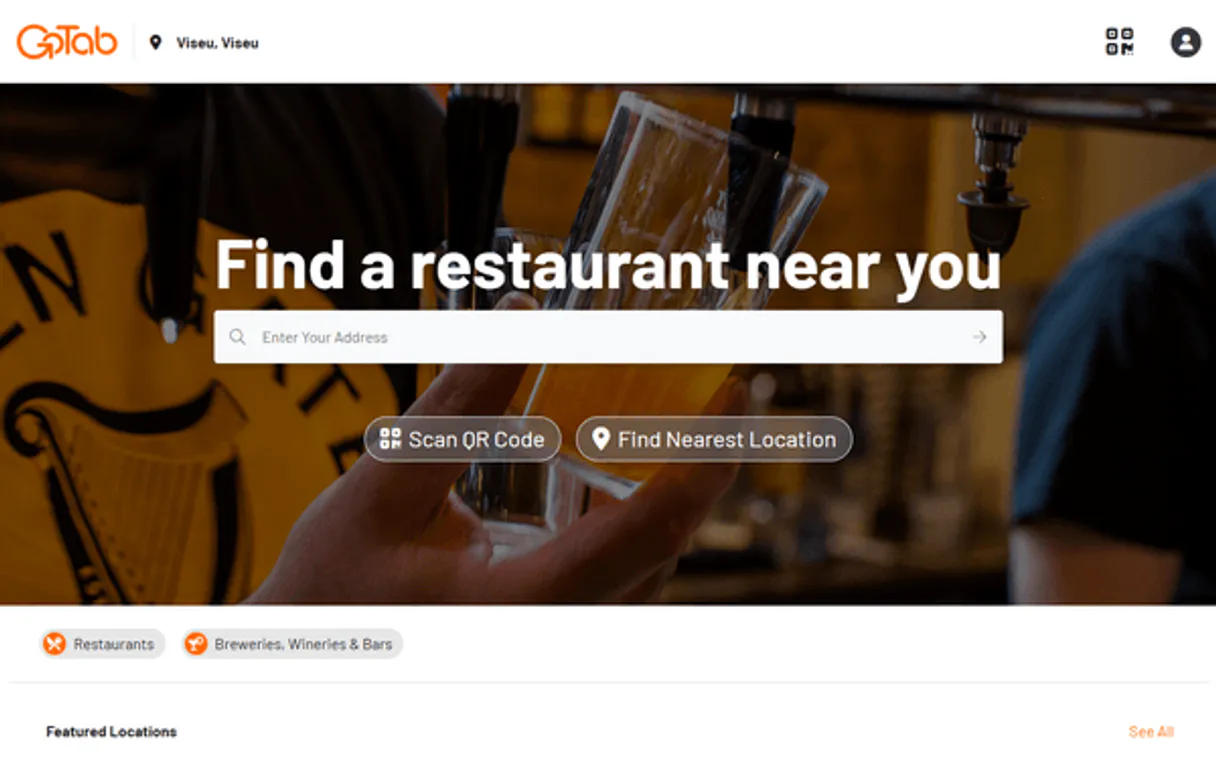
Independent Platform Disclaimer: Vinkius is an independent platform and is not affiliated with, endorsed by, sponsored by, verified by, or otherwise authorized by GoTab. All third-party trademarks, logos, and brand names are the property of their respective owners. Their use on this website is strictly for informational purposes to identify service compatibility and interoperability.
VINKIUS INFRASTRUCTURE
Cloud Hosted
Managed infra
V8 Isolated
Sandboxed per request
Zero-Trust Proxy
No stored credentials
DLP Enforced
Policy on every call
GDPR Compliant
EU data residency
Token Compression
~60% cost reduction
Works with Claude, ChatGPT, Cursor, and more
The Model Context Protocol standardizes how applications expose capabilities to LLMs. Instead of operating in isolation, your AI gains direct access to external platforms, live data, and real-world actions through secure, standardized connections.
This server provides 12 capabilities that interface natively with Claude, ChatGPT, Cursor, and any MCP client. No middleware. No custom integration required.
Available Capabilities
Checking operational data shouldn't require jumping between three different dashboards.
Today, checking a guest's status means logging into the POS system, finding the tab ID, checking the order history module, and then looking up the menu item details—all in separate tabs and requiring copy-pasting. It's slow and brittle.
With the GoTab MCP Server, you simply ask your agent: 'What's the status of tab #93021?' Your agent executes `get_tab` and `get_order` behind the scenes, giving you the full picture—current total, status, and recent items—in one immediate response.
GoTab MCP Server: Manage menus, orders & tabs
Manually marking items as sold out (86'd) used to require a manager to physically walk to a terminal and click through menus. It was slow and often missed items.
Now, tell your agent: 'Mark the Truffle Fries as sold out for Location 12.' The agent runs `update_item_status` and confirms the change. The digital menu updates immediately, giving you control from your phone or laptop.
Common Questions About GoTab MCP
How do I use the `list_tabs` tool with GoTab MCP Server? +
You tell the agent to list tabs. It returns a list of all active and closed tabs, giving you the tab ID, name, and current status. You can then follow up to get details on a specific ID using get_tab.
Can I check orders using the `list_orders` tool? +
Yes. The agent uses list_orders to pull recent order summaries for a specific location. This gives you a quick overview of the kitchen's current flow, without needing to open the full order management screen.
What if I need to mark an item as sold out? Do I use `update_item_status`? +
Yes, that's the correct tool. Use update_item_status and specify the Item ID and the location ID. The agent handles the API call and confirms the status change across the digital menu.
Does GoTab MCP Server cover multiple locations? Is `list_locations` needed? +
Yes, the list_locations tool gets you all available site IDs. You then use those IDs with tools like list_menus or list_items to scope your query to the correct physical venue.
How do I get general details about a specific menu using the `get_menu` tool? +
Use get_menu to pull all details for a given menu ID. This tool retrieves the full structure, including all associated categories and items, so you can analyze the entire menu set.
Do I need to use `list_items` to see all products available at a specific location? +
Yes, list_items pulls the complete catalog of products for a chosen location. It's the first step before using get_item to check details for a single product.
What if I want to check the details of a specific order? Should I use `get_order`? +
You use get_order to pull comprehensive details for one order ID. This gives you the line items, total cost, and status without needing to list all recent orders first.
How do I find all the possible locations I can manage using the `list_locations` tool? +
list_locations shows every location ID you have access to. This is crucial if you need to run other tools, like listing menus or orders, across multiple venues.
Can I mark an item as sold out using the AI? +
Yes! Use the update_item_status tool. You can ask the AI to change the status of a specific item to 'sold_out' or 'available', and it will immediately reflect on your digital menus.
How do I check if a customer's tab is still open? +
You can use the list_tabs tool and filter by status 'open' to see all active tabs, or use get_tab with a specific Tab ID to check its current status and running total.
Is it possible to monitor incoming kitchen orders live? +
Yes. The AI agent acts as a direct bridge to the order log, meaning you can retrieve the latest incoming tickets immediately without standing at the POS terminal.
Use it with your favorite AI tools
Connect this server to Cursor, Claude, VS Code, and more.
More in this category

Skydropx API
Ship effectively across LatAm with Skydropx. Compare real-time carrier quotes, track live parcels, and draft PDF labels via prompt.

Mercado Livre Orders
Search sales, manage shipments, track packages, and handle cancellations on Mercado Livre.

Eventzilla
Equip your AI agent to manage event registrations, track ticket orders, and monitor discount codes via the Eventzilla API.
You might also like

GamerPower Gaming Giveaways
Find and track free gaming giveaways — get Steam keys, Epic Games Store offers, and in-game loot via AI.

Dify
Manage agentic workflows via Dify — send chat messages, track conversations, audit app parameters, and handle file uploads directly from any AI agent.

Frontify
Manage digital assets and brand guidelines via Frontify — list workspace projects and assets, handle metadata, audit brand portals, and manage users directly from any AI agent.