
Handwrytten MCP. Send physical, handwritten notes from your chat.
 Gemini
 Works with every AI agent you already use
…and any MCP-compatible client









Just plug in your AI agents and start using Vinkius.
Handwrytten MCP Server. Automate physical outreach and relationship management. Connect your AI agent to send handwritten cards, manage your address book, and check your account credit balance—all from a simple chat command.
Forget manual web uploads; your agent handles the whole mailing process.
What your AI agents can do
Get credit balance
Checks your current account credit balance to see how much you can spend on cards.
Get order
Retrieves specific details for a past or pending card order.
List address book
Lists all saved contacts in your address book for mailing.
Sends a single handwritten card by coordinating the card type, font style, message, and recipient details.
Retrieves and manages address book details for quick and accurate mailing list assembly.
Instantly checks the current account credit balance, letting you manage your outreach spending.
Lists all available card types, categories, and message templates for physical mail.
Lists all available handwriting fonts, allowing you to choose the perfect style for the card.
Ask AI about this MCP
Supported MCP Clients
Gemini Waiting for input…
Handwrytten MCP Server: 10 Tools for Physical Mail
Manage card inventory, track past orders, check balances, and send physical mail using all 10 dedicated tools in one place.
019d75adget credit balance
Checks your current account credit balance to see how much you can spend on cards.
019d75adget order
Retrieves specific details for a past or pending card order.
019d75adlist address book
Lists all saved contacts in your address book for mailing.
019d75adlist cards
Lists all available stationery and card designs for any occasion.
019d75adlist categories
Lists all available card categories, like 'Thank You' or 'Birthday'.
019d75adlist fonts
Lists every available handwriting font style you can choose.
019d75adlist gifts
Lists gifts that can be included with the cards you send.
019d75adlist orders
Shows your history of card orders, allowing you to track past mailings.
019d75adlist templates
Displays your saved message templates to keep your brand voice consistent.
019d75adsend card
Sends one handwritten card after you specify the card ID, font ID, message, and recipient.
Choose How to Get Started
Build a custom MCP for your own tools, or connect a ready-made integration from our catalog.
Build Your Own
Turn any API into an MCP. Import a spec, define Agent Skills, or deploy with MCPFusion.
- Import from OpenAPI, Swagger, or YAML specs
- Create Agent Skills with progressive disclosure
- Deploy to edge with MCPFusion framework
- Built in DLP, auth, and compliance on every call
- Real time usage dashboard and cost metering
- Publish to catalog or keep private
Make Your AI Do More
Start with Handwrytten, then connect any of our 4,700+ other servers whenever your AI needs more. One click, no limits.
- Use this MCP plus 4,700+ others, all in one place
- Add new capabilities to your AI anytime you want
- Every connection is secured and compliant automatically
- Track usage and costs across all your servers
- Works with Claude, ChatGPT, Cursor, and more
- New servers added to the catalog every week
What you can do with this MCP connector
Handwrytten MCP Server: Automate physical outreach and relationship management. Connect your AI agent to send handwritten cards, manage your address book, and check your account credit balance—all from a simple chat command. Forget manual web uploads; your agent handles the whole mailing process.
Send Personalized Mail
Your agent sends a single handwritten card when you specify the card ID, font ID, message, and recipient details using send_card. You can maintain brand consistency by viewing saved message templates with list_templates.
Manage Recipients
It pulls all saved contacts from your address book for mailing using list_address_book. You can also see your order history of past mailings with list_orders and retrieve specific details for any pending or past order using get_order.
Browse Stationery Options
It lets you check all available card types and designs with list_cards, and see all relevant card categories like 'Thank You' or 'Birthday' using list_categories. You can also see what gifts you can include with the cards using list_gifts.
Select Handwriting Style
It lists every handwriting font style you can choose with list_fonts.
Check Mailing Budget
It checks your current account credit balance so you know how much you can spend on cards using get_credit_balance.
How Handwrytten MCP Works
- 1 First, subscribe to the Handwrytten server and provide your Handwrytten API Key.
- 2 Then, tell your AI agent what you need to do (e.g., 'Send a thank you card to Jane Doe using the cursive font').
- 3 The agent runs the necessary tools, pulls the recipient data, selects the card, and executes the send command.
The bottom line is, your AI agent handles all the complexity of physical mail sending, so you never have to leave your chat interface.
Who Is Handwrytten MCP For?
Marketing teams that run high-touch campaigns. Customer Success Managers who need to send thoughtful 'Thank You' or 'Client Anniversary' cards without jumping into a separate mailing tool. Executive Assistants who manage large volumes of personalized, physical appreciation mail.
Sends personalized, physical follow-up cards to clients directly from the CRM flow, improving retention without leaving the system.
Automates personalized campaign follow-ups, ensuring every lead gets a physical touchpoint that feels personal.
Manages holiday, appreciation, or congratulatory mailings for executives, consolidating the process into one chat session.
What Changes When You Connect
- Sends physical mail instantly. Use
send_cardto coordinate card selection, font, message, and recipient details in a single command. - Manages your budget easily. Run
get_credit_balanceanytime to know exactly how many cards you can afford to send. - Never guess what's available. Use
list_cardsorlist_categoriesto browse every stationery option for any occasion. - Personalize the look.
list_fontslets you select from multiple handwriting styles, making every card feel uniquely yours. - Keep records clean.
list_address_bookprovides a clean list of recipients, so you don't have to manually type addresses. - Maintain brand consistency. Use
list_templatesto access approved message copy, ensuring your physical mail always hits the right tone.
Real-World Use Cases
Client Follow-up after a Meeting
A CSM just finished a big meeting and needs to send a thank you card. Instead of switching to a mailing platform, they tell their agent: 'Send a 'Thank You' card to Jane Doe.' The agent uses list_cards to suggest options, asks for the font, and executes send_card, solving the problem without context switching.
Holiday Campaign Management
The Marketing Team is running a year-end campaign. They use list_address_book to pull the target list, check the budget with get_credit_balance, and then automate the sending of personalized holiday cards using send_card for thousands of recipients.
Quickly Checking Inventory Status
An Executive Assistant needs to know if they have enough credit to send a batch of appreciation cards. They run get_credit_balance first. If the balance is low, they can then check list_orders to see how much credit they've already used.
Bulk Mail Prep with Templates
A team needs to send 50 congratulatory cards, but the message needs to vary slightly. They use list_templates to pull approved copy, then combine it with recipient data from list_address_book before triggering send_card.
The Tradeoffs
Manual Web Portal Ordering
Going to the Handwrytten website, manually filling out recipient lists, selecting card codes, and clicking through multiple confirmation pages. This takes 15 minutes per batch and is prone to copy-paste errors.
→
Use the agent. Tell it, 'Send a card to John Doe using the 'Best Wishes' category.' The agent handles the list_cards and send_card sequence automatically, keeping you in the chat.
Forgetting Address Details
Typing out 50 addresses by hand or copying them from a spreadsheet into a form, which often results in incorrect postal codes or missing recipient lines.
→
First, run list_address_book to pull the clean, validated recipient list. Then, pass that data to the agent when running send_card.
Ignoring the Budget Limit
Attempting to send a large batch of premium cards without knowing if the account has sufficient credit, leading to failed orders and delays.
→
Always run get_credit_balance first. This gives you immediate feedback on your remaining budget before starting any campaign.
When It Fits, When It Doesn't
Use this if your primary need is physical, high-touch communication. You need to send personalized, handwritten notes and the mailing process involves managing recipients, card types, and fonts. You'll use send_card as the core tool, supported by list_address_book and get_credit_balance.
Don't use this if you just need to send an email or manage digital assets. For those, you need a dedicated messaging or CRM tool. If you just need to see what cards are available, list_cards is enough; you don't need the full server.
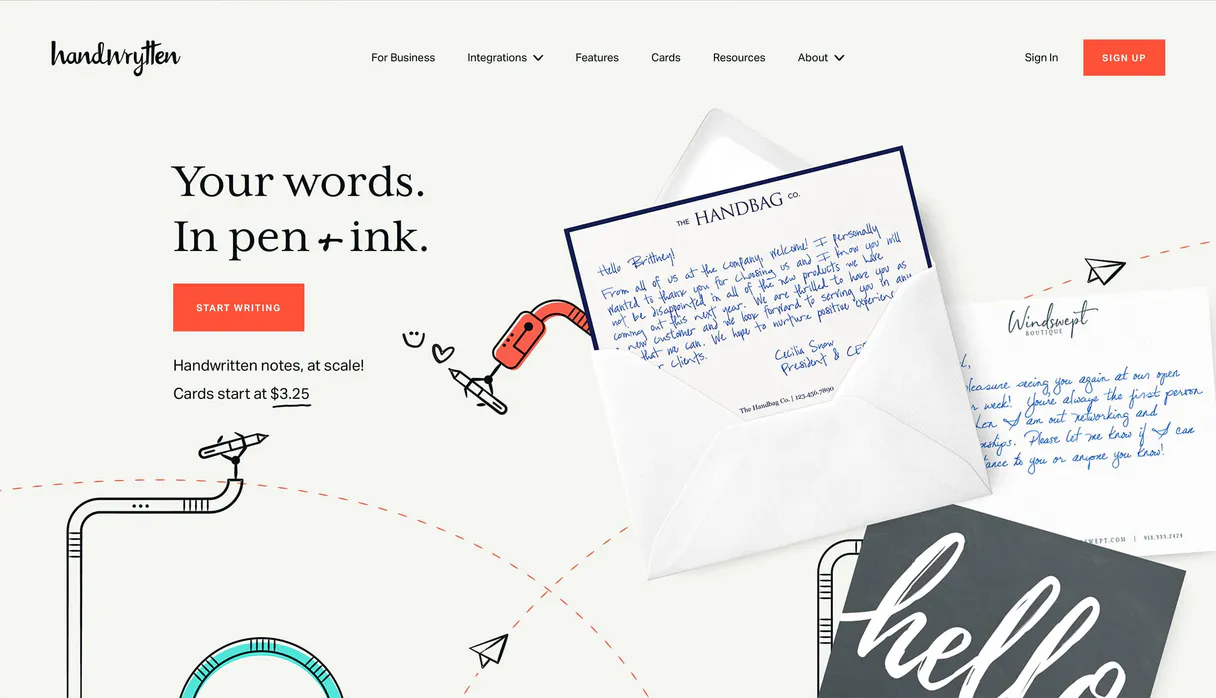
Independent Platform Disclaimer: Vinkius is an independent platform and is not affiliated with, endorsed by, sponsored by, verified by, or otherwise authorized by Handwrytten. All third-party trademarks, logos, and brand names are the property of their respective owners. Their use on this website is strictly for informational purposes to identify service compatibility and interoperability.
VINKIUS INFRASTRUCTURE
Cloud Hosted
Managed infra
V8 Isolated
Sandboxed per request
Zero-Trust Proxy
No stored credentials
DLP Enforced
Policy on every call
GDPR Compliant
EU data residency
Token Compression
~60% cost reduction
Works with Claude, ChatGPT, Cursor, and more
The Model Context Protocol standardizes how applications expose capabilities to LLMs. Instead of operating in isolation, your AI gains direct access to external platforms, live data, and real-world actions through secure, standardized connections.
This server provides 10 capabilities that interface natively with Claude, ChatGPT, Cursor, and any MCP client. No middleware. No custom integration required.
Available Capabilities
Managing physical mail shouldn't feel like managing a database.
Today, running a physical mail campaign means jumping between your CRM, the Handwrytten website, and a spreadsheet. You export a list of names, copy the data into a separate web form, manually select card codes, and then click 'Submit' repeatedly. It's a painful, multi-step process that kills momentum.
With this MCP server, you talk to your agent. You just tell it, 'Send a 'Thank You' card to John Doe.' The agent handles the list validation (`list_address_book`), finds the right card (`list_cards`), and executes the final send command (`send_card`). You stay in the flow.
Handwrytten MCP Server: Send cards and manage mail from chat
The biggest time sink is the data transfer. You have to copy names, addresses, and card codes from multiple sources just to get the order started. You also have to check the budget in a separate dashboard.
Now, the agent coordinates everything. It pulls the address data, checks the balance (`get_credit_balance`), and sends the card (`send_card`). It’s one seamless conversation, zero context switching.
Common Questions About Handwrytten MCP
How do I send a handwritten card using the Handwrytten MCP Server? +
You must use the send_card tool. To make it work, you need to provide the card ID, the font ID, the message, and the recipient's details in your prompt.
Can I list all available handwriting fonts using Handwrytten MCP Server? +
Yes. Use the list_fonts tool. This shows you every available style, like 'hwDavid' or 'hwCursive', so you can pick the perfect look for your notes.
Does Handwrytten MCP Server track my order history? +
Yes, you can use the list_orders tool. This shows a history of your card orders, letting you keep track of past mailings and usage.
How do I check my Handwrytten account credit balance? +
Run the get_credit_balance tool. This instantly tells you your current balance and how many cards you can send.
What if I need to send a card but don't know the card ID? +
Use list_cards to get a list of available stationery. This shows you the design names and categories, so you can find the correct ID for send_card.
How do I use the `list_address_book` tool in the Handwrytten MCP Server? +
The list_address_book tool retrieves all saved recipient details. This function gives you a list of names and addresses you've stored, making it easy to pull recipient data for sending cards.
What information does the `send_card` tool require for a physical mailing? (Handwrytten MCP Server) +
To send a card, the send_card tool requires four key pieces of data: a card_id, a font_id, the message text, and the recipient's details. Providing these four parameters ensures the card sends correctly.
Can the Handwrytten MCP Server handle bulk mailing tasks? +
Yes, you can send single or bulk handwritten cards using the server. You simply instruct your AI agent to process multiple recipients, and the server handles the coordinated sending process.
How do I find my Handwrytten API Key? +
Log in to your Handwrytten dashboard, go to Settings, and then to the API Keys section. You can generate a new key or copy your existing one from there.
Can I use realistic handwriting fonts? +
Yes! Handwrytten uses robots with real pens. You can list all available styles using the list_fonts tool and specify the font_id when sending a card.
How do I check if my card was sent? +
Use the list_orders tool to see your history of sent cards or get_order with a specific order ID to check its current fulfillment status.
Is it possible to include gifts with the cards? +
Yes, Handwrytten offers various gifts. You can list available items using the list_gifts tool and include the gift ID in your order request.
Use it with your favorite AI tools
Connect this server to Cursor, Claude, VS Code, and more.
More in this category

HubSpot CRM
Search, create, and manage HubSpot contacts, companies, notes, tasks, and associations through natural conversation.

ArcXP
Automate newsroom publishing via ArcXP — manage, search, and update articles, photos, and videos directly from any AI agent.
WPS 365
Cloud-based office suite and collaboration platform — manage documents, sheets, and presentations via AI.
You might also like

Moova
Automate smart logistics via Moova — create shipments, track deliveries, get shipping quotes, and orchestrate carriers from any AI agent.

Snowflake
Execute SQL queries, manage databases, and analyze data on Snowflake with AI agents.

Route4Me
Connect your AI assistant to Route4Me to orchestrate complex fleet logistics, solve multi-stop route optimizations, and track real-time vehicle GPS directly via chat.