
WPS 365 MCP. Manage office documents via natural conversation.
 Gemini
 Works with every AI agent you already use
…and any MCP-compatible client









Just plug in your AI agents and start using Vinkius.
WPS 365 MCP Server connects your AI client directly to a full office suite. It lets your agent manage documents, sheets, and presentations without you ever opening the dashboard.
You can list every file, check metadata, create new collaborative reports, or export work into formats like docx/pdf—all just by talking to your agent.
What your AI agents can do
Create file
Generates a brand new document, sheet, or presentation within the WPS workspace.
Export file
Converts an existing WPS file into another format like PDF or docx for external use.
Get file info
Retrieves specific details (metadata) about a single file, such as its owner or modification date.
Retrieve lists of documents, folders, users, and file collaborators across the entire WPS workspace.
Fetch detailed information about any given file, including its creation date, size, and current owner.
Instantly generate new document, sheet, or presentation files within the WPS environment.
Import external data into WPS documents or export finished reports into standard formats (like PDF/docx).
Browse folder hierarchies, list users, and get high-level details about the company's infrastructure.
Ask AI about this MCP
Supported MCP Clients
Gemini Waiting for input…
WPS 365 MCP Server: 10 Tools for File & Folder Ops
These ten tools give your AI client the ability to read file metadata, list directories, generate documents, and handle user management within a corporate WPS environment.
019d849fcreate file
Generates a brand new document, sheet, or presentation within the WPS workspace.
019d849fexport file
Converts an existing WPS file into another format like PDF or docx for external use.
019d849fget file info
Retrieves specific details (metadata) about a single file, such as its owner or modification date.
019d849fget folder content
Lists everything—files and subfolders—contained within a specified directory path.
019d849fget org info
Pulls high-level details about the entire organization's WPS infrastructure.
019d849fimport file
Takes external content and integrates it into a document inside your WPS workspace.
019d849flist collaborators
Shows which users are currently assigned to work on a specific file.
019d849flist files
Returns an alphabetized list of all files accessible in your primary WPS directory.
019d849flist folders
Provides a navigable list and structure of top-level folders available to you.
019d849flist users
Returns a comprehensive list of all active users registered within the organization.
Choose How to Get Started
Build a custom MCP for your own tools, or connect a ready-made integration from our catalog.
Build Your Own
Turn any API into an MCP. Import a spec, define Agent Skills, or deploy with MCPFusion.
- Import from OpenAPI, Swagger, or YAML specs
- Create Agent Skills with progressive disclosure
- Deploy to edge with MCPFusion framework
- Built in DLP, auth, and compliance on every call
- Real time usage dashboard and cost metering
- Publish to catalog or keep private
Make Your AI Do More
Start with WPS 365, then connect any of our 4,700+ other servers whenever your AI needs more. One click, no limits.
- Use this MCP plus 4,700+ others, all in one place
- Add new capabilities to your AI anytime you want
- Every connection is secured and compliant automatically
- Track usage and costs across all your servers
- Works with Claude, ChatGPT, Cursor, and more
- New servers added to the catalog every week
What you can do with this MCP connector
Your AI client connects straight into a full office suite with this server. You don't have to open the WPS dashboard or navigate those garbage menus; your agent handles everything. It gives you direct command over documents, sheets, and presentations—you just talk to it.
When you need to see what files are floating around, you can ask your agent to run list_folders, which spits out a structured list of every top-level folder available. If you want to know exactly what's inside any specific directory, use get_folder_content. For a full dump of everything in your main workspace, list_files gives you an alphabetized roster of all accessible files.
You can check on the people working here too. Running list_users brings back every active account registered with the company. If you need to know who's actually assigned to a specific project file, list_collaborators shows those names immediately. You can also get high-level details about the whole setup by calling get_org_info, which pulls info on the entire organization’s WPS infrastructure.
When it comes to digging into individual files, you don't have to click through five tabs just for data. Use get_file_info to pull specific metadata—you can check things like who owns the file or when it was last touched. For a deep dive on content management, your agent handles multiple tasks.
It can use create_file to instantly generate brand new documents, sheets, or presentations right inside the workspace. If you got external data floating around that needs to be part of a report, import_file takes that outside content and weaves it into your WPS document. When the project is done and you need to send it out, export_file converts the finished work into standard formats like PDF or docx for anyone else using a different system.
Need to know what's in the file structure? You can run list_folders to map out all available directories. If you want a comprehensive list of every piece of content, including files and their subfolders, use get_folder_content. Your agent also lets you manage people—it provides a full roster via list_users, and it tells you exactly who's collaborating on any given document using list_collaborators.
It’s all about making the data work for you. You can generate new documents, sheets, or presentations instantly with create_file. The whole process is covered: getting a list of everything accessible via list_files, checking metadata on specific files with get_file_info, and pulling structure info across the organization using get_org_info.
Your agent lets you pull external data into your reports using import_file. When the job is done, you export it to PDF or docx via export_file. You can see the entire folder hierarchy with list_folders, and even check which users are assigned to work on a file by calling list_collaborators.
How WPS 365 MCP Works
- 1 Subscribe to this server on Vinkius.
- 2 Enter your specific WPS App ID and App Key into your AI client settings.
- 3 Tell your agent what you need done—like 'List all quarterly reports in the Finance folder.' — and it executes the necessary functions.
The bottom line is: Your agent handles the API calls; you just write the request.
Who Is WPS 365 MCP For?
This server targets anyone who spends time in a corporate environment managing documents. Think Project Managers drowning in version control, Operations Analysts needing to audit user access, or Technical Writers compiling reports from disparate sources. If your job involves moving files between departments, this is what you need.
Uses the agent to check if all team members have contributed their parts and compiles a final status report by running get_file_info on key deliverables.
Runs list_users and get_org_info to audit who has access to sensitive departmental folders, ensuring compliance without manual checks.
Needs to pull data from multiple sources into one summary document; they use the agent to run list_files and then generate a new file using create_file.
What Changes When You Connect
- Stop clicking through folder dashboards. Instead of manually running
list_foldersand thenget_folder_content, you just ask your agent to 'Show me the deliverables for Q3.' It handles the entire file path traversal instantly. - Never lose track of a version again. By calling
get_file_info, you get immediate access to crucial metadata—who last touched it, and when. This saves time auditing project compliance. - Need to package up a report for legal? Use
export_file. Instead of printing or manually converting it in multiple steps, your agent processes the document and gives you a clean PDF download link. - Building a new plan? The ability to use
create_filemeans you don't have to open WPS first. You just ask for 'a new sales forecast spreadsheet,' and the file appears ready for data entry. - Compliance checks are easy now. Run
list_usersor checkget_org_infoto quickly understand who is in the system and what the overall infrastructure looks like, all without logging into an admin portal.
Real-World Use Cases
Compiling a Quarterly Review Deck
The Project Manager needs a presentation combining data from three separate department sheets. Instead of emailing five people to collect files and manually gathering them, they prompt the agent: 'Gather the latest budget sheet, marketing assets, and HR report.' The agent uses list_files and then runs create_file with all necessary components added automatically.
Onboarding a New Team Member
The Operations Analyst has to set up access for a new hire. They use the agent to run list_users to confirm credentials, then run get_folder_content on department folders to ensure the user has visibility into all required resource material.
Audit Workflow Compliance
The compliance officer suspects a document is out of date. They ask the agent to use get_file_info on a critical policy file, immediately confirming the last modification date and listing all collaborators via list_collaborators.
Migrating Data Sources
A team is switching from an old system. They prompt the agent to take data from an external source (like a CSV) and run import_file, placing it directly into a new WPS spreadsheet, saving hours of manual copy-pasting.
The Tradeoffs
Searching by memory
Remembering that 'the budget' was in the folder next to 'HR policies', and spending 15 minutes clicking through random folders until you find it.
→
Don't guess. Ask your agent to run get_folder_content on the parent directory, or use list_files to see everything available by name.
Forgetting who owns the file
Finding a finished report but having no idea which department was responsible for the final sign-off.
→
Use get_file_info on that document. It immediately provides metadata, including the owner and list of collaborators via list_collaborators.
Overwriting work by mistake
Thinking you need to manually download a file and then re-upload it later because 'the cloud might mess up'—a time sink that risks version loss.
→
If you need the content outside WPS, use export_file first. If you are working with collaborators, always check who is listed using list_collaborators before making changes.
When It Fits, When It Doesn't
Use this server if your primary pain point is navigating and manipulating structured office documents. Specifically, if the process involves listing files (list_files), checking ownership details (get_file_info), or needing to move/format data (using import_file or export_file). This tool handles file access and structure.
Don't use this server if your problem is complex business logic, like 'Only allow a document to be finalized after three managers approve it.' File access tools don't run approval workflows; they just handle the data. For that, you need a dedicated workflow automation platform (like an internal BPM system). This tool gives the hands; another tool handles the rules.
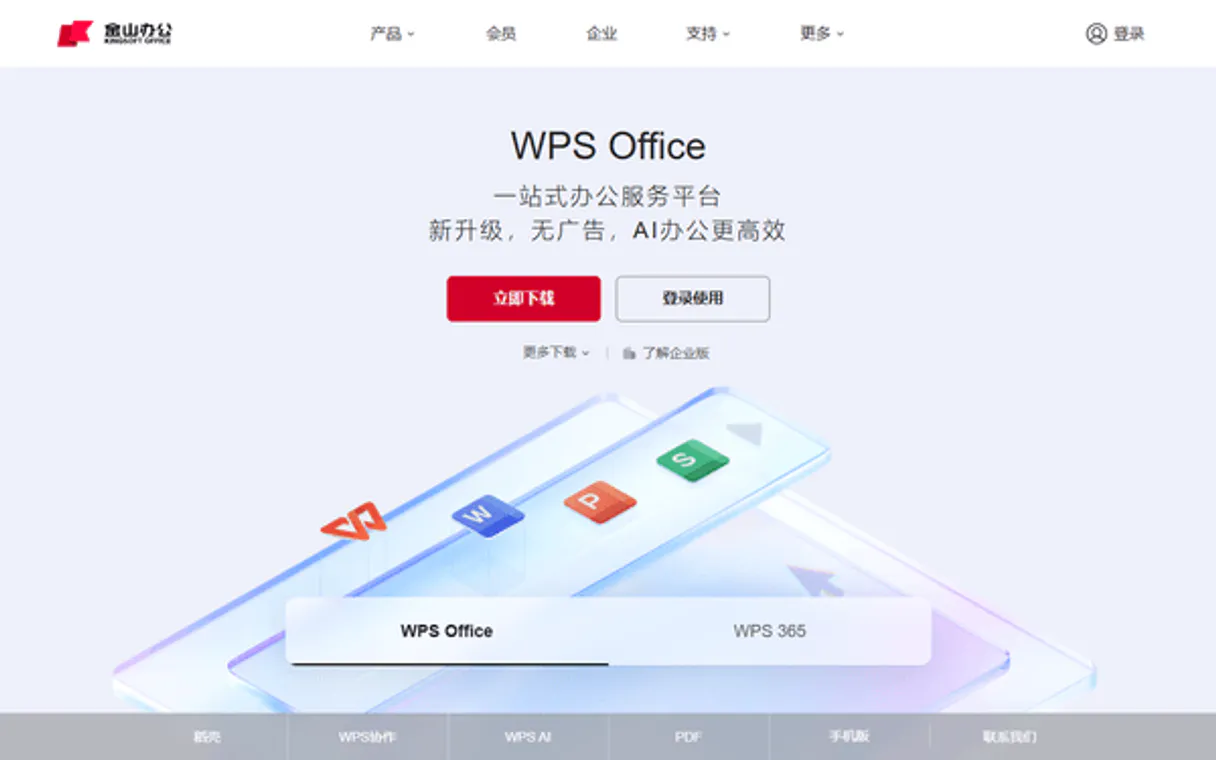
Independent Platform Disclaimer: Vinkius is an independent platform and is not affiliated with, endorsed by, sponsored by, verified by, or otherwise authorized by WPS 365. All third-party trademarks, logos, and brand names are the property of their respective owners. Their use on this website is strictly for informational purposes to identify service compatibility and interoperability.
VINKIUS INFRASTRUCTURE
Cloud Hosted
Managed infra
V8 Isolated
Sandboxed per request
Zero-Trust Proxy
No stored credentials
DLP Enforced
Policy on every call
GDPR Compliant
EU data residency
Token Compression
~60% cost reduction
Works with Claude, ChatGPT, Cursor, and more
The Model Context Protocol standardizes how applications expose capabilities to LLMs. Instead of operating in isolation, your AI gains direct access to external platforms, live data, and real-world actions through secure, standardized connections.
This server provides 10 capabilities that interface natively with Claude, ChatGPT, Cursor, and any MCP client. No middleware. No custom integration required.
Available Capabilities
Finding the right document shouldn't feel like a treasure hunt.
Today, finding one piece of data often means clicking through three different folder layers—the 'Project Alpha' folder, then the 'Drafts' subfolder, and finally filtering by date. You open five documents just to check if they all have the same version number or owner.
With this MCP server, you eliminate the clicks. Your agent bypasses the UI entirely. You simply ask: 'What is the latest budget sheet for Project Alpha?' It runs `list_files` and `get_file_info` in a single command, giving you the precise file ID and metadata instantly.
WPS 365 MCP Server: Generate new reports without lifting a finger.
Instead of manually opening WPS to create a blank sheet, then sourcing data from five different locations and pasting it in—a process that takes thirty minutes—you tell the agent what you need. It calls `create_file` and pre-populates the structure for you.
What's different is control. You don't manage files; your AI client manages the entire file lifecycle, from creation (`create_file`) to final output format (`export_file`).
Common Questions About WPS 365 MCP
How do I list all my collaborative documents using `list_files`? +
You simply prompt your agent with a request like, 'List all WPS files in the main directory.' The tool returns an inventory of file names and basic metadata for everything accessible.
What is the difference between `get_file_info` and `get_folder_content`? +
list_folders shows you where things are located, while get_folder_content lists what is in that location (the files). However, get_file_info only gives details about a single file, not the contents of its container.
Can I use `export_file` to turn an entire folder into one PDF? +
No. The export_file tool works on a specific file ID. If you want multiple files in one document, your agent needs to run list_files first and then process the export for each individual file.
Does WPS 365 MCP Server handle user permissions? +
It doesn't enforce them; it reports on them. You use get_org_info or list_users to see the existing organization structure and roles, but you can't change access rights through this server.
What are the required credentials to set up the WPS 365 MCP Server? +
You must provide a valid WPS App ID and an associated App Key. These credentials authenticate your AI agent against the WPS platform, granting it the necessary permissions to access your documents.
When using `list_files` on a large repository, is there a way to handle pagination or batching? +
Yes, the server supports paginated requests for bulk operations. Instead of requesting everything at once, you pass a page size and offset parameter so your agent can retrieve file lists in manageable chunks.
Does `import_file` support non-WPS formats like Google Docs or plain text? +
The server handles importing content from common external types, including standard docx, pdf, and csv. It converts this data into a usable WPS format structure for collaborative editing within the platform.
What type of organizational details can I retrieve using `get_org_info`? +
The tool provides high-level metadata about your entire WPS setup. You get information like overall workspace status, integration dates, and structural identifiers for compliance tracking.
How do I find my WPS App ID and Key? +
Log in to the WPS Open Platform, create an application in the Developer Console, and you will find your APPID and APPKEY in the credentials section.
Can I read spreadsheet data through this server? +
Yes. While this server focuses on file management, you can use the get_file_info and specialized export tools to access document data for analysis.
Does WPS 365 support PDF conversion? +
Yes. Using the export_file tool, you can specify 'pdf' as the output format to convert your Word or Excel documents into high-quality PDF files.
Use it with your favorite AI tools
Connect this server to Cursor, Claude, VS Code, and more.
More in this category

Temu Seller Hub
Automate cross-border e-commerce ops via Temu — manage orders, track fulfillment, sync inventory, and process returns natively from any AI agent.

Baidu Qianfan
Orchestrate Baidu Qianfan AI models — manage chat completions, embeddings, and prompt templates directly from any AI agent.
USDA FoodData Central
Access the gold standard in nutrition data — 300,000+ foods with scientific-grade nutrient profiles from the U.S. Department of Agriculture.
You might also like

Mambu
Manage clients, loans, deposits, and tasks on Mambu Cloud Banking Platform.

Channels
Manage live chat conversations, track customer interactions, and provide real-time support across your website and apps.

Appcues
Guide users through your product with in-app onboarding flows, feature announcements, and usage analytics without code.