
Happierleads MCP. Get real-time insights on your leads and pipeline.
 Gemini
 Works with every AI agent you already use
…and any MCP-compatible client









Just plug in your AI agents and start using Vinkius.
Happierleads connects your AI agent to premium lead intelligence. Use the Happierleads MCP Server to pull structured data—like recent website visitors or key decision-maker contacts—directly into your workflow.
Instead of manually checking dashboards, your agent runs a single tool call to gather 150 unique B2B visitor counts, identify high-value accounts viewing pricing pages, and find contact details for specific roles at target companies.
What your AI agents can do
Happierleads info
Gets structured information about leads, including visitor lists, top companies, or activity summaries from Happierleads.
Retrieves structured lists of recent website visitors, allowing filtering by industry or date range.
Finds the names and email addresses for key decision-makers within specific companies.
Provides a concise report on daily lead health, including unique visitor counts and highly engaged accounts.
Ask AI about this MCP
Supported MCP Clients
Gemini Waiting for input…
Happierleads MCP Server: 1 Tool for Lead Insights
Use this single tool to pull structured lead data—like recent visitors or key prospect contacts—directly from the Happierleads platform into your AI agent.
019d75adhappierleads info
Gets structured information about leads, including visitor lists, top companies, or activity summaries from Happierleads.
Choose How to Get Started
Build a custom MCP for your own tools, or connect a ready-made integration from our catalog.
Build Your Own
Turn any API into an MCP. Import a spec, define Agent Skills, or deploy with MCPFusion.
- Import from OpenAPI, Swagger, or YAML specs
- Create Agent Skills with progressive disclosure
- Deploy to edge with MCPFusion framework
- Built in DLP, auth, and compliance on every call
- Real time usage dashboard and cost metering
- Publish to catalog or keep private
Make Your AI Do More
Start with Happierleads, then connect any of our 4,700+ other servers whenever your AI needs more. One click, no limits.
- Use this MCP plus 4,700+ others, all in one place
- Add new capabilities to your AI anytime you want
- Every connection is secured and compliant automatically
- Track usage and costs across all your servers
- Works with Claude, ChatGPT, Cursor, and more
- New servers added to the catalog every week
What you can do with this MCP connector
Listen up. This Happierleads MCP Server connects your agent straight to premium, structured lead intelligence—no more guessing games with dashboards. You're gonna pull actual data, not just pretty charts. It treats complex CRM insights, like tracking who’s hitting the site or finding key decision-makers, as simple functions you call up.
Your AI client doesn't have to 'look at' leads; it asks for them, and this server spits out clean, actionable records ready to drop into emails, reports, or next steps.
happierleads_info gives your agent structured information about leads, letting you pull visitor lists, top company data, or activity summaries directly from the Happierleads platform. When you need to identify target visitors, this tool retrieves structured lists of recent website traffic. You can filter those visitors by specific industries or narrow down a date range to pinpoint exactly who was active when.
For finding people, happierleads_info lets your agent extract decision-maker contacts. It locates the names and email addresses for key decision-makers inside target companies. This means you don't just know the company name; you get the specific point of contact you need to reach. You can pull data on who holds roles like CEO or VP, getting their direct info in one go.
When it comes to daily lead health, happierleads_info summarizes that activity for you. It provides a quick report detailing unique visitor counts and highlighting accounts with high engagement. The tool gives you a concise overview of the day’s leads, making sure you know where your best opportunities are without digging through mountains of raw data.
Essentially, this server turns abstract lead data into concrete, callable inputs for your agent. If you're building an automated outreach sequence, it pulls contact details. If you need to update a sales report, it gives you the visitor counts and industry breakdowns. It's designed so that when your agent runs a single tool call, you get all three pieces: structured lists of recent website visitors, identification of high-value accounts viewing pricing pages, and direct contact details for specific roles at target companies.
You bypass manual checks entirely. Your agent gets the full picture instantly.
How Happierleads MCP Works
- 1 Your AI client receives a request (e.g., 'Show me top visitors from the software industry').
- 2 The agent invokes the
happierleads_infotool, passing necessary parameters like industries or company names. - 3 Happierleads runs the query and returns structured data—a list of companies, contacts, or a summary report—to your AI client.
The bottom line is you get clean, immediate answers about your leads without leaving the chat window or exporting a spreadsheet.
Who Is Happierleads MCP For?
This is for Sales Development Reps (SDRs) and Sales Operations Analysts who spend too much time manually compiling reports from multiple CRMs. If you're tired of clicking through dashboards just to get a list of 12 high-value leads, this is for you.
Uses the agent to instantly pull targeted lists of decision makers and their emails to build personalized outreach sequences.
Automates lead scoring checks by querying the platform for daily summaries, allowing them to audit pipeline health faster than running manual reports.
Queries visitor data to identify which industries are showing high engagement and guides content strategy accordingly.
What Changes When You Connect
- See exactly who visited your site in the last 24 hours by calling
happierleads_info. You can filter these visitors by industry, letting you focus outreach only on the most promising sectors. - Stop guessing which accounts to target. The tool lets you pull a list of top decision-makers (like CEOs or VPs) and their direct contact emails from specific companies.
- Get an instant 'Daily Lead Summary' report. Instead of digging through metrics,
happierleads_infotells you exactly how many unique B2B visitors showed up today and which accounts are highly engaged. - Targeted outreach becomes fast. You use the agent to pull records for companies that viewed pricing pages, ensuring your next conversation hits a high-intent prospect.
- No more cross-checking dashboards. The server runs these complex data queries through your AI client, delivering clean, ready-to-use lists right in the chat.
Real-World Use Cases
I need to target a new vertical (e.g., FinTech).
Instead of manually searching reports for 'FinTech' visitors, you prompt your agent: 'Show recent website visitors from the financial technology industry.' The agent calls happierleads_info and immediately returns a list of 12 companies in that sector, allowing you to start building targeted emails right away.
I need contact details for my top accounts.
You tell your AI client: 'Find the VP of Marketing at Acme Corp.' The agent uses happierleads_info to pull specific decision-maker contacts (name, title, email) that you can copy and paste directly into a meeting invite.
I need to summarize yesterday's sales day.
You ask for a 'Summary of today’s lead activity.' The agent runs the summary tool via happierleads_info, giving you a count of 150 unique B2B visitors and naming AlphaTech and ZetaData as top accounts to prioritize.
I need to validate if my campaign hit key roles.
You prompt the agent with 'Which high-level decision makers did we find in the healthcare sector?' happierleads_info instantly runs the query and delivers a structured list of contacts, confirming whether your marketing efforts reached the right people.
The Tradeoffs
Using multiple dashboard filters
You spend 15 minutes opening Happierleads, filtering by 'Software Industry,' then running a report on 'Last 24 Hours' visitors, and finally exporting that CSV file to your local machine.
→
Just tell your agent: 'Show recent website visitors from the software industry.' The agent handles all the filtering and data retrieval in one step using happierleads_info, giving you a structured list immediately.
Guessing who to contact
You see a company name and then have to open three different tabs—the main profile, the contacts tab, and the annual reports—just to find an email address.
→
Ask the agent directly: 'Find the top decision makers at Acme Corp.' The tool uses happierleads_info to pull validated titles (CEO) and emails in a single output.
Ignoring engagement data
You receive a list of leads but don't know which ones are hot. You spend time prioritizing based on gut feeling.
→
Ask the agent to 'Summarize today’s lead activity.' The tool uses happierleads_info to flag highly engaged accounts (like those viewing pricing pages), telling you exactly where to focus your effort.
When It Fits, When It Doesn't
Use this Happierleads MCP Server if your primary pain point is turning complex, multi-step CRM data into a simple, executable query for your AI agent. Specifically, if you need to programmatically retrieve lists of visitors, extract decision-maker contacts, or get an instant summary of lead activity metrics.
Don't use it if all you need is a visual overview. If you just want to 'look at' the dashboard and nothing else, logging into Happierleads directly is fine. But if your workflow requires your agent to act on that data—say, drafting an email referencing a specific visitor count or finding an email address for follow-up—then this tool saves time. It’s built for execution, not just viewing.
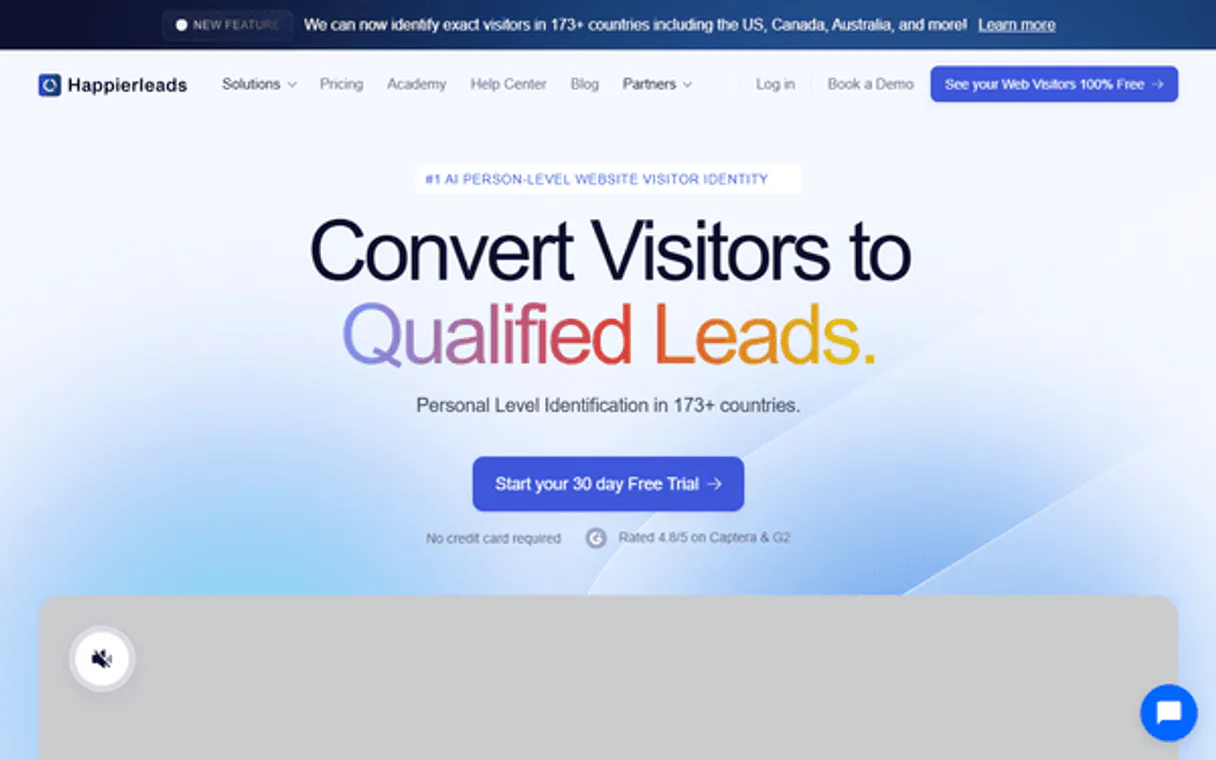
Independent Platform Disclaimer: Vinkius is an independent platform and is not affiliated with, endorsed by, sponsored by, verified by, or otherwise authorized by Happierleads. All third-party trademarks, logos, and brand names are the property of their respective owners. Their use on this website is strictly for informational purposes to identify service compatibility and interoperability.
VINKIUS INFRASTRUCTURE
Cloud Hosted
Managed infra
V8 Isolated
Sandboxed per request
Zero-Trust Proxy
No stored credentials
DLP Enforced
Policy on every call
GDPR Compliant
EU data residency
Token Compression
~60% cost reduction
Works with Claude, ChatGPT, Cursor, and more
The Model Context Protocol standardizes how applications expose capabilities to LLMs. Instead of operating in isolation, your AI gains direct access to external platforms, live data, and real-world actions through secure, standardized connections.
This server provides 1 capabilities that interface natively with Claude, ChatGPT, Cursor, and any MCP client. No middleware. No custom integration required.
Available Capabilities
Pulling lead reports shouldn't require 15 clicks and three different tabs.
Right now, getting a basic list of who visited your site involves clicking into the 'Visitor Analytics' tab. Then you filter by industry dropdowns, set date ranges, and finally hit 'Export CSV.' You end up with an unformatted spreadsheet that takes time to clean up.
With this Happierleads MCP Server, you just ask your agent: 'Show me recent visitors from the software industry.' The system runs the query via `happierleads_info` and gives you a structured list right in the chat. It’s immediate, accurate, and ready for action.
Happierleads MCP Server: Get contact details with happyleads_info
The old way of finding decision-maker contacts meant opening the company page, scrolling down to the 'Contacts' tab, and then manually figuring out who was the CEO versus just a Sales Rep. It’s tedious data hunting.
Now you ask your agent: 'Find the top decision makers at Acme Corp.' The tool uses `happierleads_info` to pull validated names, titles (CEO), and direct emails instantly. You don't hunt for it; you get it.
Common Questions About Happierleads MCP
What is Happierleads? +
Happierleads is a B2B website visitor identification tool that reveals which companies are visiting your website and provides contact details for decision makers.
Where do I find my API key? +
You can generate and access your API key in the Happierleads dashboard under your Account Settings or Developer settings.
Can I filter visitors by industry or company size? +
Yes, you can easily query and filter your website visitors by various attributes including industry, country, and employee count.
What are the rate limits when calling the `happierleads_info` tool? +
The default rate limit allows 50 calls per minute. If you exceed this threshold, your agent will receive a HTTP 429 error code. You'll need to implement an exponential backoff strategy in your client code or use our dedicated webhook endpoint for high-volume processing.
Can I use `happierleads_info` to retrieve historical lead data beyond the last 30 days? +
Yes, you can specify custom date ranges when calling happierleads_info. Just ensure your time parameters adhere to our standard ISO 8601 format. This lets your AI agent pull deep insights on long-term campaign performance.
How is my prospect data secured when connecting Happierleads via MCP? +
All data transfer uses industry-standard OAuth 2.0 authentication and TLS encryption. Vinkius manages the secure connection layer, meaning your AI client only handles tokenized access rather than direct credentials.
If I get an error when using `happierleads_info`, what should I check first? +
First, confirm that the necessary permissions are granted to the connected API key. If authentication is fine, verify the input schema—the tool requires specific parameters like client IDs and date formats. A simple retry often resolves transient connection issues.
Does Happierleads support chaining `happierleads_info` with other CRM tools? +
Absolutely. Since it's an MCP server, your agent can chain this tool with any compatible service. For instance, you could get lead data using happierleads_info, and then pass those names to another tool to find their contact details.
Use it with your favorite AI tools
Connect this server to Cursor, Claude, VS Code, and more.
More in this category

Happyrobot
Connect Happyrobot to any AI agent via MCP.

Sellsy
Equip your AI agent with full read access to your Sellsy CRM to audit deals, generate invoices overviews, and prospect natively.
Mailshake
Manage cold outreach campaigns, leads, and prospects via the Mailshake REST API.
You might also like

GitHub Alternative
Manage repositories, issues, pull requests and workflows via GitHub — search code, audit commits and track CI/CD from any AI agent.
Arrivy
Manage field service tasks, crews, and customer bookings with Arrivy — coordinate last-mile delivery and jobs via AI.

Bleez
Power your Brazilian e-commerce with a platform that integrates payments, inventory, and logistics for the local market.