
iFLYTEK Open Platform MCP. Handle speech, text, and images with your AI agent.
 Gemini
 Works with every AI agent you already use
…and any MCP-compatible client









Just plug in your AI agents and start using Vinkius.
iFLYTEK Open Platform / 讯飞开放平台. This server lets your AI agent handle all your voice and language needs. It transcribes audio to text, synthesizes speech, translates languages, and pulls key insights like sentiment and names from any text.
Use it to build automated customer service lines or audit massive documents—all without touching a web console.
What your AI agents can do
Entity recognition
Identifies and pulls out specific names, organizations, and locations (Named Entity Recognition) from text.
Keyword extraction
Pulls the most important topics and concepts from a given block of text.
Ocr general
Reads and converts text found within images into editable, usable text.
The agent identifies specific names, places, or organizations (entities) and pulls out key topics (keywords) from a given text.
The agent transcribes spoken audio into raw text, or reads text directly from images using OCR.
The agent converts text into natural-sounding speech audio, or translates text into a different language.
The agent assesses the emotional sentiment of text or creates a concise summary of long-form content.
Ask AI about this MCP
Supported MCP Clients
Gemini Waiting for input…
iFLYTEK Open Platform: 8 Tools for Language & Media Processing
These 8 tools let your AI agent handle the full lifecycle of language data, from raw audio input to structured, analyzed output.
019d8447entity recognition
Identifies and pulls out specific names, organizations, and locations (Named Entity Recognition) from text.
019d8447keyword extraction
Pulls the most important topics and concepts from a given block of text.
019d8447ocr general
Reads and converts text found within images into editable, usable text.
019d8447speech to text
Transcribes spoken audio, whether from a file or a live stream, into written text.
019d8447summary generation
Creates a concise summary of a long document or piece of text.
019d8447text sentiment
Analyzes text to determine the overall emotional tone, like positive, negative, or neutral.
019d8447text to speech
Converts provided text strings into high-quality, synthetic speech audio.
019d8447translate
Translates written text accurately between multiple specified languages.
Choose How to Get Started
Build a custom MCP for your own tools, or connect a ready-made integration from our catalog.
Build Your Own
Turn any API into an MCP. Import a spec, define Agent Skills, or deploy with MCPFusion.
- Import from OpenAPI, Swagger, or YAML specs
- Create Agent Skills with progressive disclosure
- Deploy to edge with MCPFusion framework
- Built in DLP, auth, and compliance on every call
- Real time usage dashboard and cost metering
- Publish to catalog or keep private
Make Your AI Do More
Start with iFLYTEK Open Platform / 讯飞开放平台, then connect any of our 4,700+ other servers whenever your AI needs more. One click, no limits.
- Use this MCP plus 4,700+ others, all in one place
- Add new capabilities to your AI anytime you want
- Every connection is secured and compliant automatically
- Track usage and costs across all your servers
- Works with Claude, ChatGPT, Cursor, and more
- New servers added to the catalog every week
What you can do with this MCP connector
This server lets your AI agent handle every voice and language task you throw at it. You connect your agent, and it manages everything from transcribing audio and synthesizing speech to deep linguistic analysis. You don't touch a web console; your agent just does the heavy lifting in real time.
Extracting Structured Data
Your agent can pull specific names, places, or organizations from text using entity_recognition, and it'll grab the most important concepts and topics from a block of text with keyword_extraction. It's also got summary_generation to shrink long documents down to their core points.
Converting Speech and Images to Text
Need to turn talk into writing? speech_to_text transcribes spoken audio, whether it's a file or a live stream, into accurate text. If you've got images with text, ocr_general reads it straight up into usable text.
Generating and Manipulating Voice Content
It'll turn any text string into natural-sounding speech audio using text_to_speech. You can also whip text into different languages with translate.
Analyzing Text Meaning and Tone
Your agent assesses the emotional tone of any text with text_sentiment. You can also check the overall meaning and pull key insights using the combined power of these tools.
How iFLYTEK Open Platform MCP Works
- 1 Subscribe to the server and provide your iFLYTEK App ID, API Key, and API Secret.
- 2 Instruct your AI client to call a specific tool (e.g.,
speech_to_text) and provide the required audio or text input. - 3 The server processes the request and returns the structured, analyzed, or converted data payload directly to your agent.
The bottom line is that you pass raw data (audio, images, text) to your AI client, and the server returns structured, usable insights without you ever seeing a web dashboard.
Who Is iFLYTEK Open Platform MCP For?
This is for anyone whose job requires understanding human language—in all its forms. Think content creators who need to subtitle videos, customer support teams dealing with call logs, or developers building complex agents that need multilingual support. If your workflow involves speech, text, or images, this is for you.
Automates video subtitling and audio narration by running speech_to_text and text_to_speech on raw footage and scripts.
Analyzes transcribed call recordings using text_sentiment and summary_generation to quickly pinpoint user pain points.
Integrates core language functions—like translate and entity_recognition—into a custom, multi-step agent pipeline for production use.
What Changes When You Connect
- Automate content creation. Run
speech_to_texton raw audio and then usetext_to_speechto create narrated versions. You get full audio pipelines without leaving your chat window. - Improve customer insight. Feed call transcripts into the agent, then run
text_sentimentandsummary_generation. You instantly know what the customer felt and the main issue, skipping manual reading. - Process documents quickly. Use
ocr_generalto get text from photos or scans, then immediately runkeyword_extractionandentity_recognitionto structure the raw data. - Support global operations. Need to analyze foreign language content? Use
translatefirst, thentext_sentimentto understand the emotional context, all in one flow. - Build complex agents. Developers gain access to a massive library of language APIs (
translate,entity_recognition,summary_generation) directly within their AI client's code flow.
Real-World Use Cases
Auditing a pile of call recordings
The customer service team has 50 hours of audio recordings. Instead of manually transcribing everything, they tell their agent to run speech_to_text on the batch. Next, they run text_sentiment on the resulting text to flag every call that was negative, and finally use summary_generation to get the core complaint for each flagged call.
Creating multilingual educational content
A content creator needs a video narrated in Spanish. They run speech_to_text on the source audio, then use translate to get the script in Spanish, and finally use text_to_speech to generate the audio track. The process is done end-to-end via the agent.
Analyzing scanned contracts
The legal team receives a stack of scanned, handwritten contracts. They run ocr_general to convert the images to text. The agent then runs entity_recognition to pull out names and dates, and keyword_extraction to find clauses like 'indemnification' or 'jurisdiction'.
Researching global market trends
A researcher collects articles in Mandarin and Arabic. They first use translate to normalize the text into English. Then, they run keyword_extraction and text_sentiment to gauge the overall market feeling and the key drivers of the articles.
The Tradeoffs
Processing data in chunks
Trying to transcribe a 1-hour video, then copying the resulting text into a separate tool just to run summary_generation. This involves multiple copy-pastes, context switching, and potential data loss.
→
Send the full audio file directly to the agent and call speech_to_text and summary_generation in sequence. The agent handles the data flow internally, so you just get the final summary.
Ignoring data format
Taking text extracted from a picture using ocr_general and running entity_recognition immediately. The OCR output often includes junk characters or line breaks that confuse the NER model.
→
Always run ocr_general first, then use the agent's natural language ability to clean up the output before passing it to entity_recognition. The agent acts as the pre-processor.
Thinking in silos
Using translate to get a text, and then running text_sentiment on the translated output. The emotional context might change or be misinterpreted because the tools are run separately.
→
If possible, process the source text through the agent first, letting it manage the sequence. For example, first translate the source text, and then pass the result to text_sentiment in the same prompt.
When It Fits, When It Doesn't
Use this server if your core problem involves converting one type of raw input (speech, image, foreign text) into structured, actionable data (names, summaries, sentiment). You need the full pipeline: input -> analysis -> output. Don't use it if you only need simple text manipulation (like basic find/replace). For those tasks, a basic text utility is enough. If you are only transcribing, speech_to_text alone works. But if you need to know what was said, what the mood was, and what the key topics were, you need the full iFLYTEK suite.
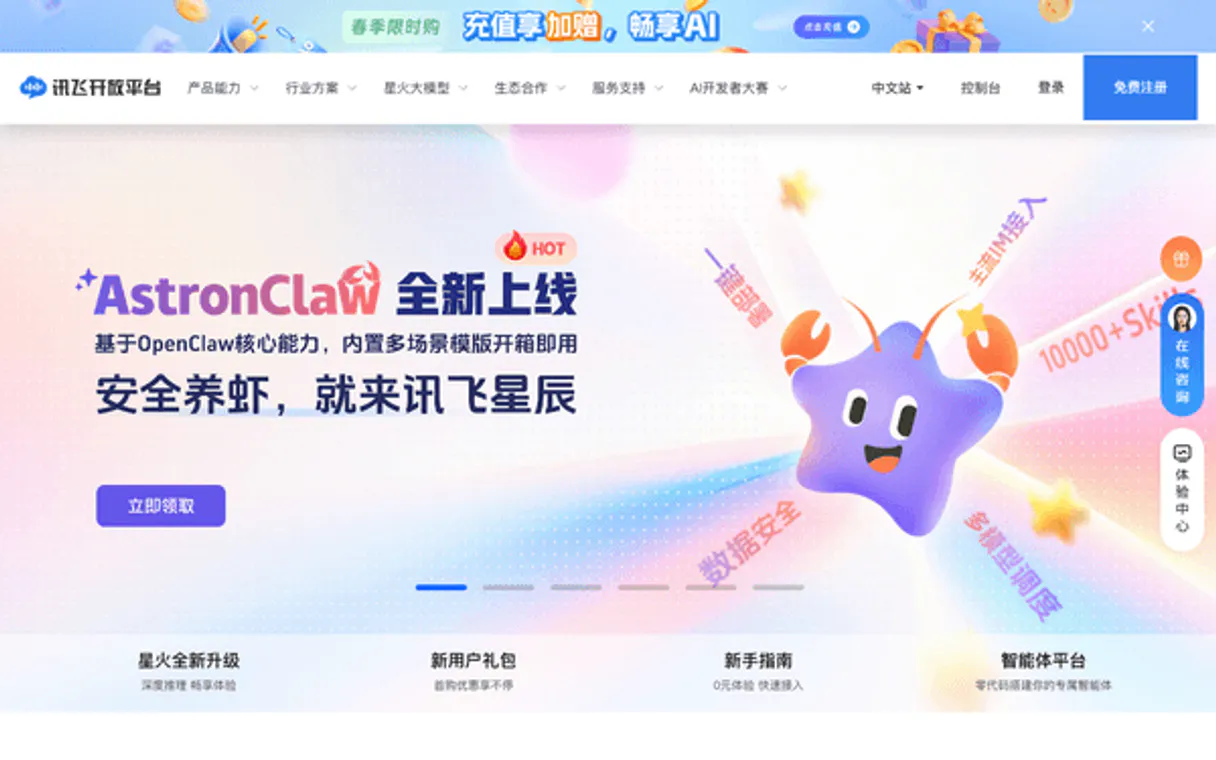
Independent Platform Disclaimer: Vinkius is an independent platform and is not affiliated with, endorsed by, sponsored by, verified by, or otherwise authorized by iFLYTEK Open Platform / 讯飞开放平台. All third-party trademarks, logos, and brand names are the property of their respective owners. Their use on this website is strictly for informational purposes to identify service compatibility and interoperability.
VINKIUS INFRASTRUCTURE
Cloud Hosted
Managed infra
V8 Isolated
Sandboxed per request
Zero-Trust Proxy
No stored credentials
DLP Enforced
Policy on every call
GDPR Compliant
EU data residency
Token Compression
~60% cost reduction
Works with Claude, ChatGPT, Cursor, and more
The Model Context Protocol standardizes how applications expose capabilities to LLMs. Instead of operating in isolation, your AI gains direct access to external platforms, live data, and real-world actions through secure, standardized connections.
This server provides 8 capabilities that interface natively with Claude, ChatGPT, Cursor, and any MCP client. No middleware. No custom integration required.
Available Capabilities
Transcribing audio files used to be a painful, multi-step process.
Before this, if you had an audio file, you'd have to send it to a dedicated transcription service, wait for the text file, download it, and then copy that text into a second system—maybe a CRM or a document editor—just to analyze it. The whole process was slow, and you were always dealing with manual file transfers.
Now, you send the audio file to your agent. The agent calls `speech_to_text` in the background. It gets the raw text, and before you know it, it can run `text_sentiment` or `summary_generation` on that fresh text, giving you the insight you need—all in one chat exchange.
iFLYTEK Open Platform / 讯飞开放平台: Analyze any text, anywhere.
You used to need separate tools for everything: one for reading text from photos, another for translating, and yet another for pulling out key names. If your content was mixed—say, a photo of a foreign sign—you had to stitch together three different services manually.
Now, your agent handles the complexity. It uses `ocr_general` to read the image, then `translate` to get it into English, and finally `entity_recognition` to pull out the proper names. The whole chain runs automatically through your AI client.
Common Questions About iFLYTEK Open Platform MCP
How do I use the `speech_to_text` tool with audio streams? +
You pass the audio stream directly to your agent and tell it to use the speech_to_text tool. The agent handles the real-time connection and returns the transcribed text.
Can I use `text_sentiment` on translated text? +
Yes. The agent can first use the translate tool to convert the text into the target language, and then pass that result to text_sentiment for analysis.
Is `ocr_general` better than other image reading tools? +
It's designed for general OCR. You simply pass the image to your agent and specify ocr_general. The agent will return the recognized text, which you can then pass to other tools like entity_recognition.
Which tool should I use for summarizing long documents? +
Use the summary_generation tool. Just give it the text, and it returns the main points. It's the most direct way to condense large documents.
What credentials do I need to use the `text_to_speech` tool? +
You need your iFLYTEK App ID, API Key, and API Secret. These credentials authenticate your requests to the platform.
Can I use `keyword_extraction` to find specific types of entities? +
While keyword_extraction finds general keywords, you should use the entity_recognition tool. It is specifically designed to identify named entities like names, dates, and locations.
How does the `translate` tool handle different source and target languages? +
The translate tool accepts language codes for both the source and target languages. You must specify these codes to ensure accurate translation.
What happens if I exceed the rate limit when calling `speech_to_text`? +
If you exceed the rate limit, the tool will return an API error. You must implement exponential backoff in your agent's code to handle the temporary service unavailability.
How do I find my iFLYTEK App ID and API Key? +
Log in to the iFLYTEK Open Platform Console, select your application, and you will find your AppID, API Key, and API Secret in the application details section.
What languages are supported for translation? +
iFLYTEK supports dozens of languages, including Chinese, English, Japanese, Korean, French, Spanish, Russian, and more. Use standard ISO language codes (e.g., 'zh', 'en', 'fr') in the translation tool.
Can I use SparkDesk LLM through this server? +
Yes! Use the spark_desk tool to query the iFLYTEK large language model. Note that this requires your application to have specific permissions enabled for the SparkDesk service.
Use it with your favorite AI tools
Connect this server to Cursor, Claude, VS Code, and more.
More in this category
Kingdee / 金蝶
Comprehensive enterprise ERP platform — manage materials, customers, and business flows via AI.

Elastic Enterprise Search
Manage enterprise search via Elastic — search engines and documents, handle indexing, and monitor search analytics directly from any AI agent.

Mercado Livre Catalog
Create, update, and manage product listings, stock, and prices on Mercado Livre.
You might also like
Weather (Open-Meteo)
Get real-time weather, high-precision forecasts, air quality data, and severe weather alerts for any city worldwide.

IgnitePOST
Manage hand-written note orders and outreach campaigns via IgnitePOST API.
PitchBook
AI private market intelligence: research companies, deals, investors, and funds via agents.