
Kingdee MCP. Manage forms, records, and business flows instantly.
 Gemini
 Works with every AI agent you already use
…and any MCP-compatible client









Just plug in your AI agents and start using Vinkius.
Kingdee / 金蝶 MCP Server manages your entire enterprise ERP platform. It lets your AI agent interact with master data, financial records, and operational workflows directly.
Use the server to list forms, view details, save new records, submit approvals, or execute complex queries across your business units without touching the Kingdee Cloud Cosmic UI.
What your AI agents can do
Audit form
Marks an ERP form as approved or audited.
Delete form
Permanently deletes an ERP form record.
Get org info
Retrieves metadata about the organization's structure.
View, create, and update core business data like materials, customers, and suppliers.
Submit, audit, or revoke approval status on any ERP form record.
Run complex queries against the ERP system to retrieve specific datasets and run analysis.
List available forms, view their details, and manually change their operational status.
Retrieve high-level details about your enterprise organizational units and data centers.
Ask AI about this MCP
Supported MCP Clients
Gemini Waiting for input…
Kingdee / 金蝶 MCP Server: 10 Tools for ERP Form Management
These tools allow your AI agent to perform every key operation within your Kingdee ERP system—from querying data to managing full form approvals.
019d844eaudit form
Marks an ERP form as approved or audited.
019d844edelete form
Permanently deletes an ERP form record.
019d844eget org info
Retrieves metadata about the organization's structure.
019d844elist forms
Lists all common types of ERP forms available in the system.
019d844equery data
Runs a custom business query against the ERP database.
019d844esave form
Creates and saves a new ERP form record.
019d844estatus convert
Changes the operational status of an ERP form.
019d844esubmit form
Submits an ERP form, initiating its formal workflow.
019d844eun audit form
Reverses an approval status or revokes an audit mark on a form.
019d844eview form
Retrieves the detailed information for a specific ERP form record.
Choose How to Get Started
Build a custom MCP for your own tools, or connect a ready-made integration from our catalog.
Build Your Own
Turn any API into an MCP. Import a spec, define Agent Skills, or deploy with MCPFusion.
- Import from OpenAPI, Swagger, or YAML specs
- Create Agent Skills with progressive disclosure
- Deploy to edge with MCPFusion framework
- Built in DLP, auth, and compliance on every call
- Real time usage dashboard and cost metering
- Publish to catalog or keep private
Make Your AI Do More
Start with Kingdee / 金蝶, then connect any of our 4,700+ other servers whenever your AI needs more. One click, no limits.
- Use this MCP plus 4,700+ others, all in one place
- Add new capabilities to your AI anytime you want
- Every connection is secured and compliant automatically
- Track usage and costs across all your servers
- Works with Claude, ChatGPT, Cursor, and more
- New servers added to the catalog every week
What you can do with this MCP connector
This Kingdee MCP Server lets your AI agent talk directly to your whole enterprise ERP platform. You don't gotta log into the Kingdee Cloud Cosmic UI to get work done; your agent handles it for you. You can manage master data, financial records, and operational workflows directly.
Manage Master Records
view_formgets you the full details for any specific ERP form record.save_formlets you create and save a brand-new ERP form record.list_formsshows you all the common types of ERP forms available in the system.get_org_infopulls metadata on your organization's structure.
Control Business Approvals
submit_formsubmits an ERP form, kicking off its formal workflow.audit_formmarks an ERP form as approved or audited.un_audit_formrevokes an approval status or takes off an audit mark from a form.status_convertchanges the operational status of an ERP form.delete_formpermanently deletes an ERP form record.
Query Business Data
query_dataruns a custom business query against the ERP database, letting you pull specific datasets and run analysis.
Control Form Lifecycle
view_formretrieves the detailed information for a specific ERP form record.list_formslists all common types of ERP forms available in the system.status_convertchanges the operational status of an ERP form.delete_formpermanently removes an ERP form record.
Manage Organizational Info
get_org_inforetrieves high-level details about your enterprise organizational units and data centers.
How Kingdee MCP Works
- 1 First, your AI client sends a command (e.g., 'What are the open purchase orders?').
- 2 The server maps this request to the appropriate tool (e.g.,
query_data) and executes the API call. - 3 The server returns the structured data to your AI client, which then presents the result to you in plain English.
The bottom line is, your AI client talks to the server, and the server executes the necessary API calls to get the data.
Who Is Kingdee MCP For?
This server is for Operations Managers, Finance Teams, and IT Administrators. If you spend time manually cross-referencing data across multiple Kingdee modules—tracking materials, approving invoices, or checking organizational structures—this is for you. It shifts you from being a data navigator to a data director.
Monitor supply chain progress, audit master data, and manage inventory records via natural language questions.
Coordinate invoice approvals, track financial documents, and audit sales orders directly from your AI workspace.
Oversee organizational unit structures and manage ERP integrations without writing SQL or hitting the UI.
What Changes When You Connect
- Query specific data: Instead of running complex reports in the Kingdee UI, use
query_datato pull exactly the dataset you need—whether it's sales figures or material stock levels. You get the answer, period. - Control the workflow: Approving an invoice or revoking a purchase order doesn't mean clicking through four screens. Use
audit_formorun_audit_formto manage the form status directly through conversation. - Handle master data: Need to check if a customer ID exists or update a material supplier? Use
save_formandview_formto read and write core records without manual UI navigation. - Streamline approvals: Submitting a request or triggering a status change is simple. The
submit_formandstatus_converttools let you move records through the full life cycle just by asking your agent. - Know your structure: Use
get_org_infoto pull organizational metadata. You get a clean, structured overview of your data centers or business units, eliminating the need to browse setup menus. - Audit records: Need to prove who approved what and when? Use
audit_formto validate the status of any form, giving you a clear audit trail instantly.
Real-World Use Cases
Tracking a Delayed Shipment
The Ops Manager needs to know why a purchase order is stalled. They ask their agent, 'What is the status of PO-452?' The agent runs view_form and finds the record is stuck. They then ask, 'Audit the PO-452 form.' The agent runs audit_form, marking it approved, and the process continues.
Auditing Financial Records
The Finance Team needs to reconcile last quarter's sales. They ask their agent to run a query: 'Get all sales records for the 'Industrial Lubricants' category from Q1.' The agent executes query_data and returns a clean, filtered list, saving hours of manual spreadsheet work.
Updating Master Supplier Data
A procurement specialist finds a typo in a supplier's address. They ask the agent to 'Update the address for Supplier XYZ.' The agent uses save_form to create the updated record and view_form to confirm the change was saved correctly.
Reversing an Approval
A manager realizes a contract was approved too early. They instruct their agent: 'Revoke approval for Contract C-101.' The agent runs un_audit_form, instantly resetting the status and alerting the team that the record is no longer approved.
The Tradeoffs
Trying to find a record's status manually
Manually navigating the Kingdee UI, clicking through 'Master Data' > 'Forms' > 'Search' > entering criteria, and hoping you land on the correct record.
→
Don't click. Just ask your agent to view_form or query_data. Give it the form ID or criteria, and the data comes straight to your chat window.
Forgetting to submit a form change
The agent updates a record using save_form, but the process never moves forward because the final approval step was missed.
→
After saving or updating, you must use submit_form. This tells the ERP system that the record is ready for the next stage of the business process.
Using the wrong tool for data retrieval
Asking the agent to 'List all forms' (list_forms) when you actually need a list of specific transactions (e.g., purchase orders).
→
If you need specific data points, use query_data. Use list_forms only when you need to know what types of forms exist in the system.
When It Fits, When It Doesn't
Use this server if your workflow involves managing the full lifecycle of structured business records (e.g., invoices, purchase orders, materials). You need to move data from 'draft' to 'approved' to 'archived' status. You must be able to query specific fields across multiple records.
Don't use this if you just need a general document lookup or if the business logic is handled by a separate, non-ERP system. If your needs are simple data viewing, your client's basic read-only API might suffice. But if you need to change the state—like submitting or auditing a form—you need the full set of tools here.
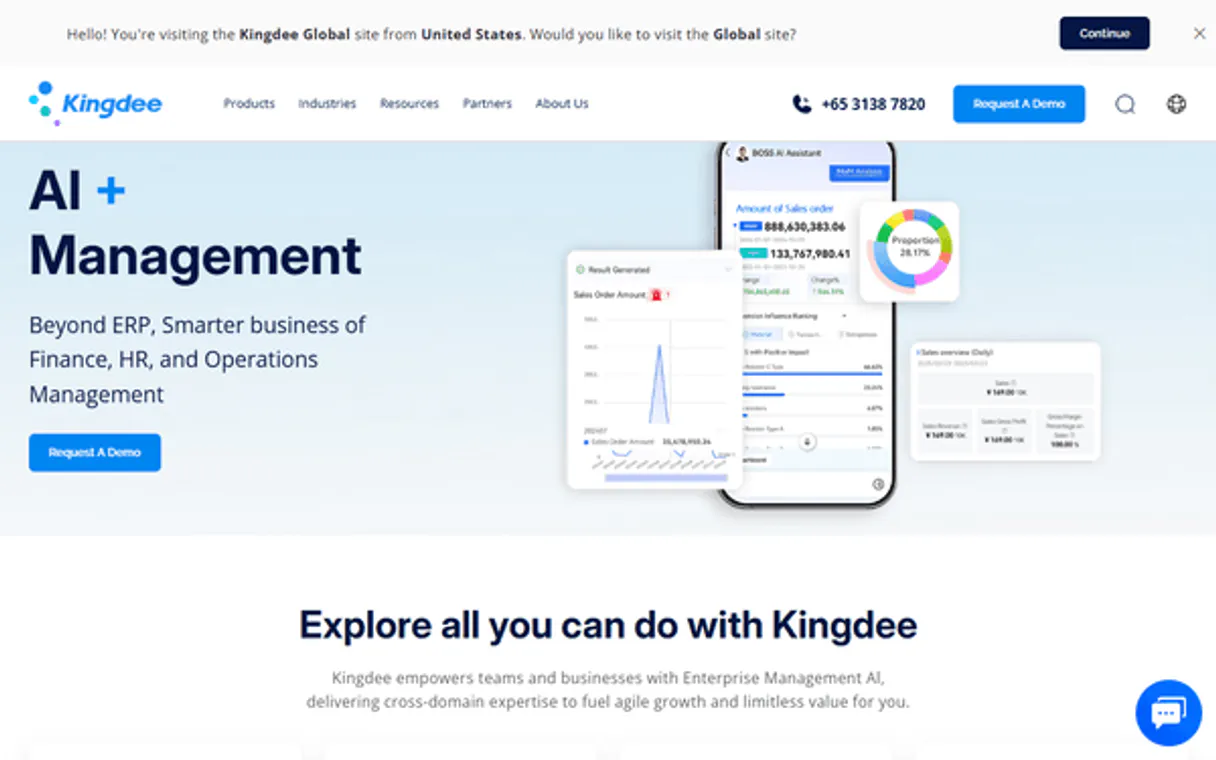
Independent Platform Disclaimer: Vinkius is an independent platform and is not affiliated with, endorsed by, sponsored by, verified by, or otherwise authorized by Kingdee / 金蝶. All third-party trademarks, logos, and brand names are the property of their respective owners. Their use on this website is strictly for informational purposes to identify service compatibility and interoperability.
VINKIUS INFRASTRUCTURE
Cloud Hosted
Managed infra
V8 Isolated
Sandboxed per request
Zero-Trust Proxy
No stored credentials
DLP Enforced
Policy on every call
GDPR Compliant
EU data residency
Token Compression
~60% cost reduction
Works with Claude, ChatGPT, Cursor, and more
The Model Context Protocol standardizes how applications expose capabilities to LLMs. Instead of operating in isolation, your AI gains direct access to external platforms, live data, and real-world actions through secure, standardized connections.
This server provides 10 capabilities that interface natively with Claude, ChatGPT, Cursor, and any MCP client. No middleware. No custom integration required.
Available Capabilities
Dealing with ERP data requires navigating dozens of clicks and tabs.
Today, managing a simple business flow means logging into the Kingdee UI. You click 'Create Form,' fill in fields, hit 'Save,' then find the 'Submit' button, and maybe click 'Audit' a day later. If you need to check a record's status, you run a search, click the record, and scroll through tabs until you find the status badge.
With this MCP server, you talk to your agent. You simply tell it, 'Audit the sales order SAL-9921.' Done. The agent runs the `audit_form` tool, and you get the confirmation. The UI becomes irrelevant.
Kingdee / 金蝶 MCP Server: Manage Forms, Records & Flows
The manual steps that disappear are the initial navigation, the repetitive data entry, and the complex status change process. You no longer have to remember which button moves a form from 'Draft' to 'Pending' to 'Approved.'
Your agent handles the state machine. You just tell it the goal, and it uses the necessary tools (`submit_form`, `status_convert`, `audit_form`) in the right sequence. It's a direct conversation with your back-end system.
Common Questions About Kingdee MCP
How do I query data using the `query_data` tool? +
You provide the necessary search parameters (e.g., date range, material code, customer ID) and the specific fields you want returned. The agent executes the query and returns a structured table of results.
What is the difference between `save_form` and `submit_form`? +
save_form simply creates a record and saves it to the database. submit_form moves the record into the formal business process workflow, making it actionable for approvals.
Can I reverse an approval using `un_audit_form`? +
Yes. un_audit_form is specifically designed to revoke an existing approval mark, returning the record to a pre-approved state. This is crucial for auditing and error correction.
What is `get_org_info` used for? +
This tool retrieves high-level metadata about your entire organization structure. It helps you understand your data centers or business unit hierarchy without needing direct access to the setup console.
How do I check if a form exists before I edit it? +
First, use list_forms to see the types of forms available. Then, use view_form with the specific ID to confirm the record exists and retrieve its current details.
How do I list all available ERP forms using the `list_forms` tool? +
The list_forms tool returns a list of common master data and business forms available in Kingdee. This lets you know exactly which records you can query or manipulate before you write a complex query.
What happens if I try to save a form that already exists using `save_form`? +
The save_form tool handles both creation and updating. If the form record already exists, the tool updates the specified fields, preventing data duplication.
Does the `view_form` tool show historical changes or just the current data? +
The view_form tool shows the current details of the record. To track historical changes, you must use the query_data tool to run an audit report on the form's activity log.
How do I find my Kingdee Account ID (acctid)? +
Your Account ID (acctid) is the unique identifier for your Kingdee data center. You can find it on the login screen of your Kingdee Cloud instance or in the system management settings.
Can I perform business queries through this server? +
Yes. Use the query_data tool with the target form ID and field keys. You can also provide a filter string to retrieve specific subsets of your ERP data.
How do I audit/approve a record? +
Use the audit_form tool with the form ID and the comma-separated list of record IDs (Numbers) you wish to approve. Ensure the records have been successfully submitted first.
Use it with your favorite AI tools
Connect this server to Cursor, Claude, VS Code, and more.
More in this category

SeaTable
Build collaborative databases with spreadsheet simplicity and relational power for project management, CRM, and asset tracking.

Payhip
Sell ebooks, courses, memberships, and digital downloads directly to your audience with zero upfront costs and simple setup.

Yonyou / 用友
Leading enterprise ERP and cloud services platform in China — manage purchase orders, sales, and inventory via AI.
You might also like

OpenCost (K8s Cost)
Monitor and analyze Kubernetes infrastructure costs — query workload allocations, backing assets, and cloud billing directly from your AI agent.

Recruit CRM
Manage candidates, jobs, and client companies with Recruit CRM and AI agents.

Five9 QM
Manage agent evaluations, review recorded interactions, and track quality metrics via AI agents with Five9 QM.