
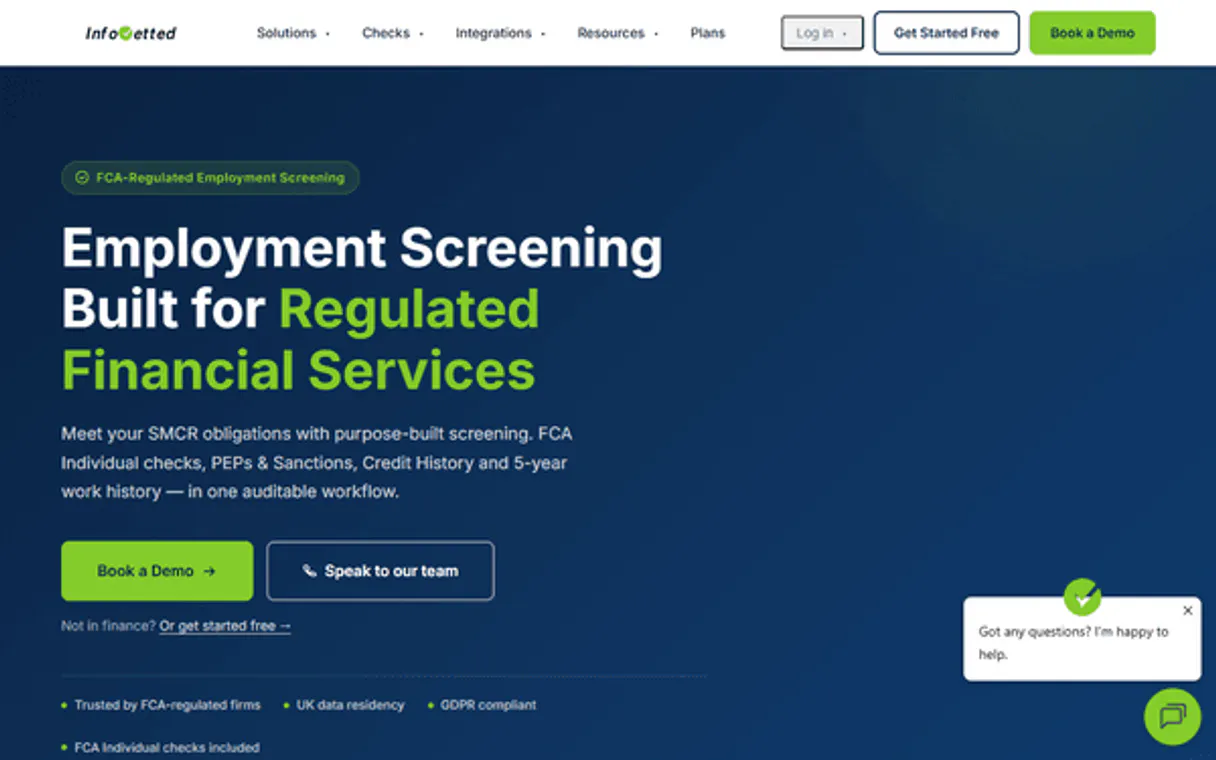
InfoVetted MCP Server with 12 Tools Ready for AI Agents
 GDPR Free for Subscribers
Screen and verify candidate backgrounds with employment checks, education verification, and criminal record searches. Unlock 12 tools ready out of the box. Connect this App Connector to instantly empower AI agents like Claude Code, Cursor, or any MCP-compatible client with advanced capabilities.
Ask AI about this App Connector
Vinkius delivers Streamable HTTP and SSE to any MCP client
* Every MCP server runs on Vinkius-managed infrastructure inside AWS - a purpose-built runtime with per-request V8 isolates, Ed25519 signed audit chains, and sub-40ms cold starts optimized for native MCP execution. See our infrastructure
What is the InfoVetted MCP Server?
The InfoVetted MCP Server gives AI agents like Claude, ChatGPT, and Cursor direct access to InfoVetted via 12 tools. Screen and verify candidate backgrounds with employment checks, education verification, and criminal record searches. Powered by the Vinkius - no API keys, no infrastructure, connect in under 2 minutes.
Built-in capabilities (12)
Tools for your AI Agents to operate InfoVetted
Ask your AI agent "Show all active vetting requests and create a new background check for a candidate." and get the answer without opening a single dashboard. With 12 tools connected to real InfoVetted data, your agents reason over live information, cross-reference it with other MCP servers, and deliver insights you would spend hours assembling manually.
Works with Claude, ChatGPT, Cursor, and any MCP-compatible client. Powered by the Vinkius - your credentials never touch the AI model, every request is auditable. Connect in under two minutes.
Why teams choose Vinkius
One subscription gives you access to thousands of MCP servers - and you can deploy your own to the Vinkius Edge. Your AI agents only access the data you authorize, with DLP that blocks sensitive information from ever reaching the model, kill switch for instant shutdown, and up to 60% token savings. Enterprise-grade infrastructure and security, zero maintenance.
Build your own MCP Server with our secure development framework →The InfoVetted App Connector works with every AI agent you already use
…and any MCP-compatible client









Use all 12 InfoVetted tools with your AI agents right now
Empower your AI agents to connect to InfoVetted and securely perform advanced actions on Vinkius infrastructure. Beyond a simple connection, you gain an advanced AI Gateway that provides complete visibility into agent activity, ensuring maximum governance and optimized token usage.
Cancel a background check
Verify InfoVetted API status
g., "Engineering Team"). Create a new organization group
Initiate a background check
Add a new individual for screening
Get details for a specific individual
Check status of a vetting process
List active webhooks
List organizational contact groups
List individuals being screened
). List available background check types
List all background check requests
What the InfoVetted MCP Server unlocks
Connect your InfoVetted account to any AI agent and manage background checks through natural conversation.
What you can do
- Vetting Requests — List all vetting requests, create new background checks, check status, and cancel active vettings
- Screening Contacts — Manage contacts for screening with full profile data, create new screening contacts, and inspect individual records
- Package Management — Browse available vetting packages and their included checks
- Result Tracking — Monitor check results with pass/fail status and compliance details
- Activity History — View submission and completion timelines
How it works
1. Subscribe to this server
2. Enter your InfoVetted API Key
3. Start managing background checks from Claude, Cursor, or any MCP-compatible client
Who is this for?
- HR Teams — initiate background checks on candidates and track results
- Compliance Officers — monitor vetting status and ensure regulatory compliance
- Staffing Agencies — manage high-volume screening workflows through AI
Frequently asked questions about the InfoVetted MCP Server
Can I initiate a background check through the AI agent?
Yes. Use create_new_vetting_check with the contact ID and vetting package to initiate a background check. Use create_screening_contact first if the person isn't in your system. Track progress with get_vetting_request_status.
Can I track the status of active vetting requests?
Yes. Use list_vetting_requests to see all requests with their current status. Use get_vetting_request_status for detailed progress on a specific check. Use cancel_active_vetting to stop a check that's no longer needed.
Can I manage screening contacts and their data?
Yes. Use list_screening_contacts to browse all contacts, get_screening_contact for individual profiles, and create_screening_contact to add new people to the system. Each contact can have multiple vetting requests associated.
More in this category
KeyPay
10 toolsManage payroll, employees, and pay runs via the Employment Hero Payroll (KeyPay) API.

Namely
10 toolsManage HRIS data via Namely — track employee profiles, job info, and organization groups directly from your AI agent.

Paylocity
10 toolsManage payroll and HR via Paylocity — list employees, track earnings, and audit benefits setup directly from any AI agent.
You might also like
Nuclino
12 toolsEquip your AI agent with full read/write access to your Nuclino workspaces, teams, and items — the unified tool for knowledge, docs, and projects.

Aero Workflow
12 toolsOrganize accounting firm tasks, track client work, and manage team workloads with purpose-built practice management.

Lexware Office (Accounting & Invoicing)
14 toolsManage bookkeeping via Lexware Office (lexoffice) — create contacts, track invoices, and audit accounting vouchers in Germany.