
Magic Minutes MCP for AI Agents. Manage meetings and tasks from natural conversation.
Magic Minutes automatically handles all meeting logistics, from agenda scheduling to post-meeting follow-up. Connect this MCP to your AI client to instantly get detailed summaries, list every attendee, and track action items without ever leaving your chat window.
 Claude
  ChatGPT
  Cursor
  Gemini
  Windsurf
  VS Code
  JetBrains
  Vercel
 Give Claude and any AI agent real-world access
Create, update, or retrieve specific tasks assigned during a meeting.
Retrieve the full minutes, agenda, or basic details for any managed meeting.
List all people associated with your organization and retrieve attendee lists for specific meetings.
View the organizational structure by listing meeting folders or checking overall system health.
Ask an AI about this


Waiting for input…
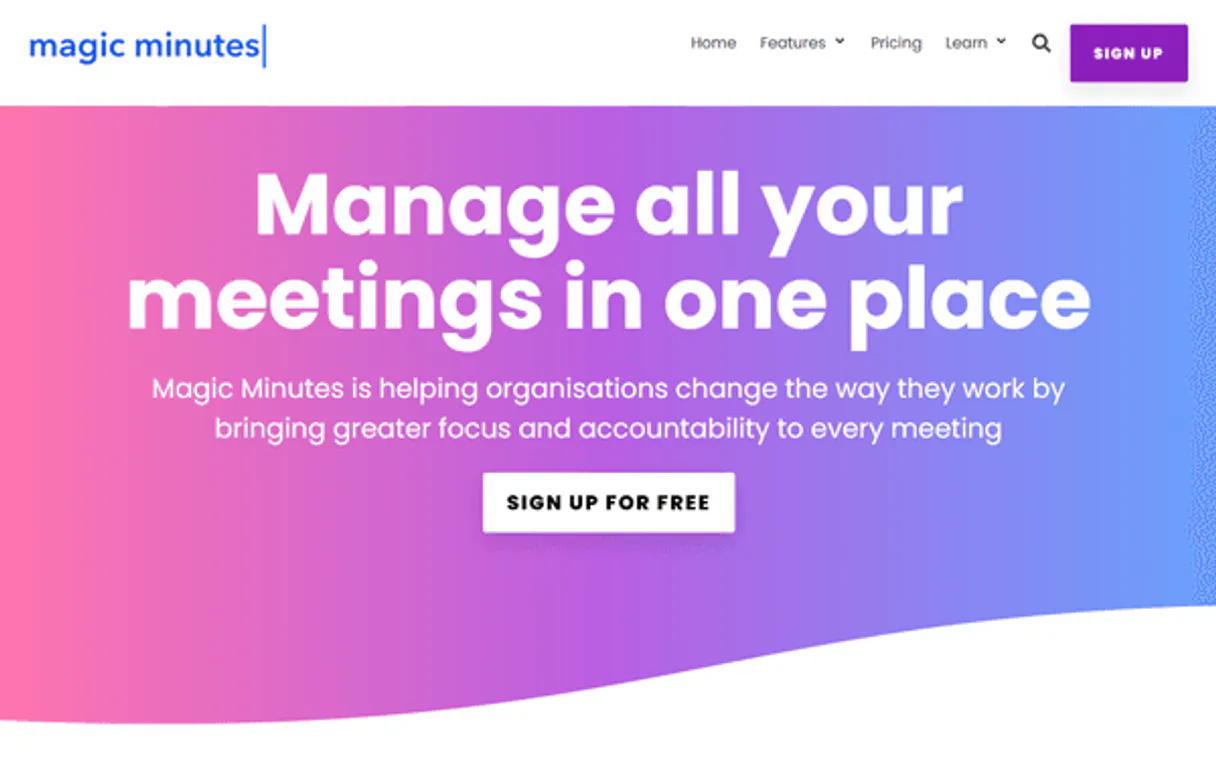
What AI agents can do with Magic Minutes: 12 Tools for Meetings and Workflow Management
These tools allow your agent to manage the entire lifecycle of corporate meetings, from listing schedules to creating actionable follow-up items.
Make your AI actually useful.
Add this MCP to Claude, Cursor, or Windsurf and your AI stops guessing. It gets real tools to look things up, take action, and handle the stuff you keep doing by hand.
Start using Magic Minutes MCPCreate Task
Creates a new task item in your management system.
Get Current User
Retrieves the profile information for the authenticated user.
Get Meeting Details
Fetches specific details about a single, designated meeting.
Get Meeting Minutes
Retrieves the full minutes or the original agenda for a specified meeting.
Get Task Details
Gets specific information about one particular task item.
Check Api Health
Checks the current operational status and health of the connection.
List Meeting Attendees
Lists every person who participated in a given meeting.
List Contacts
Retrieves a comprehensive list of all contacts in your system.
List Folders
Shows the current organizational structure and available meeting folders.
List Meetings
Retrieves a list of all meetings that have been scheduled or managed.
List Tasks
Provides an overview and list of all active tasks and action items.
List Webhooks
Displays a list of any currently active webhooks for the account.
Security and governance baked right in.
Pick your AI client below to get set up. Just create a Vinkius account, subscribe, and you're instantly up and running. We handle the entire backend infrastructure, delivering out-of-the-box support for HTTPS Streamable, SSE, and OAuth2—zero messy routing required.
Claude AI
Open Claude Settings
Go to claude.ai, click your profile icon, then navigate to Customize → Connectors.
Add Custom Connector
Click the "+" button and select Add custom connector. Paste your Vinkius endpoint URL:
https://edge.vinkius.com/[YOUR_TOKEN_HERE]/mcp
Replace [YOUR_TOKEN_HERE] with your token
from cloud.vinkius.com. For OAuth-protected servers, expand
Advanced settings to add credentials.
Start a conversation
Open a new chat. The Magic Minutes integration is available immediately — no restart needed.




Choose How to Get Started
Build a custom MCP for your own tools, or connect a ready-made integration from our catalog.
Build Your Own
Turn any API into an MCP. Import a spec, define Agent Skills, or deploy with MCPFusion.
- Import from OpenAPI, Swagger, or YAML specs
- Create Agent Skills with progressive disclosure
- Deploy to edge with MCPFusion framework
- Built in DLP, auth, and compliance on each call
- Real time usage dashboard and cost metering
- Publish to catalog or keep private
Make Your AI Do More
Start with Magic Minutes, then connect any of our 5,200+ other servers whenever your AI needs more. One click, no limits.
- Use this MCP plus 5,200+ others, all in one place
- Add new capabilities to your AI anytime you want
- Connections are secured and governed automatically
- Track usage and costs across all your servers
- Works with Claude, ChatGPT, Cursor, and more
- New servers added to the catalog weekly
Independent Platform Disclaimer: Vinkius is an independent platform and is not affiliated with, endorsed by, sponsored by, verified by, or otherwise authorized by Magic Minutes. All third-party trademarks, logos, and brand names are the property of their respective owners. Their use on this website is strictly for informational purposes to identify service compatibility and interoperability.
VINKIUS INFRASTRUCTURE
Cloud Hosted
Managed infra
V8 Isolated
Sandboxed per request
Zero-Trust Proxy
No stored credentials
DLP Enforced
Policy on each call
GDPR Compliant
EU data residency
Token Compression
~60% cost reduction
The meeting follow-up process is a total time sink. Solved with Vinkius AI Gateway
Right now, summarizing a single sync requires juggling at least five different apps. You copy bullet points from the Zoom transcript into your Notion board. Then you open your calendar to confirm who was there and manually check email threads to find that one action item promised by John.
With this MCP, the agent handles it all. Tell it what happened in the call, and it pulls everything together: the minutes via `get_meeting_minutes`, a list of people using `list_meeting_attendees`, and immediately logs any follow-up task you ask for.
Get Meeting Minutes
Before, getting meeting minutes meant waiting for someone to manually write them up, or wading through massive chat histories. You had to remember the exact name and date of the session just to find a single document.
Now you simply ask your agent to run `get_meeting_minutes`. It fetches the official record instantly, giving you immediate access to decisions and action items without any manual searching.
What your AI can actually do with this
Magic Minutes takes over the headache of managing meetings. You connect it through Vinkius, giving your agent access to all your meeting data—everything from structured agendas to raw notes. Instead of digging through emails or jumping between calendar apps, you just ask your AI client for what you need. It pulls everything together: a quick list of upcoming sessions, the full details of past meetings, and any pending tasks assigned during those calls.
Your agent acts like an administrative assistant that never forgets a single detail. Need to know who was at the last sync? Ask it. Want to update a task item immediately after the call? Send the command. It keeps your team's coordination running smoothly by letting you manage all meeting attributes and action items using natural conversation.
019dd11b-c9e4-7289-913a-28c40990bd04 
Here's how it actually works
The bottom line is you give your AI client one secure connection point that handles all of your corporate meeting logistics.
First, subscribe to the Magic Minutes MCP and enter your unique API key into Vinkius.
Next, connect your AI client (like Cursor or Claude) through the platform. Your agent now has access to meeting data.
Finally, just talk to your agent. You can ask it to list meetings for next week or retrieve the minutes from a specific project sync.
Who is this actually for?
Project Managers, Executive Assistants, and Operations Leads. If you spend time compiling status reports or chasing down who owns an action item from last week's call, this MCP is for you.
Manages the meeting schedule by listing all managed meetings and retrieving attendee details instantly.
Maintains project momentum by monitoring task progress and listing action items across different workstreams.
Keeps departmental records clean by overseeing meeting folder structure and checking overall system health.
What Changes When You Connect
Stop wasting time switching apps. You can list all meetings or get the minutes for a session, all inside your chat interface using list_meetings and get_meeting_minutes.
Never miss an action item again. Use your agent to check task status by running list_tasks, ensuring every follow-up item is accounted for.
Quickly build out project records. You can list all meeting attendees using list_meeting_attendees and pull contact details from list_contacts in one go.
Maintain clean organization. Need to know where something belongs? Run list_folders to see the entire structure, or use get_meeting_details for specific context.
Automate follow-up. When a decision is made, you can immediately create an actionable item using create_task, assigning it right away.
See it in action
The Post-Board Meeting Cleanup
A Project Lead needs to summarize decisions from the last board meeting. They ask their agent to get the minutes for 'Board Review Q3'. The agent runs get_meeting_minutes, identifies key tasks, and then uses list_tasks to confirm that all action items have been logged and assigned.
Onboarding a New Team Member
An Executive Assistant needs contact info for everyone who attended the last sales sync. They ask the agent to list meeting attendees, which triggers list_meeting_attendees. The assistant then uses list_contacts to get all necessary professional details.
Checking Project Health
The Operations Manager wants to know if a task assigned three weeks ago was completed. They ask the agent to list tasks, which executes list_tasks, giving them immediate visibility without opening a separate dashboard.
The honest tradeoffs
What to watch out for, and the recommended way to handle each one.
Manual note-taking
Copying notes from email threads into a spreadsheet and manually assigning owners for every action item.
Just ask your agent to run get_meeting_minutes and then follow up by asking it to create tasks. This uses create_task to automate the entire assignment process.
Confusing roles
Trying to find a specific person's contact info across multiple disconnected systems.
Use list_contacts first to pull everyone into one place. Then, if you need details for a meeting, use list_meeting_attendees.
Losing context
Starting a chat about an old project and forgetting which specific meeting notes are relevant.
Use get_meeting_details or list_meetings to confirm the exact name, then ask the agent to run get_meeting_minutes for that precise context.
When It Fits, When It Doesn't
You should use this MCP if your team relies heavily on structured meetings and needs a single source of truth for meeting outcomes. If you need to create tasks from notes, list attendees, or retrieve official minutes, this is the tool. Don't use it if your primary need is unstructured data entry, like journaling random thoughts or managing simple checklists that don't originate from a scheduled event; for those, a basic note-taking app works better. If you only manage contacts and nothing else, you might just need list_contacts alone.
Questions you might have
How do I use Magic Minutes to list all my meetings? +
You run list_meetings via your agent. It gives you a comprehensive overview of everything scheduled or managed, helping you quickly select the right meeting context.
Can Magic Minutes help me manage tasks after a call? +
Yes. After retrieving minutes using get_meeting_minutes, you can immediately tell your agent to create any follow-up item, which executes create_task and logs it.
What if I need the contact info for attendees? +
First, use list_meeting_attendees to confirm who was there. Then, you can ask your agent to retrieve specific professional details using list_contacts based on that list.
Is Magic Minutes safe for my company data? +
Yes. The MCP uses a secure API Key connection managed through Vinkius. Your AI client only interacts with the tools and data you explicitly authorize.