
Mailsac MCP. Extract verification codes and manage temporary inboxes.
 Gemini
 Works with every AI agent you already use
…and any MCP-compatible client









Just plug in your AI agents and start using Vinkius.
Mailsac manages disposable and private email accounts via a REST API connection. Your agent uses this server to reserve temporary inboxes, list custom domains, search messages across all addresses, and extract raw text or HTML bodies directly from natural language commands.
What your AI agents can do
Delete inbox message
Permanently removes a specific message from an inbox.
Get html message body
Retrieves the sanitized HTML structure of a single, specified message.
Get plain text body
Gets only the plain text content from a specific message body.
Reserve new private email addresses or list all existing custom domains associated with your account.
Retrieve a full list of reserved email addresses, then fetch the message history for any specific inbox.
Query messages across all your associated inboxes using advanced parameters like sender or subject.
Pull the raw plain text body or the sanitized HTML structure from a specific message for data parsing.
Delete entire inboxes or permanently remove single messages after they've served their purpose.
Ask AI about this MCP
Supported MCP Clients
Gemini Waiting for input…
Mailsac MCP Server: 9 Tools for Inbox & Domain Control
Use these tools to manage disposable emails, list domains, reserve new accounts, and programmatically search or delete messages.
019d75cddelete inbox message
Permanently removes a specific message from an inbox.
019d75cdget html message body
Retrieves the sanitized HTML structure of a single, specified message.
019d75cdget plain text body
Gets only the plain text content from a specific message body.
019d75cdlist custom domains
Lists all custom domain names linked to your Mailsac account.
019d75cdlist inbox messages
Fetches a list of messages that exist in a single, specified inbox.
019d75cdlist reserved addresses
Lists every reserved (enhanced) email address you've set up.
019d75cdrelease reserved address
Deletes or releases a reserved email address when it's no longer needed.
019d75cdreserve new address
Reserves and activates a brand new, specific private email address for testing.
019d75cdsearch account messages
Searches message content across all your addresses using advanced filters like sender or subject (paid tier).
Choose How to Get Started
Build a custom MCP for your own tools, or connect a ready-made integration from our catalog.
Build Your Own
Turn any API into an MCP. Import a spec, define Agent Skills, or deploy with MCPFusion.
- Import from OpenAPI, Swagger, or YAML specs
- Create Agent Skills with progressive disclosure
- Deploy to edge with MCPFusion framework
- Built in DLP, auth, and compliance on every call
- Real time usage dashboard and cost metering
- Publish to catalog or keep private
Make Your AI Do More
Start with Mailsac, then connect any of our 4,700+ other servers whenever your AI needs more. One click, no limits.
- Use this MCP plus 4,700+ others, all in one place
- Add new capabilities to your AI anytime you want
- Every connection is secured and compliant automatically
- Track usage and costs across all your servers
- Works with Claude, ChatGPT, Cursor, and more
- New servers added to the catalog every week
What you can do with this MCP connector
Mailsac MCP Server
Forget spending hours manually checking inboxes or struggling with code snippets from junk emails. You connect your Mailsac account right here, and your agent handles all the dirty work. This server gives you direct access to private email accounts—the kind that let you test signups without littering your main inbox.
When your AI client needs data, it doesn't ask you; it just tells this server what to find.
Managing Your Addresses
You need a sandbox for testing? You use reserve_new_address to instantly activate and reserve a brand new private email address. Need to check which domains your company uses? Just call list_custom_domains, and you'll get every custom domain name linked up to the Mailsac account. To see all the temporary inboxes you’ve set up, run list_reserved_addresses.
When a test is done and that reserved address isn't needed anymore, use release_reserved_address to clean it up.
Finding What You Need
If you need to know what messages came into an inbox, start with the list. Call list_inbox_messages, and you'll get a full rundown of every message that hit that specific reserved address. If you’re dealing with multiple accounts or just need to hunt down one piece of info, you can use search_account_messages.
This tool lets your agent search the content across all your addresses using advanced filters—you can narrow it down by sender or subject line (this requires the paid tier).
Pulling the Raw Data
Finding a message is only half the battle; you need the actual text. Once you know which message ID you're dealing with, your agent has two ways to get the content. If you just want the plain words—like an OTP or a verification code—use get_plain_text_body. It strips away all the formatting noise so you're left with nothing but raw text.
If you need to parse the full structure of the email, use get_html_message_body to grab the sanitized HTML structure of that single message.
Cleaning House
When a message has served its purpose—the code was grabbed, the link was parsed—you gotta delete it. You can permanently remove just one specific message using delete_inbox_message. This keeps your inboxes clean and prevents clutter from junk test data.
This whole setup means your agent doesn't need you to copy/paste anything. It finds the address, lists the messages, grabs the exact text or HTML body, and then it gives that clean data straight back to you.
How Mailsac MCP Works
- 1 First, subscribe to the Mailsac server and provide your API Key.
- 2 Next, tell your agent exactly what you need—for instance, 'List all my custom domains' or 'Search for messages from Google.'
- 3 The agent runs the required tool (e.g.,
search_account_messages) and provides the clean data directly to you.
The bottom line is that your agent handles all API calls, letting you manage temporary inboxes using natural conversation, not raw JSON payloads.
Who Is Mailsac MCP For?
This tool's core users are QA Engineers and Developers. If you spend time setting up complex testing suites that rely on disposable email verification codes, or if your job requires inspecting a temporary inbox for debugging purposes, this is for you. It eliminates the tedious cycle of manual inboxes checks.
Runs automated tests and uses the agent to extract verification codes from newly received test emails.
Inspects incoming test messages directly from their IDE, retrieving plain text or HTML bodies without leaving their coding environment.
Manages the lifecycle of temporary addresses by reserving new ones for isolated testing flows and cleaning up old inboxes.
What Changes When You Connect
- Stop manually checking multiple email accounts. You can list all reserved addresses using
list_reserved_addressesand immediately know which inbox to check. - Extracting data is simple. Instead of copying code from a messy HTML view, use
get_plain_text_bodyto get clean, usable text instantly. - Cleanup is automated. If a test address isn't needed anymore, run
release_reserved_addressand delete it from your account without manual steps. - Global searching saves time. Don't check ten inboxes individually; use
search_account_messagesto query messages across all addresses at once (if you have the paid tier). - Streamline test setup. Use
reserve_new_addressto guarantee a clean, private address is available before your automation flow starts.
Real-World Use Cases
Testing Signup Flows
A QA engineer needs to check if a new user signup process works. They ask their agent to 'Get the verification code from the last email sent to my test account.' The agent runs list_inbox_messages and then uses get_plain_text_body to pull the exact, clean code ('123-456') without any manual data parsing.
Debugging a Broken API Call
A developer gets an error message that mentions an email failure. They ask their agent to 'Show me all emails related to the user ID 789.' The agent runs search_account_messages and presents the full context, allowing the developer to inspect the raw message details immediately.
Cleaning Up Staging Environments
A platform engineer finishes a major feature branch. They ask their agent to 'Delete all messages from the staging inbox and release that address.' The agent runs delete_inbox_message repeatedly, followed by release_reserved_address, ensuring no clutter remains.
Auditing Domain Usage
A technical lead wants to know what temporary domains the company has set up. They simply ask their agent to 'List our custom domains.' The tool runs list_custom_domains and provides a clean list of all active domain names.
The Tradeoffs
Manual Code Copying
Opening the email, scrolling through HTML code, and then manually copying just the verification number into a spreadsheet. This is slow and error-prone.
→
Ask your agent to 'Get the plain text body of the last message.' The agent uses get_plain_text_body and pulls only the pure data you need.
Forgetting Cleanup
After a test run is complete, leaving dozens of temporary addresses reserved. This clutters your account and can cause confusion.
→
Always wrap up testing by telling your agent to 'Release all the addresses I used for this flow.' The agent runs release_reserved_address.
Limited Search Scope
Only checking one specific inbox (test-user@mailsac.com) when you suspect a message might have landed in another temporary account.
→
Use search_account_messages. This tool queries across all your reserved addresses, so you don't have to check them manually.
When It Fits, When It Doesn't
You should use Mailsac if your workflow requires handling ephemeral communication—specifically verification codes, test notifications, or temporary debugging emails. You need an agent that can programmatically interact with disposable accounts.
Don't use this server if you are managing permanent corporate mailboxes (like john@company.com). This tool is strictly for testing and development environments. If your goal is simply to read a message without needing the content extracted or deleted, you might be okay with standard email APIs, but Mailsac excels when you need the agent to perform actions like cleanup (release_reserved_address) or structured data extraction (get_plain_text_body).
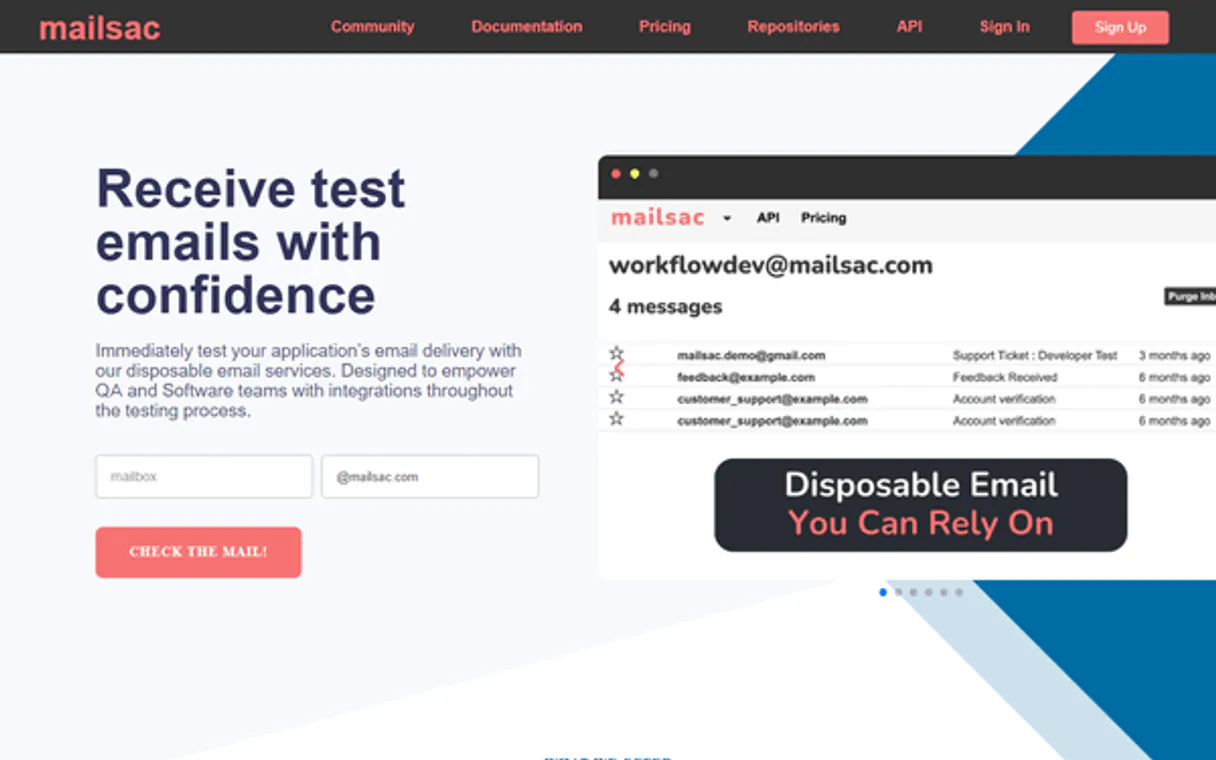
Independent Platform Disclaimer: Vinkius is an independent platform and is not affiliated with, endorsed by, sponsored by, verified by, or otherwise authorized by Mailsac. All third-party trademarks, logos, and brand names are the property of their respective owners. Their use on this website is strictly for informational purposes to identify service compatibility and interoperability.
VINKIUS INFRASTRUCTURE
Cloud Hosted
Managed infra
V8 Isolated
Sandboxed per request
Zero-Trust Proxy
No stored credentials
DLP Enforced
Policy on every call
GDPR Compliant
EU data residency
Token Compression
~60% cost reduction
Works with Claude, ChatGPT, Cursor, and more
The Model Context Protocol standardizes how applications expose capabilities to LLMs. Instead of operating in isolation, your AI gains direct access to external platforms, live data, and real-world actions through secure, standardized connections.
This server provides 9 capabilities that interface natively with Claude, ChatGPT, Cursor, and any MCP client. No middleware. No custom integration required.
Available Capabilities
Manually checking temporary inboxes is a huge time sink.
Think about it: a new signup flow triggers three different emails, each going to a separate test address. You open your dashboard, click into the first inbox, copy the code; switch tabs, check the second inbox for details; then go back and paste everything into a spreadsheet. It's repetitive and you lose track of which data came from where.
With Mailsac MCP, you tell your agent what you need—'Get all codes from today’s test run.' The agent handles the multi-step process: listing addresses, running `list_inbox_messages` on each, and using `get_plain_text_body` to pull only the clean data. You get a structured list instantly.
Mailsac MCP Server: Programmatic inbox control.
Before Mailsac, cleaning up temporary accounts meant clicking into every reserved address and hitting 'delete' one by one. If you missed a single message or failed to release an address, your account accumulated unnecessary clutter.
Now, using tools like `release_reserved_address` and `delete_inbox_message`, you can write simple commands that guarantee the inbox is fully purged and the associated addresses are cleaned up—all in one workflow.
Common Questions About Mailsac MCP
How do I find a specific code using Mailsac MCP Server? +
You use search_account_messages. You can provide parameters like the sender or subject line, and the server will check across all your addresses for that message.
Is there a way to get only the text content using Mailsac MCP Server? +
Yes. Use get_plain_text_body. This tool strips out all the messy HTML tags, giving you clean, raw text perfect for parsing verification codes.
What should I do with old test addresses on Mailsac MCP Server? +
Use release_reserved_address. Running this command removes the address entirely from your account, preventing clutter and ensuring you don't accidentally use an address that's been decommissioned.
Can I list all my addresses using Mailsac MCP Server? +
You can with list_reserved_addresses. This tool gives you a complete inventory of every enhanced inbox you have set up in your account.
What do I need to set up Mailsac MCP Server for my AI client? +
You must provide your active Mailsac API key. Once authenticated, your agent connects directly to the service endpoints. This allows your AI client to perform operations on behalf of your account.
How can I verify which domains are available using Mailsac MCP Server's `list_custom_domains`? +
The list_custom_domains tool retrieves all custom domains linked to your account. This lets you confirm the exact names and status of domains you plan to use in isolated testing flows.
Are there any limitations when using Mailsac MCP Server's `search_account_messages`? +
The advanced cross-account search requires a paid Mailsac tier. You need to pass specific query parameters, such as 'to', 'from', or 'subject', to successfully narrow down messages across all your addresses.
Is the action performed by `delete_inbox_message` recoverable? +
No. When you run delete_inbox_message, the message is permanently removed from your inbox records. This command executes a final deletion and cannot be undone or retrieved later.
What is an 'Enhanced' address in Mailsac? +
An enhanced address is a private inbox that only you can access. Use the reserve_new_address tool to make an address private/enhanced.
Can I read the raw SMTP source of an email? +
While this server provides tools for HTML and Plain Text bodies, the Mailsac API supports raw data retrieval. You can use the text body tool to extract key technical metadata.
Is an API Key required for all addresses? +
Yes, this MCP server requires an API Key to interact with your account and access your reserved resources and private messages.
Use it with your favorite AI tools
Connect this server to Cursor, Claude, VS Code, and more.
More in this category
Mailgun (Transactional Email & Domains)
Manage email infrastructure via Mailgun — send transactional emails, monitor domain health, and audit delivery logs.

Netlify Alternative
Modern web development platform — manage sites, deploys, and forms via AI.

NS1 (IBM NS1 Premium DNS API)
Manage DNS zones, records, and traffic steering via IBM NS1. Automate infrastructure directly from your AI agent.
You might also like

Traction Guest
Manage visitor operations via Traction Guest — list hosts, locations, invites, sign-ins, and group visits directly from any AI agent.

Kevel
Manage ad campaigns, inventory, and creatives via the Kevel Management API.

Landbot
Empower your AI to generate, route, and interact with conversational chatbots and customers naturally.