
Open Library Alternative MCP. Access millions of book records instantly from your chat.
 Gemini
 Works with every AI agent you already use
…and any MCP-compatible client









Just plug in your AI agents and start using Vinkius.
Open Library Alternative connects your AI agent directly to a massive, open book database. It lets you search millions of books by title or keyword, pull precise metadata using ISBNs, and list every work associated with any author key.
Think of it as giving your agent instant access to a global library catalog.
What your AI agents can do
Get author works
Gets all book works linked to a specific author key.
Get book by isbn
Fetches detailed metadata for any book edition using its ISBN-10 or ISBN-13.
Search books
Searches the database for books based on general keywords, titles, or author names.
Search the entire database using keywords from titles, subjects, or authors.
Get specific metadata for an edition (like page count and publication data) when you provide the ISBN-10 or ISBN-13.
Pull a complete list of titles, editions, and associated works for any given author key.
Check the original publication date, subject classifications, and edition history for specific books.
Synthesize data from multiple editions or author works to help create research bibliographies.
Ask AI about this MCP
Supported MCP Clients
Gemini Waiting for input…
Open Library Alternative: 3 Tools for Cataloging Books
These three tools let you query global book data. You can search generally using keywords, look up specific editions by ISBN, or list an author's entire body of work.
019d8467get author works
Gets all book works linked to a specific author key.
019d8467get book by isbn
Fetches detailed metadata for any book edition using its ISBN-10 or ISBN-13.
019d8467search books
Searches the database for books based on general keywords, titles, or author names.
Choose How to Get Started
Build a custom MCP for your own tools, or connect a ready-made integration from our catalog.
Build Your Own
Turn any API into an MCP. Import a spec, define Agent Skills, or deploy with MCPFusion.
- Import from OpenAPI, Swagger, or YAML specs
- Create Agent Skills with progressive disclosure
- Deploy to edge with MCPFusion framework
- Built in DLP, auth, and compliance on every call
- Real time usage dashboard and cost metering
- Publish to catalog or keep private
Make Your AI Do More
Start with Open Library Alternative, then connect any of our 4,700+ other servers whenever your AI needs more. One click, no limits.
- Use this MCP plus 4,700+ others, all in one place
- Add new capabilities to your AI anytime you want
- Every connection is secured and compliant automatically
- Track usage and costs across all your servers
- Works with Claude, ChatGPT, Cursor, and more
- New servers added to the catalog every week
What you can do with this MCP connector
Open Library Alternative connects your agent directly to a massive, open book database. It gives you instant read-only access to book records, making it feel like having an entire global library catalog in your pocket.
search_books lets you find books when you don't know the specifics. You just throw general keywords at the system—a title fragment, a subject area, or even a name—and your agent searches the whole database for matches. It finds records based on titles, subjects, and authors.
Need to verify details on one specific book? get_book_by_isbn fetches deep metadata using an ISBN-10 or ISBN-13. This tool pulls detailed info like how many pages it has, when the edition was published, and other publication data for that exact copy. You're not guessing; you're getting hard facts about the book’s print run.
Working with a specific author? get_author_works handles that. Give it an author key, and it immediately pulls up every single work linked to them—all the titles, all the editions, and everything associated with that person's name in the database.
These tools let you build bibliographies fast. You can pull together a complete history of an author’s output by listing all their known works and then getting precise metadata on any specific edition of those books using ISBN lookups. It helps you synthesize data from multiple editions or different authors to create solid research summaries.
Your agent acts like a librarian, handling the messy work of cross-referencing and cataloging for you.
It's built for anyone who needs reliable book data—students doing deep dives, developers building educational apps, or researchers tracking historical print runs. You never have to copy ISBN numbers across five different sites again; your agent just asks for the data, and it pulls it straight from this connection.
How Open Library Alternative MCP Works
- 1 Subscribe to the Open Library Alternative server on Vinkius. No API key is needed; access is public.
- 2 Your AI client calls one of the three tools, providing parameters like an ISBN or a search query.
- 3 The tool executes the request against the open book database and returns structured data directly to your agent.
The bottom line is you get reliable, structured access to global library catalog data without writing any API code yourself.
Who Is Open Library Alternative MCP For?
This server is for the librarian or academic researcher who gets frustrated trying to cross-reference publication details across multiple databases. It’s also for developers building educational platforms that need structured, reliable book data without paying for a proprietary API.
Needs to quickly verify the original publication date and cross-reference every edition of an author's work for a literature review.
Builds prototype cataloging features that need structured book metadata, like page counts or subject headers, without complex backend database setup.
Uses the ISBN lookup to check if a physical copy matches the known publication details or if an edition is rare.
What Changes When You Connect
- Need to check an edition's details? Use
get_book_by_isbnto pull precise metadata—like page count and subject headers—in a single step. You don't have to leave the chat window to verify data. - Building a project that needs author lists? The
get_author_workstool pulls every known title for an author key, making it easy to build comprehensive bibliographies on the fly. - Trying to find a book by general topic? Instead of guessing keywords, use
search_booksto query titles or authors across millions of records with one prompt. - Stop juggling different APIs. Since this is a public MCP server, you connect it once and your agent handles the data retrieval for all three tools seamlessly.
- The process is fast: Your AI client calls the tool name (e.g.,
get_book_by_isbn), sends the required ISBN, and gets structured JSON back instantly.
Real-World Use Cases
Checking an obscure book edition
A researcher finds a citation for a 1920s text but doesn't know the full details. They ask their agent to 'check this ISBN.' The agent runs get_book_by_isbn, instantly returning publication dates, page counts, and subject data needed for their paper.
Creating a comprehensive author guide
A student is writing about an author's entire career. They prompt the agent to list all works by that person. The agent runs get_author_works and spits out every title, allowing the student to build a complete bibliography without manual searching.
General subject research
A developer is building an app about early American literature. Instead of knowing specific titles, they ask the agent to 'find books related to whaling in the 19th century.' The agent uses search_books and provides a list of relevant candidates.
The Tradeoffs
Using Google search for metadata
Typing 'The Great Gatsby ISBN' into Google only gives you links to sellers, not the structured data (page count, subjects) needed for coding or research.
→
Use get_book_by_isbn with your agent. Give it the exact ISBN and it returns clean JSON metadata immediately.
Searching by partial title
A user manually searches for 'The Lord of Rings' and gets hundreds of results, forcing them to click through images just to find the correct edition.
→
Use search_books with specific keywords. If you know the author, start by checking their full list using get_author_works.
Assuming a database structure
A developer builds custom code to parse book data assuming it will always have 'pages' and 'year,' only to find the actual API is inconsistent.
→
The MCP server handles the connection. You just call get_book_by_isbn, trusting that the agent delivers clean, structured output based on the database rules.
When It Fits, When It Doesn't
Use this server if you need reliable bibliographic data and have a specific query (ISBN, Author Key, or Keyword). The tools are specialized: get_book_by_isbn is for precision when you know the edition; get_author_works is for cataloging an entire body of work; and search_books is your general starting point. Don't use it if you need to compare pricing, check current inventory levels (that requires a retail API), or search by publisher imprint alone. For those cases, look into dedicated commerce APIs instead.
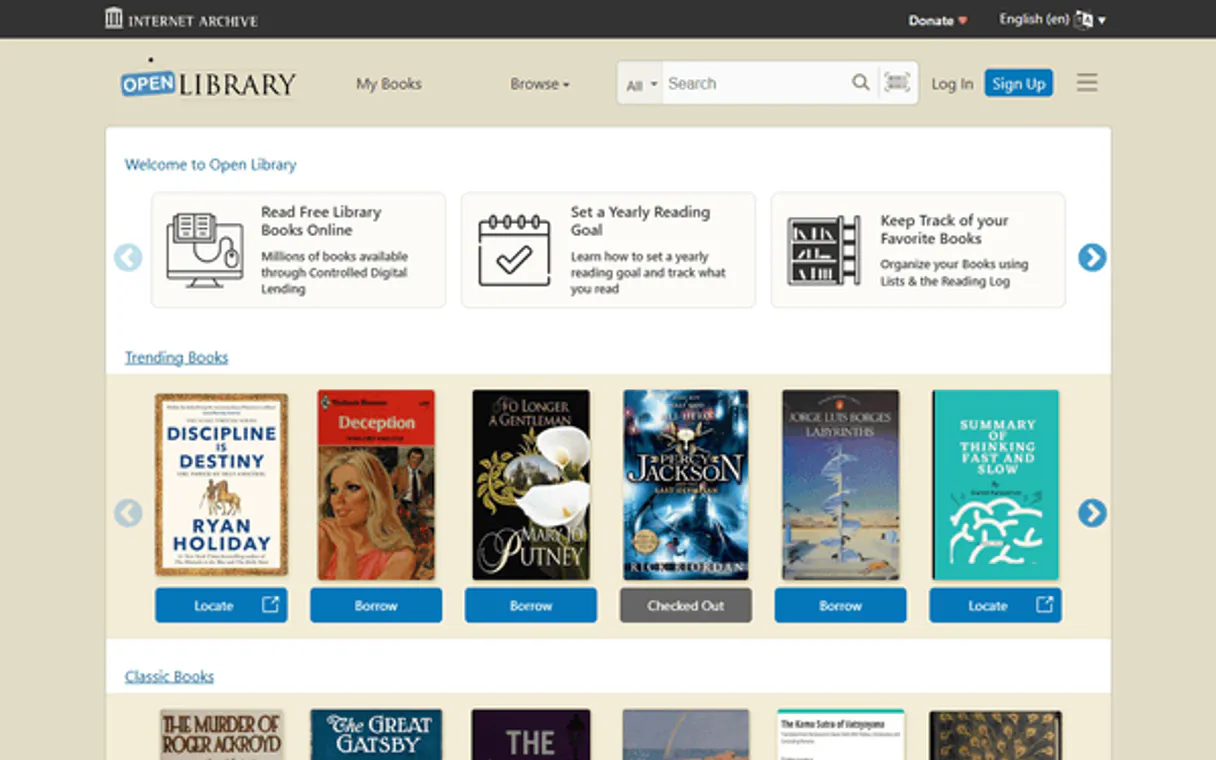
Independent Platform Disclaimer: Vinkius is an independent platform and is not affiliated with, endorsed by, sponsored by, verified by, or otherwise authorized by Open Library. All third-party trademarks, logos, and brand names are the property of their respective owners. Their use on this website is strictly for informational purposes to identify service compatibility and interoperability.
VINKIUS INFRASTRUCTURE
Cloud Hosted
Managed infra
V8 Isolated
Sandboxed per request
Zero-Trust Proxy
No stored credentials
DLP Enforced
Policy on every call
GDPR Compliant
EU data residency
Token Compression
~60% cost reduction
Works with Claude, ChatGPT, Cursor, and more
The Model Context Protocol standardizes how applications expose capabilities to LLMs. Instead of operating in isolation, your AI gains direct access to external platforms, live data, and real-world actions through secure, standardized connections.
This server provides 3 capabilities that interface natively with Claude, ChatGPT, Cursor, and any MCP client. No middleware. No custom integration required.
Available Capabilities
The tedious part of research is sifting through bad data and broken links.
Today, if you need to verify a book's details, you usually have to copy the ISBN, paste it into Google Scholar, then maybe check a library catalog website. You end up switching between three tabs just to get page count, publication date, and subject matter—and half the sites are outdated.
With this MCP server, your agent handles all that. Send the ISBN or title once. The system runs `get_book_by_isbn` and hands you a single, clean data block with every piece of metadata you need.
Open Library Alternative MCP Server: Get an author's complete works list.
Before this server, finding all the editions for a major author meant checking year-by-year or hoping a single site listed every publication. It was manual and incomplete.
Now you just run `get_author_works` using their unique key. The agent returns everything—every edition, every title—in one call. That's the difference between days of work and seconds.
Common Questions About Open Library Alternative MCP
How do I use get_book_by_isbn with Open Library Alternative? +
You give your agent the ISBN (10 or 13). It runs get_book_by_isbn and returns detailed info like page count and publication subject. You'll get structured data back, period.
Can I find an author's entire bibliography using Open Library Alternative? +
Yes. Use the get_author_works tool with their unique key. It pulls every known title and edition associated with that person.
Is search_books better than just Google for finding books? +
Yeah, because it's structured data. When you use search_books, the results are immediately machine-readable metadata, not just a list of web links to click through.
Do I need an API key for Open Library Alternative? +
No, it’s public access. You just connect the server to your AI client and start querying from there.
If I use get_book_by_isbn with an ISBN that doesn't exist or is malformed, what happens? +
The server returns a specific error message detailing the issue. Your agent receives clear feedback—it won't just fail silently. This lets your workflow handle missing data gracefully without stopping.
When I run search_books, what metadata fields can I expect to find for each result? +
You get core details like title, author, and publication dates. The results also include subject classifications and edition numbers where the database has them. This gives you rich data points beyond just the name.
Are there rate limits if I run multiple queries using get_author_works in a short time? +
There aren't published hard limits for typical usage. However, making too many requests rapidly may trigger temporary throttling. We recommend pacing your calls with small delays to ensure reliable execution.
When I execute get_author_works, what is the expected data structure and format? +
The output is structured JSON data. It provides a list of works for that author, along with associated edition metadata for each title. This clean format makes it straightforward to integrate into any coding project.
Can I find the ISBN for 'The Great Gatsby'? +
Yes! Use the search_books tool with the title 'The Great Gatsby'. The results will include various editions with their respective ISBNs and publication years.
How do I find all books written by a specific author? +
First, find the author's unique key using the search_authors tool. Then, use the get_author_works tool with that key to retrieve their complete bibliography.
Can I lookup a book using its ISBN-13? +
Yes. The get_book_by_isbn tool supports both ISBN-10 and ISBN-13 formats to retrieve specific edition metadata.
Use it with your favorite AI tools
Connect this server to Cursor, Claude, VS Code, and more.
More in this category

FOIA.gov (Freedom of Information)
Access US government FOIA data — list agency components, retrieve request forms, and fetch annual reports directly from FOIA.gov.

Junta de Andalucía (Portal)
Access the official Open Data Portal of the Junta de Andalucía. Explore datasets, resources, and public records directly from your AI agent.
Deskpro
Deliver exceptional helpdesk support with ticket management, self-service portals, and SLA tracking across every channel.
You might also like
Stark Bank
Equip your AI with Brazil's enterprise Developer Bank. Automate corporate virtual cards, Boletos, Outbound Pix (Transfers), and statements inside chats.
Typebot
Build conversational forms and chatbot flows with a beautiful open-source visual editor that creates engaging user experiences.

MiiTel Alternative
Automate MiiTel voice intelligence — list export queues, generate CSVs, and import call or meeting records via AI.