
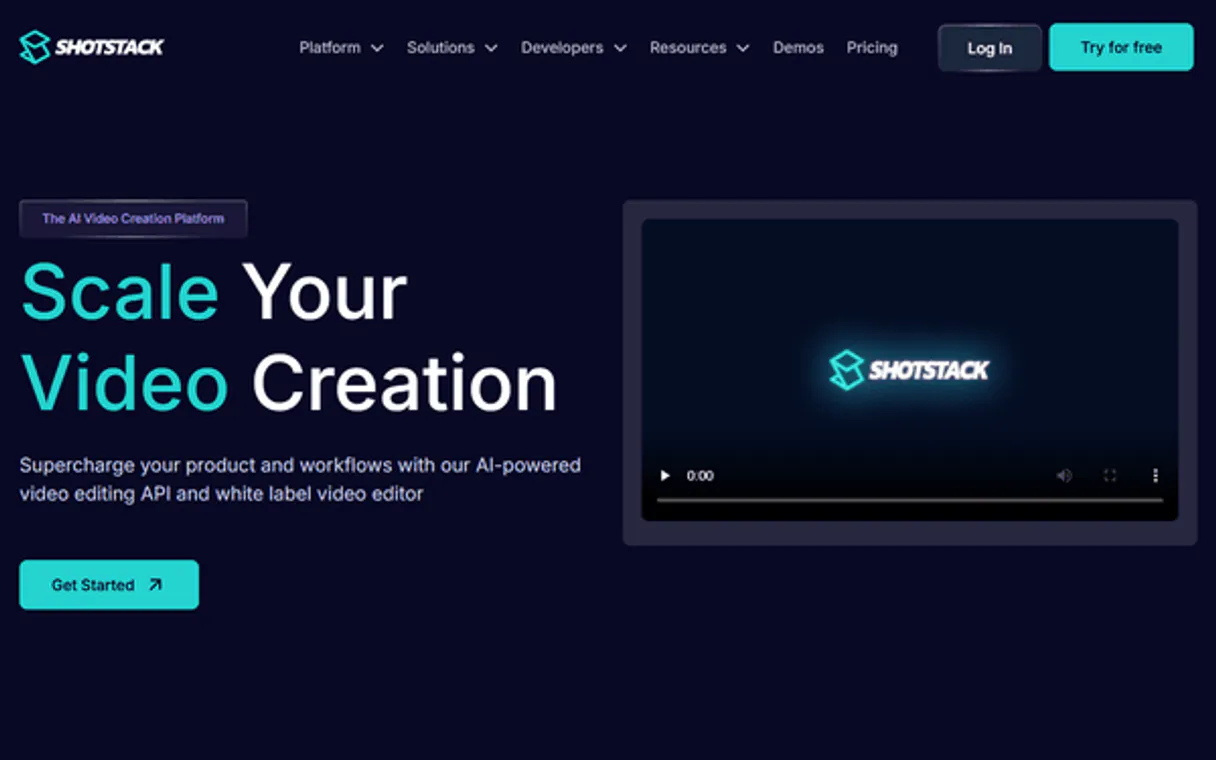
Shotstack MCP. Orchestrate full-scale video production from chat.
 Gemini
 Works with every AI agent you already use
…and any MCP-compatible client









Just plug in your AI agents and start using Vinkius.
Shotstack MCP Server lets your AI client handle all video production tasks. It connects to a cloud API that generates personalized videos from templates at scale.
You can ingest media sources, manage templates, check render progress, and orchestrate complex video builds entirely through natural conversation.
What your AI agents can do
Create video template
Saves a current video edit as a reusable template ID.
Get hosted asset details
Retrieves specific details for any media file currently hosted in your account.
Get render status
Checks the current status and progress percentage of a video render job ID.
Starts a new, cloud-based video rendering job using specified templates and assets.
Creates or lists reusable video templates to guarantee consistent output quality across batches of content.
Uploads source media files and keeps track of all hosted production assets for later use in renders.
Retrieves the real-time progress and detailed metadata for any video rendering job ID.
Lists all available templates, sources, and completed renders to maintain a clear overview of your assets.
Ask AI about this MCP
Supported MCP Clients
OAuth 2.0 Compatible Gemini Waiting for input…
Shotstack: 10 Tools for Media Automation
These tools let you manage the entire media lifecycle—from uploading raw files to triggering complex video renders and checking final asset availability.
Make your AI actually useful.
Add this MCP to Claude, Cursor, or Windsurf and your AI stops guessing. It gets real tools to look things up, take action, and handle the stuff you keep doing by hand.
Start using Shotstack on Vinkius019dd15ccreate video template
Saves a current video edit as a reusable template ID.
019dd15cget hosted asset details
Retrieves specific details for any media file currently hosted in your account.
019dd15cget render status
Checks the current status and progress percentage of a video render job ID.
019dd15cingest media source
Uploads new source media or fetches external assets to your production library.
019dd15clist assets from render
Lists all final files and outputs that were created by a specific render job ID.
019dd15clist hosted assets
Shows an inventory of every media file stored in your cloud account.
019dd15clist ingested sources
Lists all raw source media files that have been uploaded for future use.
019dd15clist recent renders
Provides a history log of the last few video rendering jobs run on your account.
019dd15clist templates
Retrieves a list of all existing, reusable video templates available for new renders.
019dd15crender video
Starts the actual process by initiating a new video render job using selected assets and a template ID.
Choose How to Get Started
Build a custom MCP for your own tools, or connect a ready-made integration from our catalog.
Build Your Own
Turn any API into an MCP. Import a spec, define Agent Skills, or deploy with MCPFusion.
- Import from OpenAPI, Swagger, or YAML specs
- Create Agent Skills with progressive disclosure
- Deploy to edge with MCPFusion framework
- Built in DLP, auth, and compliance on every call
- Real time usage dashboard and cost metering
- Publish to catalog or keep private
Make Your AI Do More
Start with Shotstack, then connect any of our 4,800+ other servers whenever your AI needs more. One click, no limits.
- Use this MCP plus 4,800+ others, all in one place
- Add new capabilities to your AI anytime you want
- Every connection is secured and compliant automatically
- Track usage and costs across all your servers
- Works with Claude, ChatGPT, Cursor, and more
- New servers added to the catalog every week
Independent Platform Disclaimer: Vinkius is an independent platform and is not affiliated with, endorsed by, sponsored by, verified by, or otherwise authorized by Shotstack. All third-party trademarks, logos, and brand names are the property of their respective owners. Their use on this website is strictly for informational purposes to identify service compatibility and interoperability.
VINKIUS INFRASTRUCTURE
Cloud Hosted
Managed infra
V8 Isolated
Sandboxed per request
Zero-Trust Proxy
No stored credentials
DLP Enforced
Policy on every call
GDPR Compliant
EU data residency
Token Compression
~60% cost reduction
Works with Claude, ChatGPT, Cursor, and more
The Model Context Protocol standardizes how applications expose capabilities to LLMs. Instead of operating in isolation, your AI gains direct access to external platforms, live data, and real-world actions through secure, standardized connections.
This server provides 10 capabilities that interface natively with Claude, ChatGPT, Cursor, and any MCP client. No middleware. No custom integration required.
Managing video assets shouldn't require jumping between three different tabs.
Today, if you want to check on a render, you open the dashboard. You click 'Renders,' find the job ID, then maybe you have to navigate to an 'Assets' tab just to see the output file list. If you need source files, you switch to a completely different section—it’s clicking hell.
With Shotstack MCP Server, your agent manages it all conversationally. You ask about the render status, and it gives you the progress. Then, if complete, asking for assets immediately runs `list_assets_from_render`. The entire process happens in one chat thread.
Shotstack MCP Server: Run video ops from a single chat window.
The biggest manual time sink is the asset lifecycle. You have to upload source media via one tool, manage that inventory via another, and then initiate the render using yet a third process. This separation kills flow.
Now, your agent handles the entire workflow: `ingest_media_source` puts the file in place; `list_templates` finds the right format; `render_video` executes the job. It's one coherent command chain.
What you can do with this MCP connector
Shotstack lets your AI client handle every step of video production. You connect your agent to this server, and it handles media orchestration, template management, and rendering. It’s a full cloud API right inside your chat—you never have to mess with a dashboard or write complex scripts to run a professional campaign.
Your agent acts like a dedicated video producer that lives in your conversation window.
Handling Source Media Assets. You can upload new source media using ingest_media_source if you've got raw footage or external assets, feeding them straight into your production library. If you need to know what’s already sitting there, the system lets you call list_hosted_assets to show an inventory of everything currently in your cloud account.
For a deep dive on any specific file you have stored, just use get_hosted_asset_details. You can also see all the raw source media files you've uploaded for future work by calling list_ingested_sources.
Building and Managing Templates. Consistency is key when you’re churning out content fast. The system lets you manage reusable templates to guarantee your final videos look the same, every single time. You can use create_video_template to take a finished video edit and save it as a reusable template ID. To see what kinds of templates are available for new renders, just call list_templates.
This keeps your whole process organized.
The Rendering Process. When you're ready to make the videos, you start the job with render_video, feeding in selected assets and a specific template ID. Once that job is running, you need to know what’s happening. You can check the real-time progress and status percentage of any video render job ID using get_render_status.
To see a history log of all your last few jobs, call list_recent_renders. When a render finishes, you don't just get one file—the system gives you all the final outputs created by that specific render job ID when you use list_assets_from_render.
Maintaining Production Inventory. Keeping track of everything is half the battle. You can call list_templates to see every saved template. For a comprehensive overview, calling list_hosted_assets shows all media files in your cloud account, while list_ingested_sources keeps track only of raw material uploaded for use later. This gives you a clear picture of everything you've got access to.
You manage the entire pipeline—from ingesting footage and building templates to initiating the final render and checking the status—all without writing code. Your agent just needs natural conversation to get the job done.
019dd15c-d0af-713e-ab14-2b0f8072baaf 
How Shotstack MCP Works
- 1 First, use
ingest_media_sourceto upload or fetch the necessary source media into your hosted asset library. - 2 Next, call
list_templatesand select a template ID; then runrender_videospecifying that template and the newly ingested assets. - 3 Finally, monitor progress by calling
get_render_statusuntil the job is complete, retrieving the final output URL when done.
The bottom line is: your AI client treats the entire video production pipeline—from source file to finished render—as a single conversation flow.
Who Is Shotstack MCP For?
This server is for content operations teams and developers who manage large volumes of media. If you're an ops engineer tired of clicking through dashboards just to check if a promo video finished rendering, this saves you hours. You need total visibility into your asset lifecycle, from template creation to final distribution.
Automates the generation of personalized ad videos; they use the agent to trigger renders and monitor status without touching the UI.
Quickly tests complex render configurations or validates template performance using structured chat commands.
Manages cloud assets, ingesting new source media and listing all available templates for project consistency.
What Changes When You Connect
- Automate content generation: Use
render_videoto start complex, personalized videos without leaving your chat window. This is a massive time saver over manual dashboard clicks. - Maintain consistency with templates: Call
list_templatesfirst, then use the ID inrender_video. You guarantee every output adheres to brand guidelines because you're using defined masters. - Never lose an asset: Use
ingest_media_sourceandlist_ingested_sourcestogether. All raw media is tracked immediately, giving your team a clean, searchable inventory. - Know where everything is: Need to check the final outputs? Run
list_assets_from_renderwith a job ID. It finds every single file associated with that render, period. - Instant status updates: Instead of refreshing a page, ask for the status using
get_render_status. You get real-time progress and metadata right in your conversational flow.
Real-World Use Cases
Batching Social Media Ads
The marketing team needs 50 variations of a promo video. Instead of manually updating assets and hitting 'render' fifty times, the agent runs list_templates to pick the master template, then uses render_video in a loop for all required combinations, keeping track via get_render_status until they are all done.
Validating Production Assets
A developer needs to verify if the latest logo animation is available. They don't know where it went; they use list_hosted_assets first, check the details with get_hosted_asset_details, and then confirm its readiness for a new render.
Post-Mortem Render Check
The video finished an hour ago, but someone needs to grab the source files used. They ask the agent to use list_assets_from_render with the job ID. This pulls up a full manifest of every file created in that single render run.
Initial Media Intake
A new product launch requires 10 high-res photos and two background tracks. The agent uses ingest_media_source for all 12 items, populating the library before any rendering can even begin.
The Tradeoffs
Treating it like file storage
Asking to 'list everything I ever uploaded' without specifying a function. This is too vague for an API call.
→
You need to ask the agent to use list_ingested_sources (for raw files) or list_hosted_assets (for all finalized media). Be specific about what type of inventory you want.
Relying on memory
Telling the agent, 'Remember that video I made last week?' The AI client can't read your mind.
→
Always ask to list_recent_renders first. This gives you a list of job IDs and titles, which is what you need for subsequent calls like get_render_status.
Skipping template creation
Just asking the agent to render a video without defining the structure or style first. The output will be inconsistent.
→
Before rendering, you must call list_templates, find your master ID, and confirm it with the agent before running render_video. This ensures structural integrity.
When It Fits, When It Doesn't
Use this server if your core bottleneck is managing high-volume media content: generating many variations of videos from fixed templates. It handles the entire pipeline—ingestion, template management (create_video_template), and rendering (render_video)—from a single point. Don't use it if you need highly specialized pre-processing (like advanced color grading outside of defined JSON parameters) or complex branching logic that depends on external data sources not connected to Shotstack. For pure file storage without any rendering capability, look at dedicated cloud storage tools; this is designed for production, not just archival.
Common Questions About Shotstack MCP
How do I check if a render using Shotstack MCP Server is finished? +
Use the get_render_status tool and provide the specific Job ID. This returns real-time progress, letting you know when the video is done and ready to pull the final asset URL.
What's the difference between list_hosted_assets and list_ingested_sources? +
list_ingested_sources shows raw media files you uploaded for production. list_hosted_assets lists all final, managed assets in your account—it’s a broader inventory.
Do I need to run create_video_template every time I make an edit? +
No. You use create_video_template when you finish an ideal version of the video and want to save it as a reusable master ID, so others don't have to rebuild it.
Can I get all the files that came out of a render job using list_assets_from_render? +
Yes. Just give the tool the specific Job ID. It pulls up every single file—renders, thumbnails, and outputs—associated with that one completed video.
How do I use list_templates to see what video templates are available? +
The tool retrieves all existing cloud templates for your account. This lets you quickly audit which predefined styles or structures you can apply to a new render, helping you decide on the best starting point.
What information does list_recent_renders give me about my video jobs? +
This tool provides an overview of your most recent rendering attempts. You get key details like the job ID and initial status, letting you verify that a process started successfully.
When should I use ingest_media_source before creating a video? +
You must run this tool first to make sure your source media is available in the cloud. It uploads or fetches external assets, guaranteeing that the rendering job has all its necessary ingredients.
If I need specific info on an asset, how do I use get_hosted_asset_details? +
You pass a file ID to this tool to pull comprehensive metadata about any hosted file. This gives you specifics—like dimensions or file type—that the simple list command won't show.
Can my AI automatically check the progress of a video render just by providing its ID? +
Yes! Use the get_render_status tool with the Render ID. Your agent will respond with the current status (e.g., 'rendering', 'done') and the final video URL if completed.
How do I list all my available cloud video templates? +
Simply ask the agent to run the list_templates action. It will retrieve the full catalog of video templates configured in your Shotstack account.
How do I find my Shotstack API Key? +
Log in to your Shotstack dashboard and navigate to the API Keys section. You will find both Stage and Production keys there.
Use it with your favorite AI tools
Connect this server to Cursor, Claude, VS Code, and more.