
Tencent START MCP. Automate game session and worker management.
 Gemini
 Works with every AI agent you already use
…and any MCP-compatible client









Just plug in your AI agents and start using Vinkius.
Tencent START MCP Server connects your AI agent directly to cloud gaming operations. It lets you manage game server sessions, check worker availability, and adjust user capacity limits for Tencent START Cloud Gaming.
Use it to orchestrate complex scaling tasks without writing boilerplate API calls.
What your AI agents can do
Create session
Starts a new cloud gaming instance for a user.
Get capacity limit
Checks the maximum allowed concurrent users for any given game ID.
Get concurrent user info
Retrieves the current number of active, connected users for a specific game.
Initialize a cloud gaming session using create_session or release an instance completely with stop_game.
Get detailed worker information for specific users (get_worker_info) and list the status of all available workers (list_workers).
Verify current user capacity using get_capacity_limit or check active concurrent usage with get_concurrent_user_info.
Adjust the maximum number of simultaneous users for a game ID by calling modify_capacity_limit.
Reserve a cloud gaming instance for a user before they need it, preventing race conditions using try_lock_worker.
Ask AI about this MCP
Supported MCP Clients
Gemini Waiting for input…
Tencent START: 11 Tools for Game Session & Worker Control
Use these 11 tools to manage the full lifecycle of cloud gaming instances—from listing games to modifying concurrency limits.
019d848acreate session
Starts a new cloud gaming instance for a user.
019d848aget capacity limit
Checks the maximum allowed concurrent users for any given game ID.
019d848aget concurrent user info
Retrieves the current number of active, connected users for a specific game.
019d848aget worker info
Fetches detailed status information for a worker associated with a particular user ID.
019d848alist games
Lists all available game titles running on the Tencent GS platform.
019d848alist workers
Gathers a list of all operational cloud gaming worker instances and their status.
019d848amodify capacity limit
Updates the maximum concurrent user limit for a specific game title when scaling is needed.
019d848astop game
Ends an active game session and releases the underlying worker resource back to the pool.
019d848astop publish stream
Stops the video stream feed for a specified user.
019d848astop publish stream by action
Stops the video stream using an explicit action code to ensure clean termination.
019d848atry lock worker
Attempts to reserve a worker instance for a user, preventing it from being allocated elsewhere.
Choose How to Get Started
Build a custom MCP for your own tools, or connect a ready-made integration from our catalog.
Build Your Own
Turn any API into an MCP. Import a spec, define Agent Skills, or deploy with MCPFusion.
- Import from OpenAPI, Swagger, or YAML specs
- Create Agent Skills with progressive disclosure
- Deploy to edge with MCPFusion framework
- Built in DLP, auth, and compliance on every call
- Real time usage dashboard and cost metering
- Publish to catalog or keep private
Make Your AI Do More
Start with Tencent START, then connect any of our 4,700+ other servers whenever your AI needs more. One click, no limits.
- Use this MCP plus 4,700+ others, all in one place
- Add new capabilities to your AI anytime you want
- Every connection is secured and compliant automatically
- Track usage and costs across all your servers
- Works with Claude, ChatGPT, Cursor, and more
- New servers added to the catalog every week
What you can do with this MCP connector
Tencent START MCP Server gives your AI agent direct command over cloud gaming operations for Tencent START Cloud Gaming. You'll manage entire game server sessions and orchestrate resource scaling without writing a single line of boilerplate API code. It handles everything from initial user connection to shutting down resources when the action is done.
Managing Game Sessions
You can initiate a new gaming session for any user using create_session. When a player is done, call stop_game to end the active instance and release its worker resource back into the pool. If you only need to cut the video feed without killing the whole game process, use stop_publish_stream or stop_publish_stream_by_action to stop the stream by specific action code.
Monitoring Infrastructure Status
To understand what's running, start with list_games, which gives you a rundown of every game title currently available on the Tencent GS platform. You can then check usage metrics: call get_concurrent_user_info to retrieve the current number of active users connected to a specific game ID. To see how close you are to hitting your limits, use get_capacity_limit, which checks the maximum allowed concurrent users for that same game ID.
For deeper status checks, list_workers gives you a full inventory and operational status of every cloud gaming worker instance out there. If you need details on one specific user's machine, get_worker_info fetches detailed status information using the associated user ID.
Scaling and Resource Control
When player demand spikes, you don't want your service to crash. You can adjust the maximum number of simultaneous users for any game title by calling modify_capacity_limit, which updates that hard cap when scaling is necessary. Before a user connects, it’s smart to reserve their spot; use try_lock_worker to attempt reserving a worker instance for a specific user, keeping it locked down so no other process allocates it elsewhere.
If you need to know what games are even available before running any checks, start with list_games.
Operational Flow
You can execute complex operational sequences through this single server connection. You'll first use list_games to identify the target title, then check current usage via get_concurrent_user_info, and verify the hard limit with get_capacity_limit. If you determine scaling is required, call modify_capacity_limit. Once capacity is set and workers are available (which you monitor using list_workers), you can execute a session start with create_session or pre-reserve resources by calling try_lock_worker for mission-critical users.
When the user connects, their dedicated worker status comes through via get_worker_info. To ensure clean shutdown, you'll use stop_game, and if needed, follow up with a stream stop using either stop_publish_stream or stop_publish_stream_by_action to guarantee the video feed terminates cleanly. You won't need to write custom logic for these transitions; this server handles it all.
How Tencent START MCP Works
- 1 First, subscribe to the server and log in via your preferred AI client. Then, navigate to the Tencent Cloud Console to generate a SecretId and SecretKey for access management.
- 2 Next, you'll enable the Cloud Gaming (GS) service and input your credentials and desired region into the MCP fields. This authenticates your agent with the gaming platform.
- 3 Finally, your AI client uses the tools—like
list_gamesorget_worker_info—to read the current state of the system and execute commands to manage sessions.
The bottom line is: you provide the credentials once, and then your agent handles all the complex API calls needed to run game operations.
Who Is Tencent START MCP For?
This tool is for platform operators, infrastructure engineers, and backend developers who handle live cloud gaming environments. If you're tired of manually checking dashboards every five minutes just to see if a server pool is running low, this is built for you.
Uses list_workers and get_concurrent_user_info to monitor resource utilization across multiple game titles in real-time.
Integrates session management by calling create_session when a user signs up, and stop_game when they log out.
Manages scaling events by running modify_capacity_limit immediately after analyzing traffic spikes using get_capacity_limit.
What Changes When You Connect
- Stop manually checking capacity. Use
get_capacity_limitto instantly see if you're hitting user limits, preventing unexpected service outages before they happen. - Manage player flow with precision. You can lock a resource using
try_lock_worker, ensuring that when a user connects, the worker is ready and won't be assigned elsewhere. - Scale without downtime. When traffic spikes, run
modify_capacity_limitto raise the concurrency ceiling immediately, accommodating sudden bursts of players. - Keep costs down by cleaning up. Use
stop_gameafter a session ends; it reliably releases the worker instance back into the pool for reuse. - Gain full visibility. Running
list_workersgives you an immediate inventory count and status (Occupied, Idle, Maintenance) across your entire fleet.
Real-World Use Cases
Handling a Peak Load Event
A major game launch causes traffic to spike past the default capacity. Instead of waiting for manual alerts, the agent runs get_concurrent_user_info and sees the limit is breached. It immediately calls modify_capacity_limit to raise the ceiling, stabilizing service before users complain.
User Login Flow Orchestration
A user hits 'Play'. The agent first runs try_lock_worker for that specific user ID. If successful, it calls create_session. This sequence ensures the worker is reserved before resources are consumed.
Debugging a Disconnected Client
A client suddenly drops connection but isn't showing up in usage metrics. The agent checks get_worker_info for that user ID, confirming the last known status and whether the worker was properly released using stop_game.
Pre-Launch Readiness Check
The ops team needs to know if the platform is ready. They run list_games to confirm all titles are listed, then use get_worker_info and list_workers to verify that a sufficient number of workers are in 'Idle' status.
The Tradeoffs
Guessing Capacity
Writing code that just assumes there's enough capacity because the last check was fine, leading to connection failures during unexpected traffic spikes.
→
Always run get_capacity_limit before attempting large-scale operations. If the limit is too low, use modify_capacity_limit first.
Forgetting Cleanup
Calling create_session for a temporary test and then just abandoning the process, leaving the worker instance locked and unavailable.
→
When you're done testing or when the user logs out, always use stop_game to guarantee the resource is released back into the pool.
Race Conditions
Multiple background services trying to assign a worker to different users at the same time, leading to unpredictable assignment errors.
→
Use try_lock_worker first. This atomic operation reserves the resource for your user before any other service can touch it.
When It Fits, When It Doesn't
Use this MCP Server if your core problem is operational control over live cloud gaming resources (e.g., 'Is there a worker available? Can I increase the limit right now?'). The tools are designed to manage resource state: locking, starting, stopping, and measuring capacity.
Don't use it if you need pure analytics or business logic that doesn't touch infrastructure. If your goal is, 'What was the average player spending last month?' or 'How many users registered yesterday?', then this tool is overkill; you need a dedicated database query endpoint instead of list_games.
If you only need to list available games, run list_games. But if you need to act on that data—like creating a session for one of those listed games—you'll need the full suite.
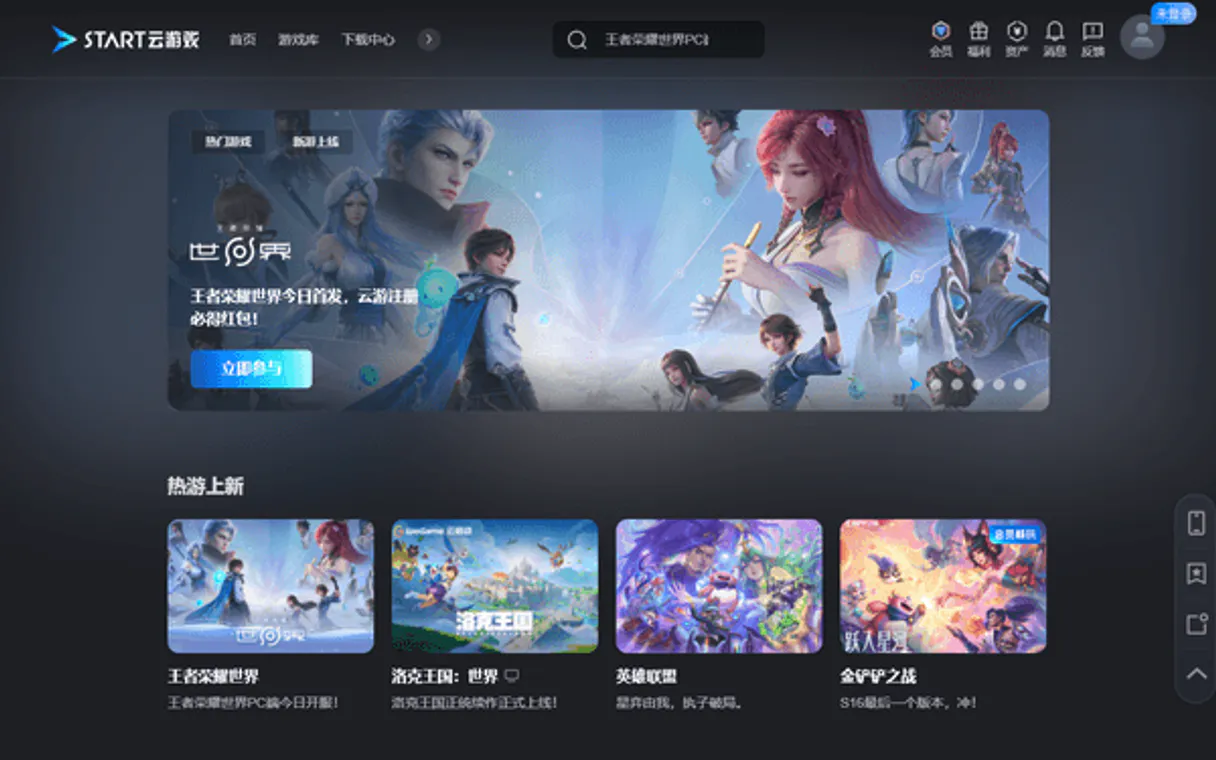
Independent Platform Disclaimer: Vinkius is an independent platform and is not affiliated with, endorsed by, sponsored by, verified by, or otherwise authorized by Tencent START. All third-party trademarks, logos, and brand names are the property of their respective owners. Their use on this website is strictly for informational purposes to identify service compatibility and interoperability.
VINKIUS INFRASTRUCTURE
Cloud Hosted
Managed infra
V8 Isolated
Sandboxed per request
Zero-Trust Proxy
No stored credentials
DLP Enforced
Policy on every call
GDPR Compliant
EU data residency
Token Compression
~60% cost reduction
Works with Claude, ChatGPT, Cursor, and more
The Model Context Protocol standardizes how applications expose capabilities to LLMs. Instead of operating in isolation, your AI gains direct access to external platforms, live data, and real-world actions through secure, standardized connections.
This server provides 11 capabilities that interface natively with Claude, ChatGPT, Cursor, and any MCP client. No middleware. No custom integration required.
Available Capabilities
Managing game resources used to mean logging into three different dashboards.
Today, managing cloud gaming capacity is a mess. You have to check the main dashboard for active workers, then jump to the resource allocation tab to see if you're hitting your concurrency limits. Finally, you might open a third window just to confirm who exactly is assigned which worker ID. It takes ten minutes and three different logins.
With this MCP Server, all that information collapses into one API call. You run `list_workers` or `get_concurrent_user_info`, and your agent gives you the full status in a single response. That's everything you need to know right there.
Tencent START MCP Server: Control sessions with simple commands.
The biggest headaches are scaling and cleanup. Before, if traffic spiked, you were stuck until an admin manually increased the concurrency limit via a console GUI. If users logged out, sometimes the worker was left hanging—a 'ghost' resource consuming capacity.
Now, your agent handles it automatically. Need more room? Call `modify_capacity_limit`. A session ends? Run `stop_game` and consider it done. The system adjusts instantly.
Common Questions About Tencent START MCP
How do I check if a user can play right now using Tencent START MCP Server? +
Run get_concurrent_user_info to see how many users are active. If that number is close to the limit, run get_capacity_limit first. This tells you your current operational boundaries.
Is there a tool in Tencent START MCP Server to handle scaling? +
Yes, use modify_capacity_limit. This tool updates the maximum user count for a game ID when demand requires it. It's how you prevent service slowdowns.
What's the difference between list_workers and get_worker_info? +
list_workers gives you an inventory—a broad overview of all worker instances and their general status. get_worker_info is specific; it drills down to get detailed metrics for one single, known user's worker.
How do I start a game session programmatically? +
You use the create_session tool. This initializes the cloud gaming instance and makes it ready for the user to connect to.
What credentials do I need to use the `try_lock_worker` tool? +
You must provide a valid SecretId, SecretKey, and Region for authentication. These are generated in your Tencent Cloud Console after enabling the Cloud Gaming (GS) service. Your AI client uses these keys to authorize session locking requests.
When should I use `stop_game` versus `stop_publish_stream`? +
stop_game fully terminates a game instance, releasing all associated resources and workers. Use stop_publish_stream, however, if you only need to cut the video feed for a specific user while keeping the underlying worker active.
What does the `list_games` tool provide about the Tencent GS platform? +
The list_games tool returns a catalog of all available game IDs on the platform. This is essential for determining which titles you can target before attempting to monitor or create sessions.
How do I ensure I have the right parameters for `modify_capacity_limit`? +
The tool requires two main inputs: a specific game ID and the new maximum concurrency limit. You must know both values to successfully update the capacity ceiling for that particular title.
Can I automatically list all available games on the platform? +
Yes! Use the list_games tool. It will retrieve metadata for all configured cloud games, including their names and unique identifiers.
How do I check the status of my cloud gaming workers? +
Use the list_workers tool. It returns the availability and current operational state of all server instances allocated to your account.
Can I dynamically modify the concurrency limit for a game? +
Yes! Use the modify_capacity_limit tool with the target Game ID and the new maximum concurrent user count to scale your capacity.
Use it with your favorite AI tools
Connect this server to Cursor, Claude, VS Code, and more.
More in this category

Shutterstock
Equip your AI agent to radically sift through Shutterstock's immense media vault. Search high-quality images, videos, audio, and audit editorial licenses directly from your prompt.

U.S. Treasury Budget — Federal Revenue, Spending & Deficit
Track the U.S. Federal Government's wallet. Access daily Treasury cash balances, monthly and yearly federal revenue/spending, and track the ongoing multi-trillion dollar budget deficit.

NHTSA Vehicle Safety
Decode VINs, search recalls and complaints, check safety ratings and find car seat inspection stations.
You might also like

Smartsheet
Empower your AI to read Smartsheet rows, list workspaces, and manage your spreadsheets effortlessly from your code editor.

ONES
Enterprise R&D project management platform — manage tasks, projects, and workflows via AI.

AwardWallet
Manage loyalty points, travel rewards, and itineraries via AwardWallet — monitor your miles and trips directly via AI.