
Treinta App MCP Server for Windsurf 12 tools — connect in under 2 minutes
Windsurf brings agentic AI coding to a purpose-built IDE. Connect Treinta App through Vinkius and Cascade will auto-discover every tool. ask questions, generate code, and act on live data without leaving your editor.
ASK AI ABOUT THIS MCP SERVER
Vinkius supports streamable HTTP and SSE.
Vinkius Desktop App
The modern way to manage MCP Servers — no config files, no terminal commands. Install Treinta App and 2,500+ MCP Servers from a single visual interface.




{
  "mcpServers": {
    "treinta-app": {
      "url": "https://edge.vinkius.com/[YOUR_TOKEN_HERE]/mcp"
    }
  }
}
* Every MCP server runs on Vinkius-managed infrastructure inside AWS - a purpose-built runtime with per-request V8 isolates, Ed25519 signed audit chains, and sub-40ms cold starts optimized for native MCP execution. See our infrastructure
About Treinta App MCP Server
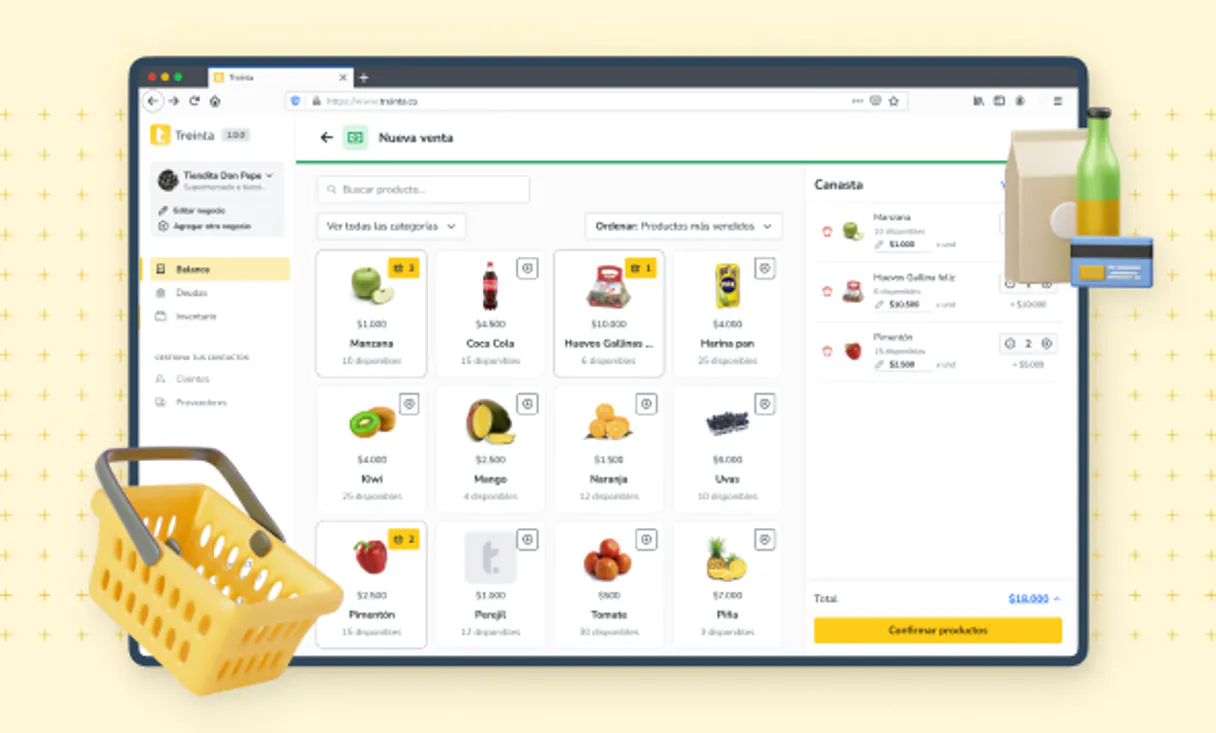
Connect your Treinta SMB store operator account directly to Vurb allowing Claude to perform deep digital bookkeeping natively.
Windsurf's Cascade agent chains multiple Treinta App tool calls autonomously. query data, analyze results, and generate code in a single agentic session. Paste Vinkius Edge URL, reload, and all 12 tools are immediately available. Real-time tool feedback appears inline, so you see API responses directly in your editor.
What you can do
- Write Real Transactions — Easily ask to compute ''I sold two coffees for $10'' and watch it register into your daily accounting books seamlessly.
- Check Client Tab (Fiado) — Access the registered client list and rapidly probe who currently has an unpaid debt.
- Audit Inventory — Download your digital stock catalog reading precise shelf margins instantly.
- Macro Profit & Loss — Pull your dashboard KPIs asserting if your monthly operational balances ended green.
The Treinta App MCP Server exposes 12 tools through the Vinkius. Connect it to Windsurf in under two minutes — no API keys to rotate, no infrastructure to provision, no vendor lock-in. Your configuration, your data, your control.
How to Connect Treinta App to Windsurf via MCP
Follow these steps to integrate the Treinta App MCP Server with Windsurf.
Open MCP Settings
Go to Settings → MCP Configuration or press Cmd+Shift+P and search "MCP"
Add the server
Paste the JSON configuration above into mcp_config.json
Save and reload
Windsurf will detect the new server automatically
Start using Treinta App
Open Cascade and ask: "Using Treinta App, help me...". 12 tools available
Why Use Windsurf with the Treinta App MCP Server
Windsurf provides unique advantages when paired with Treinta App through the Model Context Protocol.
Windsurf's Cascade agent autonomously chains multiple tool calls in sequence, solving complex multi-step tasks without manual intervention
Purpose-built for agentic workflows. Cascade understands context across your entire codebase and integrates MCP tools natively
JSON-based configuration means zero code changes: paste a URL, reload, and all 12 tools are immediately available
Real-time tool feedback is displayed inline, so you see API responses directly in your editor without switching contexts
Treinta App + Windsurf Use Cases
Practical scenarios where Windsurf combined with the Treinta App MCP Server delivers measurable value.
Automated code generation: ask Cascade to fetch data from Treinta App and generate models, types, or handlers based on real API responses
Live debugging: query Treinta App tools mid-session to inspect production data while debugging without leaving the editor
Documentation generation: pull schema information from Treinta App and have Cascade generate comprehensive API docs automatically
Rapid prototyping: combine Treinta App data with Cascade's code generation to scaffold entire features in minutes
Treinta App MCP Tools for Windsurf (12)
These 12 tools become available when you connect Treinta App to Windsurf via MCP:
create_client
Register a new active client
create_product
Add a new store inventory product
create_transaction
Create a new business transaction
delete_transaction
Revert an incorrect transaction
get_business_stats
Get macro P&L operations dashboard
get_client
Fetch specific client debt profile
get_product
Fetch targeted product SKU details
list_clients
List registered customers/clients
list_products
Get complete business inventory
list_sales
List consolidated sales
list_transactions
List book flow transactions
update_product_stock
Update physical quantity of a product
Example Prompts for Treinta App in Windsurf
Ready-to-use prompts you can give your Windsurf agent to start working with Treinta App immediately.
"Audit the store today. Check recent logged transactions and summarize our business overall dashboard stats."
"Create a formal Income Transaction representing our $35 cash sale of the surplus store products."
"Delete this transaction id 123"
Troubleshooting Treinta App MCP Server with Windsurf
Common issues when connecting Treinta App to Windsurf through the Vinkius, and how to resolve them.
Server not connecting
Treinta App + Windsurf FAQ
Common questions about integrating Treinta App MCP Server with Windsurf.
How does Windsurf discover MCP tools?
mcp_config.json file on startup and connects to each configured server via Streamable HTTP. Tools are listed in the MCP panel and available to Cascade automatically.Can Cascade chain multiple MCP tool calls?
Does Windsurf support multiple MCP servers?
mcp_config.json. Each server's tools appear in the MCP panel and Cascade can use tools from different servers in a single flow.Connect Treinta App with your favorite client
Step-by-step setup guides for every MCP-compatible client and framework:
Anthropic's native desktop app for Claude with built-in MCP support.
AI-first code editor with integrated LLM-powered coding assistance.
GitHub Copilot in VS Code with Agent mode and MCP support.
Purpose-built IDE for agentic AI coding workflows.
Autonomous AI coding agent that runs inside VS Code.
Anthropic's agentic CLI for terminal-first development.
Python SDK for building production-grade OpenAI agent workflows.
Google's framework for building production AI agents.
Type-safe agent development for Python with first-class MCP support.
TypeScript toolkit for building AI-powered web applications.
TypeScript-native agent framework for modern web stacks.
Python framework for orchestrating collaborative AI agent crews.
Leading Python framework for composable LLM applications.
Data-aware AI agent framework for structured and unstructured sources.
Microsoft's framework for multi-agent collaborative conversations.
Connect Treinta App to Windsurf
Get your token, paste the configuration, and start using 12 tools in under 2 minutes. No API key management needed.