
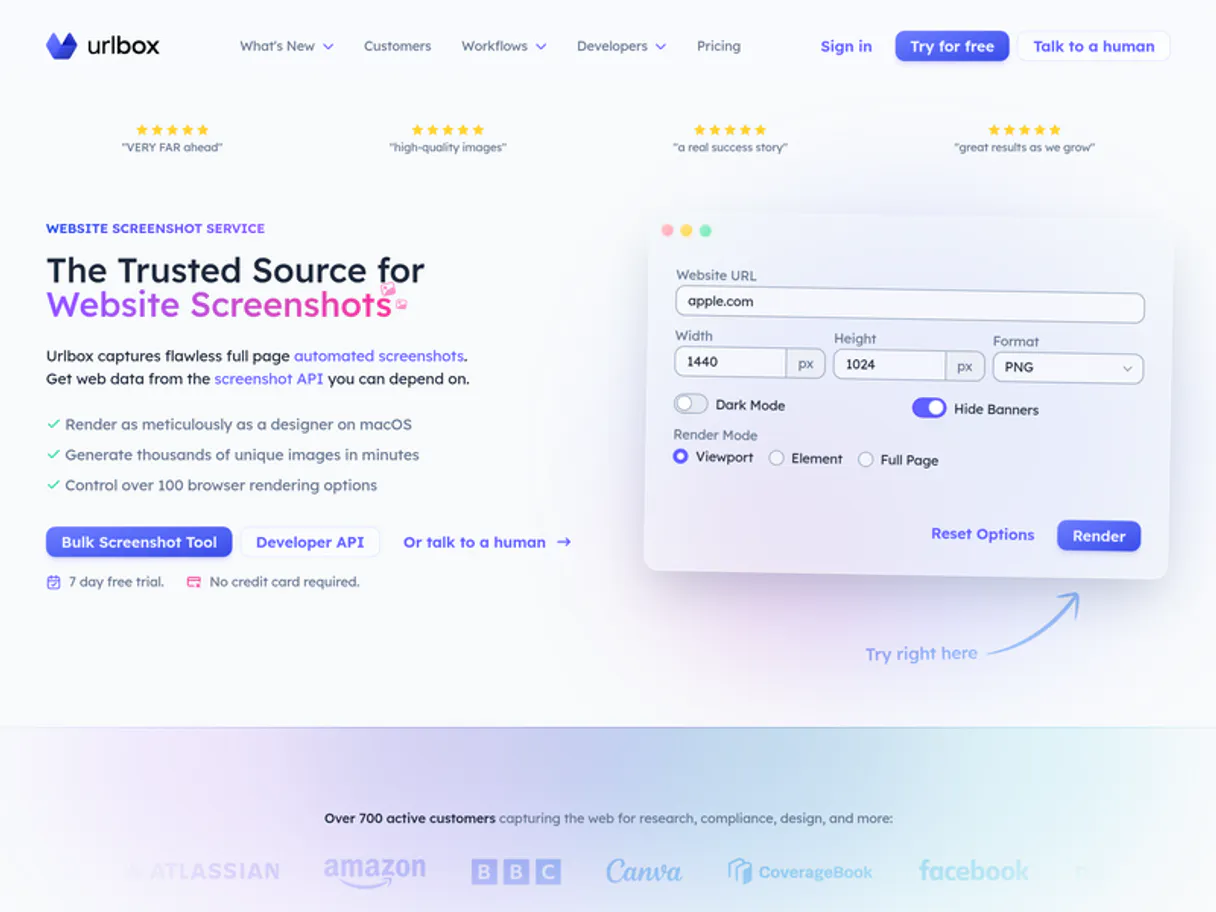
Urlbox MCP. Capture Web Assets, From Code to Document.
 Gemini
 Works with every AI agent you already use
…and any MCP-compatible client









Just plug in your AI agents and start using Vinkius.
Urlbox lets your AI client capture any public website as a high-fidelity screenshot, PDF, or raw image. It handles responsive layouts and dynamic content using a cloud API, letting you generate visual proofs or archive articles with simple commands.
What your AI agents can do
Capture pdf
Turns a specified URL into a comprehensive, downloadable PDF file.
Capture png
Grabs a simple PNG screenshot of an entire public URL.
Get account info
Retrieves basic details about your Urlbox account profile.
Converts an entire live webpage into a formatted PDF document.
Takes instant, high-resolution screenshots of any given URL in PNG, JPG, WebP, or SVG formats.
Uses CSS selectors to render and capture only a specific part of a page's content, ignoring the rest.
Renders raw HTML code directly into an image file for visual testing or asset creation.
Starts a long-running render job and sends the result to a designated webhook later.
Retrieves your credit balance, account details, or list of active webhooks.
Ask AI about this MCP
Supported MCP Clients
OAuth 2.0 Compatible Gemini Waiting for input…
Urlbox: 12 Tools for Web Rendering and Capture
These tools give your agent the power to interact with live web pages, turning URLs into structured data, images, and PDFs.
Make your AI actually useful.
Add this MCP to Claude, Cursor, or Windsurf and your AI stops guessing. It gets real tools to look things up, take action, and handle the stuff you keep doing by hand.
Start using Urlbox on Vinkius019dd17fcapture pdf
Turns a specified URL into a comprehensive, downloadable PDF file.
019dd17fcapture png
Grabs a simple PNG screenshot of an entire public URL.
019dd17fget account info
Retrieves basic details about your Urlbox account profile.
019dd17fget credit usage
Checks how many credits you've used and what your current balance is.
019dd17fget render status
Checks if a background rendering job has finished processing the URL.
019dd17flist proxies
Shows you a list of active proxy locations available for rendering.
019dd17flist storage buckets
Lists all the storage buckets where your rendered assets are kept.
019dd17flist webhooks
Retrieves a list of webhooks that are currently active on your account.
019dd17frender async
Starts a rendering job for a URL and sends the completion result to a webhook later.
019dd17frender html
Renders raw, unlinked HTML code into an image format for testing purposes.
019dd17frender selector
Captures only the visual output of a specific element defined by a CSS selector on a URL.
019dd17frender sync
Renders and returns the image or PDF result immediately for a given URL.
Choose How to Get Started
Build a custom MCP for your own tools, or connect a ready-made integration from our catalog.
Build Your Own
Turn any API into an MCP. Import a spec, define Agent Skills, or deploy with MCPFusion.
- Import from OpenAPI, Swagger, or YAML specs
- Create Agent Skills with progressive disclosure
- Deploy to edge with MCPFusion framework
- Built in DLP, auth, and compliance on every call
- Real time usage dashboard and cost metering
- Publish to catalog or keep private
Make Your AI Do More
Start with Urlbox, then connect any of our 4,800+ other servers whenever your AI needs more. One click, no limits.
- Use this MCP plus 4,800+ others, all in one place
- Add new capabilities to your AI anytime you want
- Every connection is secured and compliant automatically
- Track usage and costs across all your servers
- Works with Claude, ChatGPT, Cursor, and more
- New servers added to the catalog every week
Independent Platform Disclaimer: Vinkius is an independent platform and is not affiliated with, endorsed by, sponsored by, verified by, or otherwise authorized by Urlbox. All third-party trademarks, logos, and brand names are the property of their respective owners. Their use on this website is strictly for informational purposes to identify service compatibility and interoperability.
VINKIUS INFRASTRUCTURE
Cloud Hosted
Managed infra
V8 Isolated
Sandboxed per request
Zero-Trust Proxy
No stored credentials
DLP Enforced
Policy on every call
GDPR Compliant
EU data residency
Token Compression
~60% cost reduction
Works with Claude, ChatGPT, Cursor, and more
The Model Context Protocol standardizes how applications expose capabilities to LLMs. Instead of operating in isolation, your AI gains direct access to external platforms, live data, and real-world actions through secure, standardized connections.
This server provides 12 capabilities that interface natively with Claude, ChatGPT, Cursor, and any MCP client. No middleware. No custom integration required.
Saving web content shouldn't mean running multiple tabs.
Today, if you need to save an article or capture a specific section of a page for documentation, what do you do? You open the site, right-click, take a screenshot (which is often low quality and doesn't include everything), then maybe print it to PDF, which almost always loses formatting. It’s tedious, slow, and unreliable.
With this server, you tell your agent exactly what you need. Want an A4 PDF? Call `capture_pdf`. Need just the header image? Use `render_selector` with a CSS class. You get professional-grade output instantly, without opening another tab or dealing with messy downloads.
Urlbox MCP Server: Capture web assets in one command.
Manually checking responsive layouts means switching between browser tabs and adjusting viewport sizes to see if the design holds up. It's a massive time sink for developers, forcing them to test edge cases just to verify basic functionality.
Now, you tell your agent to run `capture_png` on multiple viewports or use `render_selector` to isolate specific components. The result is a clean set of assets delivered in one go. You spend time building, not clicking.
What you can do with this MCP connector
You're gonna use this server when your AI client needs to grab assets from a webpage—any public website. It lets you bypass manual browser work; instead, your agent handles all the heavy lifting using a cloud API backend.
PDF Conversion: When you need an entire site archived, capture_pdf takes any given URL and spits out a downloadable PDF file. You can turn a live webpage into a formatted document that's ready to share.
Screenshot Capture: For quick visuals, capture_png grabs a simple PNG screenshot of the whole public URL. If you need something else—like JPG, WebP, or SVG formats—the agent handles it through standard capture functions. These tools ensure your screenshots are high-fidelity and responsive to tricky layouts.
Selective Element Rendering: Sometimes you only care about one part of a page, like a pricing table or a specific chart. You can use render_selector with a CSS selector to pinpoint and grab just that visual output, ignoring everything else on the page. This is huge for testing components.
Raw HTML Visualization: If you're dealing with raw code and need to see what it looks like visually—maybe for style testing or asset creation—you use render_html. It takes unlinked HTML code and renders it directly into an image file so you can eyeball the output.
Asynchronous Web Rendering: When a page is massive or complex, rendering takes time. You don't wanna wait around. Use render_async to kick off a render job for a URL; your agent then waits for the completion result and gets notified later via a webhook. For instant results on smaller pages, you use render_sync, which returns the image or PDF right away.
Account & Usage Monitoring: Your agent keeps track of what's going down with this server. You can check your credit balance and see how many credits you've already used by running get_credit_usage. To get basic info on the Urlbox account profile, use get_account_info. If you need to know which webhooks are set up or active, run list_webhooks.
System Status: The server gives you deep visibility into its operations. You can check if a long-running background rendering job has finally finished processing the URL by calling get_render_status. If you need to know what proxy locations are available for rendering, run list_proxies. To see where your rendered assets are stored, use list_storage_buckets.
019dd17f-b3c9-7392-a072-9fe3d1cfb77a 
How Urlbox MCP Works
- 1 First, subscribe to the server and provide your Urlbox API Key in your agent's configuration.
- 2 Next, instruct your AI client (e.g., 'Convert this URL to an A4 PDF.')
- 3 The agent calls the appropriate tool (
capture_pdf), which communicates with the cloud API and returns a downloadable asset link.
The bottom line is that you tell your AI client what web content you need, and it handles calling the right function to get you the file or image.
Who Is Urlbox MCP For?
Web Developers who hate testing responsive layouts manually. Marketing teams needing instant visual proofs for ads. Content Creators who regularly archive articles or blog posts. If your job involves turning live web pages into consistent, usable assets—you need this.
Needs to check how a page looks on different devices or test if raw HTML styles render correctly without running a local server.
Consistently generates visual proofs for ad campaigns, requiring high-quality screenshots of specific landing page elements.
Needs to save a full copy of an online article or document as a consistent PDF backup.
What Changes When You Connect
- You get instant, multi-format screenshots. Instead of just PNGs, you can request JPG, WebP, or SVG captures using
capture_png, giving you more options for different ad platforms. - Archiving is simple. Use
capture_pdfto turn entire articles into a standardized A4 PDF in one step. No need to print the page and scan it manually. - You don't have to capture everything. If you only want the pricing table, use
render_selector. Your agent grabs only that element, making your output clean and focused. - The API handles complex jobs in the background. Need a render for a long-running task? Use
render_async, set up your webhook, and check back later withget_render_status. - Test code without opening a browser. If you've got raw HTML, use
render_html. Your agent renders it instantly as an image so you can see if the styles are working right. - You always know your usage limits. Use
get_credit_usageto check your balance before running expensive batch jobs.
Real-World Use Cases
A Developer needs to test responsive layouts.
The developer runs into a problem: the site looks fine on desktop but breaks on mobile. They ask their agent to run capture_png on the URL, specifying different viewport sizes. The agent returns multiple PNGs so they can visually compare and fix the layout issue.
A Marketer needs visual proof for a paid ad.
The marketer has a complex landing page with many sections. Instead of taking a massive, messy screenshot, they ask their agent to use render_selector on the 'Call-to-Action' box only. The agent runs this and returns a clean, cropped image perfect for an ad creative.
An Archivist needs a complete backup of a research article.
The archivist finds an important online guide that might change anytime. They instruct their agent to use capture_pdf on the URL, requesting A4 format. The agent processes the entire page and provides one stable PDF download.
A DevOps engineer needs to render a code snippet.
The engineer has raw HTML/CSS they need to visualize for a client presentation but doesn't want to run it locally. They use render_html via the agent, which outputs an image showing exactly how the coded element will look.
The Tradeoffs
Trying to capture everything at once.
A user tries to ask their agent for 'a screenshot of the whole page, plus just the chart, plus the footer PDF.' This results in messy code and multiple API calls that aren't coordinated.
→
Break it down. First, use capture_png for the full view. Then, if you only need the chart, run a dedicated call using render_selector. Finally, capture the whole thing as a PDF with capture_pdf.
Waiting until the end to check status.
A user runs a complex render job and then waits hours for the result. They don't know if it failed or is still running, wasting time and assuming nothing.
→
Always use render_async first. This starts the job. Periodically check its status using get_render_status. Only download when it reports 'complete'.
Treating a raw HTML file like a live page.
A developer just has an HTML string and tries to pass it directly to the standard screenshot tool. The result is often broken or incomplete because the API expects a URL.
→
Use render_html for static code snippets, or if you need that code visualized as part of a live page render, use render_selector pointing to a placeholder element.
When It Fits, When It Doesn't
Use this server when your core requirement is turning complex, dynamic web pages into stable, actionable assets (PDFs or images). You need it if you're dealing with responsiveness testing, archiving online content, or needing visual proof of specific page components. Don't use it if you just need simple text extraction—a standard LLM call will handle that better. Also, don't use it if the content is hosted locally and isn't accessible via a public URL; this API requires external web access.
It’s perfect for pairing with other tools: e.g., using capture_png to grab an image, then feeding that image into another agent tool for analysis. If you find yourself needing to perform multiple sequential captures (full page -> specific section -> PDF), remember the workflow structure: start with a render function (render_sync, render_async), and follow up with management tools like get_credit_usage to keep track.
Common Questions About Urlbox MCP
How does the `capture_pdf` tool handle different page sizes like A4 or Letter? +
The capture_pdf tool allows you to specify custom page dimensions when making the call. You pass the desired size (e.g., A4, letter) as a parameter, ensuring your document fits the right standard.
What’s the difference between `render_sync` and `render_async`? +
render_sync is for quick jobs; it renders and gives you the result immediately. Use render_async if the page is large or complex, as it starts a background job that saves resources and sends results to a webhook later.
Can I only capture one element with `render_selector`? +
It's designed for single elements defined by a CSS selector. If you need multiple, you might need to run several calls or manually combine the results in your workflow.
How do I check my credit balance using `get_credit_usage`? +
You simply instruct your agent to call get_credit_usage. The tool returns a JSON object containing your current usage statistics and remaining credits, letting you manage costs before running large jobs.
I ran a complex capture job; how do I check if it's finished using the `get_render_status` tool? +
You provide the unique Job ID received after starting the render. The tool checks the backend status, returning success or failure details immediately. This lets your agent wait for long-running tasks without needing to constantly poll.
Before I run `capture_png`, how do I check which geographic proxies are available using the `list_proxies` tool? +
This tool lists all proxy endpoints your account has access to. Use this when your target website blocks requests from standard IP ranges, ensuring you get geo-specific screenshots.
If I use `render_async`, how do I guarantee the results are delivered automatically? +
You must set up a webhook endpoint first. When running render_async, the server sends the final result directly to your specified URL. This is better than polling, especially for large batches or complex reports.
When should I use `get_account_info`? Does it confirm my API key is valid? +
You call this first to verify your connection details and profile. It confirms that the MCP server has access to the correct account level, which prevents authentication errors before you start capturing.
Can I capture only a specific part of a webpage? +
Yes! Use the render_selector tool. Provide the URL and the CSS selector (e.g., #my-chart) to capture only that specific element instead of the whole page.
How do I see how many credits I have left? +
Run the get_credit_usage query. Your agent will retrieve your current credit balance and monthly rendering metrics directly from Urlbox.
Can this tool convert a URL directly to PDF? +
Absolutely. Use the capture_pdf tool by providing the URL. You can also specify an optional page size like 'A4' or 'Letter'.
Use it with your favorite AI tools
Connect this server to Cursor, Claude, VS Code, and more.