
YepCode MCP for AI. Automate Cloud Workflows Via Conversation
 Gemini
 Works with every AI agent you already use
…and any MCP-compatible client









How this MCP server connects to your AI agent
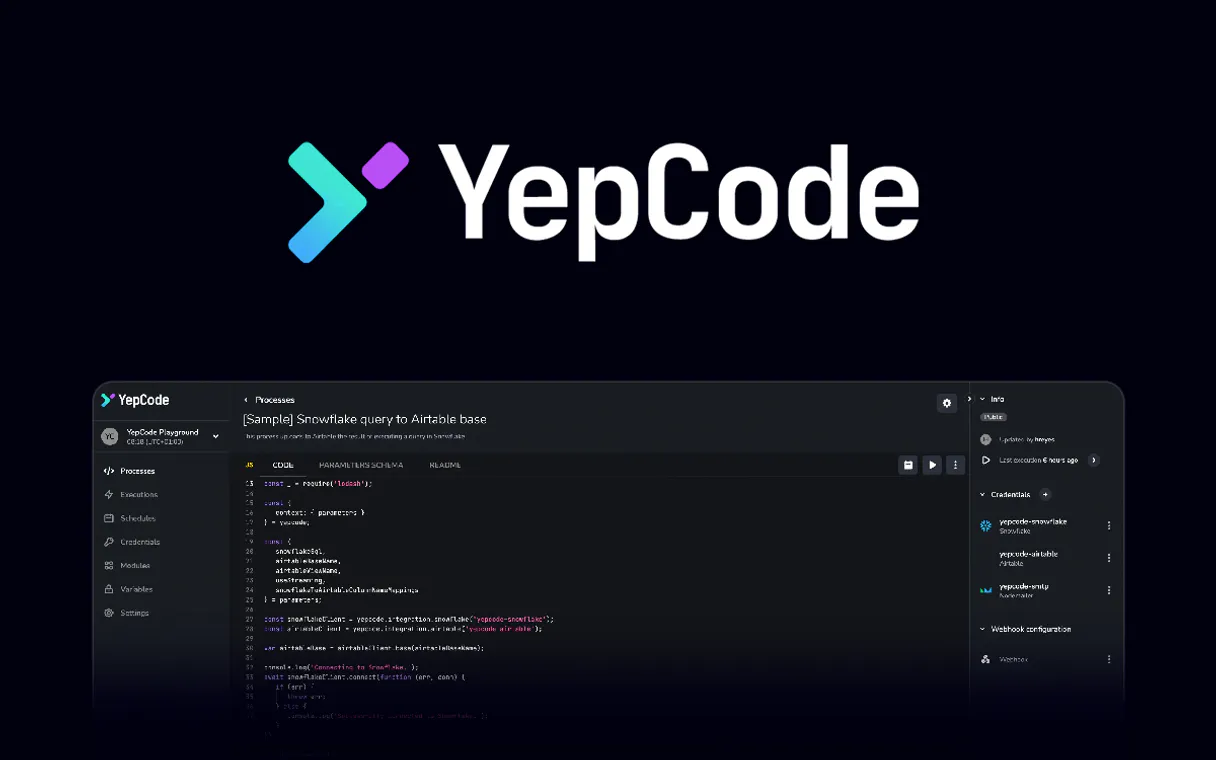
YepCode lets your agent run complex serverless code snippets and manage cloud workflows entirely through conversation. List processes, trigger data syncs with custom parameters, and monitor execution history—all without touching a dashboard or writing boilerplate API calls.
What AI agents can do with YepCode Automation
Get process details
Retrieves detailed information about a single YepCode workflow process.
List executions
Pulls a list of the most recent times any configured processes were run.
List processes
Lists all the available serverless workflows you have set up in your account.
See exactly which serverless processes you've set up without having to navigate the YepCode console.
Execute any configured workflow, passing in necessary variables like file names or IDs for that specific job.
Review the history of runs to confirm if your jobs finished successfully or pinpoint where they broke.
Get deep information on how a specific workflow is built, including its required parameters and logic.
List existing credentials used by your automations to verify availability without exposing the actual secret values.
Ask an AI about this
Waiting for input…
What AI agents can do with YepCode: 6 Tools for Process Control
These tools let you manage everything from listing available processes to running specific jobs and checking credentials.
Make your AI actually useful.
Add this MCP to Claude, Cursor, or Windsurf and your AI stops guessing. It gets real tools to look things up, take action, and handle the stuff you keep doing by hand.
Start using YepCode on VinkiusGet Process Details
Retrieves detailed information about a single YepCode workflow process.
List Executions
Pulls a list of the most recent times any configured processes were run.
List Processes
Lists all the available serverless workflows you have set up in your account.
List Secrets
Displays a list of credentials and secrets used by your automations for reference.
List Teams
Shows which development teams or workspaces are available within your account...
Run Process
Starts an active execution of a chosen YepCode workflow with custom input parameters.
Security and governance baked right in.
Pick your AI client below to get set up. Just create a Vinkius account, subscribe, and you're instantly up and running. We handle the entire backend infrastructure, delivering out-of-the-box support for HTTPS Streamable, SSE, and OAuth2—zero messy routing required.
Claude AI
Open Claude Settings
Go to claude.ai, click your profile icon, then navigate to Customize → Connectors.
Add Custom Connector
Click the "+" button and select Add custom connector. Paste your Vinkius endpoint URL:
https://edge.vinkius.com/[YOUR_TOKEN_HERE]/mcp
Replace [YOUR_TOKEN_HERE] with your token
from cloud.vinkius.com. For OAuth-protected servers, expand
Advanced settings to add credentials.
Start a conversation
Open a new chat. The YepCode integration is available immediately — no restart needed.
Choose How to Get Started
Build a custom MCP for your own tools, or connect a ready-made integration from our catalog.
Build Your Own
Turn any API into an MCP. Import a spec, define Agent Skills, or deploy with MCPFusion.
- Import from OpenAPI, Swagger, or YAML specs
- Create Agent Skills with progressive disclosure
- Deploy to edge with MCPFusion framework
- Built in DLP, auth, and compliance on every call
- Real time usage dashboard and cost metering
- Publish to catalog or keep private
Make Your AI Do More
Start with YepCode, then connect any of our 5,100+ other servers whenever your AI needs more. One click, no limits.
- Use this MCP plus 5,100+ others, all in one place
- Add new capabilities to your AI anytime you want
- Every connection is secured and compliant automatically
- Track usage and costs across all your servers
- Works with Claude, ChatGPT, Cursor, and more
- New servers added to the catalog every week
Independent Platform Disclaimer: Vinkius is an independent platform and is not affiliated with, endorsed by, sponsored by, verified by, or otherwise authorized by YepCode. All third-party trademarks, logos, and brand names are the property of their respective owners. Their use on this website is strictly for informational purposes to identify service compatibility and interoperability.
VINKIUS INFRASTRUCTURE
Cloud Hosted
Managed infra
V8 Isolated
Sandboxed per request
Zero-Trust Proxy
No stored credentials
DLP Enforced
Policy on every call
GDPR Compliant
EU data residency
Token Compression
~60% cost reduction
Built on the Model Context Protocol (MCP) for Claude, ChatGPT, Cursor, and more
The Model Context Protocol standardizes how applications expose capabilities to LLMs. Instead of operating in isolation, your AI gains direct access to external platforms, live data, and real-world actions through secure, standardized connections.
This connection provides 6 powerful capabilities that interface natively with Claude, ChatGPT, Cursor, and other compatible AI platforms. No middleware. No custom integration required.
Tracking background jobs feels like chasing ghosts., Solved with Vinkius AI Gateway
Right now, if you kick off an ETL job or run a data sync, you have to open one tab, then another. You click 'Run.' Then you're stuck on a dashboard screen watching the spinner spin for twenty minutes, hoping it doesn't fail silently. If it does break, you jump between logs and status pages trying to figure out what parameter was wrong or if the credentials expired.
With this MCP, your agent handles the whole sequence. You just tell it what needs doing—like 'Run the PDF Generator for Q2 data.' Your agent executes the code, tracks the run using `list_executions`, and reports back on success or failure without you having to leave your chat window.
You get full visibility into complex process runs with YepCode.
Before, checking on a job meant navigating to the specific workflow page and clicking 'View History.' You were manually compiling data from `get_process_details` or running status checks against the current time. It was slow and tedious.
Now, you simply ask your agent for the execution history using `list_executions`. The information—the status, the ID, the associated workflow—comes back in a single conversational response. That’s it.
What your AI can actually do with this
This MCP connects your AI client directly to YepCode's engine for running external code and automating data tasks. Instead of logging into a separate cloud console or manually crafting complex JSON payloads, you talk to your agent and it handles the whole sequence.
Need to run an ETL process? Your agent can trigger that workflow, pass specific parameters like a date range, and track if it succeeded or failed. If your automation needs to pull user data from this flow and then send it via another service—say, logging results into a separate messaging MCP—you can chain them together.
This is where the power lies; you build multi-step automations that span platforms using one AI agent. Plus, because Vinkius manages every call through a zero-trust proxy, your API keys are used only in transit and never stored on disk. It’s built for reliable, secure operations.
019dd18c-a18f-7333-b2c5-92784010cace 
Here's how it actually works
The bottom line is you get to automate complex backend processes using natural language prompts.
Subscribe to this MCP and provide your YepCode API key.
Tell your agent what needs doing; for example, 'Run the PDF generator process with a user ID of 102'.
The agent calls the required tool, executes the code, and returns the status or result directly in the chat.
Who is this actually for?
You're here if manual infrastructure management slows you down. This MCP works for the DevOps Engineer who needs to trigger a patch job instantly; the Data Analyst monitoring critical reporting pipelines; or the Software Developer testing functions without leaving their IDE.
Needs to quickly kick off maintenance workflows, data syncs, or environment checks using simple conversational commands.
Uses it to monitor the status of recurring ETL jobs and verify that all necessary connection secrets are still active.
Runs serverless functions as part of local development cycles, testing code execution without manually deploying or calling APIs.
What Changes When You Connect
Stop manually running jobs. You can use the run_process tool to trigger complex workflows instantly, just by telling your agent what needs doing.
Track everything with confidence. The list_executions tool lets you check process history and see if a job finished successfully or failed out.
Keep credentials safe. Use list_secrets to verify necessary account secrets are available without ever exposing the actual key values.
Understand your environment. You can use list_processes to get an inventory of all your existing workflows, so you never forget which one exists.
Manage permissions easily. The list_teams tool helps you understand which development teams or workspaces are configured in your account.
See it in action
The End-of-Day Data Audit
A data analyst needs to confirm that last night's sync ran correctly. Instead of diving into the YepCode dashboard, they ask their agent to check recent runs using list_executions. The agent immediately reports back if the 'Database Sync' process succeeded or hit an error.
The Hotfix Deployment
A DevOps engineer needs to run a maintenance script immediately. They tell their agent, 'Run the nightly cleanup job with the parameter format=csv.' The agent uses run_process and kicks off the workflow instantly.
Onboarding New Developers
A software developer needs to know what workflows exist in a new project. They ask their agent, 'What processes are available?' The agent calls list_processes, giving them an immediate inventory of all usable code snippets.
Validating Dependencies
A security team member needs to ensure the production environment hasn't lost access keys. They ask their agent to list secrets, using the list_secrets tool to verify that credentials are still present and valid.
The honest tradeoffs
Using simple data lookups
Trying to use a general-purpose MCP just to read a single process name. This is overkill if all you need is basic metadata.
Use list_processes first to get the list of available workflows, then rely on specific tools like get_process_details for targeted information.
Running processes blindly
Telling your agent to run a process without specifying parameters. The workflow will likely fail because it requires input data.
Always check the details first using get_process_details to understand which inputs are required before calling run_process.
Assuming access
Trying to run a workflow for a team or project you don't belong to. The process will fail due to permissions.
Start by using list_teams so your agent knows exactly which development workspaces are available before attempting any action.
When It Fits, When It Doesn't
Use this MCP if the core problem is execution and state management. You need to run code that changes data, syncs systems, or performs multi-step logic. If you only need to read a single piece of static information—like listing users or retrieving a simple text field—you probably don't need this; a simpler data API will cut the token usage and complexity. However, if your task involves triggering an external job, checking its status, or coordinating between multiple services (for example, running a workflow, then sending a notification via another MCP), this is the right choice because it controls that entire lifecycle.
Questions you might have
Can I provide input parameters when running a process? +
Yes, the run_process tool accepts an optional JSON object for parameters, allowing you to pass dynamic data to your serverless functions.
How do I check if a process execution failed? +
Use the list_executions query. It will return a history of recent runs along with their final status (e.g., success, error, pending).
Is it possible to see the code of my processes via AI? +
Yes, you can use the get_process_details tool to retrieve the complete metadata and code configuration for any specific process ID.
When I use the `list_secrets` tool, how does Vinkius ensure my account secrets remain private? +
Vinkius never stores your actual keys on disk. The system verifies the secret's existence and list its names using a zero-trust proxy during transit only.
Before I trigger a workflow, how do I use `list_processes` to see all available serverless workflows? +
You call list_processes with no parameters. This returns a full list of every configured process name and its basic description in your YepCode account.
If my company has multiple projects, how does the `list_teams` tool help me narrow down the correct development scope? +
list_teams shows all available teams and workspaces associated with your API credentials. This lets you ensure your agent is running against the right development environment.
What are the limitations or retention periods when I use `list_executions` to check past process runs? +
The tool lists recent executions, providing a detailed history of status and IDs. The system keeps these records for auditing purposes, but there is an internal limit on how far back you can look.
If I need the technical metadata—not just running it—how does `get_process_details` assist me? +
get_process_details pulls comprehensive information about a specific process. This includes parameters, expected outputs, and workflow descriptions without needing to trigger an actual run.
We've already built the connector for YepCode. Just plug in your AI agents and start using Vinkius.
No hosting. No infrastructure. No complex setup.
All 6 tools are live and waiting.
You're up and running in seconds.
Gemini Vinkius gives your AI agents access to the full catalog of app connectors, all fully managed, secure, and enterprise-ready. One subscription, every tool you need.
Built, hosted, and secured by Vinkius. You just connect and go.