
Zenoti MCP. Manage appointments & guest profiles conversationally.
 Gemini
 Works with every AI agent you already use
…and any MCP-compatible client









Just plug in your AI agents and start using Vinkius.
Zenoti MCP Server lets your AI agent manage every aspect of a spa, salon, or medspa business through conversation. You can check guest profiles and loyalty points (`get_guest`), view daily bookings (`list_appointments`), track full revenue reports across multiple locations (`list_invoices`), and handle staff schedules in one chat window.
What your AI agents can do
Get appointment
Retrieves the detailed information for a single scheduled appointment.
Get center
Pulls specific operational details about one physical location or 'center'.
Get guest
Retrieves the full profile and history for a specified spa/salon guest.
Your agent pulls detailed profiles, including preferences, allergies, and loyalty point counts for any specific client using get_guest.
You can list all appointments for a given date or filter by therapist and room status with the list_appointments tool.
The agent runs revenue reports, detailing sales, retail income, membership fees, and tips using list_invoices.
Pulling employee details—including schedules, roles, and commission info—is handled by the list_employees tool.
You can list every available service (with pricing and duration) or browse bundled options using list_services and list_packages.
The system manages membership tiers and tracks the balance, sales, and redemptions of physical gift cards via list_memberships and list_gift_cards.
Ask AI about this MCP
Supported MCP Clients
Gemini Waiting for input…
Zenoti MCP Server: 14 Tools for Spa Management
These tools allow your AI client to access the core functions of Zenoti. Manage appointments, track finances, and handle guest records with direct commands.
019d7627get appointment
Retrieves the detailed information for a single scheduled appointment.
019d7627get center
Pulls specific operational details about one physical location or 'center'.
019d7627get guest
Retrieves the full profile and history for a specified spa/salon guest.
019d7627get guest loyalty
Checks and reports the current loyalty point total for a specific guest ID.
019d7627list appointments
Lists multiple appointments, allowing filtering by date to see all bookings for a day.
019d7627list centers
Lists all available spa/salon locations, including their address and operating hours.
019d7627list employees
Retrieves a list of all staff members, detailing their role, schedule, and commission info.
019d7627list gift cards
Lists gift cards, allowing you to filter the results by a specific guest's name or ID.
019d7627list invoices
Retrieves sales records and invoices, letting you filter by date range for financial reporting.
019d7627list memberships
Shows all available membership plans, including their pricing, included services, and visit limits.
019d7627list packages
Lists bundled service packages, detailing what services are included and the overall price.
019d7627list services
Provides a complete catalog of all spa/salon services, including pricing and required room type.
019d7627list therapists
Lists all available therapists and service providers in the system.
019d7627search guests
Searches for a guest profile, returning their history, loyalty points, and stated preferences.
Choose How to Get Started
Build a custom MCP for your own tools, or connect a ready-made integration from our catalog.
Build Your Own
Turn any API into an MCP. Import a spec, define Agent Skills, or deploy with MCPFusion.
- Import from OpenAPI, Swagger, or YAML specs
- Create Agent Skills with progressive disclosure
- Deploy to edge with MCPFusion framework
- Built in DLP, auth, and compliance on every call
- Real time usage dashboard and cost metering
- Publish to catalog or keep private
Make Your AI Do More
Start with Zenoti, then connect any of our 4,700+ other servers whenever your AI needs more. One click, no limits.
- Use this MCP plus 4,700+ others, all in one place
- Add new capabilities to your AI anytime you want
- Every connection is secured and compliant automatically
- Track usage and costs across all your servers
- Works with Claude, ChatGPT, Cursor, and more
- New servers added to the catalog every week
What you can do with this MCP connector
Yo, connect your AI agent to this server, and you'll manage everything for a spa, salon, or medspa—all from chat. This thing exposes every core business function as tools for your agent to use.
Client Records and History. You can pull deep client files on the fly. If you know who the guest is, your agent uses get_guest to retrieve their full profile, including stated preferences, allergies, and service history. Need to check their loyalty status? Just run get_guest_loyalty with a specific guest ID, and it spits out their current point total.
Better yet, you can use search_guests to find profiles based on different criteria—it gives you the whole package: history, preferences, and points all in one hit.
Booking and Scheduling. Handling appointments is simple. You never gotta scroll through a physical book again. To see every booking for a single day, your agent runs list_appointments, letting you filter by date range. You can narrow it down even further by specifying a particular therapist or checking room status.
If you need the nitty-gritty details on one specific time slot, just run get_appointment. Need to know where you are operating? Use list_centers to pull operational details for every physical location, including addresses and hours. You can also use list_therapists to get a roster of all available staff members.
Staffing and Operations. Managing the crew is straightforward. The list_employees tool pulls all employee details—you'll see their role, shift schedule, and even commission info for payroll. For retail stuff and services, you don't have to guess what's offered. You can call list_services to get a complete catalog of every single service available, including the price tag and how much room space it takes up.
If a client is buying something pre-packaged, use list_packages; this shows all bundled options and their total cost. If you need to see what membership tiers are running right now—from basic to platinum—you run list_memberships.
Financial Tracking & Retention. When it comes to the money, your agent doesn't miss a thing. Run list_invoices for detailed sales records and invoices; you can filter by date range to get full financial reports, tracking everything from retail income to membership fees and tips across multiple sites. Need to track gift cards? Use list_gift_cards, letting you check the balance or history using either a guest's name or their ID.
You also get access to all physical locations through get_center, pulling specific operational details for any single center point.
This server doesn't just book appointments; it gives your agent eyes on the whole operation—from checking if a client has a deep tissue massage booked next Tuesday, to knowing which staff members are available, how many loyalty points they’ve banked, and what the gross revenue was last month. It handles everything.
How Zenoti MCP Works
- 1 You ask your agent a question like, 'What services are available for couples?'
- 2 The agent recognizes the intent, calls the relevant tool (e.g.,
list_servicesorlist_packages), and passes necessary filters. - 3 Zenoti returns structured data (e.g., service names, prices, durations) to your agent, which formats it into a clean response for you.
The bottom line is: you talk to the AI client like talking to a front desk manager, and it runs the necessary backend queries against Zenoti's database.
Who Is Zenoti MCP For?
This tool is built for operational managers who spend too much time jumping between scheduling software, POS systems, and reporting dashboards. It targets Spa Directors needing real-time revenue data, Front Desk Leads handling complex client lookups, and Regional Managers comparing performance across multiple physical centers.
Uses get_guest to quickly pull up a customer's profile, check their loyalty points (get_guest_loyalty), and confirm upcoming appointments without logging into three different screens.
Runs reports using list_invoices filtered by date range to calculate daily revenue totals, separating services from retail sales for immediate financial review.
Compares performance across different locations by running list_centers and then calling list_appointments or list_invoices against specific center IDs to spot trends.
What Changes When You Connect
- See a client's full picture immediately. Instead of checking multiple tabs,
search_guestspulls together their profile, history, and preferences in one go. - Stop tracking revenue manually. Use
list_invoicesto pull sales reports filtered by date range, giving you total revenue across services, retail, and memberships at a glance. - Avoid scheduling conflicts instantly. Running
list_appointmentslets your agent check room or therapist availability for a whole day before confirming anything. - Compare locations easily. The
list_centerstool gives the context needed to run separate reports on performance across different physical branches. - Understand staff costs and schedules. You can use
list_employeesto view roles, payroll data, and commission structures alongside their current shifts.
Real-World Use Cases
Client Check-in/Upsell
A front desk lead needs to check if a guest is due for an upgrade. The agent runs search_guests and sees the client's last visit was 6 weeks ago. They then run list_services and suggest a premium service, pulling up its price and duration instantly.
Daily Revenue Reconciliation
It’s end of day, and the manager needs to know if the center hit its sales goal. The agent uses list_invoices with a date filter for today, summarizing total revenue from services, retail, and memberships in one output.
Staffing Coverage Gap Analysis
The Spa Director sees a gap on Saturday afternoon. They use list_appointments to see the booked time slots and then call list_employees to check which therapists have open shifts or are available for overtime.
New Client Onboarding
A regional manager is setting up a new location. They use list_centers first to get the standard operational hours and then call list_services to confirm the full, correct catalog of offerings for that region.
The Tradeoffs
Asking for 'all revenue'
Telling your agent: 'Give me all money made last month.' This is too vague and gives the server no time context to run a useful query.
→
Instead, you must specify a date range. Use list_invoices and provide the start and end dates for the period you want to analyze.
Asking about staff salary
Simply asking: 'How much does Mark make?' The system needs context on what payout mechanism is needed (salary vs. commission).
→
You need to run list_employees and specifically ask the agent to focus on the 'commission structure' details for that employee.
Assuming service availability
Asking: 'Can we book a Hot Stone Massage at 10 AM?' Without checking, you might book it even if the room or therapist is already tied up.
→
First, run list_appointments for that day to confirm availability. Then, use get_appointment only after confirmation.
When It Fits, When It Doesn't
Use this MCP Server if your job revolves around operational data: checking bookings, tracking sales, looking up client details, or managing staff shifts. You need an AI agent that acts like a universal front desk attendant for a spa business.
Don't use it if you are doing deep payroll audits (you can see commission structures via list_employees, but not full tax filings). Also, if your primary need is inventory management outside of services and gift cards, this toolset won't help. Stick to the operational tools: list_appointments for time, list_invoices for money, and get_guest for people.
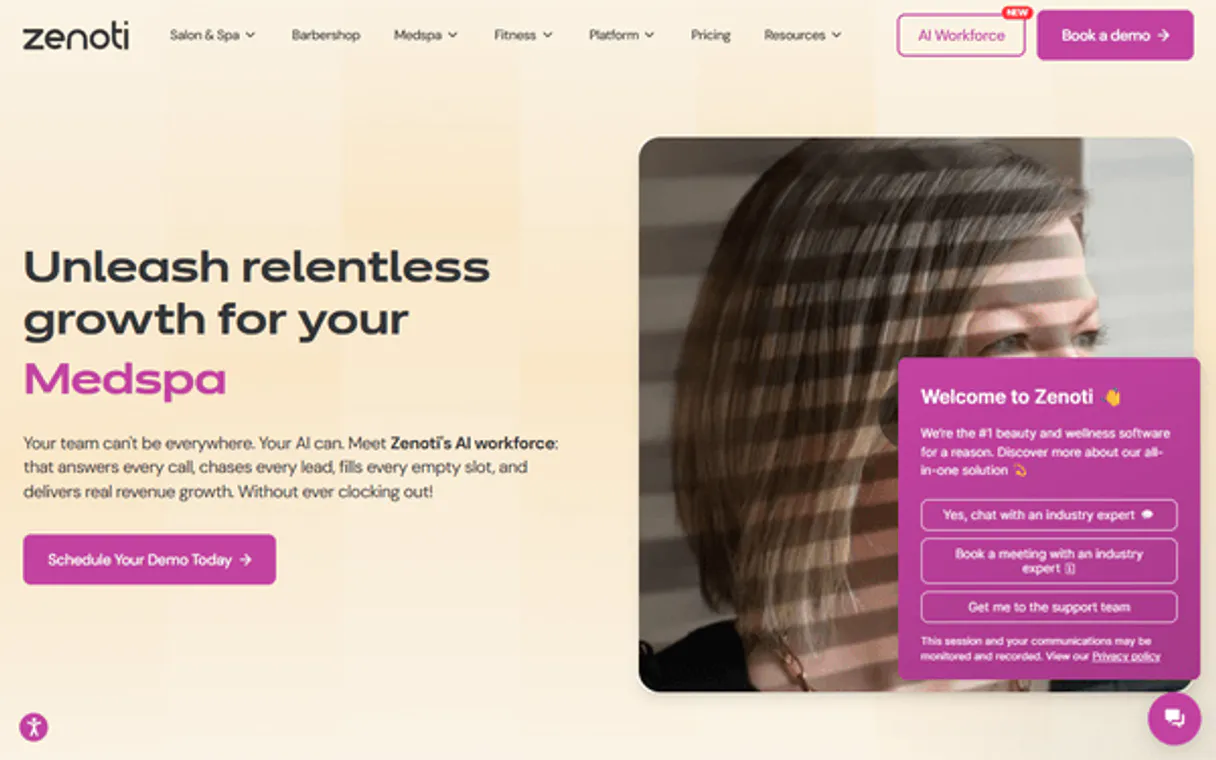
Independent Platform Disclaimer: Vinkius is an independent platform and is not affiliated with, endorsed by, sponsored by, verified by, or otherwise authorized by Zenoti. All third-party trademarks, logos, and brand names are the property of their respective owners. Their use on this website is strictly for informational purposes to identify service compatibility and interoperability.
VINKIUS INFRASTRUCTURE
Cloud Hosted
Managed infra
V8 Isolated
Sandboxed per request
Zero-Trust Proxy
No stored credentials
DLP Enforced
Policy on every call
GDPR Compliant
EU data residency
Token Compression
~60% cost reduction
Works with Claude, ChatGPT, Cursor, and more
The Model Context Protocol standardizes how applications expose capabilities to LLMs. Instead of operating in isolation, your AI gains direct access to external platforms, live data, and real-world actions through secure, standardized connections.
This server provides 14 capabilities that interface natively with Claude, ChatGPT, Cursor, and any MCP client. No middleware. No custom integration required.
Available Capabilities
Juggling Client Info and Bookings is a Nightmare Today.
Right now, when you're checking in a client, you typically open the main booking system to see if they have an appointment. Then, you switch tabs or even log into a separate CRM just to check their loyalty points or preferences. You spend five minutes clicking through different screens just to get one full picture.
With this MCP server, your agent pulls it all together. Ask for the client's profile and current bookings, and the response combines `get_guest` data with `list_appointments` results instantly. It cuts out the clicks and gives you the complete story in a single chat.
Zenoti MCP Server: Get Full Operational Control.
You never have to manually cross-reference a service catalog against current staffing levels again. The system connects `list_services` (pricing/duration) with `list_therapists` (availability/specialty), letting you confirm if the right person can perform the requested treatment at any given time.
It's all about combining tools in one query. You don't just list appointments; you find out *why* they are booked, who is working, and how much revenue that booking will generate. Period.
Common Questions About Zenoti MCP
How can I check a guest’s full history using the get_guest tool? +
The get_guest tool pulls the complete profile, which includes visit history and preference data. It's better than just searching by name because it gives you the context behind past visits.
Does list_invoices handle tips? +
Yes, list_invoices tracks revenue breakdowns that include sales, tips, and various payment methods. You can filter these results by date range to analyze specific periods.
What is the best way to find service pricing? +
Use the list_services tool. This function returns a catalog of every available spa/salon service, complete with its current price and estimated duration.
Can I see all my center locations at once? How do I use list_centers? +
list_centers pulls all operational sites. It gives you the name, address, timezone, and operating hours for every location tied to your Zenoti account.
I need to check staff availability for next week. Should I use list_appointments or list_employees? +
You should run list_appointments first by providing the date range. This tells you when services are booked. Then, if needed, cross-reference with list_employees for their scheduled shifts.
Does the `search_guests` tool support advanced filters like preferred services or visit date ranges? +
Yes, it supports multiple filtering parameters. You pass criteria—like a specific date range and service preference—in one call to narrow down results efficiently.
What should I do if the appointment ID provided to `get_appointment` is invalid or already canceled? +
The tool returns an explicit status error. Your AI client catches this and prompts the user to check for correct IDs or use list_appointments instead.
How can I verify if a service listed using `list_services` is still active before booking it? +
The tool provides real-time data. If a service has been retired, it will not appear in the list's output, ensuring you book currently offered items.
Which brands use Zenoti? +
Zenoti powers 30,000+ locations worldwide including Massage Envy, Hand & Stone, European Wax Center, Massage Heights, Woodhouse Spas, and thousands of independent luxury spas and salons.
Use it with your favorite AI tools
Connect this server to Cursor, Claude, VS Code, and more.
More in this category

UK ONS Trade — International Trade & Business Activity
UK trade and business statistics: trade in goods by country and commodity (imports, exports, balance), business counts by industry and geography from the IDBR register, and experimental traffic camera activity indicators from the ONS.
HirePOS
Manage your hire and rental business with inventory tracking, booking calendars, and invoice generation for equipment providers.

ClockShark
Track field crew hours with GPS-verified timesheets, job costing, and scheduling that keeps construction teams on budget.
You might also like

Brokermint
Manage real estate back-office via Brokermint — track transactions, contacts, and commissions directly from any AI agent.

PubChem PUG REST API
Access chemical data — audit compounds, formulas, and CIDs via AI.

Lucca (HR & Finance Suite)
Manage your HRIS via Lucca — track employee data, leave requests (Timmi), and expense reports (Cleemy).