
Apptoto MCP. Manage your entire client scheduling flow.
 Gemini
 Works with every AI agent you already use
…and any MCP-compatible client









Just plug in your AI agents and start using Vinkius.
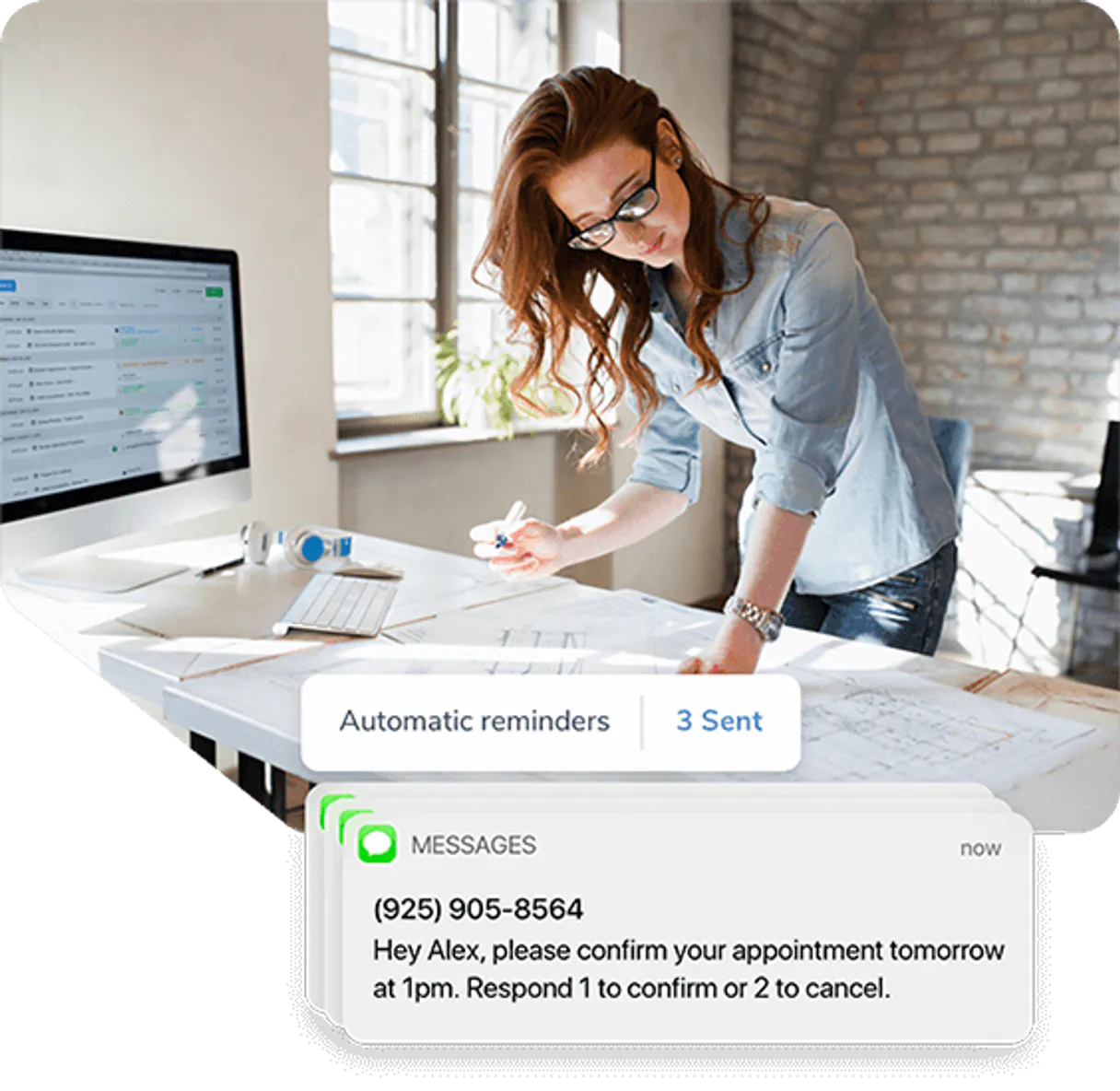
Apptoto lets your AI agent manage client scheduling and automated communication. It connects directly to your booking system so you can orchestrate reminders, access detailed appointment information, and review all sent SMS or email messages using natural language commands.
What your AI agents can do
Get appointment
Retrieves the detailed information for a single specific appointment time slot.
List address books
Lists all available address books connected to your account, helping you find the right client group.
List appointments
Shows a comprehensive list of appointments within a specified date range.
List all upcoming or past appointments across every calendar you use.
Access and manage synced contact profiles from your connected address books.
Pull detailed logs for all SMS or email reminders sent to clients.
Retrieve the full information for a single, specified appointment.
List and verify all connected calendars to ensure your schedule is accounted for.
Ask AI about this MCP
Supported MCP Clients
OAuth 2.0 Compatible Gemini Waiting for input…
Apptoto: 6 Tools for Booking & Communication
Use these six tools together in your natural language prompts to manage everything from listing all connected calendars to getting specific client contact details.
Make your AI actually useful.
Add this MCP to Claude, Cursor, or Windsurf and your AI stops guessing. It gets real tools to look things up, take action, and handle the stuff you keep doing by hand.
Start using Apptoto on Vinkius019dd0baget appointment
Retrieves the detailed information for a single specific appointment time slot.
019dd0balist address books
Lists all available address books connected to your account, helping you find the right client group.
019dd0balist appointments
Shows a comprehensive list of appointments within a specified date range.
019dd0balist calendars
Lists all connected calendar sources to give you an overview of your scheduling sources.
019dd0balist contacts
Finds and lists client profiles within a designated address book ID.
019dd0balist messages
Retrieves a log of recent text messages or emails sent to clients.
Choose How to Get Started
Build a custom MCP for your own tools, or connect a ready-made integration from our catalog.
Build Your Own
Turn any API into an MCP. Import a spec, define Agent Skills, or deploy with MCPFusion.
- Import from OpenAPI, Swagger, or YAML specs
- Create Agent Skills with progressive disclosure
- Deploy to edge with MCPFusion framework
- Built in DLP, auth, and compliance on every call
- Real time usage dashboard and cost metering
- Publish to catalog or keep private
Make Your AI Do More
Start with Apptoto, then connect any of our 5,000+ other servers whenever your AI needs more. One click, no limits.
- Use this MCP plus 5,000+ others, all in one place
- Add new capabilities to your AI anytime you want
- Every connection is secured and compliant automatically
- Track usage and costs across all your servers
- Works with Claude, ChatGPT, Cursor, and more
- New servers added to the catalog every week
Independent Platform Disclaimer: Vinkius is an independent platform and is not affiliated with, endorsed by, sponsored by, verified by, or otherwise authorized by Apptoto. All third-party trademarks, logos, and brand names are the property of their respective owners. Their use on this website is strictly for informational purposes to identify service compatibility and interoperability.
VINKIUS INFRASTRUCTURE
Cloud Hosted
Managed infra
V8 Isolated
Sandboxed per request
Zero-Trust Proxy
No stored credentials
DLP Enforced
Policy on every call
GDPR Compliant
EU data residency
Token Compression
~60% cost reduction
Works with Claude, ChatGPT, Cursor, and more
The Model Context Protocol standardizes how applications expose capabilities to LLMs. Instead of operating in isolation, your AI gains direct access to external platforms, live data, and real-world actions through secure, standardized connections.
This server provides 6 capabilities that interface natively with Claude, ChatGPT, Cursor, and any MCP client. No middleware. No custom integration required.
The manual process of tracking client communications sucks.
Right now, if a client calls with a question, you might have to jump between your calendar app, your CRM, and your email logs. You check the appointments in one tab, then copy-paste names into another sheet, and finally open three different communication tabs just to see if the follow-up reminder was sent. It's slow, it’s error-prone, and frankly, it eats up hours of your week.
With this MCP, you stop doing that manual stitching together. You simply tell your agent what you need—for example, 'Show me all communication for last month.' Your AI acts as the coordinator, pulling the messages from `list_messages` while simultaneously checking `list_appointments`, and giving you one clean answer. It's done.
Apptoto MCP gives you full control over your client data.
Manual updates mean forgetting to sync a new client or missing a critical detail like the correct address book ID. You have to remember to check every single calendar source by manually running reports for each one, which is a headache.
Now you can rely on your agent. It uses `list_calendars` and `list_address_books` together to give you total oversight of where your data lives, so you only get what you asked for, when you asked for it.
What you can do with this MCP connector
Managing a service business means juggling appointments, contacts, and reminder logs—it's a massive amount of manual tracking. This MCP lets your AI client handle that coordination entirely. You tell your agent what you need, and it accesses everything from listing all connected calendars to pulling the full history of messages sent to specific clients.
Need to know if John Doe got his confirmation SMS? Your agent checks the detailed message logs for you. Want a quick list of everyone booked next week? Done. It treats your entire booking lifecycle like one single conversation. You just plug this into Vinkius and connect it to your preferred AI client, turning what used to be tedious dashboard clicking into simple chat commands.
019dd0bb-02ca-70f6-896d-8671bde59b75 
How Apptoto MCP Works
- 1 First, subscribe to this MCP on Vinkius.
- 2 Next, grab your API Key and Secret from the Apptoto dashboard settings.
- 3 Finally, start giving commands through your AI client; it handles the rest by calling the necessary tools.
The bottom line is that you never have to manually check reminder logs or dig through fragmented contact lists again.
Who Is Apptoto MCP For?
Service providers, office managers, and independent practitioners who spend too much time toggling between calendar apps, CRM dashboards, and communication platforms. If your job involves coordinating more than five clients a day, this is for you.
Manages the master address book, checking client profiles and confirming that reminder emails were sent out correctly.
Needs to quickly pull up a patient's full history—checking their next appointment details or verifying recent communication logs—without leaving their primary workflow.
Builds custom business tools that need reliable, fast access to current scheduling data and contact information for complex workflows.
What Changes When You Connect
- Stop wasting time checking logs. You can ask for a summary of all sent reminders using the
list_messagestool, instantly showing if confirmations went out via SMS or email. - Need to check next month's availability? Use
list_appointmentsto pull a full list of bookings within any date range with one command. - Client data management gets simple. By using
list_address_booksand thenlist_contacts, you can locate and review client profiles without clicking through multiple tabs. - Detailed schedule oversight is automatic. You can call
get_appointmentto get deep info on a single booking, including who it's with and when it runs. - Calendar visibility means no gaps. Your agent uses
list_calendarsto give you an overview of every place your schedule lives, ensuring nothing falls through the cracks.
Real-World Use Cases
Checking for a specific client's status
A provider needs to know if they sent the follow-up reminder last Tuesday. They ask their agent, and it uses list_messages to retrieve the log, confirming the exact delivery time and content.
Preparing for a team meeting
An office manager needs to show the board all appointments booked for next quarter. They tell their agent to run a query using list_appointments with the required date range, instantly generating the data set.
Onboarding a new service line
A developer needs to build an internal tool that checks client records. They use list_address_books first, then list_contacts, pulling all necessary synced profiles into their code logic.
Verifying scheduling sources
The practitioner opens a new laptop and needs to confirm every connected calendar is active. They simply ask the agent to use list_calendars for an immediate, reliable overview.
The Tradeoffs
Assuming all contacts are together
A user tries to list contacts without first knowing which address book ID they belong to. They get a vague error and waste time manually checking sources.
→
First, use list_address_books to see available IDs. Then, specify the correct ID when calling list_contacts to pull accurate client data.
Missing specific date context
The user asks for 'my appointments' but doesn't provide a date range, leading the agent to fail or return an incomplete list.
→
Always use list_appointments and explicitly define the start and end dates you want data for. Don't just ask generally.
Confusing general records with appointments
The user tries to pull a meeting time using only contact information, which isn't enough detail.
→
Use get_appointment when you know the specific date and time of an event. It requires detailed parameters beyond just the name.
When It Fits, When It Doesn't
You should use this MCP if your core business process relies on coordinating complex, multi-stage interactions involving scheduling, client communication records, and contact management. For instance, if you need to check a calendar, then find a contact, and finally confirm that the right reminder was sent—this is your tool set. Don't use it if all you need is general data analysis (like calculating total revenue) or if you only ever manage simple task lists outside of a structured appointment flow. If you just want to read unstructured notes, an internal document search is better; this MCP is strictly for scheduling and communication records.
Common Questions About Apptoto MCP
How do I check a client's schedule using the Apptoto MCP? +
You use list_appointments and specify the date range. This tool retrieves all bookings, allowing you to see what's coming up without checking each calendar separately.
Can I find a specific client by name using Apptoto MCP? +
Yes. You first run list_address_books to confirm the location, and then use list_contacts with that ID to pull all synced profiles.
Is there an easy way to see if I sent a reminder? +
Absolutely. Use list_messages. This tool pulls detailed logs for SMS and email, letting you verify the delivery status of client communication at a glance.
What if I only want details on one meeting? Do I use get_appointment? +
Yes. get_appointment is designed exactly for that. You give it the specific booking ID, and you get all the detailed information in a single response.
When I use `list_address_books`, how does the MCP help me identify which directory holds client data for a specific region? +
The system lists all connected directories and their unique IDs. You must provide the ID you want to query, preventing the AI agent from pulling contact records from an old or secondary address book.
If I run `list_calendars` and one of my connected scheduling platforms is temporarily down, how does the MCP handle that error? +
The MCP handles failures gracefully. It will report a specific error for the failing calendar without stopping your entire request. You get clear feedback on which service needs fixing.
When I use `list_contacts`, how can I ensure that the profile information is current and reflects any changes made today? +
The MCP pulls high-fidelity, real-time metadata. It ensures your agent works with data reflecting immediate updates across all integrated scheduling platforms.
How do I narrow down results when using `list_messages` to see only SMS reminders and exclude email communications? +
You must pass specific filters that detail the communication type. This allows you to pinpoint exact outreach methods without wading through mixed media logs.
How do I find my Apptoto API Key and Secret? +
Log in to your account, navigate to Settings > Advanced > API, and generate or copy your unique credentials.
Can I list my connected address books via AI? +
Yes! The list_address_books tool allows your agent to retrieve all contact directories currently synced with your Apptoto account.
How do I check sent reminder messages? +
Use the list_messages tool to retrieve high-fidelity historical records of all SMS and email communications dispatched programmatically.
Use it with your favorite AI tools
Connect this server to Cursor, Claude, VS Code, and more.