
100ms MCP. Control rooms, sessions, and participants via chat.
 Gemini
 Works with every AI agent you already use
…and any MCP-compatible client









Just plug in your AI agents and start using Vinkius.
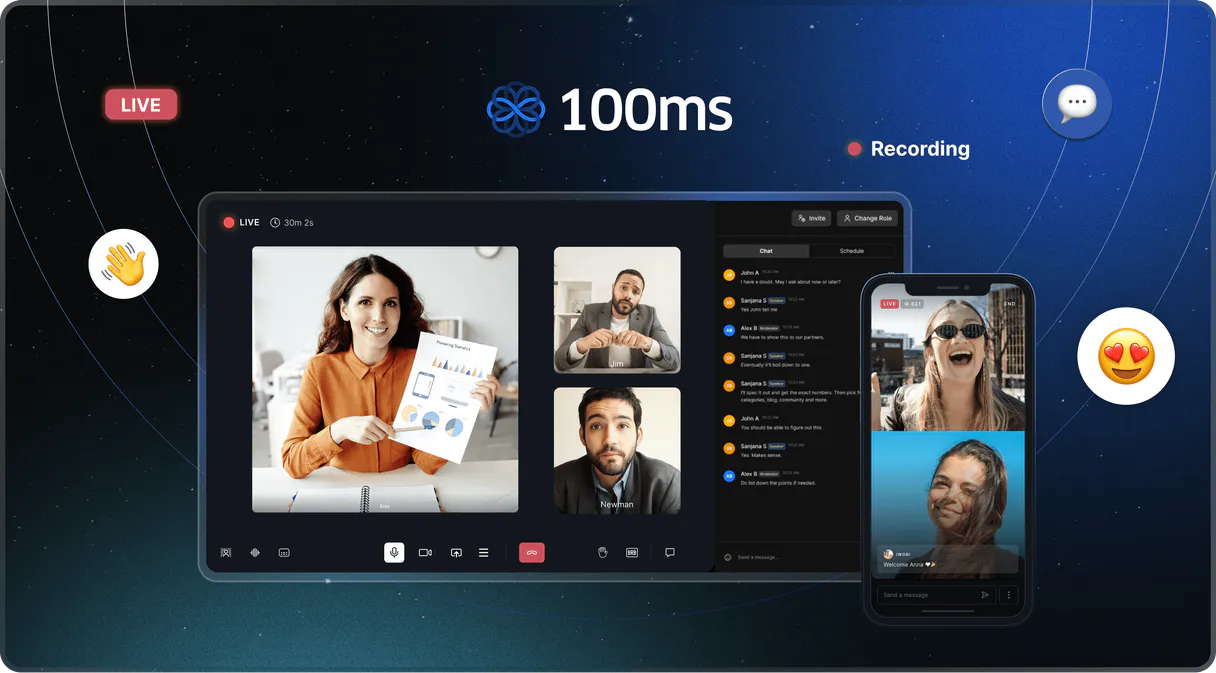
100ms MCP Server. Manage your live video infrastructure from chat. This server gives your AI client direct access to 100ms features, letting you list rooms, monitor active sessions, kick participants, and retrieve recording metadata without touching a dashboard.
It's full video operations control, built into your workflow.
What your AI agents can do
Create room
Starts a new video room instance with a specified template or description.
Get room
Retrieves the configuration and details for a specific video room ID.
Get session
Gets the metadata and details for a specific video session ID.
Start new video rooms or modify the settings of existing ones using create_room, get_room, and update_room.
Monitor active and completed video sessions, or list all past sessions using get_session and list_sessions.
List all participants in a session (list_peers) and actively remove or kick them (remove_peer).
List and filter cloud recordings by room ID or status using list_recordings.
List all rooms (list_rooms) or sessions (list_sessions) to quickly find the unique IDs needed for deeper operations.
Ask AI about this MCP
Supported MCP Clients
Gemini Waiting for input…
019d7541create room
Starts a new video room instance with a specified template or description.
019d7541get room
Retrieves the configuration and details for a specific video room ID.
019d7541get session
Gets the metadata and details for a specific video session ID.
019d7541list peers
Lists all participants currently connected to an active video session, requiring the session ID.
019d7541list recordings
Retrieves a list of cloud recordings, optionally filtering by room ID or status.
019d7541list rooms
Lists every video room available in your 100ms account to find a room ID.
019d7541list sessions
Lists all active or past video sessions, allowing filtering by room ID or status.
019d7541remove peer
Kicks or removes a specific participant from an active session, requiring both the session ID and the peer ID.
019d7541update room
Modifies the settings of an existing video room, requiring the room ID.
Choose How to Get Started
Build a custom MCP for your own tools, or connect a ready-made integration from our catalog.
Build Your Own
Turn any API into an MCP. Import a spec, define Agent Skills, or deploy with MCPFusion.
- Import from OpenAPI, Swagger, or YAML specs
- Create Agent Skills with progressive disclosure
- Deploy to edge with MCPFusion framework
- Built in DLP, auth, and compliance on every call
- Real time usage dashboard and cost metering
- Publish to catalog or keep private
Make Your AI Do More
Start with 100ms, then connect any of our 4,700+ other servers whenever your AI needs more. One click, no limits.
- Use this MCP plus 4,700+ others, all in one place
- Add new capabilities to your AI anytime you want
- Every connection is secured and compliant automatically
- Track usage and costs across all your servers
- Works with Claude, ChatGPT, Cursor, and more
- New servers added to the catalog every week
What you can do with this MCP connector
You'll use this server to manage your entire 100ms video infrastructure straight from your AI client. It gives your agent full operational control over rooms, sessions, and participants—you don't gotta touch a dashboard. You can start by getting all the room IDs you need with list_rooms, or check out every active or past session using list_sessions.
To build a room, you'll use create_room to start a new instance with a specific template or description. You can then get the details of any specific room using get_room, or change out its settings with update_room using the room ID you just got.
When you wanna track what's going on, you can get the metadata for a specific session with get_session, or check out all the sessions that have happened using list_sessions. You can also list every single person in an active session with list_peers, and if you need to kick somebody, you'll use remove_peer with both the session ID and the peer ID.
For recordings, you can check out a list of cloud recordings using list_recordings, and you can narrow that list down by filtering on a room ID or a status.
This whole setup lets your agent handle the heavy lifting. You can list every room to find an ID, list every session to find an ID, list every peer to get their ID, and get the specific details for any room or session you point it at. You're running full video operations right inside your workflow.
How 100ms MCP Works
- 1 Subscribe to the server and provide your 100ms Management Token.
- 2 Reference a specific action (e.g., 'List all rooms' or 'Remove peer X').
- 3 Your AI client translates the request into tool calls, executing the necessary API sequence.
The bottom line is, your AI client talks directly to 100ms, running the operations you'd normally do in a web UI, but through natural language conversation.
Who Is 100ms MCP For?
Platform Engineers. Ops Engineers. Support Teams. Community Managers. This is for anyone who spends too much time clicking through complex video dashboards to perform routine tasks. If your job involves managing live video rooms or tracking participant state, this server saves you time.
Troubleshoots participant connectivity or monitors active video sessions using simple chat commands, eliminating the need to navigate complex dashboards.
Looks up session details and participant history by calling tools like list_sessions and list_peers to provide rapid technical assistance to users.
Manages live rooms and moderates participants by calling remove_peer and list_peers without manual dashboard navigation.
What Changes When You Connect
- Kick participants on the fly. Use
remove_peerto remove a peer from a session. You don't need to navigate to the session's moderation panel; you just tell your agent to do it. - Audit room setup instantly. Call
list_roomsto see every virtual room ID. Then useget_roomto pull specific metadata, verifying configurations without opening the dashboard. - Track session history easily. Need to know who was in a meeting last week? Use
list_sessionsto find past meetings, and thenlist_peersto see who attended. - Manage recordings without diving into storage.
list_recordingslets you browse all cloud recordings, filtering by status (failed, completed) or by room ID, keeping you focused on the data. - Streamline troubleshooting. If a session looks weird, call
get_sessionandlist_peerstogether. You get the full metadata and the current participant list in one workflow, fast. - Automate ID gathering. If you need to write a script that interacts with 100ms, use
list_roomsandlist_sessionsto gather all necessary unique IDs for your automation scripts.
Real-World Use Cases
Moderating a live event
A Community Manager needs to kick a disruptive participant. Instead of locating the live session in the dashboard, navigating to the participant list, and finding the ID, they tell their agent: 'Remove peer-123 from sess-abc for violating community guidelines.' The agent runs remove_peer, and the action is complete.
Onboarding a new platform feature
A Product Team needs to test a new room template. They ask the agent to 'Create a new room called 'Test Beta' using the 'Developer' template.' The agent runs create_room, setting up the room immediately for testing and auditing.
Investigating a connectivity issue
A Platform Engineer notices a user can't join a meeting. They ask the agent to 'Check the status of the 'Town Hall' room and list the peers.' The agent runs list_rooms (to find the ID) and then list_peers (to check membership), providing immediate troubleshooting data.
Auditing old meetings
A Support Team needs to provide details on a meeting from three weeks ago. They ask the agent to 'Find the session details and participant list for the 'HR Review' meeting.' The agent uses list_sessions to find the correct session ID, then runs get_session and list_peers to compile the full history.
The Tradeoffs
Manual Dashboard Navigation
To kick a participant, you have to log into the 100ms dashboard, find the correct live room, manually locate the participant's name, copy their unique ID, and then hit the 'kick' button. This process takes multiple clicks and is slow.
→
Just tell your agent: 'Remove participant peer-123 from session sess-abc for violating community guidelines.' The agent runs remove_peer and handles the entire sequence in a single chat command.
Guessing Room IDs
When setting up automation, you have to manually list all rooms and cross-reference IDs in spreadsheets, increasing the chance of using an outdated or wrong ID.
→
Use list_rooms to pull a definitive list of all room IDs into your workflow. Then use get_room with the correct ID to pull the exact, current configuration details.
Chasing Metadata
You need to know if a room has specific template settings, but you have to check the main dashboard, then look in the 'Settings' tab, then find the 'Metadata' section. It's scattered.
→
Use get_room with the room ID. This tool pulls all the configuration and metadata in one place, giving you the full picture right away.
When It Fits, When It Doesn't
Use this server if your workflow requires interacting with 100ms rooms, sessions, or participants in a programmatic way. You need to automate monitoring, moderation, or data retrieval. For example, if you need to know who was in a room, run list_peers. If you need to delete a participant, run remove_peer. If you just need a list of all available rooms, use list_rooms first. Don't use this if you only need to check the 100ms status page—that's a manual process. If you are building an external API that needs to read the status, you'll need the specific getters like get_room or get_session to ensure type safety.
Independent Platform Disclaimer: Vinkius is an independent platform and is not affiliated with, endorsed by, sponsored by, verified by, or otherwise authorized by 100ms. All third-party trademarks, logos, and brand names are the property of their respective owners. Their use on this website is strictly for informational purposes to identify service compatibility and interoperability.
VINKIUS INFRASTRUCTURE
Cloud Hosted
Managed infra
V8 Isolated
Sandboxed per request
Zero-Trust Proxy
No stored credentials
DLP Enforced
Policy on every call
GDPR Compliant
EU data residency
Token Compression
~60% cost reduction
Works with Claude, ChatGPT, Cursor, and more
The Model Context Protocol standardizes how applications expose capabilities to LLMs. Instead of operating in isolation, your AI gains direct access to external platforms, live data, and real-world actions through secure, standardized connections.
This server provides 9 capabilities that interface natively with Claude, ChatGPT, Cursor, and any MCP client. No middleware. No custom integration required.
Available Capabilities
Finding a meeting participant shouldn't take 10 clicks.
Today, managing a single live event requires navigating deep into the 100ms dashboard. You have to find the room, switch tabs to the participant list, manually locate the person, and then copy their unique ID. This whole process of locating and verifying credentials is slow and error-prone.
With this MCP server, you just talk to your agent. You ask it to kick someone. The agent handles the multi-step process: it finds the room, finds the peer, and executes the `remove_peer` tool call. You get the confirmation instantly.
100ms MCP Server: Control video ops from chat
Manual workflows force you to copy and paste IDs from one dashboard into another. You spend time cross-referencing room IDs, session IDs, and peer IDs across different tabs just to compile a report or run a simple check.
Now, your agent manages the IDs. You ask for a full audit of a room, and the agent uses `list_rooms`, `get_room`, and `list_recordings` to gather all the required data points and present them to you. It's one prompt, all the data.
Common Questions About 100ms MCP
How do I list all rooms using the 100ms MCP Server? +
Run the list_rooms tool. This returns a list of every room ID in your account. You can then use the ID from that list to run get_room to see its specific settings.
Can I kick a participant using the 100ms MCP Server? +
Yes, use remove_peer. You must provide the session ID and the peer ID. The tool handles the actual removal and records the reason you provide.
What if I need to check details for a past meeting? (Using 100ms MCP Server) +
First, use list_sessions to find the correct session ID and date. Then, use get_session to retrieve the metadata for that specific meeting.
How do I find all participants in an active meeting? (Using 100ms MCP Server) +
Use list_peers and provide the active session ID. This returns a list of every peer currently joined, along with their unique role and ID.
How do I create a new video room? (Using 100ms MCP Server) +
Run the create_room tool. You can specify the template and description for the new room, getting a usable room ID back immediately.
How do I check the settings for a specific room using the 100ms MCP Server's `get_room` tool? +
You use get_room by providing the unique room ID. This retrieves the room's current configuration, templates, and deep metadata, letting you verify its status.
What if I need to list all cloud recordings using the 100ms MCP Server's `list_recordings` tool? +
You use list_recordings to pull a list of available recordings. You can optionally filter this list by a specific room ID or by the recording's status (like 'failed' or 'processing').
Can I monitor past video sessions using the 100ms MCP Server's `list_sessions` tool? +
Yes, list_sessions tracks past meetings. You can filter results by room ID or by the desired status to find who attended a meeting at a specific time.
Can I remove a participant from a live session through the agent? +
Yes. The remove_peer tool allows your AI agent to disconnect any participant from an active session using their peer ID. You can also provide a custom reason for the removal, which will be logged in your session history.
How do I check if a video room is currently active? +
Use the list_sessions tool and filter by the specific room ID and status 'active'. Your agent will return any ongoing sessions for that room along with the number of participants currently joined.
Can I see all cloud recordings for a specific room? +
Absolutely. Use the list_recordings tool and provide the room ID. Your agent will retrieve all recordings associated with that room, showing their status and technical metadata for auditing purposes.
Use it with your favorite AI tools
Connect this server to Cursor, Claude, VS Code, and more.
More in this category

ClickSend
Manage SMS and multi-channel messaging via ClickSend — send messages, track history, and monitor inbound SMS directly from any AI agent.
Pushbullet
Send files, links, and notifications between your phone and computer instantly with universal copy-paste across all devices.

Bluesky Social
Publish posts, follow accounts, and engage with the decentralized social network through your AI-powered workflow.
You might also like

AT&T Messaging
CPaaS Messaging -- Send SMS/MMS, manage shortcodes, track delivery status, and run bulk campaigns via AT&T Messaging API.
Insomnia (Collaborative API Design)
Manage API designs and collections via Insomnia — list organizations, projects, and files, and audit API specs.
Amilia
Recreation and activity management — manage programs, accounts, and registrations via AI.