
Connect AT&T IoT MCP to Claude Desktop via Vinkius.
Check device status and update settings through natural conversation.
Bring Sim Management
to Claude Desktop
Create your Vinkius account to connect AT&T IoT to Claude Desktop and route execution through our secure gateway. The platform manages server hosting, runtime updates, and security layers. Configuration requires no manual server provisioning.
 GDPR Free for Subscribers
What Claude Desktop can do with AT&T IoT MCP Server
Connect your AT&T IoT account to any AI agent and take full command of your IoT SIM fleet through natural conversation.
What you can do
- Device Inventory -- List all IoT SIMs with ICCIDs, statuses (active, suspended, deactivated), data plan names, and last activity dates
- Real-Time Status -- Get live connectivity state, IP address, signal strength, data used/remaining, and suspension reasons for any SIM
- Activate & Suspend -- Instantly activate suspended devices or suspend compromised SIMs to block network access and contain costs
- Resume Devices -- Restore network access to suspended SIMs after troubleshooting or policy clearance without reprovisioning
- Data Usage Tracking -- Retrieve current and historical usage per SIM with daily breakdowns, overage alerts, and cycle forecasts
- Data Pool Management -- List shared data pools, monitor aggregate consumption, identify top-consuming devices, and prevent pool exhaustion
- Device Configuration -- Update rate limits, APN settings, and pool assignments to optimize performance or migrate devices between plans
- Automated Diagnostics -- Run connectivity troubleshooting checks including network registration, APN config, data session status, and known outages
How it works
- Subscribe to this server
- Enter your AT&T IoT API Key and Client ID
- Start managing your IoT fleet from Claude, Cursor, or any MCP-compatible client
No more logging into the IoT Control Center portal for every SIM check. Claude Desktop becomes your IoT operations console.
Who is this for?
- IoT Fleet Managers -- monitor device health at scale, track data pool consumption, and prevent SIM exhaustion before it happens
- Field Engineers -- diagnose offline devices remotely, activate new deployments, and suspend lost or stolen SIMs instantly
- Network Operations -- troubleshoot connectivity issues with automated diagnostics, review APN configurations, and check known outages
- Finance Teams -- audit data usage across the fleet, forecast billing cycles, and reallocate unused pool capacity to save costs
"List all my IoT devices and show me which ones are suspended."
I've retrieved your IoT fleet inventory. Total devices: 247. Active: 231, Suspended: 14, Deactivated: 2. Here are the 14 suspended devices with their ICCIDs and suspension reasons: 3 devices suspended for exceeding data limits, 8 suspended manually (cost containment), 3 suspended due to reported loss/theft. Would you like me to resume any of the cost-containment suspensions?
Isolated on Claude Desktop.
Enforced across all tools.
Provision AT&T IoT for Claude Desktop now. Expand to additional AI engines at any time with a single account and unified credential store.
Cross-platform
10+
AI clients. Simultaneous.
One Vinkius account distributes to every supported AI client in parallel.
MCP Catalog
4,500+
Isolated MCP Servers
CRM, payments, analytics, DevOps, bind any combination from the catalog. Governed.
Portability
Zero
lock-in. Ever.
Vinkius runs the infrastructure. Every MCP Server connection is portable by design.
Governance
Full
operational control
Policies, runbooks, RBAC, audit trails, and token budgets. Every MCP Server from one place.
AT&T IoT talks.
Vinkius decides what Claude Desktop hears.
Every response is filtered, logged, and gated before reaching the AI agent. No raw data passes through.
AT&T IoT
raw payload
DLP
Tokens, PII, secrets redacted
Audit
Write-once log, tamper-proof
RBAC
Roles, approvals, circuit breaker
Claude Desktop
clean data only
* Every connection is hosted and maintained by Vinkius. We handle the security, updates, and infrastructure so you don't have to write code or manage servers. See our infrastructure
Claude Desktop executes. Vinkius governs.
Guardrails, token cost tracking, audit logs, and usage analytics for every AT&T IoT tool call are managed from a single dashboard. Vinkius operates the routing and scaling infrastructure.
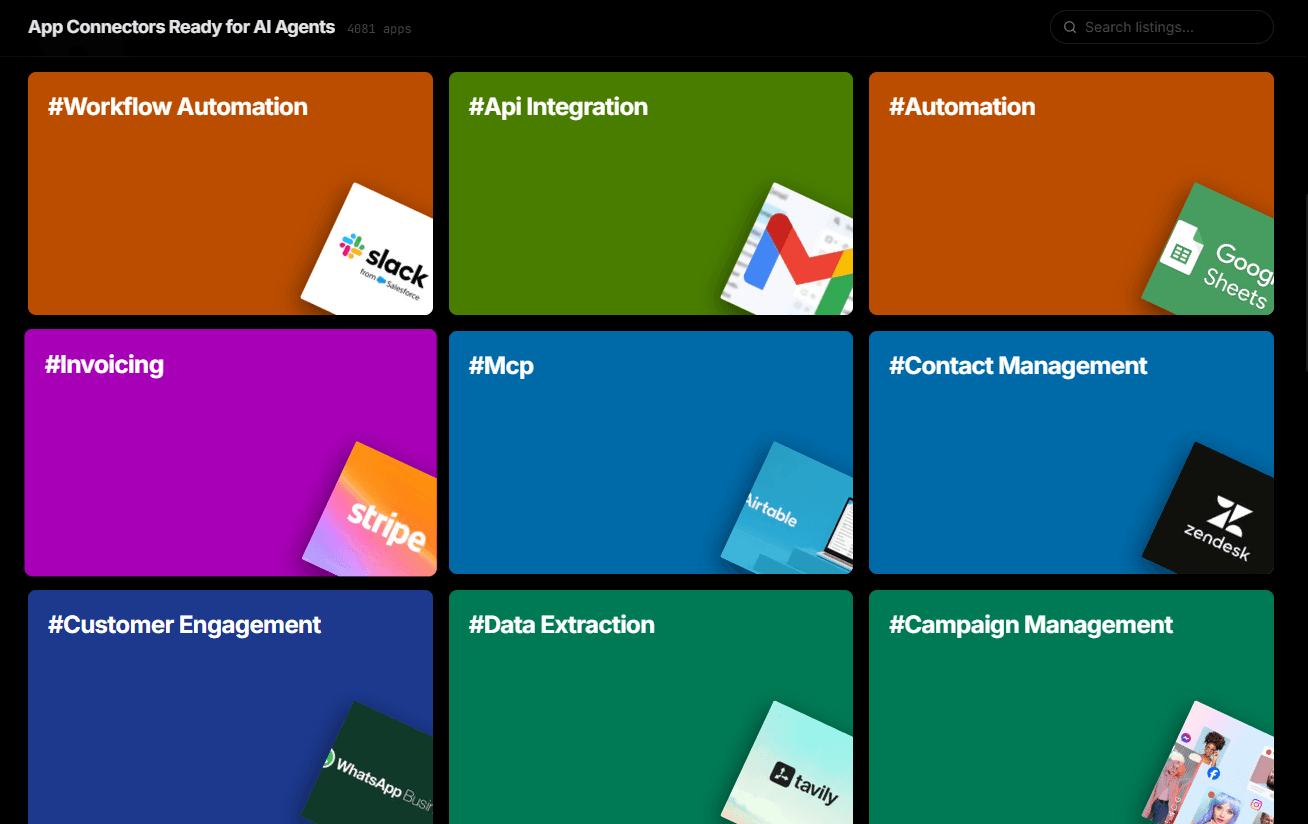
Over 4,000 integrations ready for AI agents
Explore a vast library of pre-built integrations, optimized and ready to deploy.
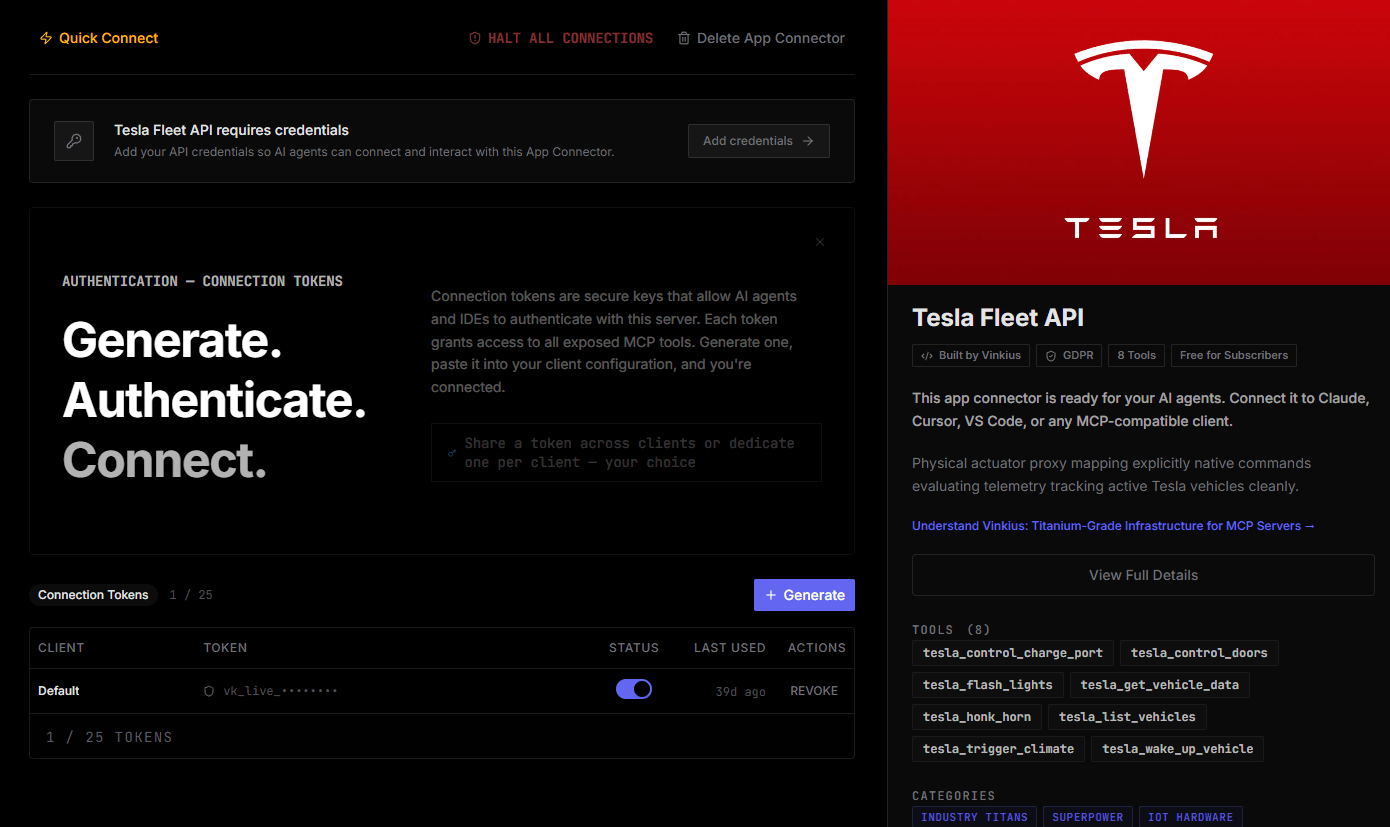
Connect securely in under 30 seconds
Generate tokens to authenticate and link external services in a single step.
Complete visibility into every agent action
Audit live requests, latency, success rates, and active security compliance policies.
Optimize spending and track token ROI
Analyze real-time token consumption and cost metrics detailed by connection.
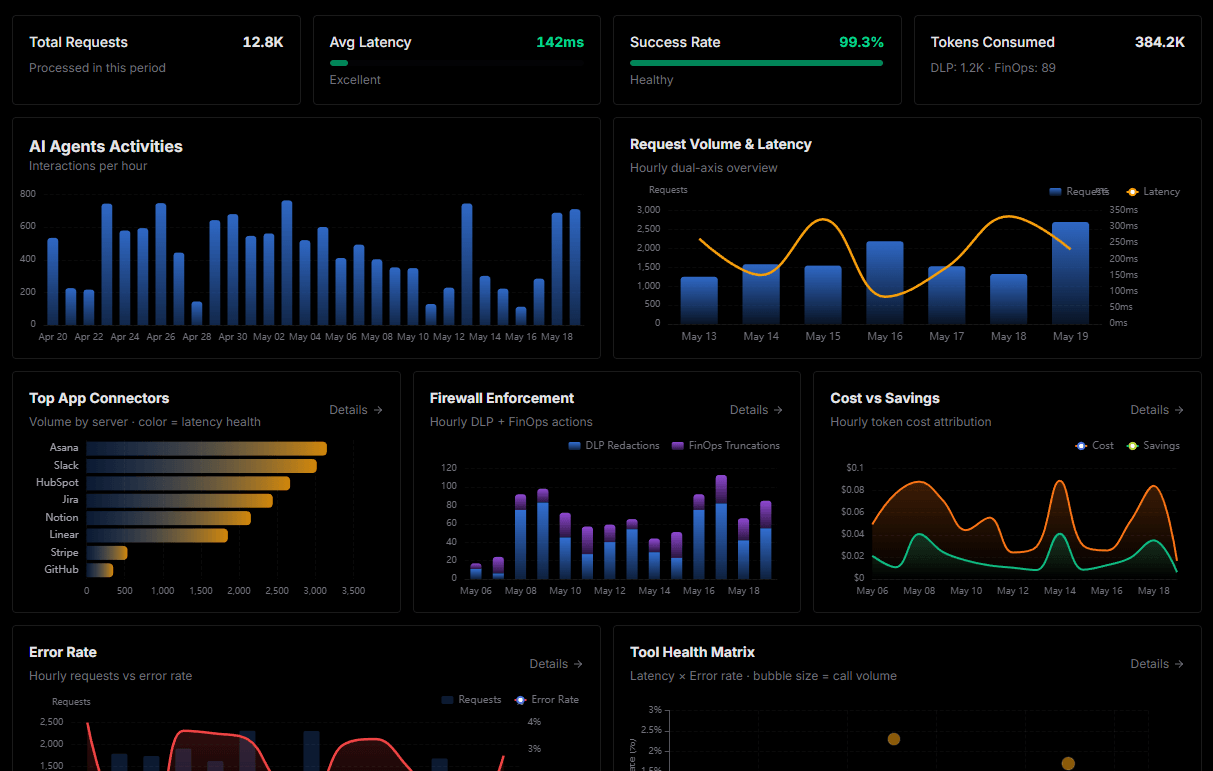
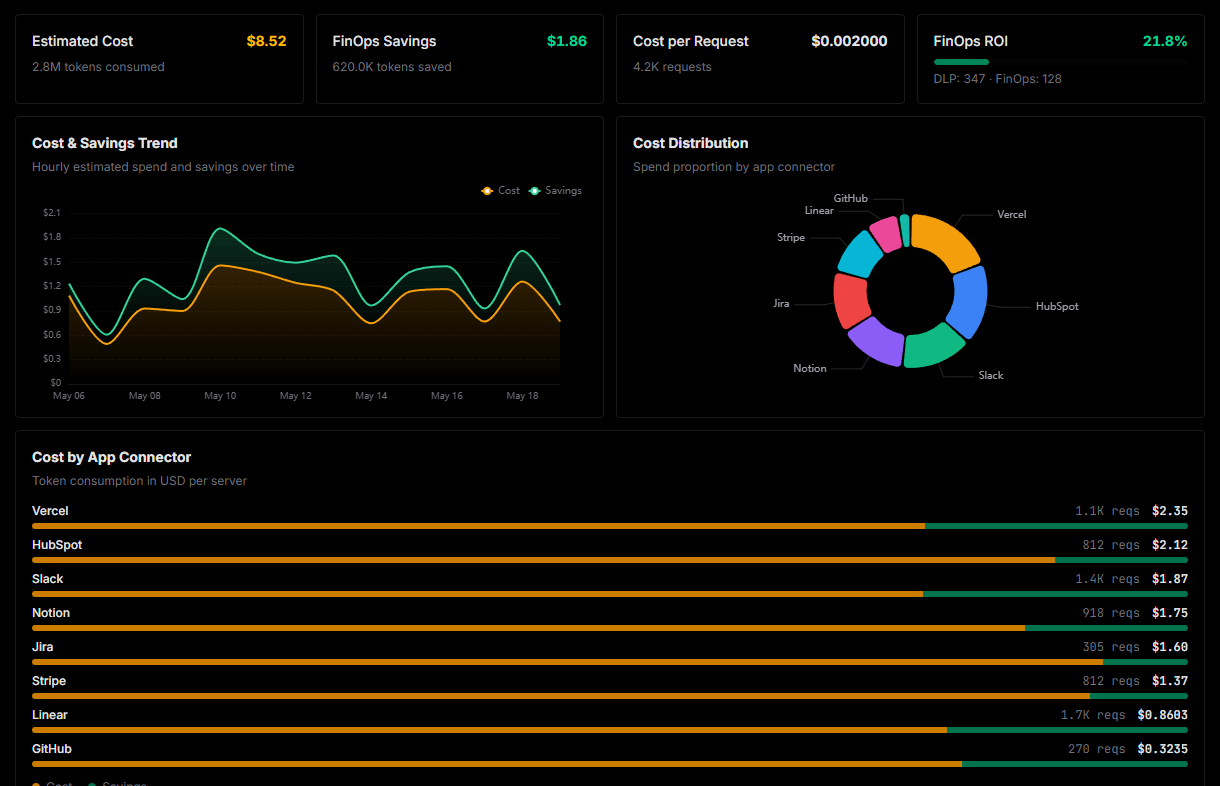
Explore our live AI Agents Analytics dashboard to see it all working
This dashboard is included when you connect AT&T IoT using Vinkius. You will never be left in the dark about what your AI agents are doing with your tools.
AT&T IoT and the entire MCP catalog. No arbitrary hosting. Zero-trust by default.
Deploying AT&T IoT to Claude Desktop via Vinkius eliminates custom development, server maintenance, and security overhead. Integration profiles are pre-compiled and run on dedicated sandboxed infrastructure.
Raw MCP | Vinkius | |
|---|---|---|
| Hardened MCPs | Find and configure each manually | Full catalog sandboxed |
| Connection Setup | Manual coding & server setup | Isolated synchronous binding |
| Server Hosting | You host it yourself (needs 24/7 uptime) | 100% hosted & managed by Vinkius |
| Security & Privacy | Stored in plaintext config files | Bank-grade encrypted vault |
| Activity Visibility | Blind execution (no logs or tracking) | Live dashboard with real-time logs |
| Cost Control | Runaway AI token spend risk | Automatic budget limits |
| Revoking Access | Must delete files or code to stop | 1-click disconnect button |
How Vinkius secures
AT&T IoT for Claude Desktop
All transactions between Claude Desktop and AT&T IoT pass through a secure egress gateway. Vinkius redacts sensitive payloads, enforces allowlist constraints, and supports immediate connection revocation.
Frequently asked questions
What information do I need to identify an IoT SIM?
Each IoT SIM is uniquely identified by its ICCID (Integrated Circuit Card Identifier) -- a 19-20 digit number printed on the SIM card or available in your IoT Control Center dashboard. The ICCID is required for all device-specific operations like activation, suspension, and usage queries. You can list all your devices with list_devices to discover ICCIDs for your entire fleet.
How do data pools work and how can I prevent pool exhaustion?
Data pools are shared data plans across multiple IoT SIMs. Instead of each SIM having an individual cap, all devices in the pool draw from a common data bucket. Use list_data_pools to see your pools, get_pool_usage to check consumption and identify top-consuming devices, and set up alerts before reaching the limit. If a pool is near exhaustion, you can suspend low-priority devices with suspend_device or migrate high-usage devices to a different pool with update_device_settings.
Can I automatically diagnose why an IoT device went offline?
Yes. Use the diagnose_connectivity tool with the device's ICCID. It runs automated checks for network registration status, APN configuration, active data session, signal strength, and known network outages in the device's area. The tool returns detailed diagnostic results with recommended actions -- helping your field engineers resolve connectivity issues without manual portal navigation.
How does Claude Desktop discover MCP tools?
When Claude Desktop starts, it reads the claude_desktop_config.json file and connects to each configured MCP server. It calls the tools/list endpoint to fetch the schema for every available tool, then surfaces them as clickable options in the chat interface via the 🔌 icon.
What happens if the MCP server is temporarily unavailable?
Claude Desktop handles disconnections gracefully. if the server is unreachable at startup, the tools simply won't appear. Once the server becomes available again, restarting Claude Desktop will re-establish the connection. There is no timeout penalty or error loop.
Can I connect multiple MCP servers simultaneously?
Yes. You can add as many servers as you need in the mcpServers section of the config file. Each server appears as a separate tool provider, and Claude can use tools from multiple servers in a single conversation turn.
Is there a limit on the number of tools per server?
Claude Desktop can handle hundreds of tools per server. However, for optimal LLM performance, Vinkius servers are designed to expose focused, well-documented tool sets rather than overwhelming the model with too many options.
Does Claude Desktop support Streamable HTTP transport?
Yes. Claude Desktop supports both SSE (Server-Sent Events) and the newer Streamable HTTP transport that Vinkius uses. Simply provide the server URL. Claude auto-negotiates the transport protocol.
Server not appearing after restart
Ensure the JSON is valid (no trailing commas). Check the file path: ~/Library/Application Support/Claude/claude_desktop_config.json (macOS) or %APPDATA%\\Claude\\ (Windows).
Authentication error
Verify your Vinkius token is correct. Go to cloud.vinkius.com to regenerate it if needed.
Tools not showing in chat
Click the 🔌 icon at the bottom of the chat input. If it shows 0 tools, the server may still be connecting. wait a few seconds.
Explore More MCP Servers
View all →
Plaid Enterprise Banking
10 toolsUltimate Open Banking: balances, transactions, ML fraud logic, payroll, and asset verification.

Outreach
8 toolsEquip your AI agent with direct access to Outreach. Manage prospects, track sequences, and analyze sales engagement without opening the Outreach platform.

StackHawk
10 toolsConnect your AI to the StackHawk DAST platform. Run automated security scans, triage alerts easily, and find vulnerabilities effortlessly.
DoubleTick MCP Integration
10 toolsEquip your AI agent to manage WhatsApp conversations, track contacts, and monitor message delivery via the DoubleTick API.