
Beagle Security MCP. Run penetration tests and get findings in conversation.
 Gemini
 Works with every AI agent you already use
…and any MCP-compatible client









Just plug in your AI agents and start using Vinkius.
Beagle Security. Automate penetration testing and security auditing. List projects, trigger new tests, and get detailed vulnerability reports directly from any AI agent.
It lets you manage application security and retrieve compliance data without leaving your chat interface.
What your AI agents can do
Get application details
Retrieves specific details for a targeted application.
Get project details
Gets detailed information about a specific Beagle Security project.
Get test results
Pulls the final, structured report containing all security test findings.
The agent retrieves a list of all configured Beagle Security projects and target applications.
The agent initiates a new security test on a specified application or halts an active assessment.
The agent monitors the real-time status of an active test and retrieves final, detailed findings.
The agent lists and details the vulnerabilities found during a completed test run.
The agent fetches metadata, including user profile information, project configuration, or application specifics.
Ask AI about this MCP
Supported MCP Clients
Gemini Waiting for input…
Beagle Security MCP Server: 10 Tools for Security Testing
These tools let your AI agent interact with Beagle Security to manage projects, start tests, check status, and retrieve detailed vulnerability data.
019d7559get application details
Retrieves specific details for a targeted application.
019d7559get project details
Gets detailed information about a specific Beagle Security project.
019d7559get test results
Pulls the final, structured report containing all security test findings.
019d7559get test status
Checks the current progress or final status of a security test run.
019d7559get user profile
Fetches the current user's account profile data from Beagle Security.
019d7559get vulnerabilities
Lists the specific vulnerabilities discovered during a test run.
019d7559list applications
Lists all available applications that can be targeted for security testing.
019d7559list projects
Retrieves a list of all configured Beagle Security projects.
019d7559start test
Triggers a new, on-demand security test against a specified application.
019d7559stop test
Halts an active security assessment before it completes.
Choose How to Get Started
Build a custom MCP for your own tools, or connect a ready-made integration from our catalog.
Build Your Own
Turn any API into an MCP. Import a spec, define Agent Skills, or deploy with MCPFusion.
- Import from OpenAPI, Swagger, or YAML specs
- Create Agent Skills with progressive disclosure
- Deploy to edge with MCPFusion framework
- Built in DLP, auth, and compliance on every call
- Real time usage dashboard and cost metering
- Publish to catalog or keep private
Make Your AI Do More
Start with Beagle Security, then connect any of our 4,700+ other servers whenever your AI needs more. One click, no limits.
- Use this MCP plus 4,700+ others, all in one place
- Add new capabilities to your AI anytime you want
- Every connection is secured and compliant automatically
- Track usage and costs across all your servers
- Works with Claude, ChatGPT, Cursor, and more
- New servers added to the catalog every week
What you can do with this MCP connector
You'll connect your AI client to Beagle Security to manage and automate penetration testing. You'll use this server to run full security audits and track vulnerabilities without ever leaving your chat. You'll manage projects and applications, and you'll get all the necessary reports right here.
To get started, you can use list_projects to pull up every configured Beagle Security project. You'll also use list_applications to see all the apps you can target for a security check. You'll then use get_user_profile to pull up your own account details. If you need the specific details on a project, you've got get_project_details.
And if you're drilling down into an app, get_application_details gives you all the info you need.
When you're ready to test, you'll use start_test to kick off a new security assessment on an app. If something goes sideways, you can use stop_test to halt the test right away. To track what's happening, you'll check the status with get_test_status. Once it's done, you'll use get_test_results to grab the final, structured report with all the findings.
You'll use get_vulnerabilities to pull a list of the exact vulnerabilities discovered during the run. You'll wrap up by using get_test_results to see the full picture, and you'll use get_test_status to confirm the outcome.
How Beagle Security MCP Works
- 1 First, subscribe to the Beagle Security server and provide your required Personal Access Token and Application Token.
- 2 Next, tell your AI agent the task: 'List all my security projects' or 'Start a test for X.'
- 3 The agent calls the necessary tool, and you receive the real-time data (e.g., project lists, test status, or vulnerability findings) in the chat.
The bottom line is, you manage complex security tasks by talking to your AI agent, instead of clicking through multiple web dashboards.
Who Is Beagle Security MCP For?
Security Engineers, DevSecOps Teams, and Developers. You're the person who gets tired of jumping between the CI/CD dashboard, the Jira ticket, and the security platform just to verify a finding. You need to run a test, check the status, and pull the report—all in one conversation.
Automates triggering penetration tests and gathering findings without navigating the Beagle Security UI.
Integrates security testing summaries directly into agent-led CI/CD workflows for instant reporting.
Checks the security test status and reviews vulnerability results straight from the code editor or terminal.
What Changes When You Connect
- Start and stop tests instantly. Instead of navigating to a dashboard to run a scan, you simply ask the agent to
start_testorstop_test, getting immediate confirmation. - Get immediate status checks. Use
get_test_statusto monitor a scan's progress without refreshing a dedicated monitoring page. You just ask for the status. - Pull detailed findings directly.
get_vulnerabilitieslists every finding from a test, giving you a clean, structured list of issues right in your chat, ready for copy-pasting. - Manage projects easily. Use
list_projectsto see all your configured target environments, and then useget_project_detailsto dive into a specific project's settings. - Get final reports quickly. Instead of manual report generation,
get_test_resultspulls the full, actionable report instantly, saving time on manual compilation. - View account details.
get_user_profileretrieves your account data, which is useful for compliance checks or ensuring you're using the right credentials.
Real-World Use Cases
The urgent post-deployment check
A developer just pushed a hotfix to the payment API. They don't want to wait for the CI/CD pipeline to finish its full security suite. They tell their agent to start_test for the payment application. The agent triggers the scan, and they get a confirmation ID. Later, they ask get_test_status until the scan is done, then they run get_vulnerabilities to see the critical findings immediately.
The audit preparation task
A Security Engineer needs to prove compliance for Q3. They ask the agent to list_projects to confirm all required applications are configured. They then use get_user_profile and get_project_details to pull all necessary account and project metadata for the compliance report.
Debugging a failed test run
A test run failed unexpectedly. Instead of logging into the portal and digging through logs, the developer asks the agent to get_test_status to see the failure point. If the test finished, they use get_test_results to pull the final data and figure out what went wrong.
Checking application scope before work
A new team member needs to know what systems are covered by security testing. They simply ask the agent to list_applications. This gives them a clean, current list of all available targets before they even start writing code.
The Tradeoffs
Manual dashboard navigation
Logging into Beagle Security, navigating to the 'Projects' tab, clicking a specific project, then finding the 'Run Test' button, and finally copying the ID to track it.
→
Tell your agent to list_projects to see all options, then tell it to start_test for the desired project. The agent handles the entire sequence without you touching a browser.
Assuming the test is running
Starting a test and then forgetting to check on it for hours, only to find out later that the test timed out or failed silently because you didn't check its status.
→
After running start_test, immediately follow up with get_test_status. This confirms the process is active and keeps you informed on its progress.
Confusing results with scope
Trying to pull all findings without knowing which test generated them, resulting in incomplete or mixed data that needs manual sorting.
→
Always use get_test_results first to identify the specific test ID, then use get_vulnerabilities with that ID to get a clean, scoped list of findings.
When It Fits, When It Doesn't
Use Beagle Security if you need to manage, execute, and retrieve results from automated security scans programmatically. You need to trigger a test, check its status, and pull vulnerability lists—all without opening a browser. Don't use this if you only need to view a single, static report you already downloaded. If your workflow requires complex data normalization or interaction with non-security data (like user payroll records), you'll need a different data connector. If you just need to list resources, list_applications is enough. If you need to know who you are, use get_user_profile.
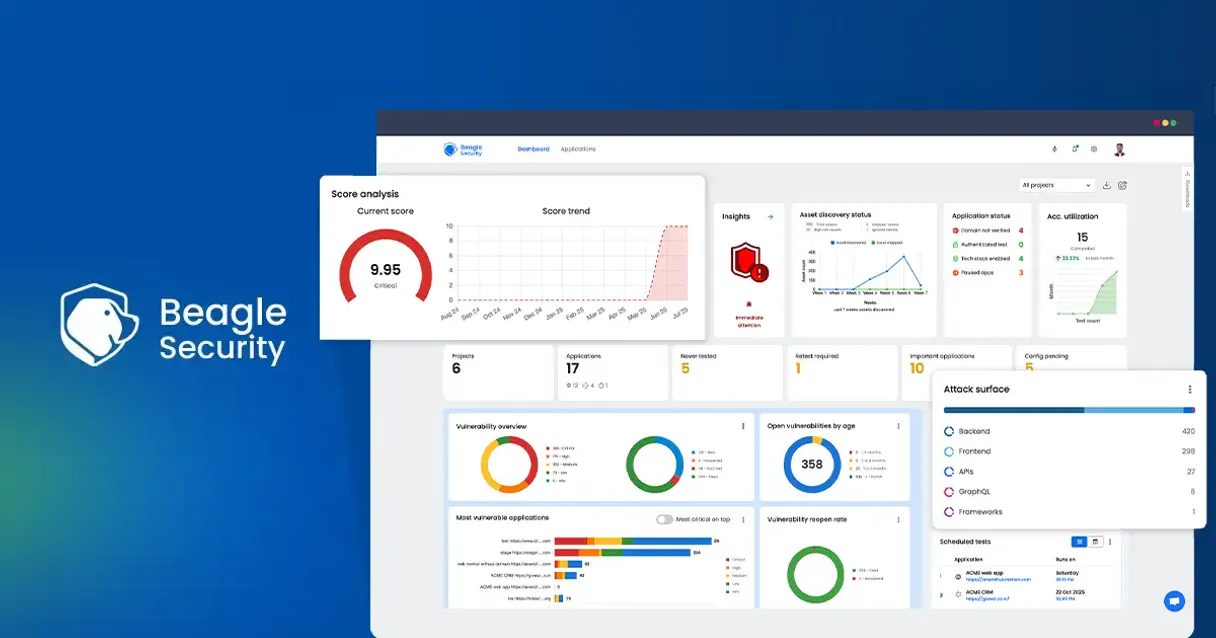
Independent Platform Disclaimer: Vinkius is an independent platform and is not affiliated with, endorsed by, sponsored by, verified by, or otherwise authorized by Beagle Security. All third-party trademarks, logos, and brand names are the property of their respective owners. Their use on this website is strictly for informational purposes to identify service compatibility and interoperability.
VINKIUS INFRASTRUCTURE
Cloud Hosted
Managed infra
V8 Isolated
Sandboxed per request
Zero-Trust Proxy
No stored credentials
DLP Enforced
Policy on every call
GDPR Compliant
EU data residency
Token Compression
~60% cost reduction
Works with Claude, ChatGPT, Cursor, and more
The Model Context Protocol standardizes how applications expose capabilities to LLMs. Instead of operating in isolation, your AI gains direct access to external platforms, live data, and real-world actions through secure, standardized connections.
This server provides 10 capabilities that interface natively with Claude, ChatGPT, Cursor, and any MCP client. No middleware. No custom integration required.
Available Capabilities
Running security audits shouldn't require logging into a separate dashboard.
Today, running a security audit means logging into the Beagle Security portal. You have to click through project lists, select the target application, find the run button, and then wait on a dedicated status page. If you need the results, you usually have to copy-paste data or download a file to review.
With the Beagle Security MCP Server, you talk to your agent. You say, 'Check the status of the payment API scan.' The agent runs `get_test_status` and gives you the answer in the chat. When it's done, you ask for the findings, and the agent runs `get_vulnerabilities` and spits out a clean list. No clicks, no context switching.
Beagle Security MCP Server: Get test results in conversation.
Manually tracking test results requires remembering which test ID belongs to which application, and then figuring out which report format is required for the compliance team. You spend time aggregating data from multiple tabs and exports.
Now, you simply ask your agent to `get_test_results`. The agent pulls the entire history and the structured findings. It brings all the necessary data into the chat, ready for your next step. It's immediate, structured data.
Common Questions About Beagle Security MCP
How do I start a new test using the `start_test` tool? +
You must tell the agent which application you want to test. The agent runs start_test and confirms the test ID is active. You'll get a unique test ID that you can use later to track its status.
What is the difference between `get_test_results` and `get_vulnerabilities`? +
get_test_results provides the full, high-level report for a test. get_vulnerabilities pulls only the specific list of security flaws found, making it ideal for quick reviews of critical issues.
Can I check the status of a test using `get_test_status`? +
Yes. You use get_test_status to see if a test is running, if it failed, or if it completed. This is essential for knowing if you can trust the results you're about to pull.
How do I list all possible applications using `list_applications`? +
You ask the agent to run list_applications. It returns a clean list of every application you can target for a security scan, so you know what's available.
What is the purpose of `get_user_profile`? +
The get_user_profile tool fetches your account data. Use this when you need to confirm user details or account permissions for auditing purposes.
How do I list all my active security projects using the `list_projects` tool? +
The list_projects tool retrieves a comprehensive list of all security projects associated with your account. This list includes project names, unique IDs, and the last activity date, allowing you to manage your target applications at a glance.
What is the difference between `get_application_details` and `get_project_details`? +
Use get_application_details to fetch technical data about a specific application endpoint. Conversely, get_project_details provides the high-level scope and metadata for an entire project container.
Can I stop a test that is running too long using the `stop_test` tool? +
Yes, stop_test immediately halts any active security assessment using a specified Test ID. You must provide the unique test ID to successfully terminate the running job.
Can I start a security test for a specific application from the agent? +
Yes! Use the start_test action with your application's token. Your agent will trigger the penetration test in your Beagle Security account immediately.
How do I check if a running security test has finished? +
Simply ask the agent to get_test_status with the Test ID. It will return the current phase of the test and its completion status.
Does the integration show me the details of found vulnerabilities? +
Yes. Once a test is finished, you can use get_vulnerabilities or get_test_results to retrieve a list of findings, including severity and descriptions.
Use it with your favorite AI tools
Connect this server to Cursor, Claude, VS Code, and more.
More in this category

42Crunch
Automate API security testing via 42Crunch — manage collections, trigger audits, run conformance scans, and retrieve security reports directly from any AI agent.

Ankr (Web3 Node API)
Access high-performance Web3 RPC nodes via Ankr. Query block data, check wallet balances, and interact with smart contracts across multiple EVM chains.

AgentOps (Agent Telemetry and Monitoring)
Monitor and observe your AI agents with AgentOps — track traces, spans, and project metrics directly from your agent.
You might also like

The Graph (Web3 Indexing)
Index and query blockchain data across EVM and Solana chains. Access transfers, holders, swaps, and custom subgraphs directly.
Pendo
Understand product usage, guide users with in-app walkthroughs, and collect feedback that shapes your roadmap with precision.

Zendesk
Manage support tickets, users, and organizations on Zendesk — the complete customer service platform for high-scale teams.