
Bible API MCP. Audit scripture and find verses across any translation.
 Gemini
 Works with every AI agent you already use
…and any MCP-compatible client









Just plug in your AI agents and start using Vinkius.
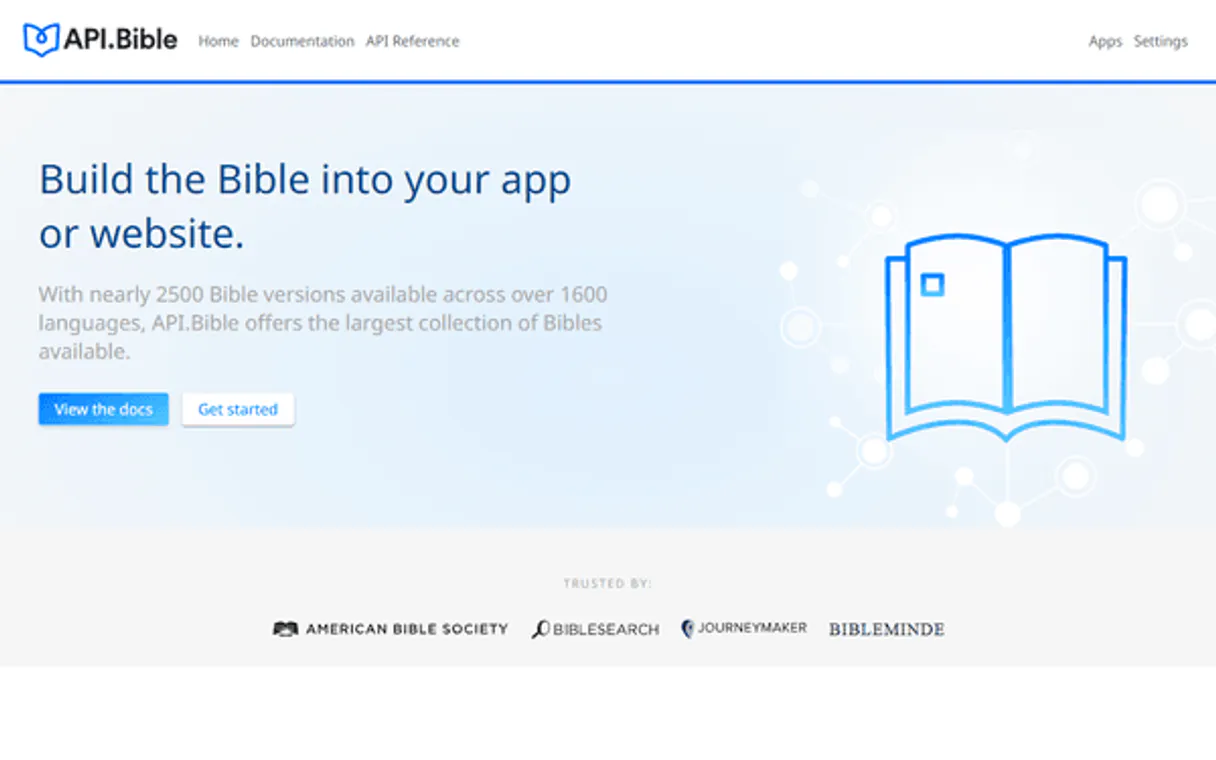
Bible API. Search and retrieve scripture across hundreds of versions. Your AI agent uses this server to find specific verses, audit book contents, and list available Bible translations in natural conversation.
It connects to the American Bible Society's data source, letting you get precise biblical information without writing complex database queries.
Check for keywords in multiple versions or list all available languages.
What your AI agents can do
Get bible chapter
Retrieves the full text content for a specific, defined chapter.
Get bible details
Gets metadata, including abbreviations and IDs, for a specific Bible version.
Get bible verse
Retrieves the exact text content for a specific verse number.
Find every instance of a phrase or word across a specified Bible version.
List every book contained within a specific Bible version.
Pull the full text content for a single, defined chapter.
Retrieve the exact text for a specific verse, without needing the whole chapter.
Get a complete list of all Bible translations and languages in the catalog.
Retrieve metadata, abbreviations, and IDs for any given Bible version.
Ask AI about this MCP
Supported MCP Clients
Gemini Waiting for input…
Bible API MCP Server: 6 Tools for Scripture Data Access
These tools let your AI agent query scripture text, metadata, and book structures across multiple Bible versions.
019d841dget bible chapter
Retrieves the full text content for a specific, defined chapter.
019d841dget bible details
Gets metadata, including abbreviations and IDs, for a specific Bible version.
019d841dget bible verse
Retrieves the exact text content for a specific verse number.
019d841dlist bible books
Lists all the books contained within a specific Bible version.
019d841dlist bibles
Lists every available Bible translation and language in the catalog.
019d841dsearch bible text
Searches for keywords or phrases across a specified Bible version.
Choose How to Get Started
Build a custom MCP for your own tools, or connect a ready-made integration from our catalog.
Build Your Own
Turn any API into an MCP. Import a spec, define Agent Skills, or deploy with MCPFusion.
- Import from OpenAPI, Swagger, or YAML specs
- Create Agent Skills with progressive disclosure
- Deploy to edge with MCPFusion framework
- Built in DLP, auth, and compliance on every call
- Real time usage dashboard and cost metering
- Publish to catalog or keep private
Make Your AI Do More
Start with Bible API, then connect any of our 4,700+ other servers whenever your AI needs more. One click, no limits.
- Use this MCP plus 4,700+ others, all in one place
- Add new capabilities to your AI anytime you want
- Every connection is secured and compliant automatically
- Track usage and costs across all your servers
- Works with Claude, ChatGPT, Cursor, and more
- New servers added to the catalog every week
What you can do with this MCP connector
Yo, this server hooks your AI agent right up to the American Bible Society's scripture data. You can use it to run deep biblical research—from tracking keywords across tons of translations to pulling specific verses—all just by talking to your agent. You never gotta mess with some fancy database query language to get the info you need.
Your agent handles all the heavy lifting. It searches for keywords across different Bible versions, checks out chapters, and gets detailed verse info. You're good to go. Here's what it can do:
- Search scripture by keywords: Use
search_bible_textto find every instance of a phrase or word across a specified Bible version. - Retrieve book structure: Use
list_bible_booksto list every book contained within a specific Bible version. - Get specific chapter content: Use
get_bible_chapterto pull the full text content for a single, defined chapter. - Get single verse text: Use
get_bible_verseto retrieve the exact text for a specific verse, without needing the whole chapter. - List all available versions: Use
list_biblesto get a complete list of all Bible translations and languages in the catalog. - Get Bible version details: Use
get_bible_detailsto pull metadata, abbreviations, and IDs for any Bible version.
How Bible API MCP Works
- 1 First, you tell your agent what kind of data you need. For example, you ask it to list all available Bible versions using
list_bibles. - 2 Next, the agent processes the list, helping you narrow down the scope—maybe you only want to search the 'Portuguese' translations, so it calls
list_bible_books. - 3 Finally, you ask your agent to run the query (e.g., 'Show me verses about love'). The agent executes the specific retrieval tool, like
search_bible_text, and gives you the results.
The bottom line is that your agent handles the multi-step process of identifying the correct book, version, and tool call, so you just talk to it.
Who Is Bible API MCP For?
The theologian who needs to audit translations across multiple languages. The academic researcher who can't afford to manually compare verse texts. The content creator needing rapid verification of quotes. This server replaces manual cross-referencing and tedious database lookups with a single conversation.
Uses search_bible_text to compare how the same concept (like 'grace') is translated across Latin, Greek, and English versions.
Uses list_bibles and get_bible_details to map the full scope of available translations and their metadata before starting research.
Uses get_bible_verse or search_bible_text to quickly validate a quote's source and exact wording for published work.
What Changes When You Connect
- You can audit keyword usage across multiple versions. Using
search_bible_textlets you compare how 'love' appears in both the King James Version and the Modern Greek translation. - You don't need to know the full book structure. Calling
list_bible_booksfirst shows you all the canonical books for a given translation, letting you scope your search. - You get the full chapter text instantly.
get_bible_chapterpulls the entire chapter content, so you don't have to stitch together multiple verse calls. - Need a specific quote?
get_bible_versepulls the exact text of a single verse. This is faster and cleaner than pulling an entire chapter just to find one line. - Discover every option available. Use
list_biblesto see every language and version the API supports, so you never miss a translation. - Pinpoint the source data. Running
get_bible_detailsgives you the metadata you need—the official IDs and abbreviations—to make sure your query is accurate.
Real-World Use Cases
Comparing translations of a key concept
A theologian wants to compare how 'redemption' is translated. They ask their agent, 'Search for redemption in the English Standard Version and the Spanish Reina-Valera.' The agent uses search_bible_text on two different versions, returning multiple instances for comparison.
Verifying a quote for a book
A content creator needs to publish a quote from Genesis 1. They ask, 'Show me Genesis 1:1.' The agent uses get_bible_verse to retrieve the exact text, guaranteeing the quote is accurate and sourced correctly.
Mapping a new research project
A scholar starting a project asks, 'What are all the books available in Portuguese translations?' The agent runs list_bibles and then list_bible_books, providing a structured list of all available source materials.
Building a custom knowledge base
An operations lead needs to structure a curriculum. They ask the agent to list all available Bible versions and then list the books for each one. The agent uses list_bibles and list_bible_books to provide a complete data map.
The Tradeoffs
Calling tools randomly
Asking the agent to just 'get me some Bible info' without specifying what you want. The agent can't guess if you need a verse, a book list, or a search. You'll get a generic failure or a massive, unusable data dump.
→
Start by asking for the scope. If you need a specific verse, ask for the book and version first. Then, use get_bible_verse. If you need a topic, use search_bible_text and include the specific Bible ID or version name.
Ignoring version control
Assuming all Bible versions are the same. If you search for 'love' without specifying the version, the agent might pull data from the wrong translation, giving you misleading results.
→
Always check the available translations first using list_bibles. When you search, specify the exact version name or ID to ensure the data is from the correct source.
Over-querying data
Asking the agent to list every book, then list every chapter, then search every verse. This is inefficient and hits rate limits. You'll waste time and bandwidth.
→
Be precise. If you need a chapter, use get_bible_chapter and provide the chapter number. If you need to find a verse, use search_bible_text directly, avoiding unnecessary list calls.
When It Fits, When It Doesn't
Use this server if your goal is verifiable, textual scripture retrieval. You need to compare translations, audit specific quotes, or map the structure of biblical texts. Don't use it if you are writing theological essays and need general analysis or historical commentary—this API only delivers raw, structured text. If your goal is simply to know about the Bible (e.g., historical context), this server won't help. If you need to find a verse, you should use search_bible_text for topic searches, or get_bible_verse for known references. If you need a list of versions, list_bibles is your starting point.
Independent Platform Disclaimer: Vinkius is an independent platform and is not affiliated with, endorsed by, sponsored by, verified by, or otherwise authorized by Bible API. All third-party trademarks, logos, and brand names are the property of their respective owners. Their use on this website is strictly for informational purposes to identify service compatibility and interoperability.
VINKIUS INFRASTRUCTURE
Cloud Hosted
Managed infra
V8 Isolated
Sandboxed per request
Zero-Trust Proxy
No stored credentials
DLP Enforced
Policy on every call
GDPR Compliant
EU data residency
Token Compression
~60% cost reduction
Works with Claude, ChatGPT, Cursor, and more
The Model Context Protocol standardizes how applications expose capabilities to LLMs. Instead of operating in isolation, your AI gains direct access to external platforms, live data, and real-world actions through secure, standardized connections.
This server provides 6 capabilities that interface natively with Claude, ChatGPT, Cursor, and any MCP client. No middleware. No custom integration required.
Available Capabilities
Comparing translations shouldn't require switching between three different database views.
Right now, comparing a key concept across, say, Latin, Greek, and English versions means logging into three different scholarly databases. You copy the concept into the first one, run the search, copy the results, switch tabs, repeat the process, and manually stitch together the comparison. It's slow, and you're always worried about copy-pasting an error.
With the Bible API MCP Server, your agent handles the whole comparison. You ask it, 'What does the Bible say about grace in these three versions?' and it executes `search_bible_text` across all of them. You get the comparison data compiled and ready to use.
Bible API MCP Server: Get the exact verse text instantly.
Previously, finding a single verse required a multi-step process: you had to look up the book, then the chapter, then the verse number, and hope the system didn't timeout. You risked pulling the whole chapter just to find one line.
Now, you just tell your agent the verse you want. It uses `get_bible_verse` and pulls only that text. You get the clean, accurate text immediately, every time.
Common Questions About Bible API MCP
How do I find all the available Bible versions using list_bibles? +
Use the list_bibles tool. It returns a complete catalog of every Bible translation and language supported by the API. You can then use the returned IDs to scope your subsequent searches.
What is the difference between get_bible_chapter and get_bible_verse? +
Use get_bible_chapter when you need the full context of a chapter. Use get_bible_verse when you only need the text for a single verse. The latter is faster and cleaner if you only need one line.
How can I search for a topic using search_bible_text? +
You must provide the keyword and the specific Bible version ID. The search_bible_text tool runs the search across the entire corpus, returning all instances of your keyword for that version.
Can I list all books in a specific Bible version? +
Yes, use list_bible_books. This tool takes a Bible ID and returns a clean list of all books within that specific translation's canon.
How do I use list_bible_books to understand the structure of a canon? +
The list_bible_books tool returns every book name in a given Bible version. This lets you quickly map out the entire organizational structure of the canon. You specify the version ID, and the tool lists all contained books.
What should I use to get the text of a specific verse, like using get_bible_verse? +
Use get_bible_verse when you only need the text for a precise verse reference. It requires the verse ID, Bible ID, and chapter number. This is more granular than fetching a whole chapter.
Can I get the full text of a chapter using get_bible_chapter? +
Yes, get_bible_chapter retrieves the complete text for an entire chapter. You pass the chapter ID and the Bible ID. This is useful when you need the context of all verses in that chapter together.
How does get_bible_details help with research metadata? +
The get_bible_details tool fetches metadata about a specific Bible ID. This tells you the version's name, its language, and any key identifiers. Use this first to verify you're working with the correct source.
How do I find my Bible API Key? +
Sign up at the API.Bible developer portal, create a new application, and you will find your API Key on the application details page. Copy and paste it below.
Are there different languages supported? +
Yes. The API provides access to hundreds of Bible versions in dozens of languages, including English, Spanish, Portuguese, French, and many others.
Can the agent show verses from specific versions? +
Yes. Most tools require a bibleId. Use the list_bibles tool to identify the correct ID for the version you wish to audit.
Use it with your favorite AI tools
Connect this server to Cursor, Claude, VS Code, and more.
More in this category

Clipboard History Searcher
Search through your exported clipboard history (Ditto, CopyQ, Maccy) with AI. Find that URL, phone number, or code snippet you copied days ago.

BR Business Days Calculator
Stop LLMs from calculating SLAs incorrectly. An local, deterministic engine that adds business days while perfectly avoiding weekends and Brazilian national holidays.

People Management Prover
A hiring plan listed 'culture fit' as the primary criterion. That's not a criterion — that's a bias proxy. People Management Prover forces job-related criteria, adverse impact analysis, and validated assessment methods grounded in I-O psychology.
You might also like

OnPay
Payroll and HR management — manage employees, transactions, and schedules via OnPay.

Moonscan (Moonbeam Network Explorer)
Access Moonbeam blockchain data via Moonscan — check GLMR balances, track transactions, and inspect smart contracts directly from any AI agent.

PlaceKitten
Generate placeholder kitten images of any size for your design mockups and creative projects.