
Clientjoy MCP. Manage your entire client lifecycle from chat.
 Gemini
 Works with every AI agent you already use
…and any MCP-compatible client









Just plug in your AI agents and start using Vinkius.
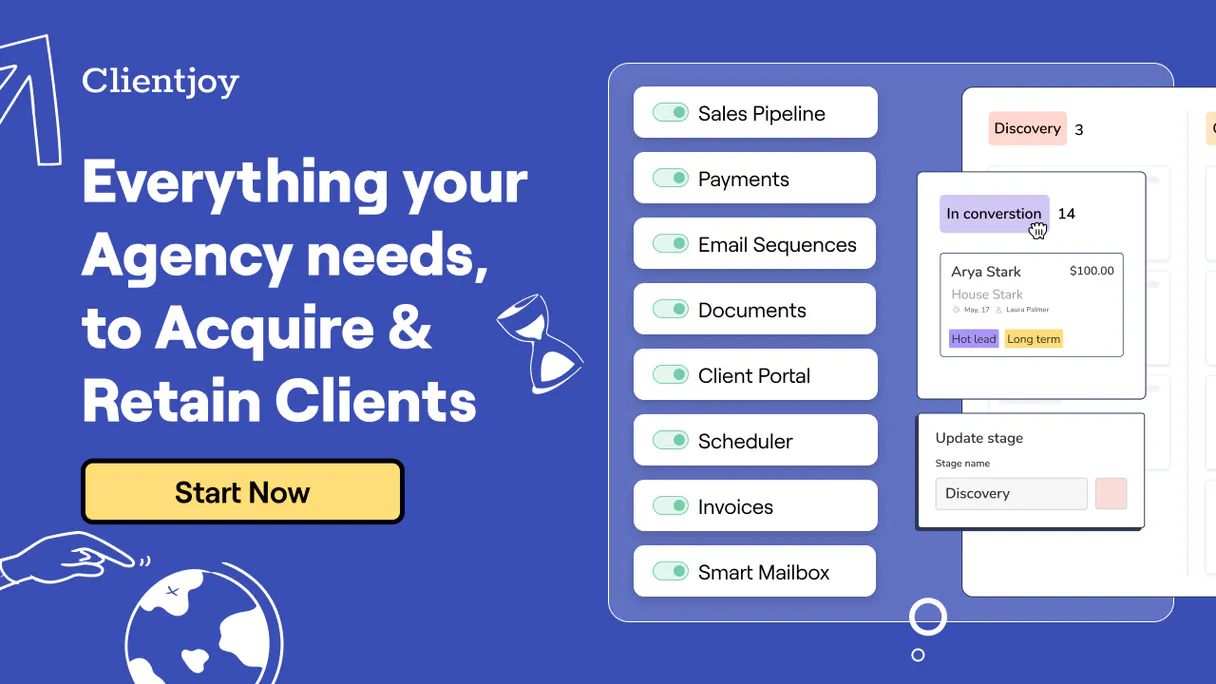
Clientjoy MCP Server manages your agency CRM, invoicing, and project tracking directly through natural conversation. Use this to list leads, monitor invoice payments, retrieve contact histories, and audit project statuses without opening the Clientjoy dashboard.
It gives your AI agent full control over your client lifecycle data.
What your AI agents can do
Get contact crm details
Gets specific details for a client contact.
Get lead crm details
Gets specific details for a sales lead.
Get my clientjoy profile
Retrieves information about the authenticated workspace user.
Retrieves detailed information for a specific client contact.
Retrieves detailed information for a specific sales lead.
Retrieves a list of all contacts and clients stored in the CRM.
Retrieves a list of all sales leads captured in Clientjoy.
Retrieves a list of all agency invoices and their payment status.
Retrieves a list of all client projects and their tasks.
Retrieves a list of sales quotes and proposals sent to clients.
Ask AI about this MCP
Supported MCP Clients
Gemini Waiting for input…
Clientjoy MCP Server: 8 Tools for CRM & Client Lifecycle
Use these 8 tools to list and retrieve specific data points across your CRM, invoicing, and project management systems through your AI client.
019d7573get contact crm details
Gets specific details for a client contact.
019d7573get lead crm details
Gets specific details for a sales lead.
019d7573get my clientjoy profile
Retrieves information about the authenticated workspace user.
019d7573list agency invoices
Lists all agency invoices and their payment status.
019d7573list agency projects
Lists all client projects tracked in Clientjoy.
019d7573list clientjoy contacts
Lists all contacts and clients stored in the CRM.
019d7573list clientjoy leads
Lists all sales leads captured in Clientjoy.
019d7573list sales quotes
Lists sales quotes and proposals sent to potential clients.
Choose How to Get Started
Build a custom MCP for your own tools, or connect a ready-made integration from our catalog.
Build Your Own
Turn any API into an MCP. Import a spec, define Agent Skills, or deploy with MCPFusion.
- Import from OpenAPI, Swagger, or YAML specs
- Create Agent Skills with progressive disclosure
- Deploy to edge with MCPFusion framework
- Built in DLP, auth, and compliance on every call
- Real time usage dashboard and cost metering
- Publish to catalog or keep private
Make Your AI Do More
Start with Clientjoy, then connect any of our 4,700+ other servers whenever your AI needs more. One click, no limits.
- Use this MCP plus 4,700+ others, all in one place
- Add new capabilities to your AI anytime you want
- Every connection is secured and compliant automatically
- Track usage and costs across all your servers
- Works with Claude, ChatGPT, Cursor, and more
- New servers added to the catalog every week
What you can do with this MCP connector
Your AI agent handles everything in Clientjoy—from leads to invoices—so you don't have to open the dashboard. It gives your agent full control over your client lifecycle data through natural conversation.
Get Contact Details
Retrieves specific info for a client contact using get_contact_crm_details.
Get Lead Details
Grabs specific info for a sales lead using get_lead_crm_details.
List Contacts
Checks all contacts and clients in the CRM with list_clientjoy_contacts.
List Leads
Gets a list of all sales leads captured in Clientjoy using list_clientjoy_leads.
List Invoices
Checks all agency invoices and tells you their payment status with list_agency_invoices.
List Projects
Lists all client projects and their tasks using list_agency_projects.
List Quotes & Proposals
Reviews all sales quotes and proposals sent to potential clients via list_sales_quotes.
Get My Profile
Retrieves info about your authenticated workspace user with get_my_clientjoy_profile.
How Clientjoy MCP Works
- 1 Subscribe to the Clientjoy MCP Server and get your API Token from Clientjoy settings.
- 2 Input your Clientjoy API Token into the Vinkius marketplace.
- 3 Ask your AI agent a question (e.g., 'Show me my unpaid invoices') to run the specific tool.
The bottom line is, your AI client uses the provided token to call the Clientjoy API, letting you manage data through conversation.
Who Is Clientjoy MCP For?
Agency owners, account managers, and project coordinators. If your job involves tracking client status, money flow, or project progress, this is for you. It takes the administrative burden off the dashboard and puts it into your chat window.
Monitors sales pipelines and revenue status by asking the agent to list quotes or check invoice statuses.
Maintains client relationships by retrieving contact histories and listing all active client projects.
Verifies payment status and looks up invoice details immediately from the chat interface, without logging into accounting software.
What Changes When You Connect
- See all unpaid invoices and their payment status instantly. Use
list_agency_invoicesto get a quick financial overview without navigating to the accounting tab. - Audit project progress and task lists in real time.
list_agency_projectsgives you the status of a client's work without opening the full project dashboard. - Check lead status and proposal history. Use
list_clientjoy_leadsandlist_sales_quotesto verify where potential clients stand in the sales pipeline. - Review client history on demand.
list_clientjoy_contactslists all contacts, andget_contact_crm_detailspulls up the full history for one person. - Understand your workspace limits.
get_my_clientjoy_profilelets you pull your own user metadata directly into the conversation. - Access core data points with simple queries. You can use
get_lead_crm_detailsto get deep info on a specific lead without leaving your agent interface.
Real-World Use Cases
A Sales Rep needs to know if a lead is ready for a proposal.
The rep asks the agent: 'What's the status of John Doe?' The agent uses get_lead_crm_details to pull up the full lead profile, confirming the lead status and necessary next steps. This saves them from manually digging through the CRM to confirm basic data.
The Project Manager needs to audit project scope creep.
The PM asks the agent: 'What's the status of the Acme website project?' The agent runs list_agency_projects, showing the project status, and then can use the tool to identify any missing tasks or overdue milestones.
The Accountant needs to reconcile billing discrepancies.
The accountant asks the agent: 'Show me all invoices over $1,000 that are unpaid.' The agent calls list_agency_invoices, filtering the results immediately and giving the accountant a clear list of what needs chasing.
The Owner needs a quick snapshot of the whole business.
The owner asks the agent: 'Give me a summary of new business.' The agent runs list_clientjoy_leads and then list_sales_quotes to give a comprehensive view of the current sales pipeline and potential revenue.
The Tradeoffs
Juggling tabs for data points
Opening the CRM, switching to the Invoicing tab, then opening the Projects view, and copy-pasting three different status updates into an email. It's slow, and you lose context.
→
Ask your agent to run a sequence of calls. For example, 'Check the status of the Acme project and list all associated unpaid invoices.' The agent uses list_agency_projects and list_agency_invoices in one conversation.
Relying on memory for data specifics
Trying to recall if a lead was marked 'Qualified' or 'Interested' from last week's meeting, and then manually cross-referencing that against a spreadsheet.
→
Use get_lead_crm_details to pull the definitive, up-to-date information on a specific lead. It gives you the confirmed status, not what you think it was.
Ignoring the relationship between data sets
Viewing a project status (from list_agency_projects) and then viewing an invoice (from list_agency_invoices) separately, without knowing if the payment covers the project scope.
→
Ask the agent to correlate the data. 'Show me all projects that have pending invoices.' The agent combines the outputs of list_agency_projects and list_agency_invoices into one actionable report.
When It Fits, When It Doesn't
Use this server if your primary job is tracking the client's full lifecycle: leads, contacts, projects, and payments. You need a single source of truth for client status, and you want to query that data using plain language rather than clicking through a dashboard.
Don't use this if you need complex data analysis that joins records across external systems (like accounting software outside of Clientjoy) or if you need to manually edit the data. This is for reading and querying. For simple, focused tasks like checking a single user's profile, get_my_clientjoy_profile is enough. But for the full picture, you need the full suite.
Independent Platform Disclaimer: Vinkius is an independent platform and is not affiliated with, endorsed by, sponsored by, verified by, or otherwise authorized by Clientjoy. All third-party trademarks, logos, and brand names are the property of their respective owners. Their use on this website is strictly for informational purposes to identify service compatibility and interoperability.
VINKIUS INFRASTRUCTURE
Cloud Hosted
Managed infra
V8 Isolated
Sandboxed per request
Zero-Trust Proxy
No stored credentials
DLP Enforced
Policy on every call
GDPR Compliant
EU data residency
Token Compression
~60% cost reduction
Works with Claude, ChatGPT, Cursor, and more
The Model Context Protocol standardizes how applications expose capabilities to LLMs. Instead of operating in isolation, your AI gains direct access to external platforms, live data, and real-world actions through secure, standardized connections.
This server provides 8 capabilities that interface natively with Claude, ChatGPT, Cursor, and any MCP client. No middleware. No custom integration required.
Available Capabilities
Tracking client status shouldn't require jumping between five different tabs.
Today, you have to open the CRM, jump to the Leads tab to check status. Then you switch to the Projects tab to see if work is started. Next, you open the Invoicing section to check if payment is due. Finally, you copy all that status info into an email or a status report. It’s a miserable, multi-tab routine.
With Clientjoy MCP, you just ask your agent: 'What's the status of the Acme Corp client?' The agent runs the necessary tools—`list_clientjoy_leads`, `list_agency_projects`, and `list_agency_invoices`—and spits out one clean, consolidated answer. You get the whole story in one prompt.
Clientjoy MCP Server: Get the full picture of contacts and leads.
Before, checking a contact's history meant manually searching the CRM and hoping you didn't miss any related projects or quotes. It was fragmented, and you often got incomplete data.
Now, your AI client runs `list_clientjoy_contacts` and `get_contact_crm_details` to pull a complete, verified history into the chat. You stop guessing and start knowing.
Common Questions About Clientjoy MCP
How do I use the `list_agency_invoices` tool? +
You ask your agent: 'Show me my unpaid invoices.' The agent runs list_agency_invoices and returns a list with payment amounts and status. This is the fastest way to get an accounting overview.
What data does `get_lead_crm_details` retrieve? +
This tool pulls all detailed information for a single sales lead. It gives you the full profile, status, and any associated notes, so you don't have to guess the lead's current state.
Can I check project status using `list_agency_projects`? +
Yes. The agent runs list_agency_projects to list all client projects. For each project, you can then check for task completion and current status.
Which tool shows all my contacts? +
Use list_clientjoy_contacts. This tool retrieves a master list of all contacts and clients stored in the CRM, giving you a complete roster.
How do I check sales quotes using the `list_sales_quotes` tool? +
The list_sales_quotes tool lists all proposals and quotes sent to clients. You can use this to review what was sent, who it was sent to, and the current status of those deals.
What does `get_my_clientjoy_profile` tell me about my account? +
This tool retrieves metadata about the authenticated workspace user. It shows core information about your account settings and profile visibility within Clientjoy.
Can I list all contacts using `list_clientjoy_contacts`? +
Yes, list_clientjoy_contacts provides a complete list of all contacts and clients in your CRM. You can view their names and relationship history from this tool.
How do I check the status of my leads with `list_clientjoy_leads`? +
The list_clientjoy_leads tool lists all sales leads captured in Clientjoy. You get the lead's details, including their capture status, allowing you to track their progress.
Can I see which invoices are still unpaid? +
Yes! Use the list_agency_invoices tool. The agent will return all invoices, and you can ask it to filter for those with an 'Unpaid' or 'Overdue' status.
How do I check the status of a specific sales proposal? +
Use the list_sales_quotes tool. Your agent will fetch all quotes and proposals, showing their current status (e.g., Sent, Viewed, Accepted).
Where do I find my Clientjoy API Token? +
Log in to your Clientjoy account, navigate to Settings, and select API. You can generate and copy your API token from that section.
Use it with your favorite AI tools
Connect this server to Cursor, Claude, VS Code, and more.
More in this category

Smaily Alternative
Manage email marketing campaigns, subscribers, and automations directly through Smaily.

Kylas
Scale your Indian SMB sales team with a CRM that combines lead management, pipeline tracking, and WhatsApp integration natively.

Amplemarket
Supercharge your outbound sales with AI-driven prospecting, multi-channel sequences, and smart lead scoring that closes deals.
You might also like

WeChat Official Accounts / 微信公众号
China's dominant social messaging platform — manage subscribers, broadcast messages, and menus via AI.

Worksuite
Freelancer management and global contractor onboarding via Worksuite directly through AI.

BookingLive
Automate booking and order management via BookingLive — create orders, track statuses, and manage customer reservations directly from your AI agent.