
Crelate Talent CRM MCP. Track candidates, jobs, and client data via chat prompts.
 Gemini
 Works with every AI agent you already use
…and any MCP-compatible client









Just plug in your AI agents and start using Vinkius.
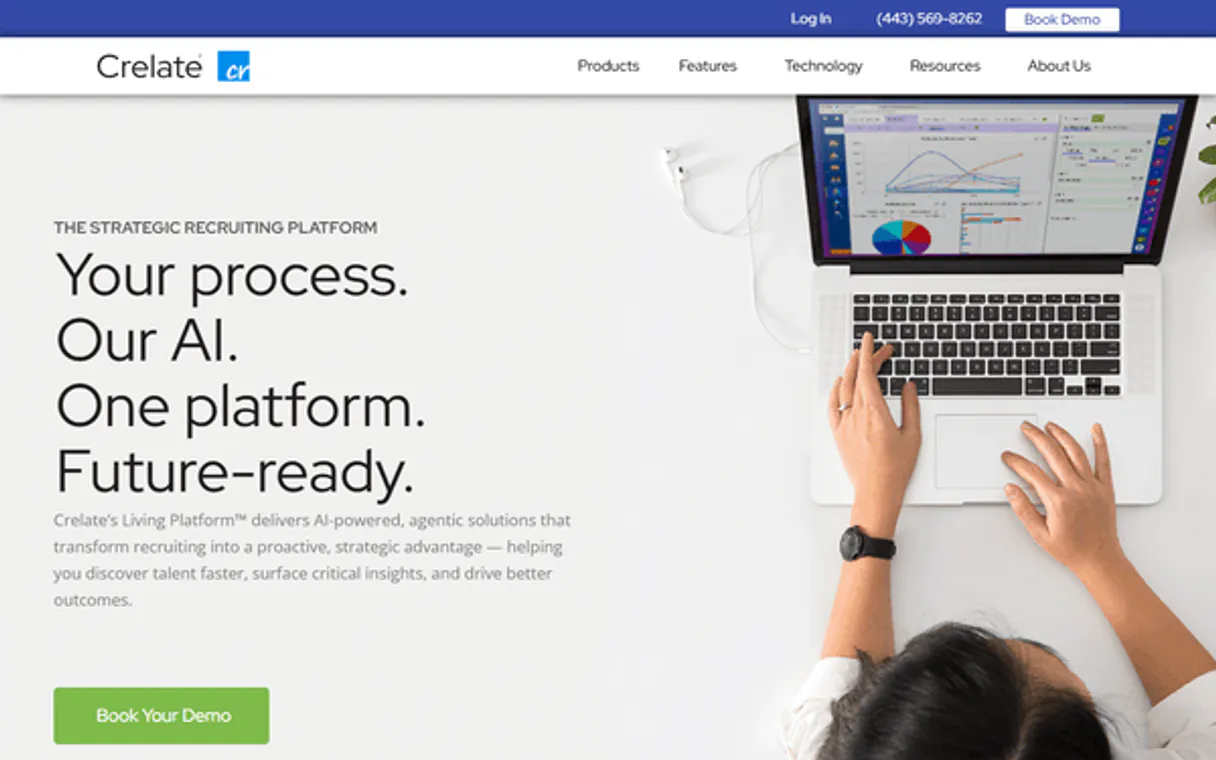
Crelate Talent CRM connects your AI agent directly to a specialized recruiting ATS. Use it to manage candidate profiles, job orders, and client company records using simple natural language prompts.
You can list all contacts, search for specific people by name, pull internal notes on candidates, and check the current status of any open job or corporate account—all without leaving your chat window.
What your AI agents can do
Create contact
Adds a brand new candidate or contact record into the Crelate database.
Get contact details
Pulls the complete profile and biographical details for one specific contact.
Get contact notes
Retrieves all saved internal notes associated with a particular contact record.
Find specific candidates or contacts by name using search_contacts_by_name, or pull a full list of all records via list_contacts.
Pull detailed internal notes and activity logs for any contact record using get_contact_notes.
List all active or closed jobs, or get the specific details of a single job order with get_job_details.
Get a list of all associated companies and client records using list_companies.
Retrieve a summary of the latest recruiting actions, including calls and emails, via list_recent_activities.
Ask AI about this MCP
Supported MCP Clients
Gemini Waiting for input…
Crelate Talent CRM: 10 Tools for Recruiting Ops
These ten tools let your agent perform every core function of a recruiting ATS—from listing contacts to tracking complex job status changes.
019d757ecreate contact
Adds a brand new candidate or contact record into the Crelate database.
019d757eget contact details
Pulls the complete profile and biographical details for one specific contact.
019d757eget contact notes
Retrieves all saved internal notes associated with a particular contact record.
019d757eget job details
Fetches the full description and status for one specific job order ID.
019d757elist companies
Lists all client companies and associated corporate records in Crelate.
019d757elist contacts
Provides a comprehensive list of every candidate and contact record stored in the system.
019d757elist crelate users
Retrieves a roster of internal recruiters and team members who use Crelate.
019d757elist jobs
Generates a list of all open, past, and archived job opportunities currently tracked.
019d757elist recent activities
Lists the most recent recruiting actions taken, such as calls, emails, or notes.
019d757esearch contacts by name
Searches the database for contacts using a specific name keyword or partial match.
Choose How to Get Started
Build a custom MCP for your own tools, or connect a ready-made integration from our catalog.
Build Your Own
Turn any API into an MCP. Import a spec, define Agent Skills, or deploy with MCPFusion.
- Import from OpenAPI, Swagger, or YAML specs
- Create Agent Skills with progressive disclosure
- Deploy to edge with MCPFusion framework
- Built in DLP, auth, and compliance on every call
- Real time usage dashboard and cost metering
- Publish to catalog or keep private
Make Your AI Do More
Start with Crelate Talent CRM, then connect any of our 4,700+ other servers whenever your AI needs more. One click, no limits.
- Use this MCP plus 4,700+ others, all in one place
- Add new capabilities to your AI anytime you want
- Every connection is secured and compliant automatically
- Track usage and costs across all your servers
- Works with Claude, ChatGPT, Cursor, and more
- New servers added to the catalog every week
What you can do with this MCP connector
Crelate Talent CRM MCP Server
Forget hopping between tabs. You can connect your AI agent straight into Crelate, a specialized Applicant Tracking System (ATS) designed for recruiters and talent teams. This server lets you manage every candidate, job order, and client account using plain natural language prompts. Your agent handles the heavy lifting—you just get the answers you need.
Managing Candidates and Contacts
You've got a pipeline of names to track. You can pull a full list of every contact record stored in Crelate using list_contacts. Need to find someone specific? Just ask your agent, and it'll use search_contacts_by_name to pinpoint that person by name or partial match. Once you locate a profile, you've got the power to pull detailed biographical information and the complete profile for any single contact using get_contact_details.
But profiles aren't enough; you need context. You can retrieve all internal notes and private commentary associated with that specific record by calling get_contact_notes, keeping your team's history locked down right where it belongs. When a promising new lead comes in, you don't have to use the website form—you'll simply tell your agent to add them using create_contact.
This action instantly drops a brand-new candidate or contact record into the Crelate database.
Tracking Jobs and Roles
Keeping tabs on job status is critical. Your agent can generate a comprehensive list of all jobs—whether they're open, past opportunities, or archived roles—by running list_jobs. When you zero in on one specific vacancy, you get the full description and current status by using get_job_details, just by providing the job order ID.
This keeps your entire hiring process visible from one place.
Reviewing Company Data and Team Admin
Crelate isn't just for candidates; it tracks client relationships, too. You can list every associated client company and pull up their corporate record using list_companies. For internal visibility, you can get a roster of who's actually on your team—the recruiters and users who operate within Crelate—by running list_crelate_users.
Activity Feeds and History Logs
You need to know what happened yesterday. To catch up fast, your agent pulls the most recent recruiting actions via list_recent_activities. This feed summarizes everything: notes added, calls logged, or emails sent—giving you an instant timeline of activity across all records.
How It Works Under the Hood
It's simple. You connect Crelate’s API key to your agent. Then, when you prompt it—say, 'Show me all notes for John Smith and list the jobs that are closed'—your AI client translates that into multiple specific tool calls (search_contacts_by_name, get_contact_notes, list_jobs). It executes those tools in sequence against Crelate and brings you a single, cohesive answer, keeping your conversation moving without ever making you leave the chat window.
This architecture means your entire talent management process—from initial contact logging to final job status check—happens right here.
How Crelate Talent CRM MCP Works
- 1 Connect the Crelate integration to your AI client and authenticate it using your API Key.
- 2 Tell your agent what you need—for example, 'List candidates who worked on Project X.'
- 3 Your agent executes multiple tools (
list_contacts,get_job_details) in sequence and presents the consolidated result.
The bottom line is you talk to your agent, and it runs the necessary Crelate APIs in the background.
Who Is Crelate Talent CRM MCP For?
Anyone running a high-volume recruiting operation. If you're tired of switching between spreadsheets, ticketing systems, and internal notes just to get a candidate's full history, this is for you. It’s built for speed.
Uses get_contact_details and get_contact_notes constantly to quickly understand a candidate's background or the outcome of an interview without manual searching.
Runs reports using list_jobs and list_contacts to monitor pipeline bottlenecks and ensure job roles are properly staffed.
Checks the overall health of the business by calling list_recent_activities to get a quick, high-level overview of company-wide efforts.
What Changes When You Connect
- Context is instant. Instead of clicking into a separate notes tab, use
get_contact_notesto pull the full history for any person in seconds. - Stop hunting through spreadsheets. Running
list_contactsgives you a live roster of every candidate and contact right where you're working. - Job visibility is always current. You can check if a role is open or closed by calling
get_job_details—no guesswork needed. - Company data stays together. Use
list_companiesto keep all client records organized alongside the candidates who work there. - Activity tracking is automatic. The
list_recent_activitiestool gives you a feed of calls and emails, so nothing falls through the cracks.
Real-World Use Cases
A recruiter needs immediate background on a candidate.
The recruiter remembers speaking with 'John Smith' last month but can’t find the notes. They ask their agent: 'What are the internal notes for John Smith?' The agent runs get_contact_notes and provides the full details immediately, skipping manual searches.
A manager needs to know who applied for a specific role.
The manager asks: 'Who's applied for the Senior Developer job?' The agent uses list_jobs first to confirm the ID, and then runs tools against the contact pool to give a precise list of applicants.
An agency owner needs an operational summary.
The owner simply asks: 'What was our team's activity like yesterday?' The agent executes list_recent_activities, giving a quick report on calls, emails, and notes across the whole agency.
Need to onboard a new client record.
The user asks: 'Add Acme Corp as a new client.' The agent uses create_contact (or similar function) and immediately logs the company, ensuring it's properly tracked in the CRM.
The Tradeoffs
Searching multiple databases
Switching between your ATS, Google Sheets, and email client just to confirm a candidate's status or notes.
→
Use the Crelate MCP Server. Ask your agent: 'What are the recent activities for Sarah Jones?' This single command runs list_recent_activities and pulls all related data.
Guessing job statuses
Assuming a job is still open because you saw it listed in an old email, only to find out the role was filled last week.
→
Always verify using get_job_details or calling list_jobs. The tool tells you the definitive, current status.
Forgetting internal context
Starting a new conversation with a candidate without reviewing their last interaction notes.
→
Before engaging, use get_contact_notes to pull up the full history. You'll know exactly what you need to talk about.
When It Fits, When It Doesn't
Use this server if your primary job involves managing candidate pipelines and client data within a dedicated ATS structure (CRM). This is for recruiters, talent acquisition staff, or agency teams who live in the hiring process. You must use it when you need to read, write, or list contacts, jobs, or company records.
Don't use this if your core task involves payroll processing, invoicing, or managing financial accounts—those require dedicated accounting tools. If you only need a simple directory search that doesn't track complex history, basic database lookup might suffice. But for anything involving the candidate lifecycle (notes, job status, company relationships), Crelate is what you need.
Independent Platform Disclaimer: Vinkius is an independent platform and is not affiliated with, endorsed by, sponsored by, verified by, or otherwise authorized by Crelate Talent. All third-party trademarks, logos, and brand names are the property of their respective owners. Their use on this website is strictly for informational purposes to identify service compatibility and interoperability.
VINKIUS INFRASTRUCTURE
Cloud Hosted
Managed infra
V8 Isolated
Sandboxed per request
Zero-Trust Proxy
No stored credentials
DLP Enforced
Policy on every call
GDPR Compliant
EU data residency
Token Compression
~60% cost reduction
Works with Claude, ChatGPT, Cursor, and more
The Model Context Protocol standardizes how applications expose capabilities to LLMs. Instead of operating in isolation, your AI gains direct access to external platforms, live data, and real-world actions through secure, standardized connections.
This server provides 10 capabilities that interface natively with Claude, ChatGPT, Cursor, and any MCP client. No middleware. No custom integration required.
Available Capabilities
Tracking a candidate’s journey shouldn't require jumping between five different tabs.
Today, finding out everything about one person means opening your CRM, then switching to the activity log tab, pulling up their company record in another window, and finally hunting through notes saved weeks ago. It’s a painful cycle of copy-pasting and context switching.
With Crelate Talent CRM MCP Server, you just talk to your agent. You say: 'What's the full scoop on Jane Doe?' The system runs `get_contact_details`, pulls all notes via `get_contact_notes`, and summarizes everything for you in one reply.
Crelate Talent CRM MCP Server: Get a unified view of candidate records.
Manual steps that disappear include searching through generic lists, manually cross-referencing job IDs against contact names, and confirming if an activity was logged in the right place. It’s all process friction.
Now, you ask for a list of candidates who applied to 'DevOps' roles and need notes on them. The agent runs `list_jobs` then uses that data to filter contacts and pull notes—a complex operation done in one conversational step.
Common Questions About Crelate Talent CRM MCP
How do I find a candidate using the list_contacts tool? +
You don't use list_contacts just to search; that pulls everything. For a quick search, use search_contacts_by_name. It targets specific names and narrows down results faster.
Can I check the current status of an open job with get_job_details? +
Yes, that's exactly what it does. You provide a Job ID, and get_job_details returns the specific status—whether it’s 'Open,' 'On Hold,' or 'Filled.'
Is list_recent_activities better than get_contact_notes? +
They track different things. list_recent_activities gives you a chronological feed of all actions (calls, emails) across the account. get_contact_notes pulls specific, saved internal commentary for one person.
What if I need to add a new client company record? +
You use the agent and ask it to create the record using the create_contact tool. You provide the necessary details, and it logs the corporate entity for you.
How do I authenticate my AI agent when using tools like get_contact_details? +
You must provide your Crelate API Key in the Vinkius settings. The connection uses standard OAuth methods for secure data transfer and session management, so you don't have to worry about credentials within the prompt.
What happens if I call list_contacts too many times in quick succession? +
The system handles rate limiting automatically. If your agent exceeds the allowed calls, it receives a specific error code. Your AI client should pause briefly and retry the operation rather than repeating the failing command.
Does the search_contacts_by_name tool support advanced filtering? +
Yes, you can filter results beyond just names by providing criteria like role or company ID in your prompt. The underlying Crelate API supports multiple metadata parameters for precise searching.
How do I check team permissions using the list_crelate_users tool? +
This tool retrieves a list of internal user IDs and their associated roles within Crelate. It helps your agent understand who has access to specific data sets, which is key for managing workflows.
How do I get a Crelate API Key? +
Log in to Crelate, navigate to Settings > API, and you will find your API Key there. You may need to enable API access first.
Can the agent update candidate statuses? +
This integration currently focuses on listing and retrieving candidate profiles and notes. Updating statuses would require additional write permissions and specific tool configuration.
Does Crelate support custom fields? +
Yes, Crelate's API provides access to custom fields. The agent can retrieve these fields as part of the full candidate or job profile.
Use it with your favorite AI tools
Connect this server to Cursor, Claude, VS Code, and more.
More in this category

USAJOBS (OPM)
Search and analyze federal job opportunities directly from USAJOBS. Access active listings, historic data, and detailed job requirements.

Personio Alternative
Automate HR operations via Personio — manage employee records, track attendance, handle absences, and streamline recruiting directly from any AI agent.
Bilflo
Manage your staffing operations via Bilflo — list clients, contractors, and timecards directly from any AI agent.
You might also like

MJML (Email Markup)
Transpile MJML markup into responsive, high-quality HTML emails directly from your AI agent.
Internet Archive
Search 40M+ books, videos, audio, software. Access Wayback Machine and item metadata.

PandaDoc
Create, send, and track documents, proposals, and e-signatures via PandaDoc — manage the entire document lifecycle from any AI agent.