
Expedia MCP. Build full travel itineraries: flights, hotels, and cars.
 Gemini
 Works with every AI agent you already use
…and any MCP-compatible client









Just plug in your AI agents and start using Vinkius.
Expedia MCP Server connects your AI client to a single source for all travel planning. Search for hotels, compare flight routes, and find rental cars across the globe.
You can pull live room rates, get detailed flight quotes, and book complete itineraries—all without switching tabs or websites. It handles the whole trip, from initial search to final booking and cancellation.
What your AI agents can do
Book car
Books a rental car using a quote ID, requiring the driver's name and email for confirmation.
Book flight
Books an airline passenger ticket.
Cancel booking
Cancels an active property reservation.
Find hotels and properties using search_properties or look up specific room rates and availability using get_room_quotes.
Query available flight routes and retrieve detailed, real-time pricing using search_flights and get_flight_quotes.
Search for available rental vehicles at specific airports or compare car categories using search_cars and get_car_quotes.
Book a hotel stay with create_booking, or book an airline ticket using book_flight.
Cancel an existing hotel stay with cancel_booking or cancel a flight reservation with cancel_flight.
Pull comprehensive information about a specific hotel using get_property_detail.
Ask AI about this MCP
Supported MCP Clients
Gemini Waiting for input…
Expedia MCP Server: 13 Tools for Travel Planning
Use these tools to search for properties, get quotes, book reservations, and manage the entire travel itinerary using your AI agent.
019e4fd0book car
Books a rental car using a quote ID, requiring the driver's name and email for confirmation.
019d8438book flight
Books an airline passenger ticket.
019d8438cancel booking
Cancels an active property reservation.
019e4fd0cancel flight
Cancels an existing flight booking and returns the status and refund details.
019d8438create booking
Executes a lodging booking reservation.
019d8438get car quotes
Retrieves active quotes for a specific rental car class.
019d8438get flight quotes
Gets exact real-time pricing for a specified flight.
019d8438get property detail
Gets detailed content for a specific hotel property.
019d8438get room quotes
Gets live room rates and availability for a property.
019d8438search cars
Searches for available rental cars at specific airport branches.
019d8438search flights
Searches for available airline flights by route and date.
019d8438search properties
Searches for hotels and lodging properties in a given region.
019e4fd0search regions
Finds geographic region IDs and names, which are required before searching for properties.
Choose How to Get Started
Build a custom MCP for your own tools, or connect a ready-made integration from our catalog.
Build Your Own
Turn any API into an MCP. Import a spec, define Agent Skills, or deploy with MCPFusion.
- Import from OpenAPI, Swagger, or YAML specs
- Create Agent Skills with progressive disclosure
- Deploy to edge with MCPFusion framework
- Built in DLP, auth, and compliance on every call
- Real time usage dashboard and cost metering
- Publish to catalog or keep private
Make Your AI Do More
Start with Expedia, then connect any of our 4,700+ other servers whenever your AI needs more. One click, no limits.
- Use this MCP plus 4,700+ others, all in one place
- Add new capabilities to your AI anytime you want
- Every connection is secured and compliant automatically
- Track usage and costs across all your servers
- Works with Claude, ChatGPT, Cursor, and more
- New servers added to the catalog every week
What you can do with this MCP connector
Expedia MCP Server connects your AI client to a single source for all travel planning. You can search for hotels, compare flight routes, and find rental cars across the globe. You'll pull live room rates, get detailed flight quotes, and book complete itineraries—all without switching tabs or websites. It handles the whole trip, from initial search to final booking and cancellation.
Search for Lodging
You can use search_properties to find hotels and lodging in a specific region, and you'll use get_room_quotes to check live rates and availability for a property. If you need more info on a hotel, you'll use get_property_detail to pull comprehensive details.
Search Flights
To find available flight routes, you'll use search_flights by route and date. You'll get exact, real-time pricing by using get_flight_quotes on a specified flight.
Search Cars
To find rental vehicles, you'll use search_cars at specific airport branches. You can also compare different car categories using get_car_quotes to retrieve active quotes.
Create Reservations
When you're ready to book, you'll use create_booking to reserve a hotel stay, or book_flight to book an airline ticket. You can also book a rental car using book_car with a quote ID, making sure you provide the driver's name and email for confirmation.
Cancel Bookings
Need to change plans? You can cancel an existing hotel stay with cancel_booking, or you'll use cancel_flight to cancel a flight reservation, which also returns the status and refund details.
How It Works
Your AI client connects to the server, giving your agent full control over one of the biggest travel ecosystems out there. It's built for complex, multi-segment planning, handling the entire trip from initial search to final booking and cancellation. You don't have to leave your chat interface.
How Expedia MCP Works
- 1 Sign up at the Expedia Group Developer Hub and create an API project.
- 2 Generate and input your unique API Key and API Secret into the Vinkius Marketplace.
- 3 Your AI client uses the credentials to execute multi-step tool calls (e.g.,
search_flightsfollowed byget_room_quotes) to build the itinerary.
The bottom line is, your AI agent treats all three travel segments—hotels, flights, and cars—as one connected data source.
Who Is Expedia MCP For?
Corporate Travel Managers and travel agencies need this. They deal with the pain of stitching together complex, multi-segment business trips using three different booking platforms. This server lets them build full itineraries and manage costs in one conversation, saving hours of manual clicking and copy-pasting.
Builds complete team travel itineraries that combine flights, hotels, and ground transport in a single chat thread.
Automates multi-segment trip research for clients, pulling real-time pricing from a single source to save time and ensure consistency.
Plans and modifies complex business travel schedules without needing to navigate multiple booking platforms.
What Changes When You Connect
- The agent finds hotels and properties by destination and dates using
search_properties, giving you a list of options without leaving the chat window. - You get detailed, real-time pricing for specific routes using
get_flight_quotes, so you don't have to guess if a flight deal is good. - It lets you find and compare available cars at any airport using
search_carsandget_car_quotes, eliminating the need to check multiple rental sites. - The tools let you manage the whole trip. You can book a room with
create_bookingor finalize a flight withbook_flight. - You don't have to start from scratch. Use
get_property_detailto pull deep information on a hotel you like, like amenities or cancellation policies. - It handles the cancellation process. Use
cancel_flightorcancel_bookingto programmatically manage reservations across all travel types.
Real-World Use Cases
Planning a complex family vacation.
A parent needs a 7-day trip to Miami. They ask the agent to search for properties (search_properties) near South Beach, find flights from JFK (search_flights), and book a minivan (search_cars). The agent runs all three tools sequentially and presents one total cost estimate.
Rebooking a business trip mid-week.
The user's flight changed and they need a hotel. They ask the agent to find a replacement hotel (search_properties) near the new flight arrival point, then use get_room_quotes to secure a room before the original booking expires.
Comparing local hotel options.
The user is in London and needs to choose a hotel. They use search_regions first to get the specific area ID, then search_properties to list options, and finally get_property_detail to compare cancellation terms and amenities.
Canceling and rebooking a package.
The initial car booking needs to change. The user asks to cancel the old car reservation using cancel_booking and then searches for new vehicle options using search_cars to get current pricing.
The Tradeoffs
Treating the tools separately
The user searches for hotels, copies the flight details into a spreadsheet, and then separately searches for cars on a different tab. They manually check prices and build the final quote.
→
Tell your agent to plan the trip. It will automatically sequence the necessary calls—search_properties, search_flights, and search_cars—and give you one total cost estimate.
Forgetting initial region context
The user tries to run search_properties with just a city name. The tool fails because it needs a valid geographic ID first.
→
First, run search_regions with the target location (e.g., 'Tokyo'). Use the resulting ID to successfully run search_properties.
Booking before comparing quotes
The user sees a price and immediately calls create_booking. They might book a room that is actually non-refundable or too expensive.
→
Always check the pricing first. Use get_room_quotes to see the live rates and availability, and confirm the terms before running create_booking.
When It Fits, When It Doesn't
Use this server if your workflow requires synthesizing data from three distinct domains (flights, lodging, ground transport). If you need to build a complete, multi-segment itinerary and need to compare the total cost of a package, this is the tool. Don't use it if you only need to check one single thing, like just finding a zip code or getting a list of movie times; those tools are too broad. If your goal is just to save a list of properties for later review, use the search_properties tool alone. But if the goal is to plan the trip, use the full suite.
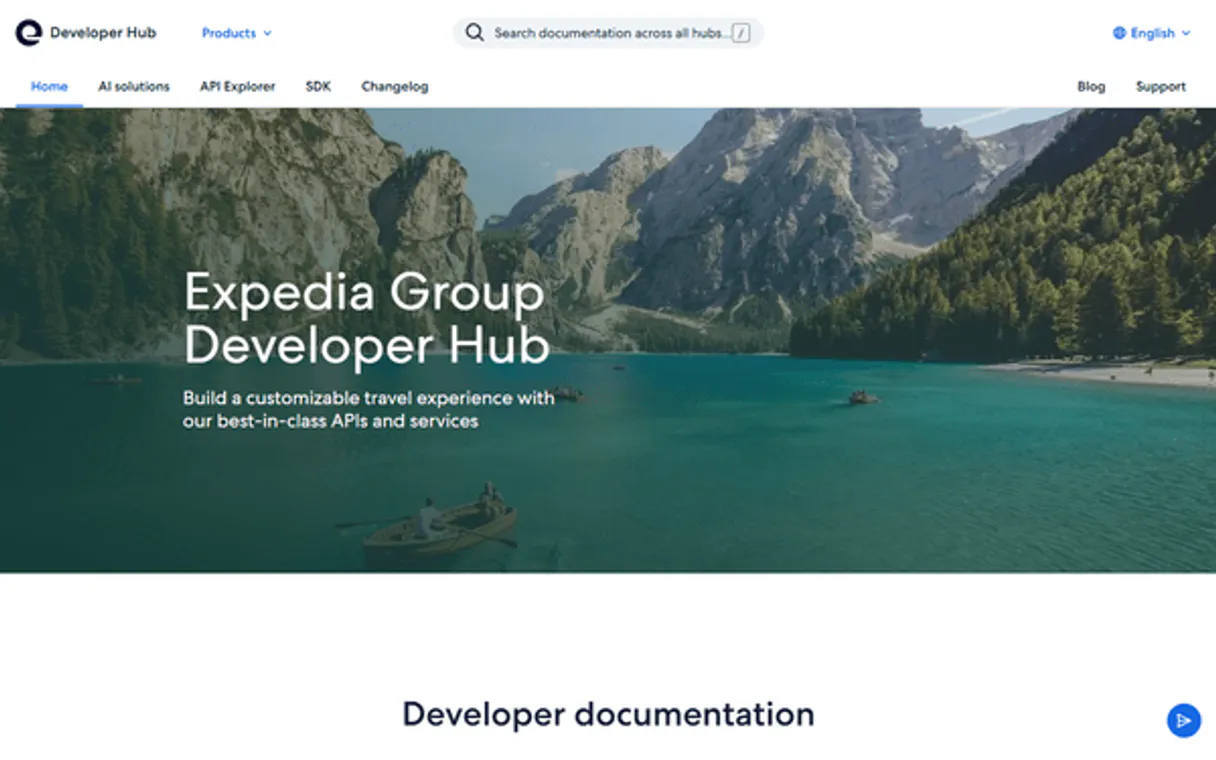
Independent Platform Disclaimer: Vinkius is an independent platform and is not affiliated with, endorsed by, sponsored by, verified by, or otherwise authorized by Expedia. All third-party trademarks, logos, and brand names are the property of their respective owners. Their use on this website is strictly for informational purposes to identify service compatibility and interoperability.
VINKIUS INFRASTRUCTURE
Cloud Hosted
Managed infra
V8 Isolated
Sandboxed per request
Zero-Trust Proxy
No stored credentials
DLP Enforced
Policy on every call
GDPR Compliant
EU data residency
Token Compression
~60% cost reduction
Works with Claude, ChatGPT, Cursor, and more
The Model Context Protocol standardizes how applications expose capabilities to LLMs. Instead of operating in isolation, your AI gains direct access to external platforms, live data, and real-world actions through secure, standardized connections.
This server provides 13 capabilities that interface natively with Claude, ChatGPT, Cursor, and any MCP client. No middleware. No custom integration required.
Available Capabilities
Juggling booking sites and spreadsheets is exhausting.
Right now, planning a trip means opening three different browser tabs: one for hotels, one for airlines, and one for car rentals. You copy dates, paste them into three separate forms, and then manually compare the total cost across all three sites. It’s a headache, and you always forget a step or miss a price difference.
With the Expedia MCP Server, your agent handles the whole process. You ask for a trip to Paris, and the agent runs `search_properties`, `search_flights`, and `search_cars` in the background. You get one cohesive plan, showing the total estimated cost, all in your chat window.
Expedia MCP Server: Build full travel itineraries.
The biggest time sink is the back-and-forth. You search flights, get a quote, then switch to the hotel site, get a quote, then switch to the car site. You waste minutes just gathering the data.
Now, your agent runs the full sequence. It pulls the flight quote (`get_flight_quotes`), the room rate (`get_room_quotes`), and the car quote (`get_car_quotes`) and puts them side-by-side. The workflow is seamless, and the data is immediate.
Common Questions About Expedia MCP
How do I get a total trip cost using the Expedia MCP Server? +
The agent combines the results from search_flights, get_room_quotes, and get_car_quotes into a single, estimated total cost. You don't have to calculate it manually.
Can I cancel a flight booking using the Expedia MCP Server? +
Yes, you can cancel an existing flight reservation with the cancel_flight tool. The system returns the cancellation status and details on any potential refund amount.
What is the first step for searching hotels with the Expedia MCP Server? +
You must first run search_regions to get the required geographic ID for your destination. Then, you can use search_properties with that ID.
How do I book a car using the Expedia MCP Server? +
First, use search_cars to find options, then use get_car_quotes to pick a specific one. Finally, run book_car with the necessary quote ID to finalize the reservation.
Does the Expedia MCP Server handle multiple booking types? +
Yes. It handles lodging (create_booking), flights (book_flight), and cars (book_car) from the same workflow, allowing you to manage the entire trip end-to-end.
How do I use the `get_room_quotes` tool in the Expedia MCP Server? +
You get live rates and availability by calling get_room_quotes. You must specify the property ID and the desired dates for the quotes to work.
What if I need to search for flights from a specific airport code using `search_flights`? +
You provide the origin and destination airport codes directly to search_flights. The tool searches all available flights matching those specific codes.
Can the Expedia MCP Server manage itinerary changes using the `cancel_booking` or `cancel_flight` tools? +
Yes, these tools handle cancellations. For flights, remember to always confirm the booking ID and check the fare class for potential cancellation fees.
Can my AI agent search hotels, flights, and cars all in one conversation? +
Yes. This integration covers all three travel segments. Use search_properties for hotels, search_flights for air travel, and search_cars for vehicle rentals. Your agent can query all three in sequence and compile a complete trip plan with pricing from each segment in a single conversation.
Does this integration handle actual bookings or is it only for searching? +
Both. You can search and compare options across all segments (read), and then proceed to create bookings using create_booking for hotels and book_flight for flights. Cancellations are also supported via cancel_booking. All transactions go through the official Expedia Group API with standard terms applied by the provider.
What kind of API credentials do I need, and how is authentication handled? +
You need an API Key and an API Secret from the Expedia Group Developer Hub. The integration uses OAuth 2.0 client credentials flow — it automatically exchanges your key and secret for a short-lived access token on each request. You only need to enter your credentials once; token management is fully automated.
Use it with your favorite AI tools
Connect this server to Cursor, Claude, VS Code, and more.
More in this category

OpenSea
Access the world's leading NFT marketplace — query collections, track floor prices, inspect NFT metadata, and monitor wallet balances across multiple chains.
Erply ERP & POS
Equip your AI agent to manage retail products, track sales invoices, and monitor inventory via the Erply API.

MailboxPower
Delight contacts with personalized physical gifts, greeting cards, and direct mail sent automatically from your CRM.
You might also like

Steam
Access game data, player profiles, and community content from the world largest PC gaming platform and digital storefront.
Mabl (AI-Powered Test Automation)
Manage E2E testing via Mabl — trigger test plans, monitor execution results, and perform AI-driven failure analysis.

Odoo Accounting
List invoices, bills, payments, journal entries, and chart of accounts — Odoo Accounting through natural conversation.