
Wayback MCP. Analyze historical web snapshots from the archive.
 Gemini
 Works with every AI agent you already use
…and any MCP-compatible client









Just plug in your AI agents and start using Vinkius.
Internet Archive Wayback provides access to the world's largest web archive (800B+ pages over 25 years). Your AI agent can check if a URL was captured, find its first or latest snapshot, and analyze its entire capture history.
Use `get_captures_by_status` to see if a site reliably returned 200 OK, or `get_subdomain_captures` to map a domain's entire archived footprint.
What your AI agents can do
Check availability
Verifies if a URL was archived and returns the timestamp and status of the closest snapshot.
Get capture count
Counts the total number of times a specific URL has been archived.
Get captures by mime type
Filters all captures to only include specific resource types, like PDFs or images.
Determines if a given URL was archived and returns the timestamp for the closest snapshot.
Retrieves the total count of times a URL has been archived by the Wayback Machine over its history.
Filters capture records to show only specific resource types, like PDFs or JPEG images.
Filters captures based on HTTP status codes (e.g., 200 OK, 404 Not Found) to analyze site availability patterns.
Finds all archived subdomains associated with a root domain, mapping its full digital footprint.
Gets a comprehensive list of every capture, including timestamp, MIME type, status code, and file size.
Ask AI about this MCP
Supported MCP Clients
Gemini Waiting for input…
Internet Archive Wayback: 10 Tools for Web Archive Analysis
These tools let your agent query the massive Wayback Machine archive, giving you granular control over web history, from finding the earliest capture to filtering by status code.
019d75b6check availability
Verifies if a URL was archived and returns the timestamp and status of the closest snapshot.
019d75b6get capture count
Counts the total number of times a specific URL has been archived.
019d75b6get captures by mime type
Filters all captures to only include specific resource types, like PDFs or images.
019d75b6get captures by status
Filters captures based on HTTP status codes (e.g., 200, 404, 301) to analyze site availability patterns.
019d75b6get captures by year
Filters captures to show records only from a specific four-digit year.
019d75b6get captures collapsed
Provides a unique list of captured pages, removing redundant entries for the same URL key.
019d75b6get cdx captures
Retrieves detailed capture history, listing the timestamp, status code, MIME type, and file size for each capture.
019d75b6get first capture
Finds the earliest recorded capture time, along with the status and original URL.
019d75b6get latest capture
Gets the most recent archived version of a URL, including the timestamp, status code, and URL.
019d75b6get subdomain captures
Retrieves capture records for all subdomains associated with a given domain.
Choose How to Get Started
Build a custom MCP for your own tools, or connect a ready-made integration from our catalog.
Build Your Own
Turn any API into an MCP. Import a spec, define Agent Skills, or deploy with MCPFusion.
- Import from OpenAPI, Swagger, or YAML specs
- Create Agent Skills with progressive disclosure
- Deploy to edge with MCPFusion framework
- Built in DLP, auth, and compliance on every call
- Real time usage dashboard and cost metering
- Publish to catalog or keep private
Make Your AI Do More
Start with Internet Archive Wayback, then connect any of our 4,700+ other servers whenever your AI needs more. One click, no limits.
- Use this MCP plus 4,700+ others, all in one place
- Add new capabilities to your AI anytime you want
- Every connection is secured and compliant automatically
- Track usage and costs across all your servers
- Works with Claude, ChatGPT, Cursor, and more
- New servers added to the catalog every week
What you can do with this MCP connector
The Wayback Machine gives your AI agent access to the world's biggest web archive, covering over 800 billion pages from more than 25 years. Your agent can track a URL's full life cycle and audit a domain's history.
Your agent uses check_availability to verify if a URL was archived, returning the timestamp and status of the closest snapshot. get_capture_count tells you the total number of times a URL got archived. You can find the earliest record with get_first_capture, or the most recent one using get_latest_capture. To map a domain's full digital footprint, your agent runs get_subdomain_captures for all associated subdomains.
You can narrow down the history by filtering captures using get_captures_by_mime_type for specific resources like PDFs or images, or by status code with get_captures_by_status to see if a site reliably returned 200 OK. You can also filter records to show only content from a specific year using get_captures_by_year. For a full breakdown, get_cdx_captures pulls every capture's details, including timestamp, status code, MIME type, and file size. get_captures_collapsed provides a unique list of captured pages, stripping out redundant entries for the same URL key.
How Wayback MCP Works
- 1 Subscribe to the Internet Archive Wayback MCP Server. It's a public, zero-key service.
- 2 Your AI client invokes a specific tool (e.g.,
get_captures_by_year), providing the URL and required parameters. - 3 The agent executes the tool call and receives a structured data response showing the historical capture metadata.
The bottom line is, your AI client uses the tools to query the Wayback Machine's data and gets back a structured report on a URL's past.
Who Is Wayback MCP For?
Journalists, researchers, and legal teams who need to verify content or track changes are the primary users. If you need proof of what a website looked like in 2015, or if you're tracking how a competitor changed their privacy policy, this is for you. It’s for anyone whose job depends on knowing what was said, or what was online, at a specific point in time.
Uses check_availability to verify if a source's article was archived, and then uses get_cdx_captures to find the exact date and content status.
Runs get_captures_by_mime_type to see how a website's CSS or image assets evolved, or uses get_subdomain_captures to audit a whole domain's structure.
Uses get_latest_capture and get_first_capture to establish an official record of content presence and track changes for legal retention.
What Changes When You Connect
- See a URL's entire history in one go. Instead of guessing, use
get_cdx_capturesto get a detailed log of every capture, including the exact timestamp, MIME type, and status code. - Pinpoint exact dates. Use
get_first_captureandget_latest_captureto know precisely when a piece of content first appeared or when it was last visible online. - Track site health. Running
get_captures_by_statuslets you analyze if a site used to return 200 OK consistently, or if it frequently failed with 404s. - Audit entire domains. Running
get_subdomain_capturesmaps a domain's full archived footprint, revealing subdomains that might otherwise be missed. - Filter content types. If you only care about images or PDFs,
get_captures_by_mime_typepulls only those records, cutting through the noise of general HTML pages. - Analyze temporal trends. Use
get_captures_by_yearto isolate captures from a specific year, allowing you to study changes in content or structure year-over-year.
Real-World Use Cases
Verifying a Leaked Claim
A journalist is investigating a claim about a company's product launch. They use check_availability to confirm if the specific press release URL was ever archived. If it was, they run get_cdx_captures and filter by get_captures_by_status (looking for 200 OK) to get the exact text and date, proving the claim's existence at that time.
Website Design Evolution Audit
A web developer wants to compare the look of a corporate site from 2010 versus today. They run get_captures_by_year for both 2010 and the current year. They then use get_captures_by_mime_type to compare the archived CSS and image files to see how the site's design actually changed over time.
Legal Evidence Collection
A compliance officer needs evidence of a specific website disclaimer that was active last quarter. They use get_latest_capture to find the most recent snapshot, and then get_first_capture to establish the earliest date the content was online, giving them a precise, auditable timeline.
Mapping a Company's Digital Footprint
A cybersecurity researcher suspects a domain is using multiple hidden subdomains. They use get_subdomain_captures on the main domain. This quickly reveals all archived subdomains, allowing them to investigate potential phishing or data leak vectors across the entire organizational structure.
The Tradeoffs
Guessing the right tool
Trying to find all PDFs from 2023 by just running get_captures_by_mime_type and hoping the year filter is available.
→
You must chain the tools. First, run get_captures_by_year with '2023'. Then, filter that result set using get_captures_by_mime_type to isolate only 'application/pdf' captures.
Overlooking the full scope
Checking only the main domain URL and assuming that covers all related content or subdomains.
→
Always run get_subdomain_captures first. This reveals the full domain footprint, ensuring you don't miss a critical piece of evidence hosted on a secondary subdomain.
Treating all captures equally
Analyzing a massive list of captures without knowing which status codes are valid or useful.
→
Use get_captures_by_status to narrow the focus. If you only care about successful content, filter for '200'. If you suspect a change, filter for '404' to see what was removed.
When It Fits, When It Doesn't
Use this server if your core problem is historical data verification or trend analysis over time. You need to know when content was online, what it looked like then, or how a site's structure changed across years. The key is time-series analysis of web content.
Don't use this if you just need to know the current status of a URL—use a simple HTTP request tool for that. Also, if your need is to compare two unrelated data sets (e.g., financial records vs. web history), this server won't help. When in doubt, check the get_cdx_captures output; it contains all the raw metadata fields (status, MIME type, year, etc.) so you can build your own filtering logic.
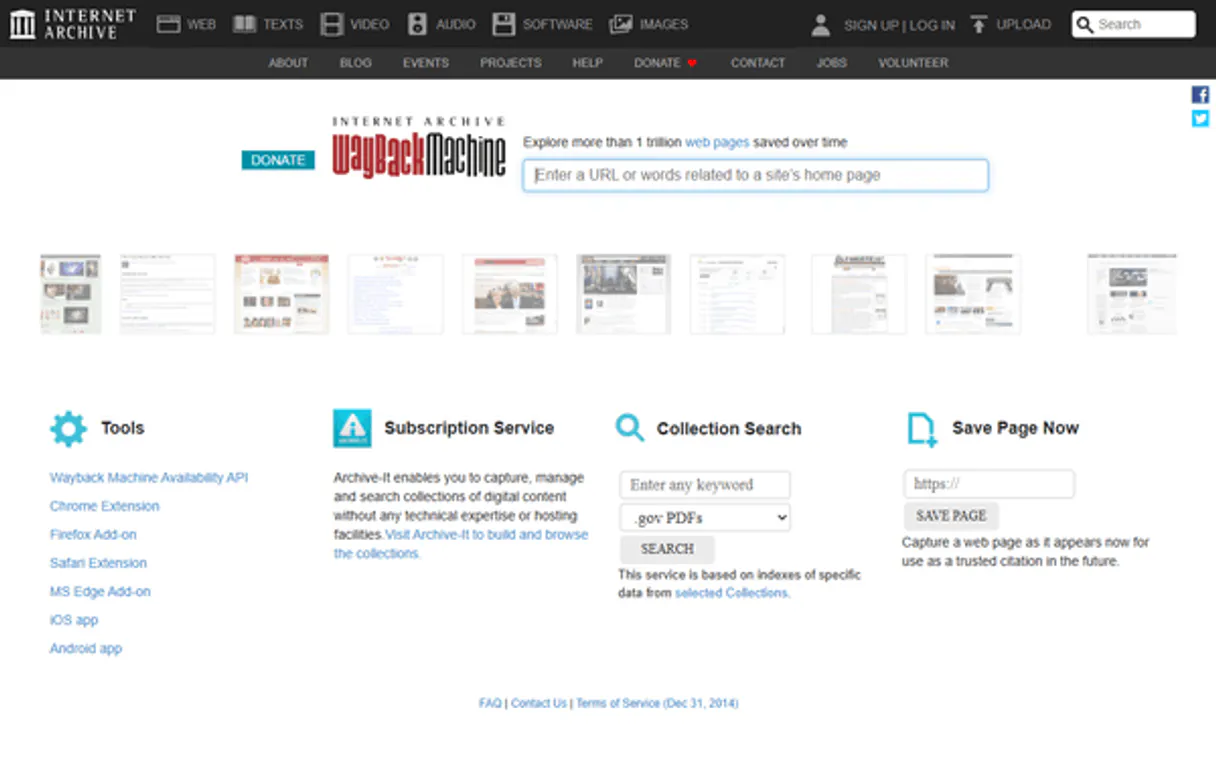
Independent Platform Disclaimer: Vinkius is an independent platform and is not affiliated with, endorsed by, sponsored by, verified by, or otherwise authorized by Internet Archive Wayback Machine. All third-party trademarks, logos, and brand names are the property of their respective owners. Their use on this website is strictly for informational purposes to identify service compatibility and interoperability.
VINKIUS INFRASTRUCTURE
Cloud Hosted
Managed infra
V8 Isolated
Sandboxed per request
Zero-Trust Proxy
No stored credentials
DLP Enforced
Policy on every call
GDPR Compliant
EU data residency
Token Compression
~60% cost reduction
Works with Claude, ChatGPT, Cursor, and more
The Model Context Protocol standardizes how applications expose capabilities to LLMs. Instead of operating in isolation, your AI gains direct access to external platforms, live data, and real-world actions through secure, standardized connections.
This server provides 10 capabilities that interface natively with Claude, ChatGPT, Cursor, and any MCP client. No middleware. No custom integration required.
Available Capabilities
Figuring out if a website changed its content is a nightmare.
Today, if a researcher needs to verify a claim from five years ago, they have to rely on fragmented sources—a cached screenshot here, a news report there. They copy URLs, hit different archive sites, and manually cross-reference dates and content. It's slow, error-prone, and often incomplete.
With this MCP server, your agent handles the heavy lifting. You just ask it to compare the site's structure across two years. The agent runs `get_captures_by_year` for both years, then uses `get_captures_by_mime_type` to pull only the HTML content, giving you a direct, side-by-side comparison of the site's evolution.
Use `get_subdomain_captures` to map a domain's full footprint.
Before, finding all related content for a major brand meant manually checking `blog.company.com`, `support.company.com`, and `careers.company.com`. You'd spend hours digging through multiple search interfaces, often missing the archived data for minor subdomains.
Now, the agent runs `get_subdomain_captures` on the root domain. It automatically finds and compiles the archived data for every known subdomain, letting you see the full, historical scope of the organization's online presence in one query.
Common Questions About Wayback MCP
How do I check if a specific URL was archived using `check_availability`? +
The check_availability tool verifies if the URL exists in the archive and returns the timestamp of the closest snapshot. It's the best starting point for any historical investigation.
Can I find out how many times a URL has been archived using `get_capture_count`? +
Yes, get_capture_count gives you the total number of times the URL has been preserved. This number tells you the overall frequency of the URL's documented presence.
What is the best tool for seeing a URL's entire history? +
For the full, raw data dump, use get_cdx_captures. It provides a comprehensive log detailing the timestamp, status code, MIME type, and file size for every single capture.
How do I find all subdomains of a domain using `get_subdomain_captures`? +
Running get_subdomain_captures takes a root domain and returns all captured subdomains, making it easy to map the full archival scope of an organization.
Can I filter for only PDF documents from a specific year using `get_captures_by_mime_type` and `get_captures_by_year`? +
+
Yes, you can combine these. First, use get_captures_by_year to narrow the scope to the target year. Then, filter that result set using get_captures_by_mime_type to isolate only 'application/pdf' records.
How do I find the earliest or most recent snapshot of a URL using `get_first_capture` or `get_latest_capture`? +
Use get_first_capture to find the earliest preservation date. For the most recent version, run get_latest_capture. Both tools return the timestamp, status code, and original URL for immediate use.
Can I analyze site availability patterns over time using `get_captures_by_status`? +
Yes, get_captures_by_status filters captures by HTTP code. This lets you see if a site consistently returned 200 (OK), or if it often generated 404 or 500 errors over its history.
How far back does the Wayback Machine go? +
The Wayback Machine has archived web pages since 1996. However, coverage varies significantly — major websites have captures going back 20+ years, while smaller or newer sites may have fewer or no captures. Use get_first_capture to find the earliest archived version of any URL.
Can I find captures that returned 404 errors? +
Yes! Use get_captures_by_status with status_code="404". This returns all archived versions where the page returned a Not Found error. This is useful for tracking when pages were removed or URLs changed structure.
Can I discover all subdomains of a website that have been archived? +
Yes! Use get_subdomain_captures with the base domain (e.g., "example.com"). This returns captures for all subdomains like www.example.com, blog.example.com, api.example.com, etc. It's useful for mapping the full archival footprint of an organization's web presence.
Use it with your favorite AI tools
Connect this server to Cursor, Claude, VS Code, and more.
More in this category
Notesnook (Private Note Taking & E2EE)
Manage encrypted notes via Notesnook — create secure entries, sync your vault, and audit private notebooks.

CORE (Open Access Research)
Access millions of open access research papers, journals, and repositories directly from your AI agent using the CORE API.

Document Paginator Engine
Mathematically slice massive text blocks into token-safe chunks without ever truncating critical sentences.
You might also like

Curator.io
Equip your AI agent to manage social media feeds, monitor posts, and audit sources directly via the Curator.io API.

Audiomack Music
Explore and discover music via Audiomack — search for songs, albums, and trending artists directly from any AI agent.

Vonage
Send SMS, WhatsApp, and Viber messages, and manage virtual numbers and 2FA via Vonage communications platform.