
NASA Earth Imagery MCP. Track natural events or visualize Earth from orbit.
 Gemini
 Works with every AI agent you already use
…and any MCP-compatible client









Just plug in your AI agents and start using Vinkius.
NASA Earth Imagery & Natural Events gives you two feeds: full-disk satellite images of Earth's sunlit side, and real-time tracking of global natural events.
You can check for anything from active wildfires and volcanic eruptions to severe storms using EONET, or pull detailed imagery data with `get_epic_images` and `get_epic_by_date`.
It’s a dedicated feed for environmental monitoring.
What your AI agents can do
Get epic by date
Gets coordinates, sun position, and an image ID for a specific date's full-disk Earth view.
Get epic dates
Lists all dates available for fetching EPIC Earth images.
Get epic images
Fetches the latest full-disk image of Earth from the DSCOVR satellite in natural or enhanced color.
Get the latest full-disk view of Earth from orbit in natural or enhanced color.
List all dates for which EPIC has stored and available full-disk images.
Find specific details, coordinates, and source links for active natural disasters like wildfires or storms worldwide.
Get a list of all natural event categories the EONET system tracks (e.g., floods, icebergs).
Ask AI about this MCP
Supported MCP Clients
Gemini Waiting for input…
NASA Earth — 5 Tools for Geospatial Data Retrieval
Use these five specific tools to retrieve full-disk imagery dates, pull the latest Earth images, and map active natural events worldwide.
019d75daget epic by date
Gets coordinates, sun position, and an image ID for a specific date's full-disk Earth view.
019d75daget epic dates
Lists all dates available for fetching EPIC Earth images.
019d75daget epic images
Fetches the latest full-disk image of Earth from the DSCOVR satellite in natural or enhanced color.
019d75daget event categories
Lists all recognized types of natural events tracked by EONET (e.g., floods, storms).
019d75daget natural events
Retrieves current global data on active disasters like wildfires and volcanoes, including coordinates.
Choose How to Get Started
Build a custom MCP for your own tools, or connect a ready-made integration from our catalog.
Build Your Own
Turn any API into an MCP. Import a spec, define Agent Skills, or deploy with MCPFusion.
- Import from OpenAPI, Swagger, or YAML specs
- Create Agent Skills with progressive disclosure
- Deploy to edge with MCPFusion framework
- Built in DLP, auth, and compliance on every call
- Real time usage dashboard and cost metering
- Publish to catalog or keep private
Make Your AI Do More
Start with NASA Earth — Full-Disk Imagery & Natural Events, then connect any of our 4,700+ other servers whenever your AI needs more. One click, no limits.
- Use this MCP plus 4,700+ others, all in one place
- Add new capabilities to your AI anytime you want
- Every connection is secured and compliant automatically
- Track usage and costs across all your servers
- Works with Claude, ChatGPT, Cursor, and more
- New servers added to the catalog every week
What you can do with this MCP connector
This server gives you two separate feeds for environmental monitoring: EPIC images covering Earth's full visible hemisphere, and real-time data on global natural events tracked by EONET.
Getting the Full-Disk View (EPIC)
To pull those massive full-disk shots of the sunlit side of Earth from orbit in either natural or enhanced color, you'll use the EPIC tools. First, if you wanna check which dates are available for fetching these images, run get_epic_dates; that lists every date EPIC has stored a view for.
Once you know the date you need, you can grab coordinates and an image ID specific to that day by calling get_epic_by_date. If you just want the absolute latest full-disk shot from the DSCOVR satellite without picking a date, use get_epic_images.
Mapping Global Disasters (EONET)
The EONET system tracks active natural disasters worldwide. You get current global data on everything from severe storms and wildfires to volcanic eruptions and other major environmental shifts, including coordinates for every event listed.
To see exactly what types of events the system is tracking—like floods, sea ice formations, or thunderstorms—you gotta start by running get_event_categories. This list tells you all the recognized categories EONET monitors. After that, to pull the live data on active disasters like volcanoes and wildfires, just call get_natural_events. Every single event listing you get includes coordinates and a source link, so you know exactly where that data comes from.
Pro Tip: When checking out these tools, remember they're for hard data. You use the system to check specific dates (get_epic_by_date) or pull the latest image instantly (get_epic_images), and you run get_natural_events when you need a real-time disaster map. This isn't some general weather forecast; this is dedicated, high-resolution data for serious environmental monitoring.
How NASA Earth Imagery MCP Works
- 1 If you need an image: First, call
get_epic_datesto confirm a date range is available for your interest. - 2 Then, use
get_epic_by_datewith the specific date. This returns coordinates and identifiers needed to construct the final image URL. - 3 For events: Call
get_natural_events. The agent processes this list of active disasters, providing location details and source links directly.
The bottom line is you get structured data on global environmental conditions—whether it’s a date for an image or coordinates for a volcano.
Who Is NASA Earth Imagery MCP For?
Environmental scientists, disaster relief coordinators, and investigative journalists use this. They need reliable, non-opinionated data streams about planetary changes. You're the person who wakes up at 3 AM when a storm hits or a volcano blows; you don't have time to click through five different government dashboards.
Uses get_natural_events to monitor long-term shifts in sea ice coverage and tracks global wildfire spread using coordinates.
Runs checks on major storm systems by first calling get_event_categories, then requesting active data via get_natural_events to assess regional risk.
Pulls historical visuals using get_epic_by_date and the resulting image links to illustrate articles about past global events.
What Changes When You Connect
- Real-Time Disaster Tracking: Instead of navigating multiple government portals, the
get_natural_eventstool pulls active data on wildfires, volcanoes, and storms into a single list with coordinates and source links. You know exactly what's happening, where, and who reports it. - Historical Visual Context: Need to show how an area looked before a disaster? Use
get_epic_by_date. First you callget_epic_datesto check the calendar, then use the date to pull specific full-disk images of Earth's history. - Know Your Data Scope: Before querying for events, use
get_event_categories. This confirms whether EONET tracks sea ice or if it only covers major storms. It saves you from running an empty query just because you didn't know the right category name. - Instant Latest View: If you just need a quick visual update and don't care about dates,
get_epic_imagespulls the absolute latest full-disk image of Earth directly to your agent. No date math required. - Structured Reporting: The output for natural events is highly structured, providing location, coordinates, AND the source link. This makes it usable immediately in reports without needing manual cross-referencing.
Real-World Use Cases
Assessing a Wildfire's Spread
A researcher needs to know if an area was impacted by recent fires. They first run get_event_categories to confirm 'wildfires' is tracked, then execute get_natural_events. The agent returns a list of all active fire locations with their coordinates and source links, solving the data gathering step instantly.
Comparing Global Conditions Over Time
A climate analyst wants to compare global storm activity from 2015 versus today. They use get_epic_dates to find available dates in both years, then run get_epic_by_date for specific dates. This allows them to build a visual timeline of Earth's surface changes.
Tracking an Emerging Threat
A content creator is writing about volcanic activity near the Pacific Rim. They use get_event_categories to confirm 'volcanoes' are monitored, then call get_natural_events. The agent provides immediate data on current eruptions, complete with source citations for credibility.
Quick Environmental Check
An operations team needs a quick visual check of Earth. They bypass date lookups and use get_epic_images to get the most recent full-disk view available, letting them instantly assess current atmospheric conditions.
The Tradeoffs
Trying to infer data from one tool
Calling get_epic_images and assuming the output will tell you about active storms. It only gives a picture, not real-time event metadata.
→
To check for current natural disasters like storms or floods, run get_natural_events. This tool is specifically designed to report on active events using EONET data.
Asking for all historical images at once
Requesting 'all Earth images' without dates. The system cannot pull millions of files and will fail or time out.
→
Use get_epic_dates first to find a manageable date range, then use get_epic_by_date for specific points in time.
Forgetting the source data
Using only raw coordinates from an event list without knowing where that data came from. The information is useless for publication.
→
Always check the output of get_natural_events. It includes a source link, which confirms the data's origin (e.g., MODIS or InciWeb).
When It Fits, When It Doesn't
Use this server if your core need is geospatial context: seeing Earth from space OR tracking confirmed natural events. This suite is perfect for environmental monitoring and disaster reporting.
Don't use it if you just need general mapping data or city-level information. If you need to map specific utility lines, building footprints, or commercial property boundaries, you should be using a dedicated GIS API (like Google Maps or ArcGIS). These tools are about the planet itself—the raw forces acting on Earth.
If you're building a time machine for images, use get_epic_dates and get_epic_by_date. If you need current event status, stick to get_natural_events. Don't try to combine them without knowing your specific data goal.
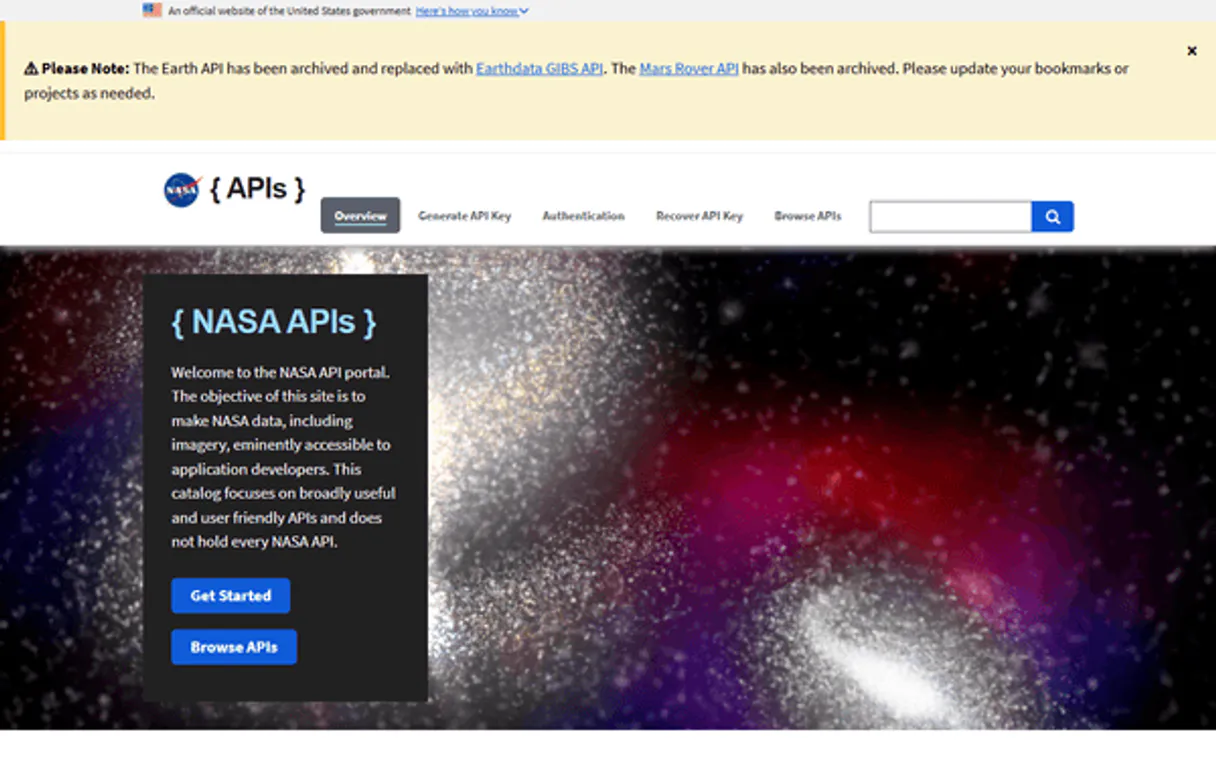
Independent Platform Disclaimer: Vinkius is an independent platform and is not affiliated with, endorsed by, sponsored by, verified by, or otherwise authorized by NASA. All third-party trademarks, logos, and brand names are the property of their respective owners. Their use on this website is strictly for informational purposes to identify service compatibility and interoperability.
VINKIUS INFRASTRUCTURE
Cloud Hosted
Managed infra
V8 Isolated
Sandboxed per request
Zero-Trust Proxy
No stored credentials
DLP Enforced
Policy on every call
GDPR Compliant
EU data residency
Token Compression
~60% cost reduction
Works with Claude, ChatGPT, Cursor, and more
The Model Context Protocol standardizes how applications expose capabilities to LLMs. Instead of operating in isolation, your AI gains direct access to external platforms, live data, and real-world actions through secure, standardized connections.
This server provides 5 capabilities that interface natively with Claude, ChatGPT, Cursor, and any MCP client. No middleware. No custom integration required.
Available Capabilities
Keeping track of global disasters shouldn't feel like a job for an army of researchers.
Today, if you need to know about wildfires or storms globally, you're forced into a dozen different portals: NOAA for weather, USGS for volcanoes, and dozens more for specific fire reports. You end up cross-referencing coordinates in spreadsheets, manually checking update times, and spending hours just compiling the 'status quo.'
With this MCP server, your agent handles it. A single prompt running `get_natural_events` gives you a clean table showing current activity across different disaster types—all with their source links. You get the definitive status report without opening more than one browser tab.
The NASA Earth Imagery MCP Server: Get visuals and event data directly.
You no longer have to guess what dates are available or manually calculate image URLs. The flow is simple: check the calendar with `get_epic_dates`, then get the visual evidence using `get_epic_by_date`. It's structured, predictable data retrieval.
It’s about reliable access. We give you the tools to confirm date availability and pull specific visuals instantly. Period.
Common Questions About NASA Earth Imagery MCP
How do I find out what kind of natural events `get_natural_events` tracks? +
Run get_event_categories. This lists all the types of disasters EONET monitors, like wildfires, floods, and earthquakes. It’s a quick way to scope your search.
Can I get Earth imagery from any date using `get_epic_by_date`? +
No. You must first check get_epic_dates. This tool confirms which dates actually have available EPIC images for retrieval before you try to pull data.
What is the difference between `get_natural_events` and just searching Google? +
get_natural_events gives structured, machine-readable JSON output containing coordinates and specific source links. Google Search gives you a mess of articles; this tool gives you data points.
Is `get_epic_images` for current or historical views? +
get_epic_images only provides the latest full-disk image available from the DSCOVR satellite. If you need an older view, use get_epic_by_date.
When do I need to worry about rate limits when using `get_natural_events`? +
The NASA API enforces specific rate limits. While Vinkius manages the connection, you must adhere to the quota defined in the official documentation. Exceeding this limit will result in a temporary failure until your usage cycle resets.
What data format does `get_natural_events` deliver its results in? +
The tool returns structured JSON objects. This includes coordinates, source links, and event type for every active natural disaster found. It makes parsing the data straightforward for your agent.
Are there any prerequisites or setup steps before I can successfully run `get_epic_images`? +
You need a valid NASA API key to access EPIC imagery. While Vinkius handles the connection, you must input this specific credential into your agent's configuration. The service won't work without it.
How fast is the turnaround time when calling `get_epic_dates`? +
The tool lists available dates quickly, providing a list of interest immediately. Keep in mind that while retrieving the date range is instant, processing and fetching the actual full-disk image data takes significantly longer.
What is the DSCOVR satellite? +
DSCOVR orbits at the L1 Lagrange point, 1.5 million km from Earth. Its EPIC camera takes full-disk images of Earth every 1-2 hours, always showing the sunlit face.
What is EONET? +
EONET (Earth Observatory Natural Event Tracker) provides real-time data on active natural events. It tracks wildfires, severe storms, volcanoes, and more, updated daily from satellite sources.
Can I get historical data using the EPIC camera? +
Yes, you can browse images by specific dates since the DSCOVR satellite began taking regular photos in 2015, allowing you to see Earth on a specific past day.
Use it with your favorite AI tools
Connect this server to Cursor, Claude, VS Code, and more.
More in this category

Eurostat Full Access — EU Statistical Intelligence
The ultimate EU statistics Mega-Server: 26 tools spanning economy (GDP, inflation, debt), demographics (population, unemployment, migration), trade, environment (emissions, energy, renewables), and 7,000+ dataset discovery — all 27 EU member states.
Open-Meteo Marine Weather
Empower your AI with ocean intelligence: wave height, swell forecasts, ocean currents, tides, and sea surface temperature at 5km resolution — built for maritime professionals.

IBM Quantum
Connect IBM Quantum to any AI agent via MCP.
You might also like

IBESTAT (Estadística Illes Balears)
Access official statistical data from the Balearic Islands — query operations, resources, and detailed datasets directly from your AI agent.

TheSportsDB Global Sports Database
The definitive sports metadata server — search teams, players, leagues, and live results via AI.

Maxio (SaaS Billing & FinOps)
Manage SaaS billing via Maxio — audit customer contracts, track ARR/MRR metrics, and create invoices.