
Open-Meteo Weather Forecast MCP. Access 16-Day and Hourly Weather Data by Coordinates.
 Gemini
 Works with every AI agent you already use
…and any MCP-compatible client









Just plug in your AI agents and start using Vinkius.
Open-Meteo Weather Forecast gives your AI agent live weather intelligence using GPS coordinates. Get detailed, multi-layered data: 16-day forecasts, current conditions, and granular hourly breakdowns for any location on Earth—no API keys or paid accounts required.
What your AI agents can do
Get current weather
Gets a snapshot of current weather conditions (wind, cloud cover) for any given GPS coordinate.
Get daily summary
Pulls the daily summary metrics, including sunrise/sunset times and max/min temperatures.
Get hourly details
Retrieves detailed weather data broken down hour-by-hour for advanced analysis (e.g., dewpoint).
You pass coordinates, and the agent instantly reports the real-time weather snapshot: temperature, wind speed, and cloud cover.
The system calculates a full two-week forecast for any location, detailing expected temperatures and precipitation probabilities day by day.
You request hourly data, and the agent returns deep metrics like dewpoint temperature, visibility, and solar radiation levels for a specific time frame.
The agent retrieves daily summaries, giving you the max/min temperatures, sunrise times, and dominant wind direction for the day.
Ask AI about this MCP
Supported MCP Clients
Gemini Waiting for input…
Open-Meteo Weather Forecast MCP Server: 4 Tools for Weather Data Access
Use these four tools to get everything from current weather snapshots and daily summaries to deep, multi-day forecasts using just GPS coordinates.
019d75e7get current weather
Gets a snapshot of current weather conditions (wind, cloud cover) for any given GPS coordinate.
019d75e7get daily summary
Pulls the daily summary metrics, including sunrise/sunset times and max/min temperatures.
019d75e7get hourly details
Retrieves detailed weather data broken down hour-by-hour for advanced analysis (e.g., dewpoint).
019d75e7get weather forecast
Generates a multi-day forecast, providing predictions up to 16 days out for any location.
Choose How to Get Started
Build a custom MCP for your own tools, or connect a ready-made integration from our catalog.
Build Your Own
Turn any API into an MCP. Import a spec, define Agent Skills, or deploy with MCPFusion.
- Import from OpenAPI, Swagger, or YAML specs
- Create Agent Skills with progressive disclosure
- Deploy to edge with MCPFusion framework
- Built in DLP, auth, and compliance on every call
- Real time usage dashboard and cost metering
- Publish to catalog or keep private
Make Your AI Do More
Start with Open-Meteo Weather Forecast, then connect any of our 4,700+ other servers whenever your AI needs more. One click, no limits.
- Use this MCP plus 4,700+ others, all in one place
- Add new capabilities to your AI anytime you want
- Every connection is secured and compliant automatically
- Track usage and costs across all your servers
- Works with Claude, ChatGPT, Cursor, and more
- New servers added to the catalog every week
What you can do with this MCP connector
Connect your AI agent to Open-Meteo and you get live weather intelligence using just GPS coordinates. This server handles all the heavy lifting of real-world meteorology, so you never gotta worry about managing API keys or rate limits. You can pull comprehensive data for any spot on Earth.
When you need a quick read, run get_current_weather. It gives you an instant snapshot of what's happening right now: the current temperature, wind speed, and cloud cover at that exact moment. Your agent reports the real-time weather status with zero setup time.
For daily planning, use get_daily_summary. This pulls essential metrics for a whole 24-hour cycle, giving you the max and min temperatures expected, plus specific sunrise and sunset times, along with the day's dominant wind direction. It covers all the basics you need to schedule things right.
If you're doing advanced analysis, get_hourly_details is your tool. You request hourly data, and the agent returns deep metrics for a specific time window. This isn't just temperature; you get technical stuff like dewpoint temperature, visibility levels, and solar radiation measurements. It lets you track how conditions shift hour by hour.
When you need to plan way out, get_weather_forecast generates the full multi-day forecast. You can predict what's going to happen up to 16 days from now for any location. This tool details expected temperature ranges and gives you precipitation probabilities day by day.
What Your Agent Can Do:
- Current Conditions: Pass coordinates, and your agent instantly reports the real-time weather snapshot: wind speed, cloud cover, and current temperature readings.
- 16-Day Forecasts: The system calculates a full two-week forecast for any spot, detailing expected temperatures, precipitation chances, and general weather trends day after day. You'll know if you gotta pack rain gear or sunscreen.
- Hourly Progression: Requesting hourly data brings back deep metrics like dewpoint temperature, visibility readings, and precise solar radiation levels for the whole timeframe. This granularity lets you build complex operational schedules around minute-by-minute changes.
- Daily Extremes: The agent pulls daily summaries, giving you the max/min temperatures, sunrise times, sunset times, and average wind direction. You've got the full picture of what the day's atmospheric boundaries are.
You don't gotta juggle different weather services or worry about paying per call. It’s open data that works everywhere.
How Open-Meteo Weather Forecast MCP Works
- 1 First, tell your AI client which location you need data for (latitude and longitude coordinates).
- 2 Next, specify what kind of weather detail you need: Are you checking current conditions, a 16-day trend, or just the daily high/low?
- 3 The server runs the appropriate tool—like
get_weather_forecast—and returns structured data containing all the metrics.
The bottom line is that your agent handles the API calls and complex weather calculations for you. You just ask, and it delivers the forecast.
Who Is Open-Meteo Weather Forecast MCP For?
Anyone who builds systems dependent on location data needs this. Think logistics planners running supply routes, agriculture professionals managing irrigation schedules, or event organizers planning outdoor setups. If your app depends on knowing what the weather will be—not just what it is right now—you need this server.
You use get_weather_forecast to reroute shipments before a major storm hits, minimizing delays and fuel costs.
You run get_hourly_details on coordinates to check for high solar radiation or evapotranspiration rates, timing irrigation cycles precisely.
You pull the daily summary via get_daily_summary weeks ahead of time to know if you need backup indoor venues because of projected wind gusts.
What Changes When You Connect
- Get a full two weeks of predictions using
get_weather_forecast. You don't need to stitch together multiple API calls or worry about rate limits when predicting seasonal shifts. - The
get_current_weathertool gives you an immediate, real-time status check. No more guessing if the rain started ten minutes ago; you know exactly what conditions prevail right now. - When planning complex operations,
get_hourly_detailsis key. It provides metrics like solar radiation and dewpoint temperature—data points that basic weather APIs skip entirely. - You can pull daily trends instantly with
get_daily_summary. Knowing the sunrise/sunset window or the projected wind direction for a single day saves hours of manual calendar checking. - This server requires zero API keys. Open-Meteo is open data, meaning you plug it in and go. No payment hoops to jump through.
Real-World Use Cases
Planning a Cross-Country Festival
The event manager needs to know if the site will be usable next week. They ask their agent, which runs get_weather_forecast. The resulting 16-day data shows high wind probability on Day 8 and heavy rain starting Day 9, allowing them time to book indoor backup shelters.
Optimizing Harvest Timing
The agronomist needs specific micro-climate data. They use get_hourly_details around the coordinates of the field to check for optimal dewpoint and visibility windows, ensuring they harvest crops when conditions are perfect.
Checking Travel Routes in Real Time
A delivery service needs to know if a route is currently blocked by weather. They run get_current_weather at the GPS coordinates of the next checkpoint, getting an immediate status on wind gusts or precipitation before dispatching drivers.
Analyzing Seasonal Climate Change
The research team uses get_daily_summary over multiple years' worth of historical data (via prompt context) to track the rising average temperatures and shifting sunrise/sunset patterns for a specific region.
The Tradeoffs
Calling only one tool
The user asks, 'What's the weather in Boston?' but only calls get_current_weather. They get the temperature for today, but miss the crucial 16-day trend.
→
You need more than just current data. Run get_weather_forecast first to see the overall two-week picture, and then use get_daily_summary to quickly pull out key dates like sunrise/sunset for planning.
Ignoring coordinates
The user tries to ask 'What's the weather in Paris?' without providing GPS coordinates. The tool fails because it needs precise latitude and longitude inputs.
→
Always confirm you have exact lat/long coordinates ready. These coordinates are required by every tool, from get_current_weather to get_hourly_details. Don't rely on fuzzy location names.
Only checking temperature
The user only cares about the max/min temperature and ignores wind or precipitation risk. The forecast is incomplete, potentially leading to overlooked logistical risks.
→
For full planning, don't stop at temperature. Run get_weather_forecast and review all metrics: check both temperature AND the precipitation probability for a complete picture.
When It Fits, When It Doesn't
Use this server if your task requires granular, multi-temporal weather data tied to specific GPS coordinates. If you need to know what conditions will be on Day 10 of next month, or if you need dewpoint temperature metrics, this is your toolset.
Don't use it if all you need is a simple, generalized description ('It's going to be nice tomorrow'). For that, a basic search engine works fine. If you only need general city weather without coordinates, you'll hit a wall because every single function—get_current_weather, get_daily_summary, etc.—requires precise latitude and longitude inputs for accuracy.
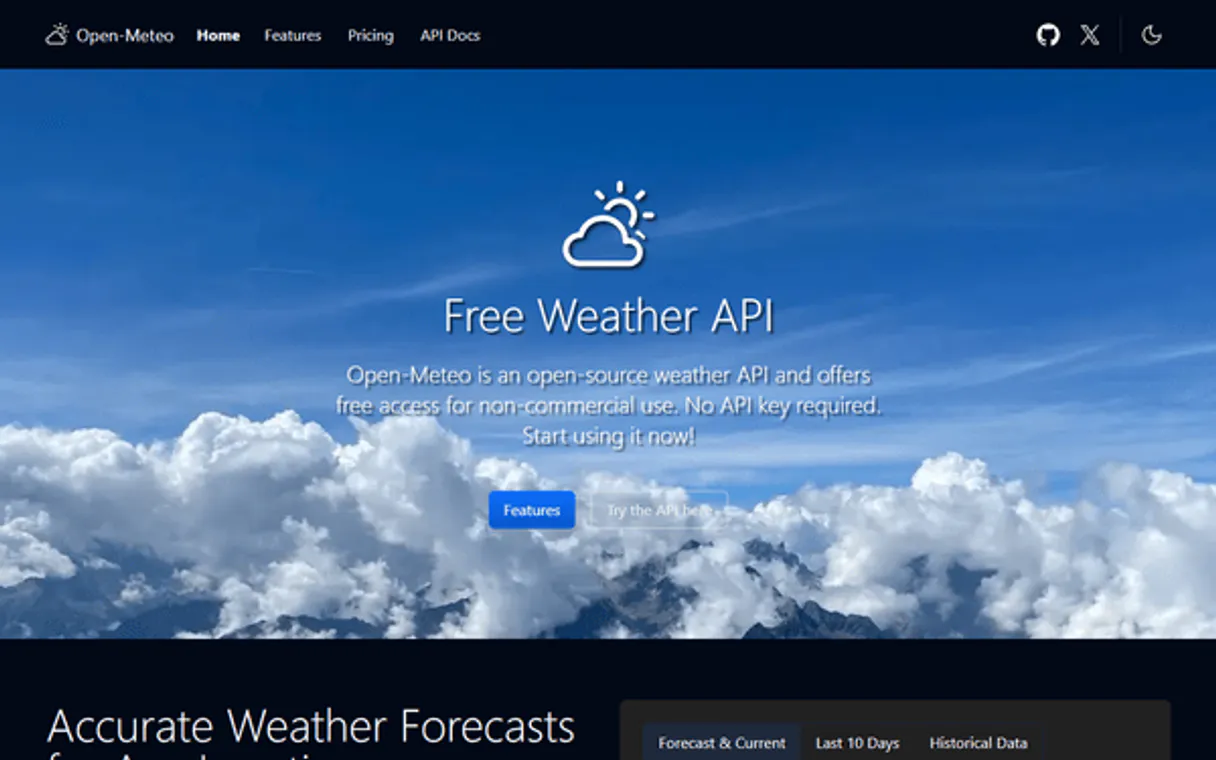
Independent Platform Disclaimer: Vinkius is an independent platform and is not affiliated with, endorsed by, sponsored by, verified by, or otherwise authorized by Open-Meteo. All third-party trademarks, logos, and brand names are the property of their respective owners. Their use on this website is strictly for informational purposes to identify service compatibility and interoperability.
VINKIUS INFRASTRUCTURE
Cloud Hosted
Managed infra
V8 Isolated
Sandboxed per request
Zero-Trust Proxy
No stored credentials
DLP Enforced
Policy on every call
GDPR Compliant
EU data residency
Token Compression
~60% cost reduction
Works with Claude, ChatGPT, Cursor, and more
The Model Context Protocol standardizes how applications expose capabilities to LLMs. Instead of operating in isolation, your AI gains direct access to external platforms, live data, and real-world actions through secure, standardized connections.
This server provides 4 capabilities that interface natively with Claude, ChatGPT, Cursor, and any MCP client. No middleware. No custom integration required.
Available Capabilities
Checking the Weather Used to Be a Cluster of Tabs and Spreadsheets
Right now, if you're planning something major—a construction site or an outdoor market—you manually check five different weather websites. You copy-paste coordinates into one for current conditions, then open another tab to pull the 7-day forecast, and maybe a third just for wind speed. It’s tedious, and it never gives you the deep metrics you actually need.
With Open-Meteo, your agent handles all that juggling act. You give it the coordinates once; it runs `get_weather_forecast` to get two weeks of data, then uses `get_hourly_details` if you ask for dewpoint—all in one go. It just works.
Open-Meteo Weather Forecast MCP Server: Get the full picture.
Before, checking weather meant accepting a basic 'sunny' or 'rainy' descriptor. You got temperature ranges but couldn't correlate them with complex metrics like solar radiation or wind gusts over time. The data was too simple for serious planning.
Now, your agent runs `get_weather_forecast` and pulls every relevant metric you ask for—from the 16-day projection to the daily max/min temperature. You get scientific precision in a clean API call.
Common Questions About Open-Meteo Weather Forecast MCP
Does Open-Meteo Weather Forecast MCP Server work without an API key? +
Yes, it doesn't require any keys or registration. The server uses the open data provided by Open-Meteo directly, making integration instant and free.
How do I get a forecast for multiple days using get_weather_forecast? +
You pass the location coordinates to get_weather_forecast. This tool automatically handles the 16-day lookahead, providing full predictions for temperature and precipitation risk across that entire window.
Is get_hourly_details better than get_current_weather? +
Yes. get_current_weather is a snapshot. get_hourly_details gives you the full breakdown—dewpoint, visibility, etc.—for specific hours in the near future or past.
What do I need to call any Open-Meteo tool? +
Every single tool requires a pair of latitude and longitude coordinates. You must provide these GPS points; general city names won't work for the server.
What happens if I pass invalid coordinates to the `get_current_weather` tool? +
The call fails with a clear error message indicating bad lat/long input. You must validate the GPS data before calling this tool. The server won't guess or use cached values for impossible locations.
Can `get_hourly_details` retrieve weather metrics for specific dates, not just today? +
Yes, you provide the target date and time in the function parameters. This lets your agent analyze historical or future hourly patterns, crucial for scheduling tasks accurately.
What does `get_daily_summary` actually calculate? Does it include more than just temperature? +
This tool provides max/min temperatures and key timing data. Specifically, you get sunrise/sunset times and the total expected duration of sunshine for that day.
Are there rate limits when calling `get_weather_forecast` multiple times? +
No. Since Open-Meteo is open data, this server doesn't impose key-based rate limits on you. You can run many forecast calls back-to-back without worrying about throttling.
Do I need an API key? +
No! Open-Meteo is completely free and open. This server works instantly with zero configuration — just subscribe and start asking about the weather.
Use it with your favorite AI tools
Connect this server to Cursor, Claude, VS Code, and more.
More in this category
Fusioo
Manage collaborative workspaces, track records, and oversee custom apps via AI agents with Fusioo.
Transport for London
Get live tube status, bus arrivals, journey planning, road disruptions and bike point data across London.

Feedly
Stay ahead of industry trends by aggregating RSS feeds, tracking topics with AI, and organizing research in focused boards.
You might also like

Spotio
Manage leads, pipelines, and field sales activities on Spotio with AI agents.

CMS.gov Data
Access public healthcare data from the Centers for Medicare & Medicaid Services, including provider information.

MRPLN
Plan manufacturing resources with production scheduling, material requirements, and capacity planning for growing factories.