
Qichacha / 企查查 MCP. Audit corporate structure and risk in China.
 Gemini
 Works with every AI agent you already use
…and any MCP-compatible client









Just plug in your AI agents and start using Vinkius.
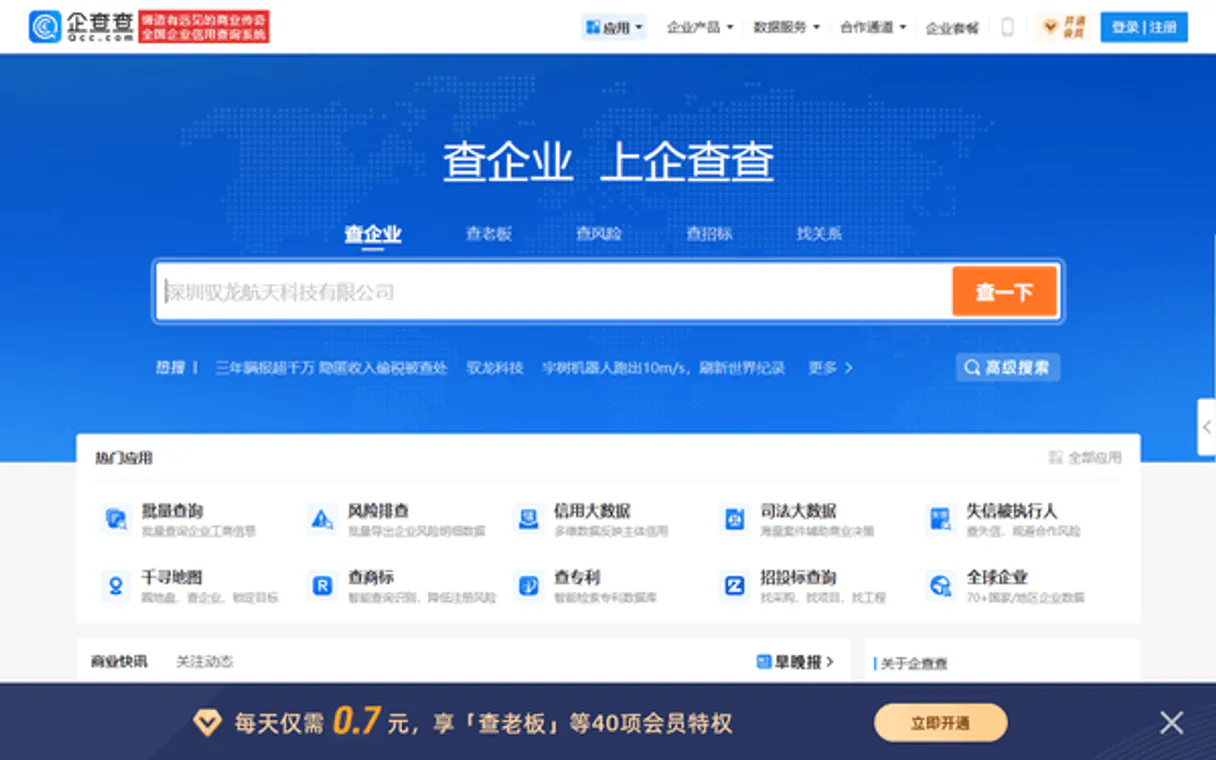
Qichacha / 企查查 gives your AI agent access to China's leading enterprise data platform. Use it to search for companies, check ownership structures, audit corporate risks, and track intellectual property records instantly.
It pulls detailed registration metadata and shareholder lists—all without you having to navigate the complex Qichacha portal.
What your AI agents can do
Fuzzy search
Search for companies using partial or misspelled names to find matching enterprises.
Get account status
Checks the operational status of your OpenAPI account connection.
Get basic info
Retrieves essential, high-level registration data for a specific company.
Find companies using fuzzy matching and retrieve basic or full registration metadata.
List shareholders, trace corporate structures, and view outward investments of a company.
Pull risk indicators, court case history, and industrial abnormalities for any registered business.
List the main staff and executive officers connected to a specific enterprise.
Browse all registered intellectual property, including trademarks, patents, and copyrights.
Ask AI about this MCP
Supported MCP Clients
Gemini Waiting for input…
Qichacha / 企查查 MCP Server: 10 Tools for Corporate Due Diligence
Use these tools to search for companies, track ownership, assess legal risks, and retrieve deep corporate metadata in one centralized API layer.
019d8472fuzzy search
Search for companies using partial or misspelled names to find matching enterprises.
019d8472get account status
Checks the operational status of your OpenAPI account connection.
019d8472get basic info
Retrieves essential, high-level registration data for a specific company.
019d8472get full details
Pulls all available detailed metadata and operational facts about an enterprise.
019d8472list branches
Lists all known subsidiary or physical branch locations for a given company.
019d8472list investments
Details where the target company has invested money or stakes in other companies.
019d8472list ip
Retrieves a full list of registered intellectual property for the enterprise (patents, trademarks, copyrights).
019d8472list risks
Gathers critical risk indicators, court case reports, and industrial abnormalities associated with the company.
019d8472list shareholders
Outputs a list of current shareholders and their respective ownership stakes in the corporation.
019d8472list staff
Identifies and lists the primary staff members and executive decision-makers at the company.
Choose How to Get Started
Build a custom MCP for your own tools, or connect a ready-made integration from our catalog.
Build Your Own
Turn any API into an MCP. Import a spec, define Agent Skills, or deploy with MCPFusion.
- Import from OpenAPI, Swagger, or YAML specs
- Create Agent Skills with progressive disclosure
- Deploy to edge with MCPFusion framework
- Built in DLP, auth, and compliance on every call
- Real time usage dashboard and cost metering
- Publish to catalog or keep private
Make Your AI Do More
Start with Qichacha / 企查查, then connect any of our 4,700+ other servers whenever your AI needs more. One click, no limits.
- Use this MCP plus 4,700+ others, all in one place
- Add new capabilities to your AI anytime you want
- Every connection is secured and compliant automatically
- Track usage and costs across all your servers
- Works with Claude, ChatGPT, Cursor, and more
- New servers added to the catalog every week
What you can do with this MCP connector
Qichacha gives your AI agent direct access to China's leading enterprise data platform. You don't have to waste hours clicking through complex portals; your agent runs deep business intelligence and due diligence for you, pulling the raw metadata and reports straight into plain text. Here’s how it works.
Your first step is always finding the right entity. Use fuzzy_search if you only know part of a name or suspect there are typos—it'll find matching enterprises even when your input isn't perfect. Once you've located the target, you can get an initial read on it using get_basic_info, which pulls essential, high-level registration data.
For the full picture, run get_full_details; that tool delivers every piece of detailed metadata and operational fact available about the company.
To map out who owns the company and how big its structure is, you've got three tools. You can use list_shareholders to get a clear list of current shareholders and exactly what stake each one holds in the corporation. For tracing the corporate family tree, run list_investments to see where that target company has put money or stakes in other businesses—that’s their outward financial reach.
To identify all its physical footprints, use list_branches, which lists every known subsidiary location or branch office.
When you need to know if a business is clean or risky, your agent handles it fast. Use list_risks to gather critical risk indicators, pulling in court case reports and any industrial abnormalities associated with the company right away. To understand who's running the show, run list_staff; this identifies and lists the primary staff members and executive decision-makers at the firm.
If you need to audit what they own legally, use list_ip to retrieve a full list of registered intellectual property—that covers patents, trademarks, and copyrights.
If your agent needs to check its connection first thing, just run get_account_status. The system keeps all this data flowing by letting you execute these specific tools: fuzzy_search, get_basic_info, get_full_details, list_branches, list_investments, list_ip, list_risks, list_shareholders, and list_staff. You'll get the data you need without ever leaving your chat window.
How Qichacha / 企查查 MCP Works
- 1 First, you subscribe to the Qichacha server and enter your OpenAPI App Key and Secret Key.
- 2 Next, you ask your AI client (Claude, Cursor, etc.) to perform a specific research task, like 'Check Ant Group's risk status.'
- 3 The agent calls the correct tool (e.g.,
list_risks), pulls the data, and presents the compiled findings directly in the chat.
The bottom line is: your AI client acts as a dedicated business intelligence analyst that executes complex queries against Qichacha's massive database for you.
Who Is Qichacha / 企查查 MCP For?
This tool is built for people doing serious B2B or compliance work. Think due diligence specialists, corporate lawyers, and market researchers who can't afford to rely on surface-level data. If your job involves vetting a potential partner or deep competitive analysis in the Chinese market, you need this.
Uses list_risks and get_full_details to conduct mandatory due diligence on corporate entities before signing contracts.
Runs searches using fuzzy_search and analyzes full company data via get_full_details for market sizing and competitive analysis.
Maps corporate structures by calling list_shareholders, list_investments, and checking for related subsidiaries using list_branches.
What Changes When You Connect
- Due diligence becomes immediate. Instead of filing multiple reports, one call to
list_risksgives you a consolidated view of legal problems and industrial abnormalities for any firm. - Understand the money trail with ease. Use
list_shareholdersandlist_investmentstogether. You instantly map out who owns what and where their money is going. - Find the right person, fast. The
list_stafftool pulls key executives directly. You skip guessing names and get straight to the decision-makers. - Know the company's full scope. Combining
get_basic_infowithget_full_detailslets your agent pull every available piece of corporate metadata, leaving no stone unturned. - Audit IP assets easily. Running
list_ipshows you all patents and trademarks registered to the company—a critical check for competitive analysis or licensing agreements.
Real-World Use Cases
Vetting a Potential Partner (M&A)
You're considering merging with Company X. Instead of manually checking news sites, your agent runs list_risks and list_shareholders. You immediately see if there are recent court cases or complex ownership structures that could derail the deal.
Sales Lead Qualification
You need to sell a service to Company Y. Your agent first uses fuzzy_search and then calls list_staff. You get the names of three key executives, allowing you to tailor your pitch directly to decision-makers.
Competitive Intelligence
A competitor just launched a product. Your agent uses get_full_details and then calls list_ip on the rival company. You check their patent portfolio in seconds, understanding what proprietary assets they actually own.
Market Entry Due Diligence
You're looking at a new industry vertical. Your agent checks three target companies by running get_basic_info and list_branches on all of them. You get a clean comparison of their registered scope and operational footprint.
The Tradeoffs
Google searching for corporate data
You search Google for 'Company X risks.' The results are news articles or blogs, none of which give the official legal status, court case numbers, or registered shareholder structure.
→
Use list_risks and get_full_details. These tools pull directly from Qichacha's proprietary database, giving you verified metrics on risk indicators and abnormalities.
Asking a general AI for corporate data
You ask your agent, 'What is Company X's ownership?' The agent might hallucinate or give only basic info because it doesn't know to call list_shareholders.
→
Be explicit. Tell the agent: 'Use the Qichacha server and call list_shareholders for this company.' This forces the correct, specialized tool usage.
Assuming one search is enough
You run get_basic_info, but you're missing key details like legal disputes or IP assets. You think you have enough data to move forward.
→
Always pair basic searches with deeper calls: Run list_risks and list_ip. This combination ensures you cover both operational risk and intellectual asset protection.
When It Fits, When It Doesn't
Use this server if your core need is deep, verifiable corporate intelligence within the Chinese market. You must know ownership structures (use list_shareholders), or you're doing M&A/compliance work; otherwise, use a general search engine.
Don't use it if you just need simple contact info that can be found on a company website. For that, a basic web scraping tool is fine. But if you need to know about outstanding patents (list_ip), or the specific legal status of an entity (list_risks), this server is non-negotiable. It's designed for data verification; it's not a general information lookup.
Independent Platform Disclaimer: Vinkius is an independent platform and is not affiliated with, endorsed by, sponsored by, verified by, or otherwise authorized by Qichacha / 企查查. All third-party trademarks, logos, and brand names are the property of their respective owners. Their use on this website is strictly for informational purposes to identify service compatibility and interoperability.
VINKIUS INFRASTRUCTURE
Cloud Hosted
Managed infra
V8 Isolated
Sandboxed per request
Zero-Trust Proxy
No stored credentials
DLP Enforced
Policy on every call
GDPR Compliant
EU data residency
Token Compression
~60% cost reduction
Works with Claude, ChatGPT, Cursor, and more
The Model Context Protocol standardizes how applications expose capabilities to LLMs. Instead of operating in isolation, your AI gains direct access to external platforms, live data, and real-world actions through secure, standardized connections.
This server provides 10 capabilities that interface natively with Claude, ChatGPT, Cursor, and any MCP client. No middleware. No custom integration required.
Available Capabilities
Corporate vetting shouldn't require switching between five different databases.
Today, checking one company’s background feels like a forensic accounting job. You start on the public site for basic info; then you have to switch over to a separate legal database for court cases; next, you jump to an ownership portal just to see who owns what. It's tedious, slow, and prone to missing critical details.
With this MCP server, your agent handles that whole workflow in one chat session. You ask it to check the risk profile of Company Z. The agent automatically calls `list_risks`, then `get_full_details`, and finally summarizes everything—giving you a complete picture instantly.
Qichacha / 企查查 MCP Server: Audit every corporate detail.
The time sink of manual research disappears. No more tab-switching, no more copy/pasting data points between spreadsheets just to build a single risk report. The agent does the heavy lifting and structures the output for you.
You get actionable intelligence instantly. It's not just 'data retrieval'; it’s automated due diligence delivered straight into your workflow.
Common Questions About Qichacha / 企查查 MCP
How do I use fuzzy_search with Qichacha / 企查查 MCP Server? +
You ask the agent to perform a fuzzy search, providing slightly misspelled or partial names. The tool finds all potential matches so you can select the correct enterprise ID for deeper queries.
What is the difference between get_basic_info and get_full_details? +
Basic info gives essential facts (like registration date). Full details pull everything—the comprehensive metadata, including subsidiary lists (list_branches) and specific operational notes.
Can I find out who owns a company using list_shareholders? +
Yes. The list_shareholders tool directly retrieves the primary owners and their percentage of ownership, letting you map the corporate structure accurately.
How do I check if a company has legal problems with list_risks? +
The agent runs list_risks to pull risk indicators. It will specifically flag recent court cases or industrial abnormalities for you to review immediately.
How do I use get_account_status to verify my Qichacha credentials? +
It instantly confirms if your API keys are active. This tool checks the operational status of your OpenAPI account, letting you know immediately whether your connection is good or if the keys need updating.
What does list_staff provide about a company's leadership? +
It lists the main staff and executives associated with an enterprise. You get direct names and roles, which helps you pinpoint key decision-makers within that specific company structure.
When should I use list_ip instead of getting basic info? +
You use it specifically to audit intellectual assets. This tool tracks registered trademarks, patents, and copyrights, giving you a clear view of the company's protected IP portfolio.
How does list_investments help me track corporate funding? +
It provides details on outward investments made by the company. This is critical for mapping out where the enterprise has allocated capital, showing its financial reach beyond just owning shares.
How do I find my Qichacha App Key and Secret? +
Log in to the Qichacha OpenAPI Platform, go to [Console] -> [My Interfaces], and you will find your unique App Key and Secret Key there.
Is there a limit to the search queries? +
The search limits depend on your Qichacha OpenAPI subscription plan. You can use the get_account_status tool to check your current balance and usage limits.
Can I check risk information for multiple companies? +
Yes. You can use the list_risks tool sequentially for different company names to retrieve risk indicators and court cases for each enterprise.
Use it with your favorite AI tools
Connect this server to Cursor, Claude, VS Code, and more.
More in this category

Airbnb
Search and manage Airbnb listings, experiences, reservations, and pricing directly from any AI agent.

Google Civic Information
Manage political data — audit representatives and elections via AI.

Coppel
Automate retail operations via Coppel — browse products, manage orders, check customer credit, and find stores across Mexico from any AI agent.
You might also like

Focus Logística
Emit CT-e, MDF-e, manage cargo manifests and transport documents via Focus NFe API.
Statsig
Manage feature flags, dynamic configs, and experiments. Evaluate gates and log events directly from your AI agent.

Birdeye
Manage reputation and customer experience via Birdeye — list reviews, manage contacts, and trigger surveys directly from any AI agent.