
ShowAPI MCP. One prompt. Every data source.
 Gemini
 Works with every AI agent you already use
…and any MCP-compatible client









Just plug in your AI agents and start using Vinkius.
ShowAPI / 易源数据 connects your AI agent to a massive API marketplace. Your agent can instantly get real-time stock data, check currency rates, translate text between languages, and retrieve weather forecasts—all from one prompt.
It lets you automate complex tasks like content research or financial monitoring without writing any code.
What your AI agents can do
Get currency rates
Gets current foreign exchange rates between global currencies.
Get english dictionary
Looks up definitions for English words.
Get history today
Retrieves historical events that happened on a specified date.
Retrieve current foreign exchange rates using get_currency_rates.
Get detailed, real-time stock market performance data via get_stock_info.
Convert written text between two or more languages using translate_text.
Determine the geographical location associated with any given IP address via get_ip_lookup.
Pull current and forecasted weather information for a specified area using get_weather.
Fetch major historical events that occurred on a specific past date using get_history_today.
Ask AI about this MCP
Supported MCP Clients
Gemini Waiting for input…
ShowAPI / 易源数据: 10 Tools for Data Aggregation
Use these tools to pull everything from market data to language translation. Your agent coordinates calls across finance, geography, and content utilities.
019d847fget currency rates
Gets current foreign exchange rates between global currencies.
019d847fget english dictionary
Looks up definitions for English words.
019d847fget history today
Retrieves historical events that happened on a specified date.
019d847fget idiom info
Provides information and context regarding Chinese idioms.
019d847fget inspirational quotes
Fetches famous or inspirational quotes for content use.
019d847fget ip lookup
Looks up geographical data based on an IP address.
019d847fget jokes
Generates funny jokes and short stories for casual content.
019d847fget stock info
Retrieves current market information for specified stocks or indices.
019d847fget weather
Gets weather conditions and forecasts for a given geographic area.
019d847ftranslate text
Translates text input from one language to another.
Choose How to Get Started
Build a custom MCP for your own tools, or connect a ready-made integration from our catalog.
Build Your Own
Turn any API into an MCP. Import a spec, define Agent Skills, or deploy with MCPFusion.
- Import from OpenAPI, Swagger, or YAML specs
- Create Agent Skills with progressive disclosure
- Deploy to edge with MCPFusion framework
- Built in DLP, auth, and compliance on every call
- Real time usage dashboard and cost metering
- Publish to catalog or keep private
Make Your AI Do More
Start with ShowAPI / 易源数据, then connect any of our 4,700+ other servers whenever your AI needs more. One click, no limits.
- Use this MCP plus 4,700+ others, all in one place
- Add new capabilities to your AI anytime you want
- Every connection is secured and compliant automatically
- Track usage and costs across all your servers
- Works with Claude, ChatGPT, Cursor, and more
- New servers added to the catalog every week
What you can do with this MCP connector
You connect your AI agent straight into a massive marketplace of data APIs with ShowAPI (易源数据). This server takes complex API calls and turns them into simple prompts you give your agent. You don't write integration logic; you just ask the questions, and your agent handles all the messy work.
Market Analysis & Finance
If you need to check market data, you use get_stock_info to pull real-time performance numbers for specific stocks or entire indices. For global finance checks, you'll run get_currency_rates to get current foreign exchange rates between any pair of currencies. You can combine these; your agent knows how to check the stock movement while simultaneously telling you what the Euro rate is against the Yen.
Location & Environmental Data
Need to know where something is? Use get_ip_lookup to figure out the geographical data associated with any IP address. If you're tracking a location, run get_weather for current conditions and forecasts in a specific area. You can combine that geo-data knowledge with your agent's ability to check what day it is, allowing you to build complex reports about regional patterns.
Language & Cultural Knowledge
For anything involving language, the server handles it. Use translate_text to convert written material between two or more languages instantly. If you need a basic word definition, run get_english_dictionary. For Chinese context, there's get_idiom_info, which provides deep context and meaning for specific idioms. You can also get general knowledge by running get_history_today to retrieve major historical events that occurred on any specified date.
Content Generation & Utility Tools
When you need content material, the server has tools ready. For casual posts, your agent uses get_jokes to generate funny jokes or short stories. If you're writing something inspirational, you can fetch quotes using get_inspirational_quotes. You can also give your AI client a quick hit of local color by running get_english_dictionary for definitions and then pairing that with historical context from get_history_today to create educational posts.
The whole system is built so when your agent gets the IP location from get_ip_lookup, it can automatically check the weather via get_weather for that exact spot, all in one go.
How ShowAPI MCP Works
- 1 Subscribe to the ShowAPI server and input your unique App ID and Secret.
- 2 Your AI client reads the 10 available tools, understanding what they do (e.g.,
get_weather,get_currency_rates). - 3 You ask a single prompt that requires multiple data points; the agent figures out which tool to call first, runs it, and synthesizes the final answer for you.
The bottom line is: your AI client acts as the conductor, calling multiple specialized tools in sequence so you don't have to manage them yourself.
Who Is ShowAPI MCP For?
Anyone whose job involves pulling data from several different sources—finance, content, or operations—will need this. If your workflow requires more than three manual steps across multiple websites (e.g., checking weather on one site and stock prices on another), you're wasting time. This tool lets your agent handle the orchestration.
Monitoring market data means calling get_stock_info or cross-referencing currency fluctuations with get_currency_rates without leaving the chat interface.
When writing an article, they need to quickly pull a quote (get_inspirational_quotes), translate key phrases (translate_text), and find historical context for background details using get_history_today.
Coordinating regional activity requires checking the weather (get_weather) and verifying client location metadata from an IP address (get_ip_lookup).
What Changes When You Connect
- Consolidate Data Sources: You don't need 10 different API keys or endpoints. ShowAPI bundles weather, finance, translation, and more into a single interface, letting your AI client call them all in one go.
- Rapid Content Drafting: Combine multiple content tools—ask for jokes (
get_jokes), then pull an inspirational quote (get_inspirational_quotes), and finally translate the result to Spanish (translate_text). It’s done in a single conversation turn. - Cross-Domain Analysis: Need to know if a stock market dip was related to geopolitical events? Your agent can check
get_stock_infothen follow up withget_history_today, building a cohesive narrative automatically. - Operational Clarity: Instead of opening three tabs (weather, map service, news feed), you ask: 'What's the weather in London and what are today's historical events there?' The agent handles both calls instantly.
- Code-Free Data Plumbing: You eliminate boilerplate integration code. Your AI client speaks naturally to the tools; it's all handled by MCP.
Real-World Use Cases
Drafting a Global Blog Post
A content creator needs to write about international business travel. Instead of opening Google, checking Wikipedia for historical facts (get_history_today), and then running a translator tool for foreign phrases, they just prompt: 'Write an intro on the history of trade in Rome, and translate the key phrase 'commerce' into Mandarin.' The agent runs get_history_today and translate_text, providing all necessary components immediately.
Analyzing a Market Incident
A financial analyst observes unusual stock volatility. They prompt their agent: 'Why did the S&P 500 drop today?' The agent runs get_stock_info, then uses that date to call get_history_today and perhaps checks global currency rates (get_currency_rates) to determine if a macroeconomic event was the cause. All data points are synthesized.
On-the-Fly Field Reporting
An ops manager is planning an overseas trip. They ask their agent: 'What's the weather in São Paulo next week, what are common local idioms there? And what’s the current exchange rate against USD?' The agent uses get_weather, get_idiom_info, and get_currency_rates to give a complete, actionable briefing.
Debugging Client Location Issues
A developer needs to validate where a user is connecting from. Instead of relying on browser headers, they ask the agent: 'What's the geographical data for this IP address?' The agent runs get_ip_lookup, giving precise metadata needed for conditional logic in their application.
The Tradeoffs
Using separate web searches
Opening Google to check weather, then opening Bloomberg for stocks, and finally opening Google Translate. This takes 5-10 minutes of clicking and copy/pasting.
→
Ask your agent one prompt: 'What's the current stock price for AAPL AND what's the forecast weather in Cupertino today?' The agent handles get_stock_info and get_weather simultaneously.
Manually looking up definitions
Finding a complex word, leaving the page, opening another tab to search its definition, then pasting it back into your document.
→
Just ask: 'What does 'ephemeral' mean?' The agent runs get_english_dictionary and gives you the definition right there.
Forgetting context flow
Asking for stock info today, then asking about history next week. You have to remember which date was used for each query.
→
Force the agent to combine them: 'Compare today's stock performance with the market conditions on this date [date], using get_history_today and get_stock_info.' It keeps the context straight.
When It Fits, When It Doesn't
Use this server if your core task is data aggregation—meaning you need information from three or more distinct, unrelated domains (e.g., finance + weather + language) in one single workflow. If you only need to check currency rates, use a dedicated financial API client instead; don't run the whole stack for that simple job. Similarly, if you are building an application that only needs stock data, stick with a pure market data feed service because ShowAPI adds complexity (the jokes, the quotes) that isn't necessary and could introduce minor latency. This tool shines when you need to combine utilities like get_ip_lookup (location), translate_text (language), and get_weather (environment) into one cohesive story.
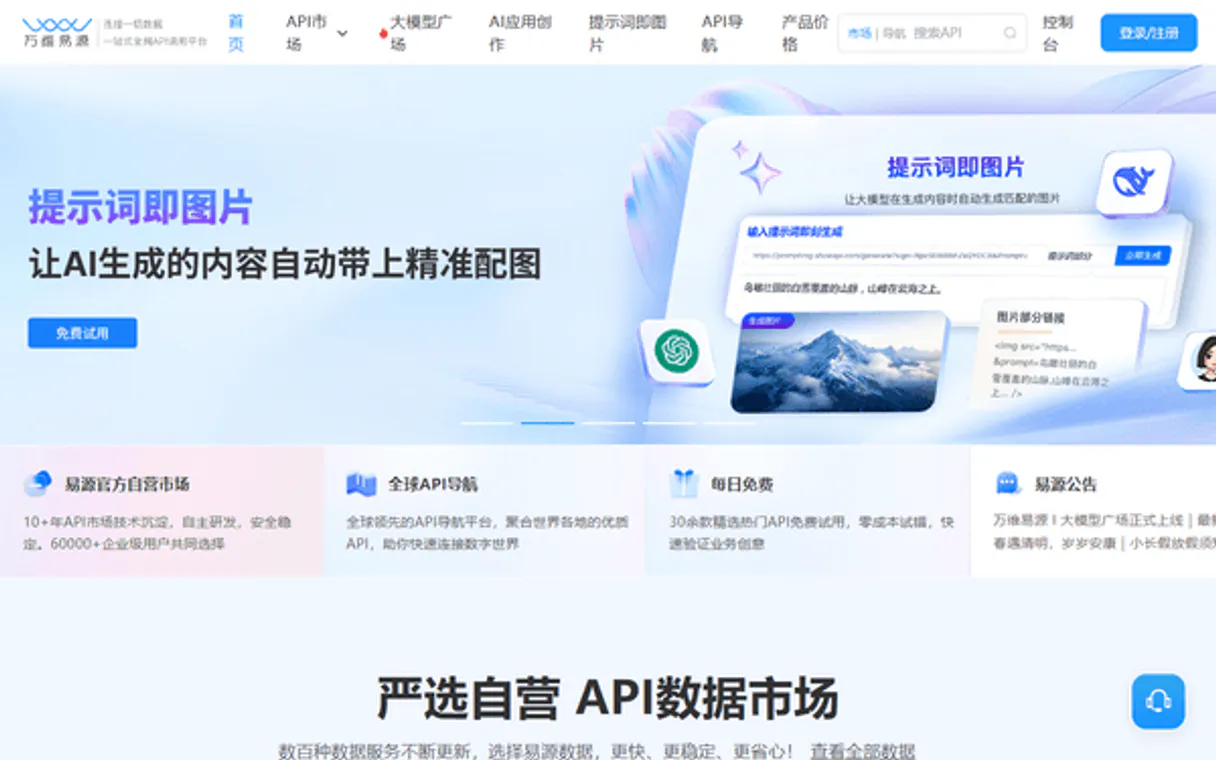
Independent Platform Disclaimer: Vinkius is an independent platform and is not affiliated with, endorsed by, sponsored by, verified by, or otherwise authorized by ShowAPI / 易源数据. All third-party trademarks, logos, and brand names are the property of their respective owners. Their use on this website is strictly for informational purposes to identify service compatibility and interoperability.
VINKIUS INFRASTRUCTURE
Cloud Hosted
Managed infra
V8 Isolated
Sandboxed per request
Zero-Trust Proxy
No stored credentials
DLP Enforced
Policy on every call
GDPR Compliant
EU data residency
Token Compression
~60% cost reduction
Works with Claude, ChatGPT, Cursor, and more
The Model Context Protocol standardizes how applications expose capabilities to LLMs. Instead of operating in isolation, your AI gains direct access to external platforms, live data, and real-world actions through secure, standardized connections.
This server provides 10 capabilities that interface natively with Claude, ChatGPT, Cursor, and any MCP client. No middleware. No custom integration required.
Available Capabilities
Trying to gather data from five different sources is a nightmare of tabs and copy-pasting.
Right now, if you need to research an international topic—say, the economic context of a region—you’re out of luck. You have to open Google for general knowledge, find another site for historical dates, check a currency converter tab, and then manually translate key terms into your document. It's slow, it breaks, and you lose time switching between tabs.
With this MCP server, the process is one prompt. Your agent handles running `get_history_today`, fetching current rates via `get_currency_rates`, and translating all the foreign jargon with `translate_text`. You get a single, coherent answer without ever leaving your chat window.
ShowAPI / 易源数据: Get global data in one prompt.
Forget manually running sequential API calls. No more writing complex Python scripts just to hit three different endpoints for weather, stock info, and IP location. The agent manages the whole chain—it knows when to call `get_weather` based on the city name you provide, then runs `get_ip_lookup` to verify it.
It's not about having 10 tools; it's about getting a single point of truth that combines all those utilities. Your AI client just needs to ask, and the data appears.
Common Questions About ShowAPI MCP
How do I use get_stock_info with ShowAPI? +
You simply tell your agent which stock ticker you want (e.g., 'Show me the latest stock info for AAPL'). The agent automatically calls get_stock_info and provides the current price, daily change, etc.
Can I translate text using ShowAPI's translate_text tool? +
Yes. To use it, just prompt your agent with the source text and the target language: 'Translate this English sentence into Japanese.' The agent runs translate_text for you.
Do I need to know API keys when using get_weather? +
No. You only need to provide your ShowAPI App ID and Secret once during setup. After that, the credentials manage themselves in the background while your agent calls get_weather for you.
What is get_ip_lookup used for? +
It lets you find geographical data from an IP address. You can ask the agent: 'Where is this IP located?' and it runs get_ip_lookup to give you the city, country, etc.
If I give an incorrect location to `get_weather`, what error message should my AI client expect? +
The tool returns a specific JSON error code indicating bad input. This lets your agent handle the failure gracefully instead of crashing the workflow. You'll need to check for geo-validation errors in your response logic.
Are there rate limits when calling `get_currency_rates` repeatedly? +
Yes, the service enforces usage quotas based on your subscription tier. If you exceed them, your agent receives a standard 429 status code. You'll need to implement an exponential backoff strategy in your client logic.
When I use `get_idiom_info`, what structured data can I expect? +
The tool provides a clean JSON object containing the idiom, its literal meaning, and multiple contextual usage examples. This structure helps your agent parse and present complex cultural information reliably to the end-user.
Do I need special permissions to combine tools like `get_jokes` and `translate_text`? +
No, once you authenticate with your App ID and Secret, the server handles orchestration automatically. You simply write a natural language prompt asking for both tasks in one go.
How do I find my ShowAPI App ID and Secret? +
Log in to the ShowAPI website, go to your Personal Center -> [Secret Management], and you will find your showapi_appid and showapi_sign there.
Does this support all 1000+ APIs from ShowAPI? +
This server provides 10 essential tools covering the most popular categories like weather, finance, and translation. For other specific APIs, you can extend the engine or use the marketplace directly.
Are there usage limits for these tools? +
The usage limits and quotas depend on your ShowAPI subscription plan. Ensure your account has sufficient balance or points for the API points you are calling.
Use it with your favorite AI tools
Connect this server to Cursor, Claude, VS Code, and more.
More in this category
Qase
Bring Qase test management into your AI workflow — list projects, track test runs, inspect cases, and monitor defects directly from your chat.

GitHub
Manage repositories, pull requests, issues, and CI/CD workflows on the world largest developer collaboration platform.

Mapbox Alternative
Integrate Mapbox mapping and location services into your AI agent—access vector/raster tiles, static images, directions, and manage datasets.
You might also like

Langflow (Visual Multi-agent Orchestrator)
Orchestrate multi-agent AI workflows visually — execute flows, manage projects, and trigger webhooks directly from any AI agent.

ESPHome
Control and monitor your ESPHome-powered IoT devices directly from any AI agent via the Web Server API.

EventMobi
Deliver immersive event experiences with virtual and hybrid event tools, networking features, and live engagement analytics.