
Urlbox MCP. Audit web visuals without leaving your chat.
 Gemini
 Works with every AI agent you already use
…and any MCP-compatible client









Just plug in your AI agents and start using Vinkius.
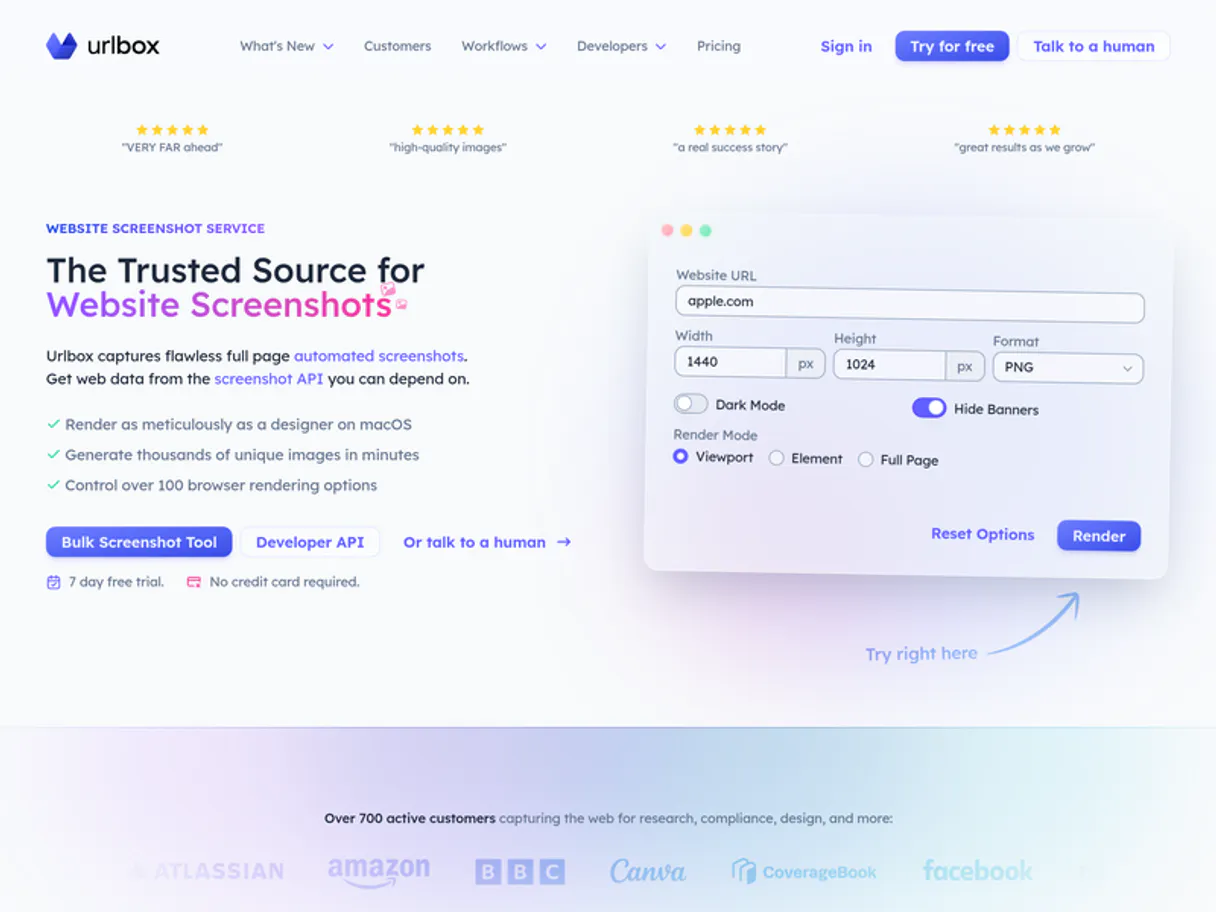
Urlbox handles high-fidelity web rendering. It lets your AI agent capture screenshots of any URL—standard, full-page, mobile, or retina quality.
You can also convert entire live websites into professional PDFs without touching a browser dashboard. Use it for visual QA and content archiving.
What your AI agents can do
Generate pdf
Converts the content found at a given URL into a professional, downloadable PDF document.
Get metadata
Retrieves basic structural metadata for a specified URL (currently a placeholder function).
Take full page screenshot
Captures an image that covers the entire length of a webpage, ensuring no content is cut off.
Takes a basic PNG screenshot of a URL at the current viewport size.
Captures an entire website page, scrolling from top to bottom so you get the complete view.
Generates a screenshot by simulating a mobile device user agent for responsive design checks.
Retrieves retina-grade screenshots, providing maximum pixel density for professional design reviews.
Converts the content of a live URL into a structured PDF document ready for sharing or offline viewing.
Retrieves general metadata associated with a given URL (placeholder tool).
Ask AI about this MCP
Supported MCP Clients
Gemini Waiting for input…
Urlbox MCP Server: 6 Tools for Visual Rendering
These tools allow you to capture, convert, and audit web content from multiple angles—standard view, full length, mobile simulation, or high-resolution PDF.
019d8496generate pdf
Converts the content found at a given URL into a professional, downloadable PDF document.
019d8496get metadata
Retrieves basic structural metadata for a specified URL (currently a placeholder function).
019d8496take full page screenshot
Captures an image that covers the entire length of a webpage, ensuring no content is cut off.
019d8496take mobile screenshot
Takes a screenshot simulating how the URL looks when accessed on a smartphone device.
019d8496take retina screenshot
Generates an extremely high-resolution image perfect for detailed design or print audits.
019d8496take screenshot
Captures a standard PNG screenshot of the URL at its current visible viewport size.
Choose How to Get Started
Build a custom MCP for your own tools, or connect a ready-made integration from our catalog.
Build Your Own
Turn any API into an MCP. Import a spec, define Agent Skills, or deploy with MCPFusion.
- Import from OpenAPI, Swagger, or YAML specs
- Create Agent Skills with progressive disclosure
- Deploy to edge with MCPFusion framework
- Built in DLP, auth, and compliance on every call
- Real time usage dashboard and cost metering
- Publish to catalog or keep private
Make Your AI Do More
Start with Urlbox, then connect any of our 4,700+ other servers whenever your AI needs more. One click, no limits.
- Use this MCP plus 4,700+ others, all in one place
- Add new capabilities to your AI anytime you want
- Every connection is secured and compliant automatically
- Track usage and costs across all your servers
- Works with Claude, ChatGPT, Cursor, and more
- New servers added to the catalog every week
What you can do with this MCP connector
Listen up. This isn't some vague API that 'helps' you look at a webpage; this is how you actually capture, audit, and process live web content using your AI client. The Urlbox MCP Server gives your agent direct control over high-fidelity web rendering. You don't need to open a browser or mess with any dashboard settings—you just tell the server what visual data you need.
The core function of this server is straightforward: it lets your agent treat live URLs like physical assets that can be captured, inspected, and archived at maximum quality. When you connect it, your AI client handles all the dirty work, letting you perform deep visual QA or content archiving purely through natural conversation with the tool set.
Web Visual Capture & Auditing
When you need a screenshot, this server offers three distinct capture methods. If you just need what's visible right now on your screen—the standard view—you run take_screenshot, and it gives you a basic PNG of the URL's current viewport size. But if you gotta prove that all the content loaded correctly, use take_full_page_screenshot.
That tool captures an image that stretches from the very top edge to the bottom edge of the entire webpage, making sure no scrolling content gets cut off or missed. For checking how a site plays on phones—you know, for responsive design checks—you fire up take_mobile_screenshot. This simulates exactly what a mobile user agent sees at a given URL.
And if you're doing serious professional work, like printing out mockups or running detailed design audits where every pixel counts, you use take_retina_screenshot. It generates an extremely high-resolution image with maximum pixel density, which is overkill for casual viewing but necessary when accuracy is everything.
Content Processing and Archiving
Visual capture isn't the only thing here. You can turn a live web page into a structured document using generate_pdf. This tool takes all the content found at any given URL and converts it into a professional, downloadable PDF file, making it instantly shareable or usable offline without needing to copy-paste anything.
For those times when you need more than just an image—if you want structural data—you can use get_metadata to retrieve basic metadata associated with the specified URL; this lets your agent check general details about the page's structure, even if it’s currently a placeholder function.
Workflow Examples
You don't have to think of these as separate tasks. You can chain them together. For instance, you might first run take_mobile_screenshot to check the responsive layout on a phone screen. Then, if the mobile view looks good, you grab the high-resolution version using take_retina_screenshot for your final design review images.
After that, because you need the finished product in a format people can actually print or save easily, you run generate_pdf. This lets you capture the entire experience—the structure, the look, and the full content depth—all without ever touching a browser dashboard. You're just talking to your agent and telling it what visual asset you need.
It’s built for rigorous testing environments; whether you're performing quality assurance or building an archive of dynamic content, this server gives your AI client the precise tools it needs to act like a dedicated web crawler, but one that spits out perfect images and structured documents. You get direct control over every visual output, from basic viewport PNGs to full-page PDF reports.
It's all about getting specific, actionable visual data.
How Urlbox MCP Works
- 1 Subscribe to the Urlbox server and input your unique API key.
- 2 Pass the required parameters (like the target URL, device type, or PDF request) to your AI client via natural language.
- 3 The agent executes the tool call and returns a direct image link or the generated file output.
The bottom line is: you talk to your agent about what website view you need, and it handles the rendering process.
Who Is Urlbox MCP For?
This tool's core users are QA specialists and design architects who spend too much time manually checking if a webpage looks right on every device. If your workflow involves archiving web content or verifying responsive breakpoints, this is for you.
Verifies that landing pages work correctly across various screen sizes and devices without manually opening multiple browser tabs.
Checks website aesthetics, retrieves high-resolution retina screenshots for client sign-off, or captures the full page flow for review.
Performs rapid visual audits of new landing pages and automatically generates polished PDF versions to hand off to sales teams.
What Changes When You Connect
- You get instant visual records. Instead of manually taking screenshots, call
take_screenshotto grab a quick PNG capture of any URL's current view. - Full-page visibility is guaranteed. Use
take_full_page_screenshotto pull one single image that covers the entire length of a site, eliminating partial captures. - Test responsiveness accurately. Run
take_mobile_screenshotto see exactly how the design breaks or adjusts on a phone, all through your agent's call. - Deliver polished documents. Use
generate_pdfto convert any complex website into a clean PDF file that can be shared immediately without links breaking. - Audit at maximum quality. When precision matters for design sign-off,
take_retina_screenshotprovides the highest pixel density available.
Real-World Use Cases
Landing Page QA Check
A QA specialist needs to check if a new landing page looks correct on both desktop and mobile. They prompt their agent: 'First, run take_retina_screenshot for the main view. Then, run take_mobile_screenshot. Finally, use take_full_page_screenshot to ensure no footer content was missed.' The agent runs all three tools sequentially, delivering a complete visual report.
Archiving Client Websites
A marketing lead needs to archive the current state of a client's complex site for legal records. They ask their agent to convert the main URL into a PDF using generate_pdf. This creates an official, static document without relying on live hosting.
Debugging Layout Breakpoints
A developer sees that a specific widget is misaligned on smaller screens. They prompt their agent to run take_mobile_screenshot against the staging URL. The resulting image pinpoints the exact breakpoint issue, allowing the dev to fix it immediately.
Gathering Site Details Before Build
Before starting a large project, an architect needs basic details about the target site. They first use get_metadata to pull general information, then run take_screenshot to get a quick visual check of the homepage.
The Tradeoffs
Assuming one screenshot is enough
The user only runs take_screenshot(URL) and assumes they have all the necessary content for their audit.
→
If you need to prove content isn't cut off, always run take_full_page_screenshot. If you need mobile view, use take_mobile_screenshot—don't just trust a standard capture.
Trying to extract dynamic data
The user expects the agent to pull structured data (like names or prices) from the screenshot itself.
→
Urlbox handles visuals. For extracting structured text, use a dedicated data extraction tool. If you just need basic site info, try get_metadata.
Forgetting high-res options
The user captures an image for a print brochure using only the default capture.
→
If the final output is going into print or requires maximum quality, you must use take_retina_screenshot to ensure proper DPI and clarity.
When It Fits, When It Doesn't
Use this server if your primary need involves visual proof: verifying how a website looks at different sizes (mobile vs. desktop), capturing the full scope of a page, or creating static PDFs for archiving. This is about pixel fidelity.
Don't use it if you need to interact with APIs (e.g., 'get all users who signed up last week') or pull structured data that isn't visible on the screen. For those tasks, connect your agent to a database connector or a dedicated API tool. If you just need basic site information, get_metadata is useful, but if you are building an application workflow, focus on visual tools like take_full_page_screenshot and generate_pdf.
Independent Platform Disclaimer: Vinkius is an independent platform and is not affiliated with, endorsed by, sponsored by, verified by, or otherwise authorized by Urlbox. All third-party trademarks, logos, and brand names are the property of their respective owners. Their use on this website is strictly for informational purposes to identify service compatibility and interoperability.
VINKIUS INFRASTRUCTURE
Cloud Hosted
Managed infra
V8 Isolated
Sandboxed per request
Zero-Trust Proxy
No stored credentials
DLP Enforced
Policy on every call
GDPR Compliant
EU data residency
Token Compression
~60% cost reduction
Works with Claude, ChatGPT, Cursor, and more
The Model Context Protocol standardizes how applications expose capabilities to LLMs. Instead of operating in isolation, your AI gains direct access to external platforms, live data, and real-world actions through secure, standardized connections.
This server provides 6 capabilities that interface natively with Claude, ChatGPT, Cursor, and any MCP client. No middleware. No custom integration required.
Available Capabilities
Manually checking web visuals eats up hours.
Today, auditing a website's appearance is a clicking nightmare. You have to open the URL in Chrome, resize the window manually to check breakpoints, then switch to Safari for cross-browser checks. If you need an archive, you copy and paste chunks of text into Word, hoping nothing breaks or gets cut off.
With Urlbox MCP Server, that manual labor goes away. You just tell your agent: 'Show me this page on mobile, and also give me a high-res version.' The server handles the rendering, giving you immediate, perfectly captured image links.
Urlbox MCP Server: Capture & Process Web Visuals
You no longer waste time toggling between browser tabs to verify if a page looks right on an iPhone or a tablet. You can ask for the specific view you need—whether it's `take_mobile_screenshot` or `take_retina_screenshot`—and get the result in one shot.
Your agent now acts as a dedicated, always-on rendering engine. It handles all the complexity of web standards and device emulation so your workflow stays fast and accurate.
Common Questions About Urlbox MCP
How do I get an archive PDF using generate_pdf? +
You pass the URL to the generate_pdf tool. The server processes the live site content and returns a downloadable, structured PDF file for you.
Is take_mobile_screenshot the same as taking a standard screenshot? +
No. take_mobile_screenshot simulates specific mobile device dimensions and user agents. A standard take_screenshot just captures whatever size your agent's client is currently viewing.
Can I use take_full_page_screenshot to capture a giant site? +
Yes, that's what it does. It scrolls and stitches together the entire page content into one image, regardless of how long the actual website is.
What should I use for professional design audits? Is take_retina_screenshot better? +
If pixel density matters—for print or high-end web assets—you must use take_retina_screenshot. It provides the highest quality image capture available.
What does the `get_metadata` tool provide when I pass it a URL? +
The get_metadata tool retrieves basic information about the URL, not visual content. This includes data like the page title, character set, and last modified date. Use this if your AI agent needs to validate site ownership or check for basic technical details before rendering.
If I need a standard PNG capture, should I use `take_screenshot`? +
Yes, take_screenshot is the general tool for capturing a regular PNG image of a URL. It captures what's visible on the initial viewport and doesn't include full-page scrolling or mobile device emulation. Use it when you just need a quick snapshot.
How does `take_full_page_screenshot` handle dynamic content that needs to scroll? +
The take_full_page_screenshot tool automatically handles scrolling and stitching the entire page into one image. It captures all visible elements, even those far down the document. This is ideal for auditing long articles or complex layouts where single-view screenshots won't suffice.
What are the best practices regarding rate limits when using multiple tools? +
We recommend implementing a backoff strategy in your agent logic. Since rendering and capturing can be resource-intensive, grouping related calls (e.g., full-page then mobile) is better than rapid, disparate requests. Check API documentation for specific quota details.
How do I find my Urlbox API Key? +
Log in to your Urlbox dashboard, and you will find your API Key on the main page. Copy and paste it below.
Can the agent take screenshots for mobile devices? +
Yes. Use the take_mobile_screenshot tool. Your agent will render the website using a mobile user agent to verify how it looks on smartphones.
Does it support high-resolution (Retina) images? +
Yes. The take_retina_screenshot tool enables 2x scaling to provide high-density images suitable for high-resolution displays.
Use it with your favorite AI tools
Connect this server to Cursor, Claude, VS Code, and more.
More in this category
Save articles, videos, and web pages to read later with a personal content library that syncs across all your devices.
Worktile
Collaborative project management and team communication platform — manage tasks, projects, and messages via AI.

DevRel Voice Prover
AI agents write developer content that sounds like a press release. This tool forces authentic developer-to-developer voice: community-aware context, value over features, actionable code paths, and genuine engagement. No corporate speak, no feature dumps.
You might also like
Parknav
AI-powered predictive parking availability and street occupancy data via Parknav API.
Claid AI
Automate AI image processing via Claid — upscale resolution, remove backgrounds, and enhance product photos directly from any AI agent.
UK ONS Population — Deaths, Well-being & Demographics
UK population and health statistics: weekly death registrations by age, sex, and region, personal well-being estimates (life satisfaction, happiness, anxiety), suicide data by local authority, and population projections from the ONS.