
How to Use Vadoo MCP Server with AutoGen using Vinkius
Give AutoGen instant access to 6 tools to Add Captions, Create Clips, Generate Podcast, and more using Vinkius.
 GDPR Free for Subscribers
Microsoft AutoGen enables multi-agent conversations where agents negotiate, delegate, and execute tasks collaboratively. Add Vadoo as an MCP tool provider through Vinkius and every agent in the group can access live data and take action.
Ask AI about this MCP Server for AutoGen
The Vadoo MCP Server for AutoGen is a standout in the Marketing Automation category, giving your AI agent 6 tools to work with, ready to go from day one.
Vinkius delivers Streamable HTTP and SSE to any MCP client
 Gemini
import asyncio
from autogen_agentchat.agents import AssistantAgent
from autogen_ext.tools.mcp import McpWorkbench
async def main():
# Your Vinkius token. get it at cloud.vinkius.com
async with McpWorkbench(
server_params={"url": "https://edge.vinkius.com/[YOUR_TOKEN_HERE]/mcp"},
transport="streamable_http",
) as workbench:
tools = await workbench.list_tools()
agent = AssistantAgent(
name="vadoo_agent",
tools=tools,
system_message=(
"You help users with Vadoo. "
"6 tools available."
),
)
print(f"Agent ready with {len(tools)} tools")
asyncio.run(main())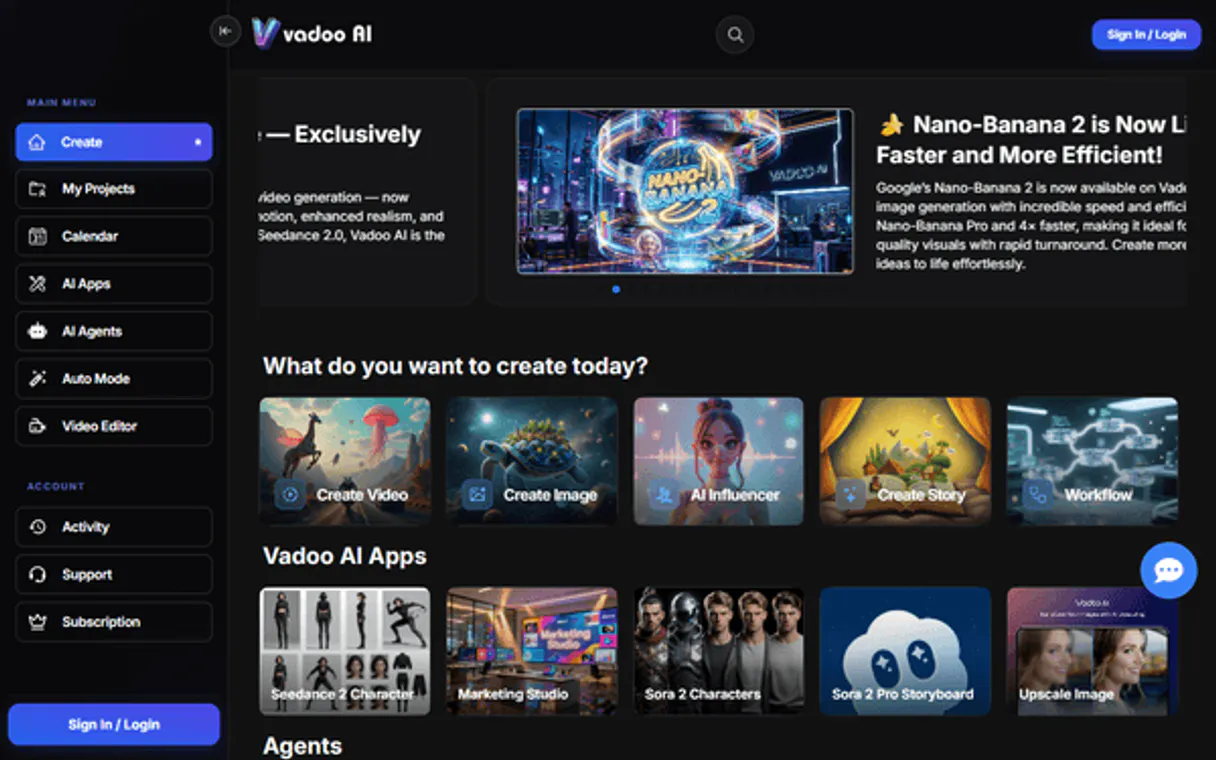
* Every connection is hosted and maintained by Vinkius. We handle the security, updates, and infrastructure so you don't have to write code or manage servers. See our infrastructure
About Vadoo MCP Server
Connect your Vadoo AI account to any AI agent and simplify how you generate, edit, and optimize your video content through natural conversation.
AutoGen enables something most frameworks cannot: genuine multi-agent deliberation. When you connect Vadoo through Vinkius, agents do not just call tools. They discuss whether to call them, which parameters to use, and how to interpret the results. A data analyst agent queries 6 tools while a reviewer agent validates outputs and a compliance agent checks policies. Optional human-in-the-loop approval gates ensure sensitive operations require explicit sign-off. This is not automation. This is supervised autonomous intelligence.
What you can do
- AI Video Generation. Create high-quality videos from simple text prompts or scripts instantly.
- Viral Clip Creation. Extract short, social-media-ready clips from long-form video URLs (like YouTube).
- Automated Captioning. Generate and overlay captions onto your videos to increase engagement and accessibility.
- AI Podcasts. Trigger the creation of conversational 2-person podcasts from any topic or text source.
- Content Library. List all your generated videos and retrieve direct download links and metadata.
The Vadoo MCP Server exposes 6 tools through Vinkius. Connect it to AutoGen in under two minutes. Fully managed, no infrastructure to provision, no vendor lock-in.
6 tools included
Explore every tool Vadoo exposes to AutoGen through Vinkius.
Connect Vadoo to AutoGen via MCP
Follow these steps to connect Vadoo to AutoGen. The setup takes under two minutes and requires no coding or server hosting.
Get your Vinkius Access Token
Install AutoGen
pip install "autogen-ext[mcp]"Replace the token
[YOUR_TOKEN_HERE] with your Vinkius tokenIntegrate into workflow
Explore tools
Why Use AutoGen with the Vadoo MCP Server
AutoGen provides unique advantages when paired with Vadoo through the Model Context Protocol.
Agents do not just call Vadoo tools through Vinkius. They deliberate: which tools to invoke, which parameters to use, and how to interpret the results. Multi-agent reasoning, not single-agent execution
Role-based access assigns specific Vadoo capabilities from Vinkius to specific agents. A data analyst queries while a compliance officer reviews. Separation of concerns at the agent level
Human-in-the-loop approval gates let you require explicit sign-off before sensitive Vadoo operations execute through Vinkius. Automation with governance built in
Group chat patterns enable agent teams that solve complex problems using Vadoo tools from Vinkius collaboratively, with configurable speaking order and termination conditions
Vadoo + AutoGen Use Cases
Practical scenarios where AutoGen combined with the Vadoo MCP Server delivers measurable value.
Collaborative analysis: one agent queries Vadoo while another validates results and a third generates the final report
Automated review pipelines: a researcher agent fetches data from Vadoo, a critic agent evaluates quality, and a writer produces the output
Interactive planning: agents negotiate task allocation using Vadoo data to make informed decisions about resource distribution
Code generation with live data: an AutoGen coder agent writes scripts that process Vadoo responses in a sandboxed execution environment
Example Prompts for Vadoo in AutoGen
Ready-to-use prompts you can give your AutoGen agent to start working with Vadoo immediately.
"List all the AI videos I've generated so far."
"Create viral clips from this YouTube video: https://youtube.com/watch?v=123."
"Generate a vertical AI video about 'The future of remote work'."
Troubleshooting Vadoo MCP Server with AutoGen
Common issues when connecting Vadoo to AutoGen through Vinkius, and how to resolve them.
McpWorkbench not found
pip install "autogen-ext[mcp]"Vadoo + AutoGen FAQ
Common questions about integrating Vadoo MCP Server with AutoGen.
How does AutoGen connect to MCP servers?
Can different agents have different MCP tool access?
Does AutoGen support human approval for tool calls?
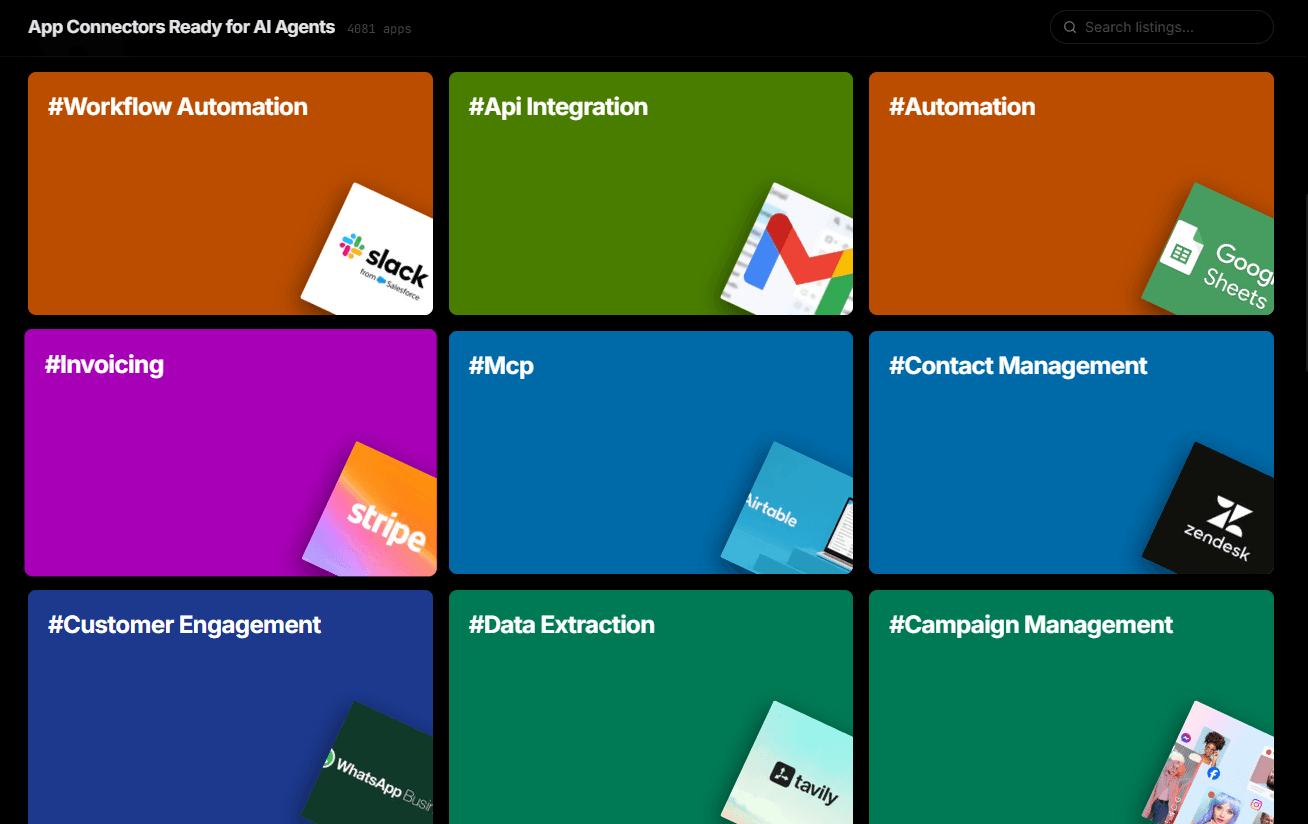
Over 4,000 integrations ready for AI agents
Explore a vast library of pre-built integrations, optimized and ready to deploy.
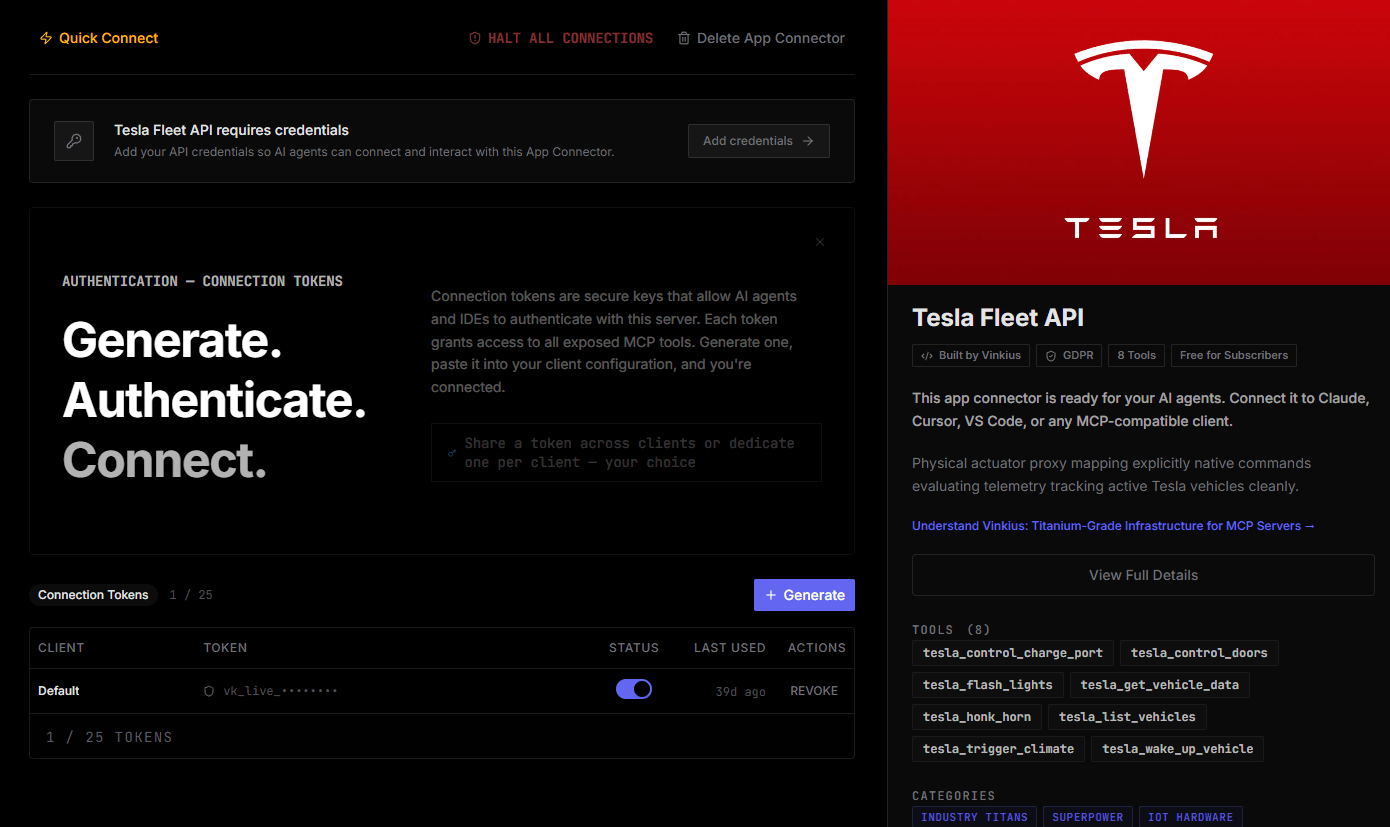
Connect securely in under 30 seconds
Generate tokens to authenticate and link external services in a single step.
Complete visibility into every agent action
Audit live requests, latency, success rates, and active security compliance policies.
Optimize spending and track token ROI
Analyze real-time token consumption and cost metrics detailed by connection.
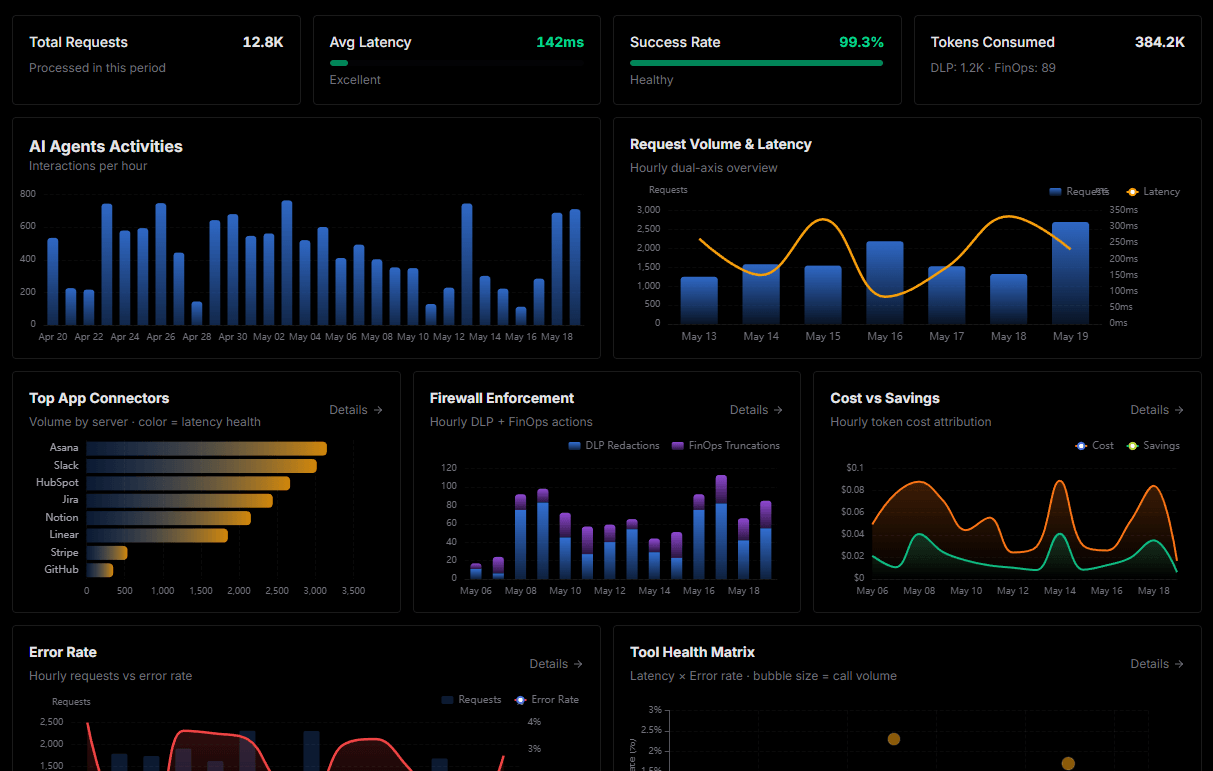
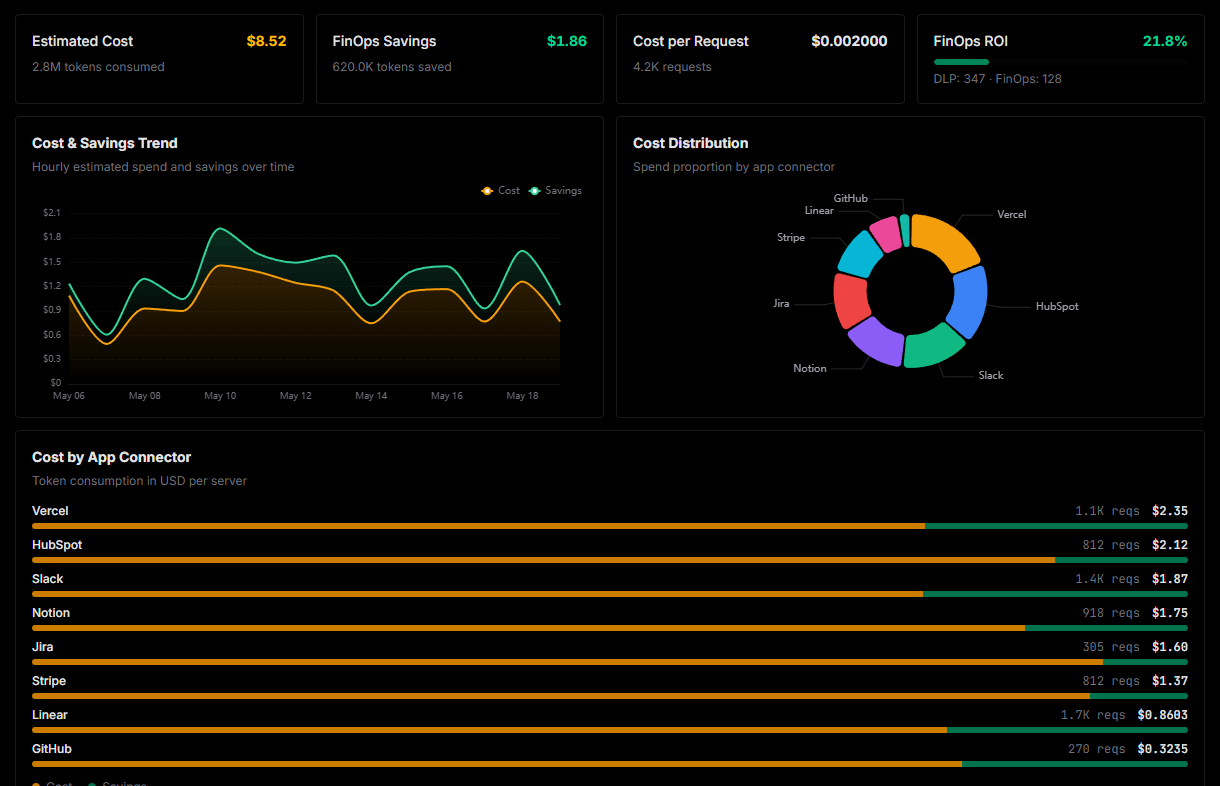
Explore our live AI Agents Analytics dashboard to see it all working
This dashboard is included when you connect Vadoo using Vinkius. You will never be left in the dark about what your AI agents are doing with your tools.
Connect Vadoo with your favorite client
Also available for these clients and frameworks:
Connect Vadoo to AutoGen
One click to install, 6 tools ready instantly. Fully managed, no API key setup required.