
Acunetix 360 MCP. Manage web vulnerability scans from chat.
 Gemini
 Works with every AI agent you already use
…and any MCP-compatible client









Just plug in your AI agents and start using Vinkius.
Acunetix 360 MCP Server automates your web application security workflow. Connect your agent to manage vulnerability scans, track findings, and audit security posture using natural conversation.
Launch scans, list all identified issues, and monitor progress without leaving your chat interface.
What your AI agents can do
Launch scan
Starts a new security scan job on a specified web application or API endpoint.
List scans
Retrieves a list of all vulnerability scans, including their status and completion dates.
List vulnerabilities
Lists every identified security issue found by Acunetix, detailing severity and remediation tips.
Your agent runs the launch_scan tool to start a new web application or API vulnerability scan.
Your agent runs the list_scans tool to get a list of all current and past vulnerability scans.
Your agent runs the list_vulnerabilities tool to get detailed information on every identified security flaw.
Ask AI about this MCP
Supported MCP Clients
Gemini Waiting for input…
Acunetix 360 MCP Server: 3 Tools for Web Security
Start scans, list all vulnerability reports, and view every identified security issue using these three dedicated tools.
019d7546launch scan
Starts a new security scan job on a specified web application or API endpoint.
019d7546list scans
Retrieves a list of all vulnerability scans, including their status and completion dates.
019d7546list vulnerabilities
Lists every identified security issue found by Acunetix, detailing severity and remediation tips.
Choose How to Get Started
Build a custom MCP for your own tools, or connect a ready-made integration from our catalog.
Build Your Own
Turn any API into an MCP. Import a spec, define Agent Skills, or deploy with MCPFusion.
- Import from OpenAPI, Swagger, or YAML specs
- Create Agent Skills with progressive disclosure
- Deploy to edge with MCPFusion framework
- Built in DLP, auth, and compliance on every call
- Real time usage dashboard and cost metering
- Publish to catalog or keep private
Make Your AI Do More
Start with Acunetix 360, then connect any of our 4,700+ other servers whenever your AI needs more. One click, no limits.
- Use this MCP plus 4,700+ others, all in one place
- Add new capabilities to your AI anytime you want
- Every connection is secured and compliant automatically
- Track usage and costs across all your servers
- Works with Claude, ChatGPT, Cursor, and more
- New servers added to the catalog every week
What you can do with this MCP connector
You're running a web app, right? You gotta know it's secure. The Acunetix 360 MCP Server lets your agent manage your whole web security workflow just by talking to it. You can kick off scans, check out the findings, and track the whole damn thing—all from your chat client.
When you need to initiate a scan, your agent runs launch_scan, letting you start a new vulnerability scan job on a specific web application or API endpoint.
If you wanna know what scans you've run or what's running right now, your agent uses list_scans to pull up a list of every vulnerability scan, including its status and when it wrapped up.
To see what's wrong with your code, your agent runs list_vulnerabilities, which pulls up detailed info on every security flaw Acunetix found, complete with severity levels and how to fix 'em.
How Acunetix 360 MCP Works
- 1 Subscribe to the server and provide your Acunetix 360 User ID and API Token.
- 2 Your AI client sends a natural language prompt (e.g., 'Find all high-severity SQL injections').
- 3 The agent maps the request to the correct tool (e.g.,
list_vulnerabilities) and runs it, returning the structured data to you.
The bottom line is that you manage complex security tasks using plain English, letting your agent talk to the Acunetix 360 platform for you.
Who Is Acunetix 360 MCP For?
Security Engineers, DevSecOps Teams, and Compliance Officers use this. It's for the person who hates switching between the scanning platform UI, the ticketing system, and the compliance dashboard. They need a single pane of glass for security operations.
Automates vulnerability triage and monitors large-scale scanning operations without logging into the Acunetix UI.
Integrates automated security checks into CI/CD pipelines and audits scan results using natural language prompts.
Retrieves specific security reports and audit logs instantly to support risk assessment and compliance requirements.
What Changes When You Connect
- Launch scans and get results fast. You don't have to navigate the Acunetix UI to start a new scan; just tell your agent to run it using
launch_scan. - Track issues and patch faster. Instead of downloading massive reports, you can ask your agent to run
list_vulnerabilitiesand get a clean, actionable summary of all flaws. - See scan history instantly. Use
list_scansto check the status of every scan—which ones are running, which are finished, and what they scanned. - Audit for compliance with chat. Need proof of security? Run
list_vulnerabilitiesand get a curated list of issues for your risk assessment, all without leaving your chat. - Integrate into your workflow. Your agent handles the context switching. You trigger security checks and audit results using the toolset, keeping your focus on the fix, not the platform.
- Target specific flaws. Instead of sifting through general reports, you can query for specific types of issues (e.g., 'Show me all XSS flaws') using the data from
list_vulnerabilities.
Real-World Use Cases
The weekly compliance audit
The Compliance Officer needs proof that the last build passed security checks. They prompt their agent: 'Show me all high-severity issues from the build yesterday.' The agent calls list_vulnerabilities, compiling the required report data instantly for risk assessment.
Emergency patch cycle
A critical vulnerability (SQL Injection) is found. The Security Engineer needs to verify the fix. They first call list_scans to find the most recent scan ID, then prompt the agent to run launch_scan on the patched branch. They check the new results using list_vulnerabilities to confirm the fix.
New microservice deployment
A DevSecOps team is about to deploy a new API. They prompt the agent to run launch_scan against the new endpoint. The agent monitors the status via list_scans and waits until the results are ready, all within the chat window.
Comparing build security over time
The team needs to show that security debt is decreasing. They use list_scans to pull a timeline of the last six builds, then use list_vulnerabilities to compare the count and severity of flaws between those scans.
The Tradeoffs
Treating the system like a simple report generator
Just dumping all raw output from list_vulnerabilities into a spreadsheet and manually comparing it to old reports. This is time-consuming and you'll miss cross-scan trends.
→
Use your agent to query the data conversationally. Ask, 'What are the top 5 most common vulnerabilities across all scans?' This lets the agent interpret the data from list_vulnerabilities and provide a comparative summary.
Starting scans without tracking them
Running launch_scan and then forgetting to check the status later. You'll spend time waiting for results you don't know if the scan even started.
→
Always use list_scans right after launch_scan. This confirms the job is active and gives you the specific scan ID you need to reference later.
Manually listing every single vulnerability type
Asking the agent to 'list everything' and then having to sift through thousands of lines of raw data to find just the Cross-Site Scripting (XSS) flaws.
→
Use list_vulnerabilities and prompt the agent to filter. For example: 'Show me all vulnerabilities of type XSS with severity Medium.' This cuts the noise immediately.
When It Fits, When It Doesn't
Use this server if your primary pain point is managing the workflow, not the scanning itself. You need to initiate scans, track their progress, and query the results without leaving your AI client. This is for DevSecOps teams who need continuous, conversational security validation.
Don't use this if you need to customize the underlying scanning rules or build custom data models outside of the Acunetix 360 platform. For those deep customizations, you'll need to work directly with the Acunetix API. This server is designed to be the conversational layer on top of the existing platform tools.
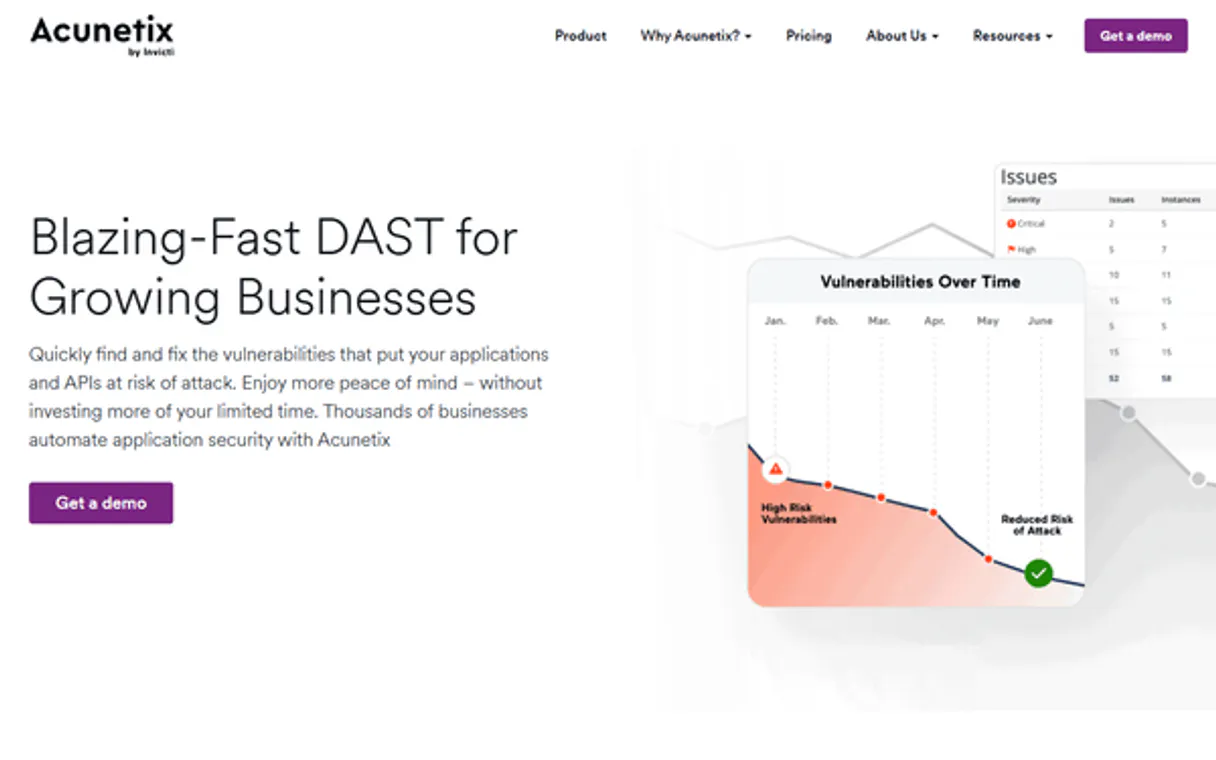
Independent Platform Disclaimer: Vinkius is an independent platform and is not affiliated with, endorsed by, sponsored by, verified by, or otherwise authorized by Acunetix 360. All third-party trademarks, logos, and brand names are the property of their respective owners. Their use on this website is strictly for informational purposes to identify service compatibility and interoperability.
VINKIUS INFRASTRUCTURE
Cloud Hosted
Managed infra
V8 Isolated
Sandboxed per request
Zero-Trust Proxy
No stored credentials
DLP Enforced
Policy on every call
GDPR Compliant
EU data residency
Token Compression
~60% cost reduction
Works with Claude, ChatGPT, Cursor, and more
The Model Context Protocol standardizes how applications expose capabilities to LLMs. Instead of operating in isolation, your AI gains direct access to external platforms, live data, and real-world actions through secure, standardized connections.
This server provides 3 capabilities that interface natively with Claude, ChatGPT, Cursor, and any MCP client. No middleware. No custom integration required.
Available Capabilities
Security audits shouldn't require jumping between five different tabs.
Today, auditing security means logging into Acunetix 360, running a scan, waiting for the results, downloading the report, opening a separate spreadsheet to triage the flaws, and then logging into the ticketing system to create remediation tasks. It's a cycle of context switching and copy-pasting.
With the Acunetix 360 MCP Server, your agent handles the whole sequence. You just chat: 'Scan the staging environment and list all high-severity issues.' The agent executes `launch_scan`, monitors it with `list_scans`, and pulls the final findings using `list_vulnerabilities`. You get the actionable report, not the raw data.
Acunetix 360 MCP Server: Manage scans and vulnerabilities from chat.
Manual processes require you to remember the specific scan ID, manually check the status, and then cross-reference that ID with the vulnerability list. It’s tedious and error-prone.
Now, you just talk to your agent. It manages the IDs and the state changes for you. You ask for the status, and it uses `list_scans`. You ask for the flaws, and it uses `list_vulnerabilities`. The complexity disappears, leaving only the outcome.
Common Questions About Acunetix 360 MCP
How do I start a new scan using Acunetix 360 MCP Server? +
You ask your agent to start the scan. The agent executes the launch_scan tool, which starts the job on the Acunetix 360 platform. You'll get a confirmation and a scan ID to track it.
What is the difference between `list_scans` and `list_vulnerabilities`? +
list_scans tells you about the scan jobs (status, date, scope). list_vulnerabilities gives you the actual findings—the flaws, the severity, and what to fix.
Can I list vulnerabilities from a specific scan run? +
Yes. When you ask the agent to list vulnerabilities, you just need to give it the ID of the scan you want to check. The agent uses list_vulnerabilities and scopes the results correctly.
Is Acunetix 360 MCP Server only for web applications? +
While it focuses on web apps and APIs, the underlying tools handle general vulnerability scanning across your configured infrastructure. You just need to tell the agent what scope to cover.
How does the `list_vulnerabilities` tool handle severity levels? +
The list_vulnerabilities tool retrieves issues categorized by severity. It returns detailed data points for each vulnerability, including the assigned risk level (e.g., High, Medium, Low), which helps you prioritize fixes.
What is the scope of the `launch_scan` tool? +
The launch_scan tool supports initiating scans for both web applications and APIs. You specify the target scope—be it a URL or an API endpoint—when calling the function.
Are there any limitations when using `list_scans`? +
The list_scans tool tracks your scan history and status. It returns metadata for all scans, allowing you to check the start time, end time, and current operational status of any job.
What happens if a scan fails or times out? +
The system records the failure status in the scan metadata. You can use list_scans to check the status and retrieve error details provided by the Acunetix 360 platform.
How do I launch a new scan? +
Use the launch_scan tool and provide the target URL or Website ID. Your agent will initiate the vulnerability scan and provide a Scan ID for monitoring.
What is the API rate limit for Acunetix 360? +
Acunetix 360 APIs enforce server-side rate-limiting to ensure stability. Pagination limits are commonly applied to list endpoints, returning up to 100 objects per query.
Can I integrate scan results into issue trackers? +
Yes! Acunetix 360 results can be pushed to issue trackers like Jira, Azure Boards, and GitLab. The agent can summarize these vulnerability outputs for straightforward ticket creation.
Use it with your favorite AI tools
Connect this server to Cursor, Claude, VS Code, and more.
More in this category

OpenSanctions
Screen persons and companies against global sanctions lists and PEP databases for KYC/AML compliance.
Clerk
Manage authentication and users via Clerk — track active sessions, monitor organizations, and manage invitations directly from any AI agent.

Azure Functions Invoke
This MCP does exactly one thing: it invokes a single Azure Function. That's its only function, and nothing else. Incredible for letting your AI execute secure serverless compute.
You might also like

Highlight (Session Replay & UX)
Streamline observability by ingesting raw logs, OTLP logs, and OTLP traces directly into Highlight for session replay and UX monitoring.

SpotHero Parking
Search, compare, and book parking spots in 400+ cities via SpotHero API.

Rapid URL Indexer Alternative
Automate Google Search Console indexing — submit URL batches, track project progress, and manage credits directly via AI.