
AskNicely MCP. Get real-time customer sentiment and NPS data via chat.
 Gemini
 Works with every AI agent you already use
…and any MCP-compatible client









Just plug in your AI agents and start using Vinkius.
AskNicely MCP Server lets your AI agent monitor customer experience and Net Promoter Score (NPS) data. It connects to your customer feedback platform to track sentiment, retrieve specific survey responses, and automate the distribution of feedback surveys.
You can get real-time aggregate NPS statistics, list all contacts, and audit user records without leaving your chat environment.
What your AI agents can do
Get account check
Verifies the connection status and authentication for the AskNicely account.
Get statistics
Retrieves the aggregate Net Promoter Score (NPS) and overall summary statistics.
List contacts
Lists all contacts stored in your AskNicely account.
Retrieves your current aggregate Net Promoter Score and overall sentiment metrics.
Provides a list of all contacts in your account, including their survey history.
Retrieves detailed NPS survey responses, including scores and the customer's written comments.
Verifies the connection status and authentication for your AskNicely account.
Adds a new contact and immediately sends them a survey via the platform.
Ask AI about this MCP
Supported MCP Clients
Gemini Waiting for input…
AskNicely MCP Server: 5 Tools for Feedback Analysis
Use these five tools to pull NPS scores, manage contact lists, and automate survey triggers from your AI agent.
019d7553get account check
Verifies the connection status and authentication for the AskNicely account.
019d7553get statistics
Retrieves the aggregate Net Promoter Score (NPS) and overall summary statistics.
019d7553list contacts
Lists all contacts stored in your AskNicely account.
019d7553list responses
Retrieves a list of individual NPS survey responses from the platform.
019d7553trigger survey
Adds a contact and immediately sends them a new survey.
Choose How to Get Started
Build a custom MCP for your own tools, or connect a ready-made integration from our catalog.
Build Your Own
Turn any API into an MCP. Import a spec, define Agent Skills, or deploy with MCPFusion.
- Import from OpenAPI, Swagger, or YAML specs
- Create Agent Skills with progressive disclosure
- Deploy to edge with MCPFusion framework
- Built in DLP, auth, and compliance on every call
- Real time usage dashboard and cost metering
- Publish to catalog or keep private
Make Your AI Do More
Start with AskNicely, then connect any of our 4,700+ other servers whenever your AI needs more. One click, no limits.
- Use this MCP plus 4,700+ others, all in one place
- Add new capabilities to your AI anytime you want
- Every connection is secured and compliant automatically
- Track usage and costs across all your servers
- Works with Claude, ChatGPT, Cursor, and more
- New servers added to the catalog every week
What you can do with this MCP connector
Your AI agent connects straight up to your customer feedback platform. You can monitor your Net Promoter Score (NPS) and dive deep into customer sentiment right from your chat window. You'll get the aggregate NPS score and overall summary stats using get_statistics. You can also check the connection status and authentication for your AskNicely account with get_account_check.
To see who you're talking to, run list_contacts to get a list of all contacts in your account, which includes their survey history. If you need the full scoop on what people are saying, list_responses pulls detailed NPS survey responses, giving you the score and the customer's written comments. Wanna catch some immediate feedback? You can use trigger_survey to add a contact and send them a new survey right away.
How AskNicely MCP Works
- 1 First, your AI agent uses the
get_account_checktool to verify the AskNicely API connection. - 2 Next, you ask your agent to perform a task—for example, 'Show me the latest responses for high-value clients.'
- 3 The agent executes the necessary tools (
list_contactsthenlist_responses), pulls the data, and summarizes the results in a plain text conversation.
The bottom line is, you talk to your AI client, and it handles all the API calls needed to deliver customer feedback insights.
Who Is AskNicely MCP For?
Customer Success Managers who need to audit recent feedback for specific accounts. Product Managers who need quick sentiment summaries about new features. Marketing teams needing to find promoters for case studies. Anyone who needs to move from raw data to insight without opening a dashboard.
Checks the list_contacts tool to see who hasn't been surveyed recently, then uses list_responses to audit the sentiment of a specific account.
Asks the agent to analyze sentiment from the last 20 responses, using the summary capability to understand user feeling about a recent feature release.
Uses get_statistics to track overall NPS trends, then uses trigger_survey to find and engage potential promoters for testimonials.
What Changes When You Connect
- See your current NPS score instantly by asking for
get_statistics. You don't need to navigate to a separate dashboard to check the big picture. - Pinpoint specific user issues by running
list_responses. You get the score and the full comment text for every survey reply. - Audit your entire user base using
list_contacts. You can quickly see which accounts haven't been prompted for feedback lately. - Capture immediate feedback by running
trigger_survey. You can add a contact and send a survey in a single, quick action. - Get a full picture of your customer health by checking the connection first with
get_account_check. This ensures the data you pull is accurate and live.
Real-World Use Cases
A CSM needs to check on a lapsed client.
A Customer Success Manager needs to know if a key client gave feedback last week. They ask their agent, 'What are the latest responses for Acme Corp?' The agent runs list_responses, filters by the client, and summarizes the sentiment score and comment immediately.
Marketing needs to find testimonial candidates.
Marketing is hunting for promoters. They ask the agent to run get_statistics to see the overall promoter count, then use list_contacts to pull a list of high-scoring accounts for a follow-up call.
Product team needs quick feature sentiment.
The Product Manager just pushed a UI update and needs a gut check. They prompt the agent: 'What do people think about the new dashboard?' The agent runs list_responses and summarizes the common pain points mentioned in the comments.
Onboarding a new high-value user.
A sales team member closes a deal and needs feedback immediately. They ask the agent to 'Send a welcome survey to Jane Doe at jane@example.com.' The agent runs trigger_survey, adds Jane, and sends the survey instantly.
The Tradeoffs
Manual Dashboard Exporting
The user logs into the AskNicely platform, clicks 'Reports,' filters by date range, clicks 'Export CSV,' and then manually uploads that file to their internal analysis tool.
→
Instead, ask your agent to run get_statistics. The agent pulls the aggregate NPS data and gives you the summary right here, skipping the export and upload steps entirely.
Checking Connection Status Later
The user runs a complex query like list_responses and gets an error like 'API Key Invalid.' They then spend time figuring out if the key needs updating.
→
Always start by running get_account_check. This verifies the API connection first, so you know if the data you're pulling is valid before you waste time on complex queries.
Trying to find a contact first
The user needs to survey a client but first searches the contact list manually, then finds the email, and finally runs a separate survey trigger tool.
→
Use trigger_survey. You can pass the contact details directly in the prompt, and the tool handles listing the contact and triggering the survey in one go.
When It Fits, When It Doesn't
Use this server if your main goal is converting raw customer feedback into immediate, conversational insights. You need to know who feels what and why without opening a separate BI tool. You'll use tools like list_responses and get_statistics constantly. Don't use this if you only need to run batch reporting on thousands of records—use a dedicated data warehouse tool instead. If your core need is simply managing your contact list, basic CRM tools are enough. This server is for the feedback loop: the quick, natural language analysis of sentiment.
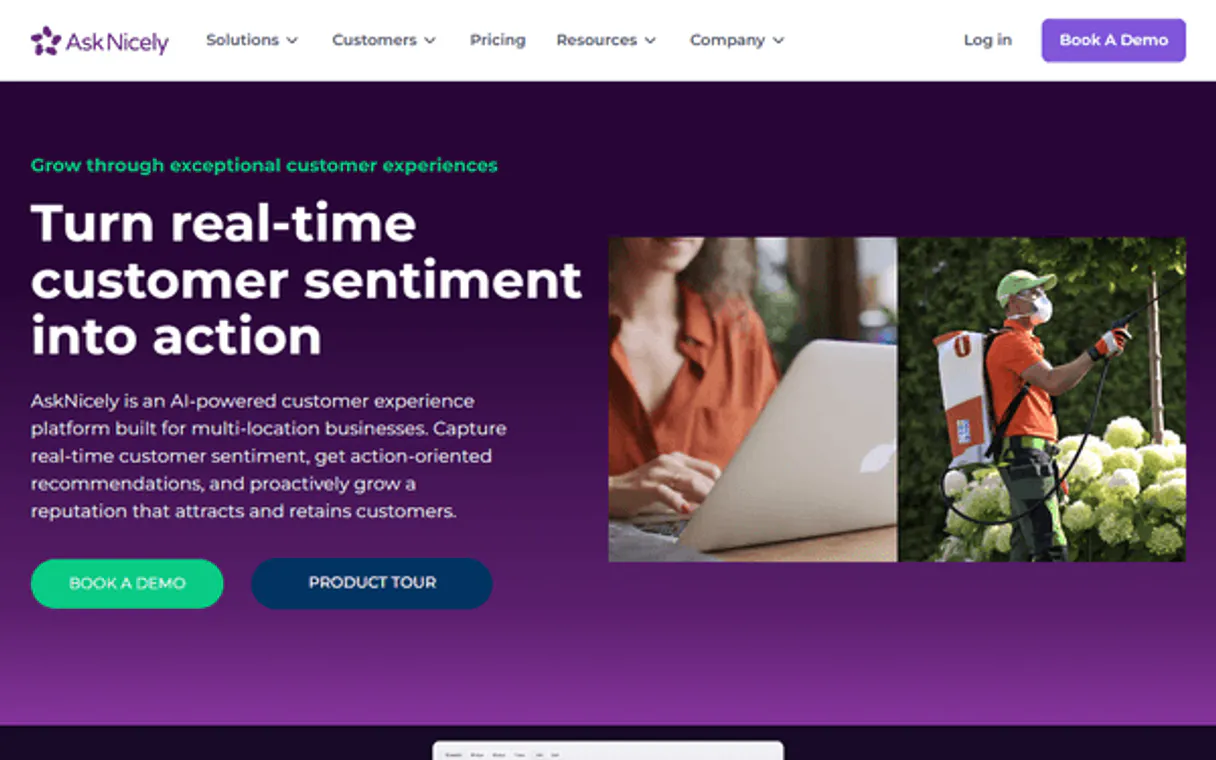
Independent Platform Disclaimer: Vinkius is an independent platform and is not affiliated with, endorsed by, sponsored by, verified by, or otherwise authorized by AskNicely. All third-party trademarks, logos, and brand names are the property of their respective owners. Their use on this website is strictly for informational purposes to identify service compatibility and interoperability.
VINKIUS INFRASTRUCTURE
Cloud Hosted
Managed infra
V8 Isolated
Sandboxed per request
Zero-Trust Proxy
No stored credentials
DLP Enforced
Policy on every call
GDPR Compliant
EU data residency
Token Compression
~60% cost reduction
Works with Claude, ChatGPT, Cursor, and more
The Model Context Protocol standardizes how applications expose capabilities to LLMs. Instead of operating in isolation, your AI gains direct access to external platforms, live data, and real-world actions through secure, standardized connections.
This server provides 5 capabilities that interface natively with Claude, ChatGPT, Cursor, and any MCP client. No middleware. No custom integration required.
Available Capabilities
You shouldn't have to click through three tabs to get NPS data.
Today, checking customer sentiment means logging into AskNicely, navigating to the dashboard, selecting the NPS tab, and then manually scrolling through charts to find the current score. If you want to see recent comments, you might have to click a 'Responses' tab, and then copy the raw data into a spreadsheet.
With the AskNicely MCP Server, you just ask your agent: 'What's our NPS score right now?' You get the aggregate score and the breakdown (promoters/detractors) delivered instantly. No clicks, no copy-pasting. Just the answer.
AskNicely MCP Server: Automate feedback collection with trigger_survey.
Manual feedback collection involves remembering to follow up with every key account. You have to check the CRM, find the contact, manually draft the survey link, and then send the email. This is slow, and you forget people.
Now, you tell your agent to 'Trigger a survey for Jane Smith.' The agent runs the `trigger_survey` tool, adds Jane to your contacts, and sends the survey instantly. The whole cycle is automated and visible.
Common Questions About AskNicely MCP
How do I check my current NPS stats using the get_statistics tool? +
You simply ask your agent to 'Show me the current NPS statistics.' The agent runs get_statistics and provides the aggregate score, including the count of promoters, passives, and detractors for the last 30 days.
Can I list all contacts with the list_contacts tool? +
Yes. Running list_contacts provides a full roster of all contacts in your AskNicely account, allowing you to audit who you've surveyed and who hasn't.
What information do I get from the list_responses tool? +
The list_responses tool pulls detailed survey results. For each response, you get the score (1-10) and the actual text comments, so you know exactly what the customer said.
Does the trigger_survey tool require me to know the email? +
The trigger_survey tool handles this. You provide the contact name and email, and the tool ensures the contact is added to your system before sending the survey.
Is it safe to use the get_account_check tool first? +
Yes, it's best practice. Running get_account_check verifies the API key and connection status first. This confirms the data you're about to pull is live and correctly authenticated.
How do I use the list_responses tool to find comments about a specific feature? +
The list_responses tool fetches detailed survey data, including comments. You can filter the results or ask your agent to specifically search those comments for mentions of a feature, like 'dashboard' or 'billing'.
What does the get_account_check tool confirm about my connection? +
The get_account_check tool confirms that your AskNicely API key is valid and that the connection to the platform is active. It's the best way to ensure data flow before running other commands.
Does the trigger_survey tool handle multiple contacts at once? +
No, the trigger_survey tool is designed to process one contact at a time. You must provide the details for each individual person you want to survey.
How do I find my AskNicely API Key? +
Log in to your AskNicely account, go to Settings > API, and you will find your API Key listed there. Copy it and paste it below.
What is the 'domain' in AskNicely? +
The domain is your AskNicely subdomain (e.g., if your URL is mycompany.asknice.ly, your domain is mycompany).
Can I trigger a survey for a new customer? +
Yes, use the trigger_survey tool and provide the customer's name and email. This will add them to your contacts and send the survey immediately.
Use it with your favorite AI tools
Connect this server to Cursor, Claude, VS Code, and more.
More in this category
Fathom Analytics
Privacy-first website analytics via Fathom — list sites, monitor real-time visitors, and aggregate pageviews directly through your AI agent.
ClientSuccess
Reduce churn and grow accounts with health scoring, engagement tracking, and success playbooks built for customer success teams.

Looker (Business Intelligence & Data)
Manage your BI environment via Looker — list dashboards, execute inline queries, and audit saved Looks.
You might also like

Kameleoon
Manage A/B testing, personalization, and experimentation workflows via AI agents.
JingDigital
Marketing automation platform for the WeChat ecosystem — manage contacts, campaigns, and stats via AI.
CloudConvert
Manage file conversions via CloudConvert — track jobs, monitor tasks, and automate file processing directly from any AI agent.