
Forecast MCP. Check project status and team availability instantly.
 Gemini
 Works with every AI agent you already use
…and any MCP-compatible client









Just plug in your AI agents and start using Vinkius.
Forecast. Project resource management via Forecast.app. Track tasks, monitor milestones, and manage team availability by connecting your Forecast account to any AI agent.
Use the `list_people` tool to check who's free this week, or `list_tasks` to see what's blocking a project. It pulls live data on projects, client relationships, and resource capacity directly into your chat window.
What your AI agents can do
Get project
Retrieves specific details for a single project ID.
List clients
Retrieves a list of clients associated with your account.
List milestones
Retrieves a list of defined project milestones.
Retrieves a list of active projects and details specific tasks associated with a project ID.
Fetches definitions and current availability for team members, letting you track who has open time.
Identifies which clients are associated with which projects in your account.
Lists key milestones and time-boxed targets for specific project deliverables.
Retrieves a global array of all projects tracked in your Forecast account.
Retrieves the names and status of all global members in your organization.
Retrieves a list of specific tasks across your projects.
Ask AI about this MCP
Supported MCP Clients
Gemini Waiting for input…
Forecast MCP Server: 6 Tools for Project Management
These tools allow your AI agent to retrieve and analyze project details, client records, team availability, tasks, and milestones from Forecast.app.
019d759dget project
Retrieves specific details for a single project ID.
019d759dlist clients
Retrieves a list of clients associated with your account.
019d759dlist milestones
Retrieves a list of defined project milestones.
019d759dlist people
Retrieves the names and current availability of all team members.
019d759dlist projects
Retrieves a comprehensive list of all active projects in your account.
019d759dlist tasks
Retrieves a list of specific tasks assigned across your projects.
Choose How to Get Started
Build a custom MCP for your own tools, or connect a ready-made integration from our catalog.
Build Your Own
Turn any API into an MCP. Import a spec, define Agent Skills, or deploy with MCPFusion.
- Import from OpenAPI, Swagger, or YAML specs
- Create Agent Skills with progressive disclosure
- Deploy to edge with MCPFusion framework
- Built in DLP, auth, and compliance on every call
- Real time usage dashboard and cost metering
- Publish to catalog or keep private
Make Your AI Do More
Start with Forecast, then connect any of our 4,700+ other servers whenever your AI needs more. One click, no limits.
- Use this MCP plus 4,700+ others, all in one place
- Add new capabilities to your AI anytime you want
- Every connection is secured and compliant automatically
- Track usage and costs across all your servers
- Works with Claude, ChatGPT, Cursor, and more
- New servers added to the catalog every week
What you can do with this MCP connector
Connect your Forecast.app account to your AI agent, and you'll manage projects and resources just by talking to it. You don't gotta jump between tabs to check on project status or team availability.
list_people lets you check the names and current availability of every team member. list_tasks gives you a full rundown of every task across all your projects. get_project pulls specific details for a single project ID. list_projects gives you a complete list of every active project in your account. list_clients shows you all the clients linked to your account. list_milestones lists key milestones and time-boxed targets for project deliverables.
How Forecast MCP Works
- 1 Subscribe to the server and input your Forecast Personal API Key.
- 2 Your AI client authenticates the connection using the key.
- 3 You ask your agent a natural language question (e.g., 'Who is available next week?'), and the agent runs the relevant tool calls.
The bottom line is that your AI client runs the necessary Forecast tools in the background, giving you live data answers without needing to navigate the Forecast app.
Who Is Forecast MCP For?
Project Leads and Resource Coordinators. You're the person who wakes up and has to manually check dashboards, cross-reference team calendars, and email status updates. You need to know, right now, if the team has capacity to start the next phase of the client project without spending an hour clicking through dashboards.
Uses the agent to check task progress and team availability. They ask: 'Are we blocked on the API V2 project?' and get a status update instantly.
Checks project milestones and verifies client-project links to ensure the client communication plan aligns with the project's current stage.
Audits team utilization using the list_people tool. They determine if John has 10 hours free next week, or if Sarah is fully booked.
Tests resource integrations and checks task schemas by calling specific tools like list_tasks directly through the chat interface.
What Changes When You Connect
- Track team capacity without manual status updates. Use
list_peopleto see who has open hours, letting you assign new tasks instantly. - Keep projects on schedule by listing milestones. You can check if the next big deliverable is actually on track using the
list_milestonestool. - Understand resource limits across your whole portfolio. The
get_projecttool helps you decode resource constraints for any given project. - Map who your clients are and which projects they relate to.
list_clientskeeps your stakeholder communications organized and tied to the right work. - Audit task progress without opening a dashboard. Use
list_tasksto see exactly which tasks are done, in progress, or pending for any project. - See all active work at a glance.
list_projectsgives you the global overview of every project you manage.
Real-World Use Cases
The Project Kickoff Check
A project lead needs to know if the team has time for the new scope. Instead of emailing four people, they ask the agent: 'Who is available next month?' The agent runs list_people and reports back the team capacity, allowing the lead to adjust the project scope immediately.
Identifying the Bottleneck
The Ops team notices the 'API V2' project is stalled. They ask the agent to run list_tasks for that project. The agent identifies 15 tasks, showing that three key tasks are marked 'Blocked' or 'In Review,' solving the problem without manual audit.
Client Status Audit
The PM needs to prepare a client update for Acme Corp. They ask the agent to run list_clients and then get_project for Acme. The agent returns all associated projects and their current milestone status, providing the PM with the exact talking points.
Capacity Planning
A resource manager needs to reassign work because a key employee is out. They ask the agent to check team availability using list_people. The agent filters out the unavailable staff and shows the remaining open hours, allowing the manager to reschedule tasks.
The Tradeoffs
Manual Status Check
Opening the Forecast app, navigating to the project dashboard, filtering by 'Team Member X', and checking the calendar view for the next month.
→
Just ask your agent: 'Show me the availability for Team Member X.' The agent runs list_people and gives you the hours right in the chat.
Guessing Project Scope
Thinking about a project's history and manually trying to recall if it had a key deliverable date or if it related to a specific client.
→
Run list_milestones or list_clients. These tools pull the exact historical and relationship data you need, eliminating guesswork.
Ignoring Dependencies
Starting tasks before confirming all prerequisite tasks are finished, leading to project delays and missed deadlines.
→
First, run list_tasks to get the full task list. Then, run get_project to validate the current project structure against the milestones. This prevents starting work too early.
When It Fits, When It Doesn't
Use this if you need to manage project data by relationship and capacity. Specifically, if you need to know: 1) Who is available when (list_people); 2) What the project structure is (list_projects and get_project); or 3) When the next deadline is (list_milestones).
Don't use this if you only need to know a single piece of data, like a simple list of all client names. For that, just use the dedicated list_clients tool. This server is designed for complex, multi-step analysis, not single lookups. It's built to connect those dots for you.
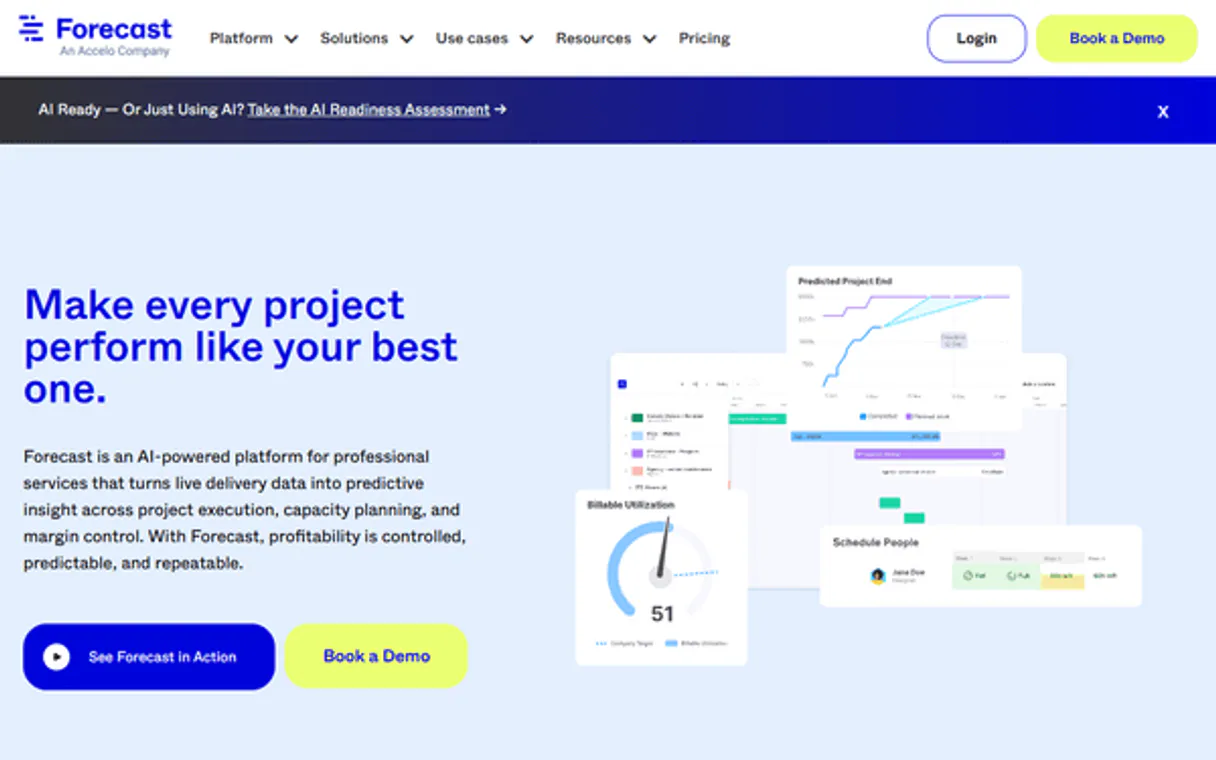
Independent Platform Disclaimer: Vinkius is an independent platform and is not affiliated with, endorsed by, sponsored by, verified by, or otherwise authorized by Forecast. All third-party trademarks, logos, and brand names are the property of their respective owners. Their use on this website is strictly for informational purposes to identify service compatibility and interoperability.
VINKIUS INFRASTRUCTURE
Cloud Hosted
Managed infra
V8 Isolated
Sandboxed per request
Zero-Trust Proxy
No stored credentials
DLP Enforced
Policy on every call
GDPR Compliant
EU data residency
Token Compression
~60% cost reduction
Works with Claude, ChatGPT, Cursor, and more
The Model Context Protocol standardizes how applications expose capabilities to LLMs. Instead of operating in isolation, your AI gains direct access to external platforms, live data, and real-world actions through secure, standardized connections.
This server provides 6 capabilities that interface natively with Claude, ChatGPT, Cursor, and any MCP client. No middleware. No custom integration required.
Available Capabilities
Manually tracking project status is a time sink.
Today, checking a project's status means opening Forecast, clicking into the project ID, finding the task board, then cross-referencing the resource calendar, and finally finding the client relationship status on a separate tab. It takes five different clicks and three different screens just to answer one question: 'Is the team ready for the next phase?'
With this MCP server, you just talk to your agent. You ask, 'What's the status of Project X?' The agent runs `list_tasks`, `list_people`, and `list_milestones` in the background and hands you one clean answer. You get the answer, not a stack of dashboards.
Forecast MCP Server: Get project status from chat.
No more juggling tabs or copying IDs. You don't have to manually find a project ID and then search for the corresponding client record in a separate system to validate the relationship.
You tell your agent to check the status, and it handles the entire data retrieval process, giving you the full context in a single, conversational response. It's immediate.
Common Questions About Forecast MCP
How do I use the `list_projects` tool with Forecast MCP Server? +
The list_projects tool provides a global list of all projects in your account. You just ask your agent to 'List all projects,' and it pulls the names and IDs for you to start drilling down into a specific project.
Can I check team availability using the `list_people` tool? +
Yes. The list_people tool checks the current capacity of your team. It tells you who has open hours this week and who is fully booked on specific projects.
Does `list_tasks` only show active tasks? +
No. The list_tasks tool provides a full audit of tasks allocated under a project ID. You can see tasks marked 'Done,' 'In Progress,' or anything else, helping you find bottlenecks.
What is the difference between `list_projects` and `get_project`? +
The list_projects tool gives you the list of every project name. The get_project tool requires a specific ID to pull all the deep details for just that one project.
How do I find out which clients are linked to a project using `list_clients`? +
The list_clients tool lists all clients. You then use the agent to cross-reference that list with a specific project ID to map the relationship.
What is the scope of data returned by `list_milestones`? +
The list_milestones tool retrieves timebox markers for specific deliverables. You can use it to verify if project timelines are within expected boundaries or to check for upcoming sprint targets.
How do I check all resources and assignments using `list_people`? +
The list_people tool lists every global member and their current availability constraints. This lets you audit team utilization and understand who's workload is maxed out or open for new tasks.
Does `get_project` provide metadata about the entire workspace? +
Yes, get_project returns not just project details, but also global account metadata and specific project-level attributes. This is useful for verifying overall workspace configurations.
Can my agent list all active projects in Forecast? +
Yes. Use the 'list_projects' tool. The agent will retrieve the global array of all managed projects mapped inside your Forecast account, including their names and unique IDs.
How do I check a specific team member's availability via chat? +
Use the 'list_people' tool. Your agent will fetch the physical identity definitions and availability constraints of global members, allowing you to monitor team utilization and workload natively.
Can I see the upcoming milestones for a project through the agent? +
Absolutely. Use the 'list_milestones' tool with the specific Project ID. The agent will identify timebox markers bounding specific sprint or deliverable targets for that project natively.
Use it with your favorite AI tools
Connect this server to Cursor, Claude, VS Code, and more.
More in this category

Appcues
Guide users through your product with in-app onboarding flows, feature announcements, and usage analytics without code.
Cocktail API
Search cocktail recipes — audit ingredients and instructions via AI.

BoardMix
Collaborative whiteboard and visual production platform — manage whiteboards, design nodes, and teams via AI.
You might also like

Nearblocks (Near Blockchain Explorer API)
Explore the Near blockchain — query account balances, transactions, tokens, and network statistics directly via AI.

Bloomberg Law
Access 200M+ court dockets, case law, and legal news via Bloomberg Law Enterprise Dockets API for comprehensive legal research.

Poplar
Automate programmatic direct mail via Poplar — trigger mailers, standardize addresses, and manage audiences directly from any AI agent.