
MobTech Platform MCP. Verify users and track social metrics instantly.
 Gemini
 Works with every AI agent you already use
…and any MCP-compatible client









Just plug in your AI agents and start using Vinkius.
MobTech Platform brings China's mobile development SDK tools into your AI workflow. Your agent can automatically verify SMS 2FA codes, check phone number limits, and analyze social sharing data from platforms like WeChat or Weibo.
It also checks the OAuth authentication status for user accounts.
What your AI agents can do
Check phone status
Checks if a specified mobile number has reached its operational or delivery limit within the system.
Get share analytics
Retrieves aggregated analytics data detailing how often your app was shared through various social networks via ShareSDK.
Get social auth status
Checks the current OAuth binding status to confirm if a user's account is properly linked to a social platform.
Your agent calls verify_sms_code to check if an SMS activation code matches a given phone number.
The check_phone_status tool determines if a specified mobile number has reached its operational or delivery limit.
Your agent runs get_share_analytics to pull aggregated data on how often your app was shared via social platforms.
The get_social_auth_status tool verifies the current social authentication binding status for a user ID.
Ask AI about this MCP
Supported MCP Clients
Gemini Waiting for input…
MobTech Platform: 4 Tools for Mobile Identity
Access four tools to verify user identity, audit phone numbers, or track social engagement directly through your AI agent.
019d845acheck phone status
Checks if a specified mobile number has reached its operational or delivery limit within the system.
019d845aget share analytics
Retrieves aggregated analytics data detailing how often your app was shared through various social networks via ShareSDK.
019d845aget social auth status
Checks the current OAuth binding status to confirm if a user's account is properly linked to a social platform.
019d845averify sms code
Verifies an SMS activation code by checking it against the MobTech backend for a given phone number.
Choose How to Get Started
Build a custom MCP for your own tools, or connect a ready-made integration from our catalog.
Build Your Own
Turn any API into an MCP. Import a spec, define Agent Skills, or deploy with MCPFusion.
- Import from OpenAPI, Swagger, or YAML specs
- Create Agent Skills with progressive disclosure
- Deploy to edge with MCPFusion framework
- Built in DLP, auth, and compliance on every call
- Real time usage dashboard and cost metering
- Publish to catalog or keep private
Make Your AI Do More
Start with MobTech Platform, then connect any of our 4,700+ other servers whenever your AI needs more. One click, no limits.
- Use this MCP plus 4,700+ others, all in one place
- Add new capabilities to your AI anytime you want
- Every connection is secured and compliant automatically
- Track usage and costs across all your servers
- Works with Claude, ChatGPT, Cursor, and more
- New servers added to the catalog every week
What you can do with this MCP connector
Your agent talks straight to MobTech’s APIs through this server. It gives your AI client core mobile functions, like SMS verification and social analytics, without you having to write a single custom REST query. You're working with China's mobile development SDK tools right inside your workflow.
When you need to verify an activation code, your agent calls verify_sms_code. This checks whether the SMS activation code matches what MobTech's backend expects for a specific phone number. It’s how you confirm a user is legit using that number.
For checking numbers and limits, you use check_phone_status. You pass it a mobile number, and the tool tells you if that number has hit its operational or delivery limit within their system. This means your agent knows right away if you’re running into rate limits or if the service itself is maxed out for that account.
If you're dealing with user accounts, get_social_auth_status handles the OAuth binding. You feed it a user ID, and it confirms the current social authentication status. It tells you if the user’s profile is properly linked to a major social platform—it verifies that connection.
When tracking how widely your app spreads, get_share_analytics pulls in all the data. Your agent runs this tool to get aggregated analytics. This shows exactly how often your app was shared across various social networks using ShareSDK, giving you a clear picture of user sharing patterns.
How MobTech Platform MCP Works
- 1 Subscribe to this server and get your credentials.
- 2 Insert your unique
AppKeyandAppSecretinto the agent context from your MobTech Dashboard. - 3 Start calling tools like
verify_sms_codedirectly from your agent's workflow.
The bottom line is, you run complex backend mobile checks using simple tool calls rather than managing API keys and endpoints yourself.
Who Is MobTech Platform MCP For?
This server targets tech teams dealing with high-volume user identity or marketing tracking. You're the Backend Engineer tired of writing boilerplate for every phone verification flow, or the Growth Marketer who needs instant cross-platform share metrics to prove ROI.
Uses verify_sms_code and get_social_auth_status during user onboarding to confirm identity across multiple channels.
Calls get_share_analytics immediately after a campaign launch to measure real-time social engagement across WeChat or Weibo.
Integrates check_phone_status into the core user service logic, ensuring phone numbers don't exceed rate limits before sending OTPs.
What Changes When You Connect
- Verification is immediate. You stop writing code to handle 2FA logic; just call
verify_sms_codewhen a user submits an OTP, and you get a clean pass/fail status back. - Audit phone numbers before use. The
check_phone_statustool prevents your service from failing due to rate limits or delivery status issues on specific carriers. - Get real social data. Instead of manual reports,
get_share_analyticspulls aggregated metrics showing how often users shared the app across WeChat and Weibo. - Confirm account linkage fast. You can use
get_social_auth_statusto validate if a user's OAuth binding is active before allowing them into premium features. - Reduce backend complexity. All these mobile SDK interactions—SMS, social, phone checks—are encapsulated in dedicated tools, keeping your core codebase clean.
Real-World Use Cases
New User Onboarding Flow
A new user signs up and needs to verify their identity. Your agent first uses get_social_auth_status to confirm the user is linked via WeChat, then runs verify_sms_code when they submit an OTP for phone backup. The result tells your system if both paths are valid.
Marketing Campaign Analysis
A growth marketer needs campaign data. Instead of downloading CSVs from three different dashboards, the agent runs get_share_analytics. It instantly provides aggregated metrics on total shares across all monitored social platforms, proving immediate ROI.
Preventing Service Outages
Your service needs to send a bulk notification. Before attempting sends, the agent first calls check_phone_status for the target list of numbers. This prevents your system from failing and wasting credits because too many numbers hit a temporary rate limit.
Post-Launch Feature Audit
After releasing an app update, you need to measure buzz. The agent calls get_share_analytics for the last 7 days. This gives you concrete data on social engagement (WeChat/QQ shares) that proves users are adopting the new feature.
The Tradeoffs
Writing monolithic API wrappers
Trying to combine SMS verification, phone status checks, and social analytics into one massive function. This makes debugging authorization failures nearly impossible.
→
Keep the functions separate. Use verify_sms_code for OTPs, check_phone_status for carrier limits, and get_share_analytics for marketing data. This modular approach isolates failure points.
Assuming single-source truth
Relying solely on a user's provided social profile to confirm identity without checking the actual binding status.
→
Always run get_social_auth_status first. This tool confirms if the account is actually bound and active, giving you reliable data instead of assumptions.
Ignoring rate limits
Attempting to send 10,000 OTP messages in a loop without checking the carrier's current status.
→
Check check_phone_status on your target numbers first. This tells you exactly if a number or range of numbers is limited before your service tries to call the external API.
When It Fits, When It Doesn't
Use this server if your application requires deep, multi-source context about user identity and mobile engagement. Specifically, when you need to verify an OTP (verify_sms_code), check a carrier's status (check_phone_status), or pull aggregated social data (get_share_analytics). It’s essential for any system where the reliability of the phone number or the depth of user context is critical.
Don't use it if you just need to read from your own database, or if your requirements are limited to simple CRUD operations. If all you do is send a message and track local state, stick with standard API calls. This server excels at validating external, real-world identity signals.
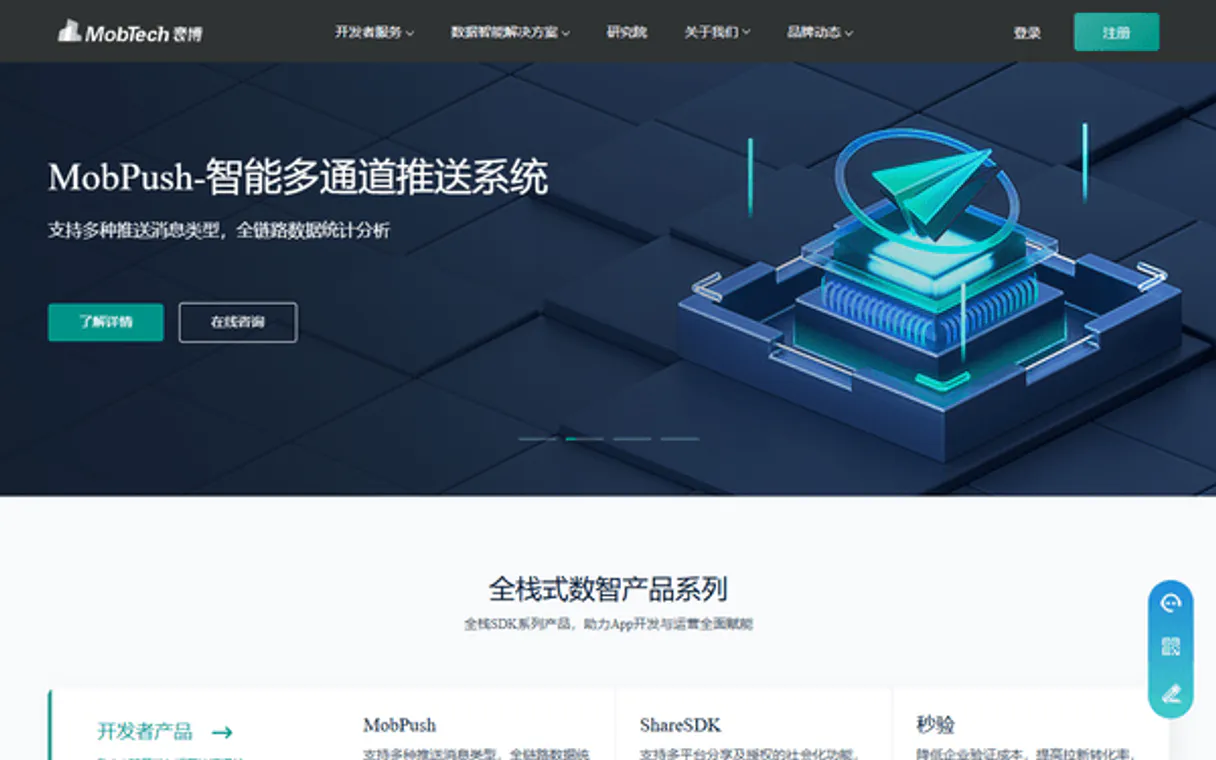
Independent Platform Disclaimer: Vinkius is an independent platform and is not affiliated with, endorsed by, sponsored by, verified by, or otherwise authorized by MobTech. All third-party trademarks, logos, and brand names are the property of their respective owners. Their use on this website is strictly for informational purposes to identify service compatibility and interoperability.
VINKIUS INFRASTRUCTURE
Cloud Hosted
Managed infra
V8 Isolated
Sandboxed per request
Zero-Trust Proxy
No stored credentials
DLP Enforced
Policy on every call
GDPR Compliant
EU data residency
Token Compression
~60% cost reduction
Works with Claude, ChatGPT, Cursor, and more
The Model Context Protocol standardizes how applications expose capabilities to LLMs. Instead of operating in isolation, your AI gains direct access to external platforms, live data, and real-world actions through secure, standardized connections.
This server provides 4 capabilities that interface natively with Claude, ChatGPT, Cursor, and any MCP client. No middleware. No custom integration required.
Available Capabilities
Manual cross-platform user tracking is a massive headache.
Think about the manual process today: You get a user's sign-up flow. To verify them, you have to manually check their phone number in one system, then run a separate query against your social graph for OAuth status, and finally write logic to handle the SMS 2FA codes—all in different API calls that require unique error handling.
With this MCP server, those steps collapse. Your agent simply asks the tool suite: 'Verify identity.' It runs `verify_sms_code` and `get_social_auth_status` automatically. You get a clean pass/fail result without touching complex authentication code.
The MobTech Platform MCP Server gives you reliable social metrics.
Before, proving marketing success meant manually aggregating screenshots or running reports from WeChat's dashboard, Weibo's console, and your app analytics—a process that took hours of copy-pasting and reconciliation. The data was always delayed or incomplete.
Now, calling `get_share_analytics` pulls the raw metrics directly. You instantly know how many shares happened across all platforms, turning a multi-day reporting headache into a single tool call.
Common Questions About MobTech Platform MCP
How do I use the verify_sms_code tool? +
You provide the user's phone number and the specific activation code. The agent calls verify_sms_code to check if that OTP is valid for that line at this time.
Can I use get_share_analytics for platforms other than WeChat? +
The tool aggregates data from multiple social networks, including Weibo and QQ. Check the tool documentation for a full list of supported sharing platforms.
Is check_phone_status necessary before sending an SMS code? +
Yes, it's critical. Running check_phone_status tells you if the target number has hit rate limits or delivery caps, preventing your service from failing and wasting credits.
Does get_social_auth_status handle token expiry? +
The tool checks the binding status. If the account is no longer properly linked (e.g., due to an expired OAuth token), it reports that status, guiding you on what needs refreshing.
What specific information does `check_phone_status` give if I hit a service limit? +
It returns an explicit status code indicating quota exhaustion. The tool doesn't just fail; it tells you exactly which type of rate limit was reached, allowing your agent to pause or retry later.
Can I restrict the date range when running `get_share_analytics`? +
Yes, you pass start and end dates as parameters. This lets you analyze social sharing metrics for a specific window—say, just last week—instead of pulling all historical data.
Does `get_social_auth_status` require the user's unique ID? +
Yes, checking the OAuth binding status requires a unique identifier for the user. The tool needs this specific ID to accurately check which social platforms are bound to that account.
What happens if I run `verify_sms_code` with an incorrect phone number format? +
The server will immediately reject the request before contacting the backend. It sends a specific error message detailing the formatting issue, so you don't waste API calls on bad inputs.
Where do I find my AppKey? +
Log into the MobTech official dashboard at mob.com, access your App settings, and your AppKey will be displayed at the top of the interface.
Can I completely bypass the Mobile SDK? +
This backend MCP wraps the API meant to verify SMS sent via your front-end Mobile App SDK. Your front-end app should still invoke the SDK for sending SMS and handling UI.
Use it with your favorite AI tools
Connect this server to Cursor, Claude, VS Code, and more.
More in this category

Epic Online Services & Social Analytics
The definitive server for Epic Games social intelligence — track player profiles, friends, and achievements via AI.
Channels
Manage live chat conversations, track customer interactions, and provide real-time support across your website and apps.
WeChat Official Accounts / 微信公众号
China's dominant social messaging platform — manage subscribers, broadcast messages, and menus via AI.
You might also like

Sonix
Automate transcription, translation, and media management via Sonix — transcribe audio/video, generate subtitles, and create AI summaries directly from any AI agent.

NetEase BUFF
Automate digital skin trading via BUFF — monitor virtual item prices, snag global market trends, and fetch dynamic inventory values from any AI agent.
Yonyou / 用友
Leading enterprise ERP and cloud services platform in China — manage purchase orders, sales, and inventory via AI.