
Plaud MCP. Audit, summarize, and extract data from your voice recordings.
 Gemini
 Works with every AI agent you already use
…and any MCP-compatible client









Just plug in your AI agents and start using Vinkius.
Plaud manages your entire AI voice recording library. Connect your agent to instantly list recordings, retrieve full transcripts, and pull AI-generated summaries from client meetings or lectures.
It handles metadata updates, folder organization, and secure downloading of your spoken data.
What your AI agents can do
Delete file
Deletes a specific Plaud audio recording from your account.
Get download url
Retrieves the secure MP3 download URL for any given recorded file.
Get file detail
Pulls specific metadata, like creation dates, for a single Plaud recording.
List all stored Plaud audio files and retrieve detailed metadata, including creation dates.
Generates a concise summary of the main points from any selected recording using get_summary.
Pulls the complete, word-for-word text transcript for any audio file via get_transcript.
Lists all available folders and tags to map out your entire recording library structure.
Renames recordings (update_file) or generates secure download URLs for the original MP3 audio files.
Ask AI about this MCP
Supported MCP Clients
Gemini Waiting for input…
Plaud MCP Server: 10 Tools for Audio File Management
Use these ten tools to list, retrieve, manage metadata, update, or delete all Plaud recordings and their associated AI content.
019d846ddelete file
Deletes a specific Plaud audio recording from your account.
019d846dget download url
Retrieves the secure MP3 download URL for any given recorded file.
019d846dget file detail
Pulls specific metadata, like creation dates, for a single Plaud recording.
019d846dget me
Retrieves general details about your connected Plaud account status.
019d846dget summary
Generates and returns the AI-written summary for a specified recording file.
019d846dget transcript
Retrieves the full, raw text transcription of an audio recording.
019d846dlist files
Lists every Plaud recording currently stored in your account.
019d846dlist folders
Returns a list of all top-level folders used to organize recordings.
019d846dlist tags
Provides an inventory of all tags applied across your Plaud recording library.
019d846dupdate file
Changes the name or metadata for an existing Plaud recording file.
Choose How to Get Started
Build a custom MCP for your own tools, or connect a ready-made integration from our catalog.
Build Your Own
Turn any API into an MCP. Import a spec, define Agent Skills, or deploy with MCPFusion.
- Import from OpenAPI, Swagger, or YAML specs
- Create Agent Skills with progressive disclosure
- Deploy to edge with MCPFusion framework
- Built in DLP, auth, and compliance on every call
- Real time usage dashboard and cost metering
- Publish to catalog or keep private
Make Your AI Do More
Start with Plaud, then connect any of our 4,700+ other servers whenever your AI needs more. One click, no limits.
- Use this MCP plus 4,700+ others, all in one place
- Add new capabilities to your AI anytime you want
- Every connection is secured and compliant automatically
- Track usage and costs across all your servers
- Works with Claude, ChatGPT, Cursor, and more
- New servers added to the catalog every week
What you can do with this MCP connector
You connect your agent directly to Plaud. Forget clicking around dashboards; you just ask for it. Your agent handles your whole voice recording library—the listing, the data pulls, and the clean-up.
To get a full picture of your content, you can start by calling list_files to see every single audio file stored in your account. You'll also call list_folders to map out all the top-level folders Plaud uses for organization, and list_tags gives you an inventory of every tag applied across your whole recording collection.
For granular detail on any specific recording, you can call get_file_detail, which pulls key metadata like the exact creation date. You'll also run get_me to check general status details about your connected Plaud account itself. The agent gives you full visibility into what's stored right off the bat.
When it comes to pulling data out of those recordings, the agent has a few specific tools. If you need the complete text—the word-for-word transcript—you call get_transcript and get that raw text back immediately. Need quick context? You run get_summary, which generates an AI-written summary highlighting the main points from any selected recording file without you having to listen to the whole thing.
For data governance, you've got options for managing the files themselves. If you need to download the original audio, you call get_download_url and get a secure MP3 link for that specific recorded file. You can change things up too; if a recording needs renaming or its metadata adjusted, you run update_file.
When the data is stale, you use delete_file to take a specific Plaud audio recording completely off your account.
This whole setup means your agent doesn't just read files; it manages them. You can pull all those pieces of information—the file list, folder structure, tag inventory, metadata details, summaries, full transcripts, and secure download links—all through direct calls to the server. It keeps you in control of every asset, so you don't lose track of a thing.
How Plaud MCP Works
- 1 Subscribe to the Plaud server and provide your unique Access Token and API Domain.
- 2 Your agent uses a tool like
list_filesorget_summaryto query the recording data via conversation. - 3 The server returns structured results (e.g., transcripts, metadata lists) directly to your AI client.
The bottom line is that your AI client talks to Plaud's API; you never touch a dashboard.
Who Is Plaud MCP For?
This is for the professional who spends too much time sifting through folders and searching transcripts. It's built for the operations engineer tired of manually checking multiple dashboards just to find one key detail from months of recorded meetings.
Uses get_summary on client meeting recordings to quickly pull out action items and consensus points for a post-mortem report.
Runs list_files followed by get_transcript across multiple lecture notes to verify content coverage and cite specific quotes.
Uses the agent to perform rapid audits on voice note libraries, extracting potential blog topics or talking points without manual review.
What Changes When You Connect
- Stop manually checking dashboards. Use
list_filesto get an immediate overview of all available recordings in one chat query. - Go past simple summaries. The
get_transcripttool pulls the complete text, letting you search for specific quotes or names across hours of audio. - Keep your data organized without touching folders. List tags (
list_tags) and useupdate_fileto rename recordings instantly when a project changes focus. - Save time on post-meeting notes. Running
get_summarypulls the main takeaways, letting you draft reports in minutes instead of hours. - Maintain local backups easily. Use
get_download_urlto grab secure MP3 links for sharing or archiving without needing a dashboard login.
Real-World Use Cases
Need key decisions from a massive meeting file?
A project manager needs the outcome of a 90-minute planning call. Instead of scrubbing through the transcript, they ask their agent to get_summary for that specific recording. The agent delivers the main points—the budget and next steps—in seconds.
Lost an old file in hundreds of recordings?
A student needs a lecture from last semester, but they don't remember where it's saved. They ask the agent to list_folders and then filter using list_tags until the specific folder is found, saving hours of browsing.
Need to share an audio file with a client?
A consultant needs to send only the MP3 recording of a conversation. They don't want to upload it manually; they ask the agent to get_download_url, which provides a secure link for immediate sharing.
Recording name is wrong and confusing?
A content creator recorded notes under 'Meeting Draft 1' but should be archived as 'Podcast Idea - Q3'. They use update_file to rename the recording metadata immediately, keeping their library clean.
The Tradeoffs
Treating Plaud like a simple file system
The user tries to list all files and then manually copy/paste every single ID into the chat window, hoping the agent knows what to do with that massive string of data.
→
Don't list IDs. Just ask your agent: 'List all recordings from Q4.' The agent handles the list_files query and filters the results for you.
Asking for a summary without context
The user says, 'Give me the summary.' The chat client throws an error because Plaud needs to know which recording they are talking about.
→
Always specify the file. Say: 'Get the summary for the recording titled [File Name].' This triggers get_summary correctly.
Trying to rename files in batches
The user tries to provide a CSV list of 50 different recordings and asks the agent to run update_file for all of them at once.
→
Use single, sequential commands. Tell your agent: 'First, update the file [ID-1] name to X. Then, update file [ID-2] name to Y.' This uses update_file reliably.
When It Fits, When It Doesn't
Use this server if your workflow revolves around analyzing spoken content—transcripts, summaries, metadata, and organized assets. It's perfect for researchers, consultants, or anyone who needs fast intelligence extraction from audio files. Don't use it if you need to manage live streams (you’d need a dedicated streaming API) or if your core data is text-only (a simple document management tool works better). If your goal is just viewing the file list, list_files handles that. If you need detailed structural information, rely on get_file_detail. This server manages Plaud's specific ecosystem; it won't help with generic cloud storage APIs.
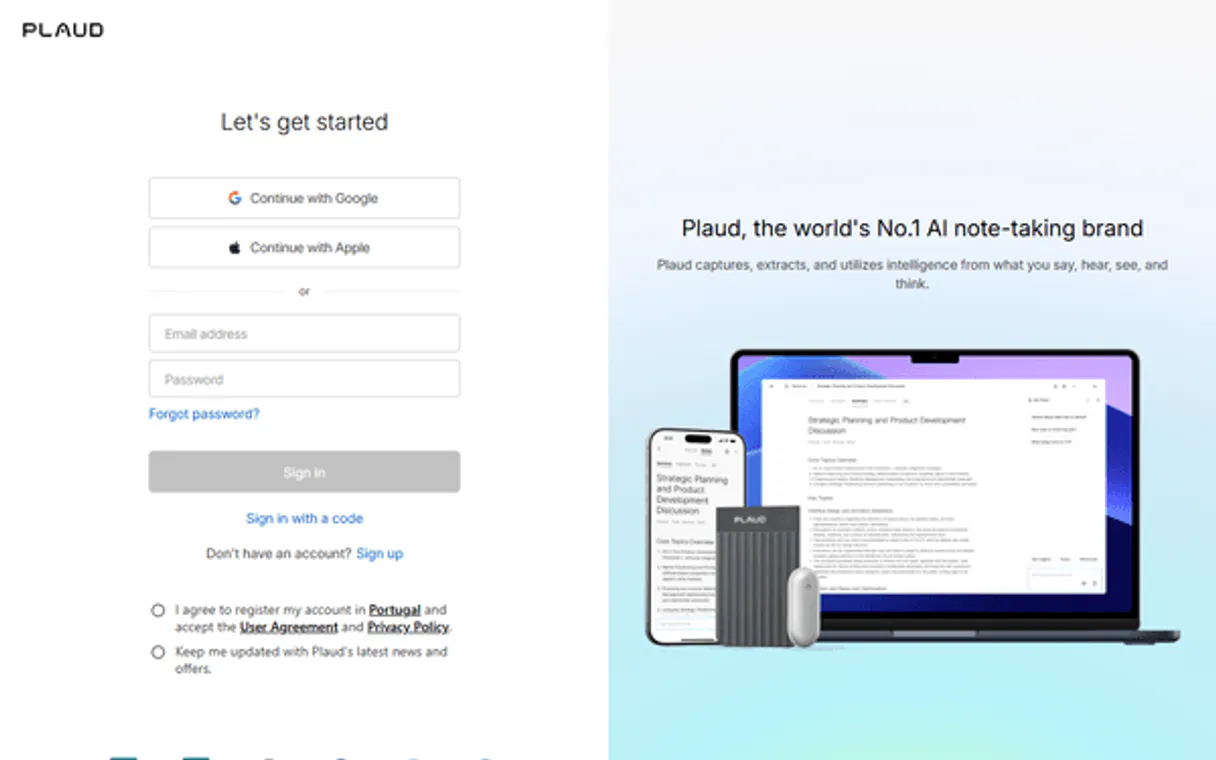
Independent Platform Disclaimer: Vinkius is an independent platform and is not affiliated with, endorsed by, sponsored by, verified by, or otherwise authorized by Plaud. All third-party trademarks, logos, and brand names are the property of their respective owners. Their use on this website is strictly for informational purposes to identify service compatibility and interoperability.
VINKIUS INFRASTRUCTURE
Cloud Hosted
Managed infra
V8 Isolated
Sandboxed per request
Zero-Trust Proxy
No stored credentials
DLP Enforced
Policy on every call
GDPR Compliant
EU data residency
Token Compression
~60% cost reduction
Works with Claude, ChatGPT, Cursor, and more
The Model Context Protocol standardizes how applications expose capabilities to LLMs. Instead of operating in isolation, your AI gains direct access to external platforms, live data, and real-world actions through secure, standardized connections.
This server provides 10 capabilities that interface natively with Claude, ChatGPT, Cursor, and any MCP client. No middleware. No custom integration required.
Available Capabilities
Sifting through hundreds of recordings shouldn't feel like a full-time job.
Today, finding what you need is painful. You open the Plaud dashboard, navigate folders ('Work,' 'Personal'), then filter by tags (Client X). If you want to verify a specific point made six months ago, you have to click into the file, load the full transcript, and scroll through pages of text. It's slow, tedious, and you always end up missing something.
With this MCP server, you just ask your agent: 'What did we decide about the Q3 budget in the client meeting?' The agent uses `get_summary` on the right file and spits out the answer immediately. You get the insight without the clicks or the scrolling.
Plaud MCP Server: Get the full data story with Plaud.
Manual steps like generating a report require logging into Plaud, finding the file ID, then manually running `get_transcript` in one tab and `get_summary` in another. You have to copy those results out and stitch them together yourself.
Now, you just ask your agent: 'Give me the full transcript and an AI summary for this recording.' The server handles the sequence—it calls both tools internally—and delivers a single, unified result right into your chat window.
Common Questions About Plaud MCP
How do I list all my Plaud files using list_files? +
You simply ask your agent to 'List all recordings.' The list_files tool pulls the complete inventory, giving you names and basic metadata for everything stored.
Can get_transcript work if I only have a folder name? +
No. get_transcript requires a specific file ID or title to operate. You must first use list_files or similar tools to identify the exact recording you need.
What is the difference between get_summary and get_file_detail? +
get_summary uses AI to analyze the content and pull out main talking points. get_file_detail only pulls structured metadata, like when the file was created or its current name.
How do I make sure my files are organized with update_file? +
Use update_file by providing the recording's unique ID and the new name you want it to have. You can rename a file in one command.
How does the `delete_file` tool handle permanent data removal? +
The delete_file tool executes a permanent deletion of the recording. This action is irreversible, so always verify the file ID using get_file_detail before calling it. We recommend running a dry run check first.
What parameters does the `get_download_url` tool need to generate an MP3 link? +
You must provide a valid recording ID. The function returns a temporary, secure download URL for the audio file. Keep in mind that these links expire after a set timeframe for security purposes.
How do I check all available organization categories using `list_tags`? +
The list_tags tool returns every tag currently assigned to your Plaud recordings. This list shows you exactly what filtering and categorization options are live in your account right now.
If I use `get_file_detail`, what specific data does it provide that `list_files` doesn't? +
The get_file_detail tool pulls deep, granular metadata for one specific file ID. It gives you internal system IDs and precise creation timestamps that are not included in the general list view.
How do I find my Plaud Access Token? +
Log in to web.plaud.ai, open DevTools (F12), go to Application > Local Storage, and look for tokenstr. Copy and paste it into the field below.
What is the Plaud API Domain? +
It is the base URL for the Plaud API (e.g., https://api-euc1.plaud.ai). You can find it in your browser's Local Storage under plaud_user_api_domain.
Can the agent retrieve full AI summaries? +
Yes. Use the get_summary tool with the File ID. Your agent will fetch the structured AI summary, including key points and action items.
Use it with your favorite AI tools
Connect this server to Cursor, Claude, VS Code, and more.
More in this category

Later (Social Media Management)
Manage social media via Later — schedule posts, access your media library, and analyze profile performance.
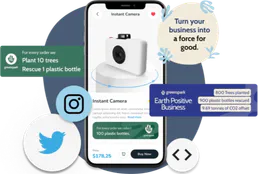
Greenspark
Embed climate action into your product via Greenspark — plant trees, offset carbon, and track impact via AI.

ClickTime
Manage time tracking and resource planning via ClickTime — track entries, monitor projects, and audit client hours directly from any AI agent.
You might also like

Semantic Scholar
Search 200M+ academic papers with AI-powered TLDR summaries, influential citation tracking, and researcher profiles from the Allen Institute for AI.

EPA Envirofacts (Environmental Data)
Access US environmental data including UV forecasts, facility information, and toxic release inventories directly from the EPA.
Slack Webhook Notifier
This MCP does exactly one thing: it sends messages to your Slack channels. That's its only function, and nothing else. Zero bloat, incredible for giving your AI agents a voice.