
VATNode MCP. Verify global VAT numbers and corporate registration details.
 Gemini
 Works with every AI agent you already use
…and any MCP-compatible client









Just plug in your AI agents and start using Vinkius.
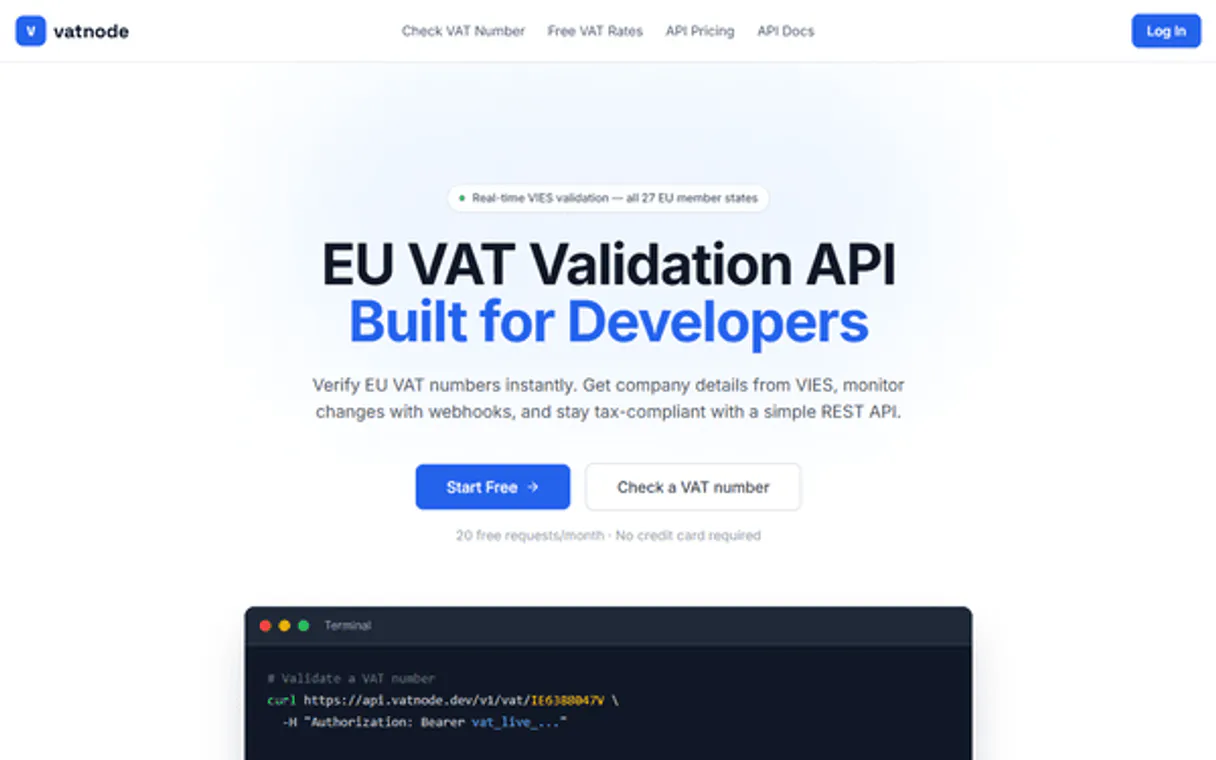
VATNode validates international VAT numbers and audits corporate data across global jurisdictions. This server lets your AI client check if a VAT ID is active, retrieve full company metadata (like names and addresses), and pull current standard or reduced tax rates for any country instantly.
It handles the entire compliance workflow without manual lookups.
What your AI agents can do
Get api usage
Checks your current usage statistics for the VATNode API.
Get company by vat
Retrieves specific business data associated with an entered VAT number.
Get country tax info
Pulls additional, general tax information for a specified country.
The server checks if an input VAT ID exists and retrieves associated corporate metadata for the company.
It pulls specific business registration data, like names and addresses, directly from a validated VAT number.
The system retrieves current standard or reduced VAT rates for one specified nation.
It provides a full catalog of VAT rates across every supported country, useful for market research.
The server reports on your current consumption stats and account limits.
Ask AI about this MCP
Supported MCP Clients
Gemini Waiting for input…
VATNode MCP Server: 6 Tools for Global Tax Compliance
These tools allow your agent to perform granular actions, from checking API quotas using `get_api_usage` to running full company audits with `validate_vat_number`.
019d8498get api usage
Checks your current usage statistics for the VATNode API.
019d8498get company by vat
Retrieves specific business data associated with an entered VAT number.
019d8498get country tax info
Pulls additional, general tax information for a specified country.
019d8498get country vat rates
Gets the current standard and reduced VAT rates for one country.
019d8498list all vat rates
Provides a list of all supported countries and their associated VAT rates.
019d8498validate vat number
Verifies if a given VAT number is valid and fetches the corresponding company metadata.
Choose How to Get Started
Build a custom MCP for your own tools, or connect a ready-made integration from our catalog.
Build Your Own
Turn any API into an MCP. Import a spec, define Agent Skills, or deploy with MCPFusion.
- Import from OpenAPI, Swagger, or YAML specs
- Create Agent Skills with progressive disclosure
- Deploy to edge with MCPFusion framework
- Built in DLP, auth, and compliance on every call
- Real time usage dashboard and cost metering
- Publish to catalog or keep private
Make Your AI Do More
Start with VATNode, then connect any of our 4,700+ other servers whenever your AI needs more. One click, no limits.
- Use this MCP plus 4,700+ others, all in one place
- Add new capabilities to your AI anytime you want
- Every connection is secured and compliant automatically
- Track usage and costs across all your servers
- Works with Claude, ChatGPT, Cursor, and more
- New servers added to the catalog every week
What you can do with this MCP connector
You gotta stop doing manual lookups just to check a VAT ID or figure out tax rates. This server lets your AI client run global compliance checks right from your chat window. It’s built around core functions that handle international tax law like it's just another API call.
When you connect this, your agent immediately knows how to validate any given VAT number and pull back all the corporate data attached to it. You can use validate_vat_number to check if a VAT ID is valid; it doesn’t just say 'yes,' it also fetches the associated company metadata for you right away.
Once that's verified, you can drill down further using get_company_by_vat. This tool pulls specific business registration data—names, addresses, and other core details—directly from that validated VAT number, giving you a full background on the entity.
Need to know what tax rates they gotta pay? The system handles that too. If you’re working in a specific country, get_country_vat_rates pulls the current standard and reduced VAT rates for that single nation instantly. For broader research, if you just need general tax intel on a whole country, use get_country_tax_info.
It gives you additional tax information for any specified locale. If your job is market mapping and you need to see everything at once, list_all_vat_rates provides a comprehensive catalog of VAT rates across every single supported country out there.
It's not just about the business; it’s also about keeping track of how much you're spending. You can monitor your account limits and usage stats with get_api_usage. This keeps you in control, letting you know exactly what you've used on the VATNode API. Essentially, you run through a whole compliance workflow—validation, data retrieval, tax rate auditing, and resource checking—without ever leaving your terminal.
It means when you’re reviewing international business records, your agent acts like having an expert tax consultant on speed dial. You don't spend time cross-referencing spreadsheets; you just ask for the information, and it hits you clean, verified data. Whether you need to confirm a company's existence using validate_vat_number, grab their registered address via get_company_by_vat, determine local tax brackets with get_country_vat_rates, or map out global rates with list_all_vat_rates, this server handles the heavy lifting.
You’re dealing in hard facts, not guesswork.
How VATNode MCP Works
- 1 Subscribe to the VATNode server and enter your unique API Key into your AI client.
- 2 Ask your agent a specific tax question (e.g., 'What's the standard VAT rate in France?').
- 3 The agent automatically calls the correct internal tool—like
get_country_vat_rates—and returns the clean, verified answer.
The bottom line is that you tell your AI client what tax information you need; it handles running all necessary API calls to get the final result.
Who Is VATNode MCP For?
Anyone dealing with cross-border finance or due diligence. This server saves time for Tax Accountants who hate manual lookups, Finance Managers needing compliance checks before invoicing, and Due Diligence Leads running background audits on foreign entities.
Verifies VAT IDs and retrieves tax rates instantly when processing international invoices.
Monitors overall tax compliance by running bulk checks on company registration data for mergers or acquisitions.
Performs rapid background audits on foreign corporate entities using their VAT number to check legal status and location.
What Changes When You Connect
- Instantly validate IDs: Use
validate_vat_numberto check if a tax ID is active, getting back confirmation along with the company's name and address. No more manual lookups are needed. - Global rate oversight: Need to know the standard or reduced VAT rates for Brazil? Just call
get_country_vat_rates. The agent handles the query and provides the precise percentage. - Rapid corporate background checks: Run a company audit using
get_company_by_vatwith just the VAT number. You get structured metadata, which is way faster than cross-referencing multiple government websites. - Full market scope visibility: If you're planning expansion, use
list_all_vat_rates. This tool shows tax rates for every supported country in one go. - Know your limits: Check the API usage with
get_api_usageto keep track of how many lookups you have left. It helps prevent service interruptions mid-audit.
Real-World Use Cases
Auditing a potential acquisition target
You're vetting a company in Italy for an M&A deal. Instead of tracking down their official registry, you ask your agent to run get_company_by_vat using the VAT ID. The agent returns confirmed legal metadata (name, address) instantly, letting you move straight to valuation.
Processing a new international invoice
A client in Sweden sends an invoice. You need to verify both their tax status and the correct rate. Your agent first uses validate_vat_number on their ID, then calls get_country_vat_rates for Sweden to confirm if the billed amount matches current rates.
Mapping out global sales channels
You're launching a product and need to know the tax rules everywhere. You use list_all_vat_rates. The agent spits out a list of every country supported, allowing you to quickly build a matrix of required compliance checks.
Debugging workflow quotas
Mid-day, your audit pipeline slows down. Before assuming an error, you run get_api_usage. The tool confirms you hit your rate limit quota and tells you exactly when the next batch of lookups will be available.
The Tradeoffs
Checking rates on random websites
You open three different government tax sites, spend 45 minutes clicking through menus and forms just to find the standard rate for Poland.
→
Just ask your agent. Use get_country_vat_rates and tell it which country you need rates for. It runs the lookup in seconds.
Manually validating VAT numbers
You copy a list of 50 foreign client IDs into a spreadsheet, then try to check validity against different government portals.
→
Use validate_vat_number with your batch data. The server handles the validation and pulls metadata for all 50 in one sequence.
Assuming rates are stable
Relying on last year's tax documentation because it was easier than checking current rules.
→
Always use get_country_vat_rates to pull the live, currently active rates. The data changes constantly; don't trust old docs.
When It Fits, When It Doesn't
Use VATNode if your workflow involves any cross-border financial compliance or due diligence on corporate entities. Specifically, you need to validate IDs (validate_vat_number), check company registration details (get_company_by_vat), or verify tax percentages across different nations. Don't use it if all your transactions happen within a single, controlled internal system that doesn't rely on external government data.
Don't waste this tool if you only need to track local employee expenses (use an expense management type of tool instead). If you just need to know the tax rate for one country and don't care about validation, get_country_vat_rates is sufficient. But if you need both validation AND rates, you must use the full capability set.
Independent Platform Disclaimer: Vinkius is an independent platform and is not affiliated with, endorsed by, sponsored by, verified by, or otherwise authorized by VATNode. All third-party trademarks, logos, and brand names are the property of their respective owners. Their use on this website is strictly for informational purposes to identify service compatibility and interoperability.
VINKIUS INFRASTRUCTURE
Cloud Hosted
Managed infra
V8 Isolated
Sandboxed per request
Zero-Trust Proxy
No stored credentials
DLP Enforced
Policy on every call
GDPR Compliant
EU data residency
Token Compression
~60% cost reduction
Works with Claude, ChatGPT, Cursor, and more
The Model Context Protocol standardizes how applications expose capabilities to LLMs. Instead of operating in isolation, your AI gains direct access to external platforms, live data, and real-world actions through secure, standardized connections.
This server provides 6 capabilities that interface natively with Claude, ChatGPT, Cursor, and any MCP client. No middleware. No custom integration required.
Available Capabilities
Finding global VAT data shouldn't feel like a doctoral thesis.
Today, checking tax compliance for an international client means juggling multiple logins: one site for the ID validation, another for the company name, and yet a third government portal just to find the current rate. You spend hours copying data between spreadsheets, cross-referencing sources that might be outdated or incomplete.
With VATNode, your agent handles it all. You ask it to 'Audit this company's tax status.' The server runs `validate_vat_number`, gets the company details via `get_company_by_vat`, and confirms the applicable rates using `get_country_vat_rates`. You get a single, verified output.
VATNode MCP Server: Audit tax rates & verify corporate IDs
Manual compliance checks require you to perform sequential lookups on different domains—a rate check here, an address verification there. This process is slow and prone to human error when dealing with hundreds of records.
Now, your agent executes the entire chain in one call. You don't manage the sequence; the server manages it. It gives you a reliable data contract: validated IDs, confirmed company metadata, and current tax percentages—all structured for immediate use.
Common Questions About VATNode MCP
How do I validate a VAT number using VATNode? +
You call the validate_vat_number tool with the ID. The server immediately tells you if it's valid and provides associated corporate metadata.
What is the difference between `get_company_by_vat` and `validate_vat_number`? +
validate_vat_number runs a full check that confirms validity and pulls details. get_company_by_vat specifically targets retrieving company registration information using an already confirmed VAT number.
Can I list all tax rates in one go with VATNode? +
Yes, use the list_all_vat_rates tool. It scans the global catalog and returns the current standard rate for every supported country.
Does VATNode only check EU countries? +
No. The server supports a wide range of jurisdictions, providing global tax intelligence beyond just European Union rules.
How do I check my usage limits using the `get_api_usage` tool? +
You access your current quota directly with get_api_usage. This function pulls real-time statistics on how much you've used and what your remaining calls are. It keeps your agent running without hitting unexpected rate limits.
What authentication do I need when using VATNode in my client? +
You must provide a valid VATNode API Key for authentication. You enter this key into your AI client's configuration settings before connecting the agent. This secures your data and links all requests to your account.
If I use `validate_vat_number` on an invalid number, what details does it provide? +
The tool reports a specific failure status rather than just saying 'no.' It tells you if the issue is format-based (wrong structure) or if the company simply doesn't exist in the registry. This detail saves time debugging bad inputs.
When should I use `get_country_tax_info` versus getting rates via `get_country_vat_rates`? +
get_country_tax_info gives you the full legal context of a country's tax system. While get_country_vat_rates only provides percentages (like 20%), the general info tool offers details on reporting rules and local regulations.
How do I find my VATNode API Key? +
Log in to your VATNode dashboard, and you will find your API Key on the main home page. Copy and paste it below.
Can the agent validate European VAT numbers? +
Yes. VATNode supports validation for VAT numbers across the European Union and several other jurisdictions globally using official VIES data.
Is tax rate information provided? +
Yes. The get_country_vat_rates tool provides current standard and reduced VAT rates, helping you audit tax obligations for different regions.
Multi-server workflows that include VATNode MCP
Use it with your favorite AI tools
Connect this server to Cursor, Claude, VS Code, and more.
More in this category

Bitstamp
Trade and monitor crypto markets via Bitstamp — get tickers, order books, account balances, and manage orders.

UtilityAPI
Access utility billing, usage data, and meter info from PG&E and 100+ US utilities via a single API.

GeckoTerminal (DeFi Token Tracker)
Track DeFi tokens, liquidity pools, and DEX activity across 100+ blockchains using real-time GeckoTerminal data.
You might also like

Chewy Ads
Manage retail media and sponsored products via Chewy Ads — track campaigns, monitor performance, and audit keywords directly from any AI agent.

Forecast
Manage AI-powered project resources via Forecast — track projects and tasks, handle team availability, and monitor milestones directly from any AI agent.

Aptabase (Mobile Analytics)
Send telemetry and custom events to Aptabase directly from your AI agent to track app usage and performance.