
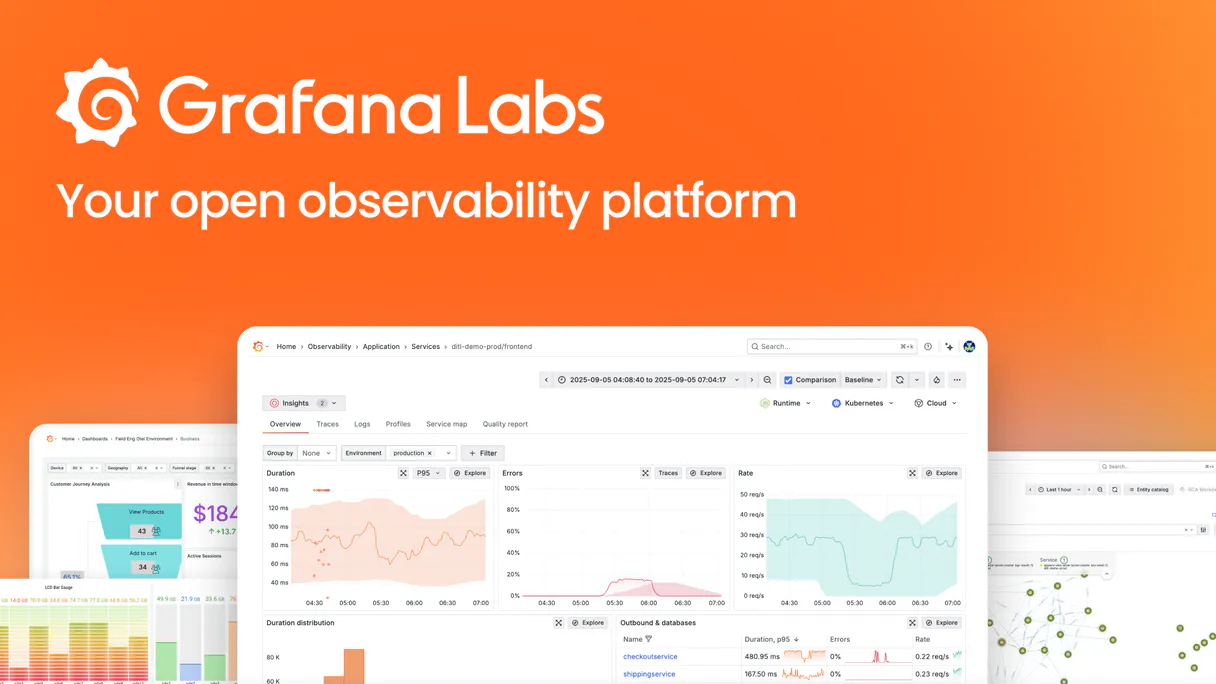
Grafana MCP. Query your entire observability stack from chat.
 Gemini
 Works with every AI agent you already use
…and any MCP-compatible client









Just plug in your AI agents and start using Vinkius.
Grafana MCP Server gives your AI agent full control over your observability stack. Use it to search dashboards by tag or title, inspect precise PromQL, LogQL, or SQL queries, list all connected data sources (Prometheus, Loki, CloudWatch, SQL), and monitor live alert states—all from a single chat interface.
What your AI agents can do
Firing alerts
Retrieves a list of alerting rules that are currently reporting a 'firing' status, including their labels and annotations.
Get dashboard
Fetches the full configuration of a dashboard, requiring a dashboard UID to return all panels and their associated queries.
List datasources
Lists every data source configured within the Grafana instance, confirming all available connections.
Find dashboards by title or tag to retrieve their unique identifiers (UIDs) and basic metadata in the chat.
Get the complete configuration of a dashboard, pulling out the exact PromQL, LogQL, or SQL queries and panel details.
List all data sources configured in the Grafana instance, verifying connectivity boundaries like Prometheus, Loki, or SQL.
List all active alert rules and check which ones are currently in a 'firing' state for immediate incident status.
Analyze specific localized variables to decode active monitoring routes and understand structural constraints within the Grafana environment.
Ask AI about this MCP
Supported MCP Clients
OAuth 2.0 Compatible Gemini Waiting for input…
Grafana MCP Server: 4 Tools for Observability
Use these tools to search for dashboards, check active alerts, list data sources, and inspect dashboard queries from your AI client.
Make your AI actually useful.
Add this MCP to Claude, Cursor, or Windsurf and your AI stops guessing. It gets real tools to look things up, take action, and handle the stuff you keep doing by hand.
Start using Grafana on Vinkius019d75aafiring alerts
Retrieves a list of alerting rules that are currently reporting a 'firing' status, including their labels and annotations.
019d75aaget dashboard
Fetches the full configuration of a dashboard, requiring a dashboard UID to return all panels and their associated queries.
019d75aalist datasources
Lists every data source configured within the Grafana instance, confirming all available connections.
019d75aasearch dashboards
Searches Grafana dashboards by title or tag, returning basic info and the necessary UID for further inspection.
Choose How to Get Started
Build a custom MCP for your own tools, or connect a ready-made integration from our catalog.
Build Your Own
Turn any API into an MCP. Import a spec, define Agent Skills, or deploy with MCPFusion.
- Import from OpenAPI, Swagger, or YAML specs
- Create Agent Skills with progressive disclosure
- Deploy to edge with MCPFusion framework
- Built in DLP, auth, and compliance on every call
- Real time usage dashboard and cost metering
- Publish to catalog or keep private
Make Your AI Do More
Start with Grafana, then connect any of our 4,800+ other servers whenever your AI needs more. One click, no limits.
- Use this MCP plus 4,800+ others, all in one place
- Add new capabilities to your AI anytime you want
- Every connection is secured and compliant automatically
- Track usage and costs across all your servers
- Works with Claude, ChatGPT, Cursor, and more
- New servers added to the catalog every week
Independent Platform Disclaimer: Vinkius is an independent platform and is not affiliated with, endorsed by, sponsored by, verified by, or otherwise authorized by Grafana. All third-party trademarks, logos, and brand names are the property of their respective owners. Their use on this website is strictly for informational purposes to identify service compatibility and interoperability.
VINKIUS INFRASTRUCTURE
Cloud Hosted
Managed infra
V8 Isolated
Sandboxed per request
Zero-Trust Proxy
No stored credentials
DLP Enforced
Policy on every call
GDPR Compliant
EU data residency
Token Compression
~60% cost reduction
Works with Claude, ChatGPT, Cursor, and more
The Model Context Protocol standardizes how applications expose capabilities to LLMs. Instead of operating in isolation, your AI gains direct access to external platforms, live data, and real-world actions through secure, standardized connections.
This server provides 4 capabilities that interface natively with Claude, ChatGPT, Cursor, and any MCP client. No middleware. No custom integration required.
Debugging observability dashboards shouldn't require a dozen clicks.
Today, if you want to check the queries on a dashboard, you have to navigate to the dashboard, click into the panel, and then find the specific query editor. If you need to check the alerts, you have to click away to the Alerting tab, then manually filter by status. It's a tedious, multi-step process that kills momentum.
With the Grafana MCP Server, you just ask your agent. 'What query powers the CPU usage panel on the K8s dashboard?' It finds the dashboard, pulls the panel details, and spits out the exact PromQL query—all in one response. The key takeaway is: you get the data you need without ever leaving your chat.
Grafana MCP Server: Querying System Health from Chat
You don't have to manually check the status of every data source, or remember if a critical alert is currently firing. The agent handles the connection check (`list_datasources`) and the real-time status check (`firing_alerts`) simultaneously, consolidating monitoring status into a single, readable output.
It’s a total shift. Instead of running a series of manual checks across different tabs and UIs, you ask for a holistic view. You get a complete, actionable summary of your system's health status—period.
What you can do with this MCP connector
Your AI agent gets full control over your whole observability stack. You'll use this server to search dashboards by tag or title, check specific PromQL, LogQL, or SQL queries, list every connected data source—whether it's Prometheus, Loki, or SQL—and monitor live alert statuses. You do all that from a single chat window.
Search and locate dashboards
You can use search_dashboards to find dashboards by title or tag. It spits out the basic info and the unique UID you need to look at it later.
Extract full dashboard queries
Need to know what a dashboard's doing? You use get_dashboard with a dashboard UID to pull the entire config. This gives you the exact PromQL, LogQL, or SQL queries and every panel detail.
Audit connected data sources
Want to know what data you're actually monitoring? list_datasources lists every data source configured in your Grafana instance, confirming all the connections like Prometheus, Loki, or SQL.
Check active alert rules
Use firing_alerts to get a list of all alerting rules that are currently reporting a 'firing' status, including their labels and annotations. This lets you see what's actively breaking right now.
Analyze monitoring variables
You can analyze specific localized variables to decode active monitoring routes and understand the structural constraints within your Grafana environment.
019d75aa-7428-7281-bf68-5d4097fc9cae 
How Grafana MCP Works
- 1 Subscribe to the Grafana MCP Server and provide your Grafana Instance URL and Service Account Token.
- 2 Use your AI client to ask a question, like 'List all data sources' or 'Show me the queries for the K8s dashboard'.
- 3 The server executes the required tool, returning the data (e.g., a list of data source names or a specific PromQL query) directly into the chat.
The bottom line is that you treat your entire observability platform like a database, querying it using plain language.
Who Is Grafana MCP For?
The DevOps engineer who gets tired of clicking through dashboard menus at 2 AM. The Cloud Architect who needs to verify data source connections without logging into a web UI. Anyone who needs to analyze system performance, query metrics, or check alert status fast, without the friction of manual navigation.
Checks alert rules and inspects dashboard queries without manual navigation in the Grafana UI. They use the agent to pull specific metrics or check the firing state of an alert.
Audits data source configurations and verifies dashboard organization using natural language queries, confirming connectivity boundaries.
Extracts PromQL or LogQL queries from existing panels to validate metrics and logs during development, bypassing the need to manually copy query text.
Quickly finds relevant dashboards and checks alert statuses during an active incident, minimizing Mean Time To Resolution (MTTR).
What Changes When You Connect
- Check alert status instantly. Use
firing_alertsto see which rules are actively firing. This eliminates the need to navigate to the alert list and manually filter for active incidents. - Extract complex queries fast. Run
get_dashboardto pull the precise PromQL, LogQL, or SQL query behind any panel. This saves time when validating metrics or debugging data definitions. - Audit connectivity at scale.
list_datasourcesprovides a complete list of all configured data sources (Prometheus, Loki, SQL, etc.), giving immediate visibility into your system's data boundaries. - Find dashboards without clicking. Use
search_dashboardsto locate the right dashboard by title or tag, getting the UID needed for subsequent deep inspections. - Speed up incident response. You can combine
search_dashboardsandfiring_alertsin one conversation—find the dashboard, then check its related alerts—without leaving the chat. - Maintain a single source of truth. By querying the data directly, your agent acts as a unified interface, preventing reliance on multiple manual dashboards or UI sections.
Real-World Use Cases
Troubleshooting a sudden spike in database errors
The ops engineer notices a spike and asks their agent to check the status. The agent first runs search_dashboards for 'Database Performance', gets the UID, then uses get_dashboard to pull the specific SQL query. Finally, it calls firing_alerts to see if the high error rate triggered an active alert, giving a full picture of the incident.
Verifying a new data connection for a project
A cloud architect needs to confirm if a new type of database is connected. They ask the agent to run list_datasources. The agent returns the full list, allowing the architect to confirm the presence and status of the new connector without touching the Grafana UI.
Investigating a suspected performance regression
A developer suspects a query change broke a dashboard. They ask the agent to run get_dashboard on the relevant UID. The agent pulls all panel configurations, allowing the developer to compare the exact PromQL query now running against a known-good baseline.
Reviewing system readiness before deployment
The incident responder needs a quick status check. They ask the agent to run firing_alerts. The agent immediately returns a list of active alerts, allowing the team to prioritize system health checks before the deployment window closes.
The Tradeoffs
Manual UI Dashboard Searching
Trying to find a dashboard by scrolling through dozens of tabs or using the Grafana search bar, which often fails to surface the most relevant view.
→
Use search_dashboards to locate the dashboard by title or tag. This immediately gives you the UID, which you can then feed into get_dashboard for full inspection.
Copying Queries Manually
Opening a panel, right-clicking, and manually copying a complex PromQL query into a separate debugging tool, risking formatting errors or missing parts.
→
Use get_dashboard and specify the panel. The tool extracts the exact PromQL, LogQL, or SQL query, giving you clean, ready-to-use code snippets.
Ignoring Data Source Scope
Assuming that because a dashboard exists, the underlying data source is connected. This leads to blind spots when diagnosing connection failures.
→
Always run list_datasources first. This confirms the connection boundaries and ensures your agent knows exactly which data stores are available for querying.
When It Fits, When It Doesn't
Use this if your primary bottleneck is information retrieval, not analysis. If you need to know what data is available, what queries are running, or what alerts are active—use this. It’s a diagnostic tool. Don't use it if you just need to build a new dashboard or perform complex data transformations (use dedicated visualization or ETL tools for that). If you only need to see a single metric and already know the dashboard's UID, consider if the dashboard is cached or if the raw data can be queried directly via a data client instead. But if you need the full context—the queries, the alerts, the sources—this is the right place.
Common Questions About Grafana MCP
How do I use the `search_dashboards` tool with Grafana MCP Server? +
Just tell the agent what you're looking for—by tag or title. The agent returns a list of matching dashboards and their UIDs, which you then use to proceed with other inspections.
Can I use `get_dashboard` to find the query for a panel? +
Yes, you must first get the dashboard UID using search_dashboards. Then, pass that UID to get_dashboard and specify the panel name. The tool returns the full query details.
What does the `list_datasources` tool do? +
It provides a list of every configured data source in your Grafana instance. This is useful for auditing to ensure all expected connections (like Prometheus or SQL) are present and configured.
How does `firing_alerts` work? +
The firing_alerts tool checks the Grafana Unified Alerting system and reports only the rules that are currently in an active, 'firing' state. It ignores all rules in 'Normal' status.
Can I use the Grafana MCP Server to find alerts and dashboards? +
Yes. You can first use search_dashboards to find the dashboard UID, and then use that context to check related alerts using firing_alerts.
How do I use the `list_datasources` tool to check which data types are supported? +
It lists every configured data source in your Grafana instance. This includes types like Prometheus, Loki, CloudWatch, and standard SQL databases, showing exactly what data you can query.
Does `search_dashboards` help me find dashboards by tags or titles? +
Yes, it searches dashboards using both title and tag parameters. This lets you narrow down results quickly, for example, finding all dashboards related to 'production'.
What happens if I need the full configuration of a dashboard using `get_dashboard`? +
The get_dashboard tool retrieves the complete JSON configuration for a given UID. This includes the layout, all panels, and the precise underlying queries (PromQL, LogQL, or SQL) used.
Can my agent search for specific dashboards in my Grafana instance? +
Yes. Use the 'search_dashboards' tool. You can provide an optional query string to match titles or tags. The agent will return basic info including the unique UID required for deeper inspection.
How do I extract the PromQL or SQL queries from a dashboard panel via chat? +
Use the 'get_dashboard' tool with the dashboard UID. Your agent will retrieve the full JSON configuration, including all panels and their underlying data queries, enabling you to review the exact metrics logic natively.
Can I see firing alerts through the agent? +
Absolutely. Use the 'list_alerts' tool. The agent retrieves all configured alert rules and their current statuses, allowing you to identify which monitors are currently in a firing state synchronousy.
Multi-server workflows that include Grafana MCP
MCP Recipe for Full-Stack Observability
Two monitoring tools, zero correlation , your Datadog alerts say 'high latency' and your Grafana dashboards say 'database connections maxed' but nobody connected the dots until the postmortem
MCP Servers for Global Edge Performance
Cache hit ratios monitored, edge latency tracked, WAF threats counted, performance reports delivered , run your edge infrastructure from one prompt
Use it with your favorite AI tools
Connect this server to Cursor, Claude, VS Code, and more.