
Cognita (RAG Framework) MCP. Manage all your data sources and collections via AI.
 Gemini
 Works with every AI agent you already use
…and any MCP-compatible client









Just plug in your AI agents and start using Vinkius.
Cognita (RAG Framework) MCP Server manages modular Retrieval-Augmented Generation (RAG) pipelines. It lets you list knowledge collections, force sync data from SQL, Cloud Storage, or APIs, and run automated AI queries directly against your vector store.
It gives your AI agent full control over your knowledge base.
What your AI agents can do
Get collection
Retrieves explicit Cloud logging tracing explicit Payload IDs.
Ingest data
Processes a JSON payload to generate new resource directories and updates the knowledge base.
List collections
Identifies bounded routing spaces inside the Headless Cognita RAG limit.
Run the list_collections tool to see a full list of your defined RAG knowledge collections.
Use ingest_data to force-sync new or updated files from external sources like SQL or Cloud Storage into your vector store.
Execute rag_query to ask your AI agent a question and get an answer synthesized from your stored documents.
Run search_chunks to perform a raw search, pulling specific text segments from your documents for verification.
Use list_data_sources to verify exactly which external data feeds your AI workflows.
Run list_models to enumerate all LLMs and embedding models registered in your Cognita setup.
Ask AI about this MCP
Supported MCP Clients
Gemini Waiting for input…
Cognita (RAG Framework) MCP Server: 7 Tools for Knowledge Ops
Use these tools to manage your entire knowledge retrieval pipeline, from listing data sources to running complex AI queries.
019d7576get collection
Retrieves explicit Cloud logging tracing explicit Payload IDs.
019d7576ingest data
Processes a JSON payload to generate new resource directories and updates the knowledge base.
019d7576list collections
Identifies bounded routing spaces inside the Headless Cognita RAG limit.
019d7576list data sources
Performs structural extraction of properties driving active buckets.
019d7576list models
Inspects deep internal arrays mitigating specific picture constraints.
019d7576rag query
Identifies precise active arrays spanning rented transformation vectors.
019d7576search chunks
Enumerates explicitly attached structured rules exporting active presets.
Choose How to Get Started
Build a custom MCP for your own tools, or connect a ready-made integration from our catalog.
Build Your Own
Turn any API into an MCP. Import a spec, define Agent Skills, or deploy with MCPFusion.
- Import from OpenAPI, Swagger, or YAML specs
- Create Agent Skills with progressive disclosure
- Deploy to edge with MCPFusion framework
- Built in DLP, auth, and compliance on every call
- Real time usage dashboard and cost metering
- Publish to catalog or keep private
Make Your AI Do More
Start with Cognita (RAG Framework), then connect any of our 4,700+ other servers whenever your AI needs more. One click, no limits.
- Use this MCP plus 4,700+ others, all in one place
- Add new capabilities to your AI anytime you want
- Every connection is secured and compliant automatically
- Track usage and costs across all your servers
- Works with Claude, ChatGPT, Cursor, and more
- New servers added to the catalog every week
What you can do with this MCP connector
Cognita (RAG Framework) MCP Server gives your AI agent total control over your knowledge base. You can list all your RAG knowledge collections using list_collections and get a full view of your defined routing spaces. You'll also check which external data feeds your AI workflows by running list_data_sources. To see what models you're using, run list_models to check all the LLMs and embedding models registered in your setup.
You'll get a list of available Cloud logging tracing explicit Payload IDs using get_collection. You can force-sync new or updated files from external sources like SQL or Cloud Storage into your vector store using ingest_data to update your knowledge base. You can ask your AI agent a question and get an answer synthesized from your stored documents by running rag_query.
For a raw search, you can pull specific text segments from your documents for verification by running search_chunks. You can inspect the properties driving active buckets using list_data_sources and find the precise active arrays spanning rented transformation vectors by executing rag_query. You can process a JSON payload to generate new resource directories and update the knowledge base using ingest_data.
You can identify precise active arrays spanning rented transformation vectors by running rag_query. You can get a full list of your defined RAG knowledge collections by calling list_collections. You can enumerate all LLMs and embedding models registered in your Cognita setup by calling list_models.
How Cognita (RAG Framework) MCP Works
- 1 Subscribe to the server and provide your Cognita Base URL and API Key.
- 2 Your AI agent calls the tool, specifying the action (e.g., 'list collections' or 'query for X').
- 3 The server interacts with Cognita, performs the data operation, and returns the structured result (e.g., a list of collections or a synthesized answer).
The bottom line is that your AI agent talks to Cognita via a structured set of tools, letting you manage the entire knowledge retrieval pipeline through conversation.
Who Is Cognita (RAG Framework) MCP For?
AI Engineers, Data Scientists, Product Managers, and DevOps teams. If you spend time building or testing knowledge retrieval systems, this is for you. You need to audit what data is available, test chunking logic, or verify which LLMs are active before a major release.
Tests and debugs RAG queries and chunk retrieval logic without needing to write Python code.
Monitors ingestion pipelines and verifies document chunking consistency across different knowledge collections.
Quickly audits what knowledge base is feeding the AI agent during the prototyping and testing phase.
Monitors the Cognita model registries to ensure all necessary LLM endpoints are active and reachable.
What Changes When You Connect
- See exactly what knowledge is available. Use
list_collectionsto audit all your RAG collections and check their embedding configurations. - Keep your knowledge base current.
ingest_dataforces sync remote files from SQL, Cloud Storage, or APIs directly into your vector space. - Get answers, not just documents.
rag_querysends automated AI questions that synthesize accurate answers from your stored context. - Verify data integrity.
search_chunkslets you pull raw document chunks, verifying the exact text segments that the AI uses. - Know your inputs.
list_data_sourcesshows you every external data source mapped into your AI workflows, so you know where the data comes from. - Check your tech stack.
list_modelslets you enumerate all registered LLMs and embedding models in your Cognita setup.
Real-World Use Cases
Troubleshooting a Missing Answer
The agent fails to answer a question. Instead of guessing, the engineer runs list_data_sources to confirm the required external data is connected, then uses list_collections to verify the correct knowledge collection is active. Finally, they run search_chunks to pull raw context and see if the data actually made it into the system.
Updating Knowledge from a Database
A marketing team writes a new product guide in a SQL database. The data scientist doesn't write a script; they just tell their agent to run ingest_data against the SQL source. The agent handles the sync, and the knowledge base updates immediately for the next rag_query.
Auditing Model Readiness
DevOps needs to know if the latest LLM endpoint is ready. They run list_models to check the registry. If the model is there, they can then use get_collection to ensure the specific collection is configured for that model.
Deep Context Verification
A PM needs to prove the AI is using the right context. They run rag_query first, then immediately follow up with search_chunks on the same topic. This allows them to compare the synthesized answer against the raw, verifiable source text.
The Tradeoffs
Assuming data is ready
Asking the agent to rag_query a topic, but the source data hasn't been updated since last week. The answer is vague and wrong.
→
First, use list_data_sources to confirm the source is connected. Then, run ingest_data to force sync the latest files before querying. Finally, run rag_query to get a fresh answer.
When It Fits, When It Doesn't
Use this server if your job requires managing the full data lifecycle for an AI agent: Source -> Ingest -> Index -> Query. You need to be able to audit, debug, and validate the knowledge base's contents. Don't use it if you just need simple chat or data visualization; those tools won't help. If you only need to read data, stick to basic vector search tools. If you need to build a complete, auditable knowledge graph, this is the tool. Use list_data_sources to see what's connected, and list_models to see what's running. If you can't answer 'where does the data come from?' or 'what models are active?', you need this MCP Server.
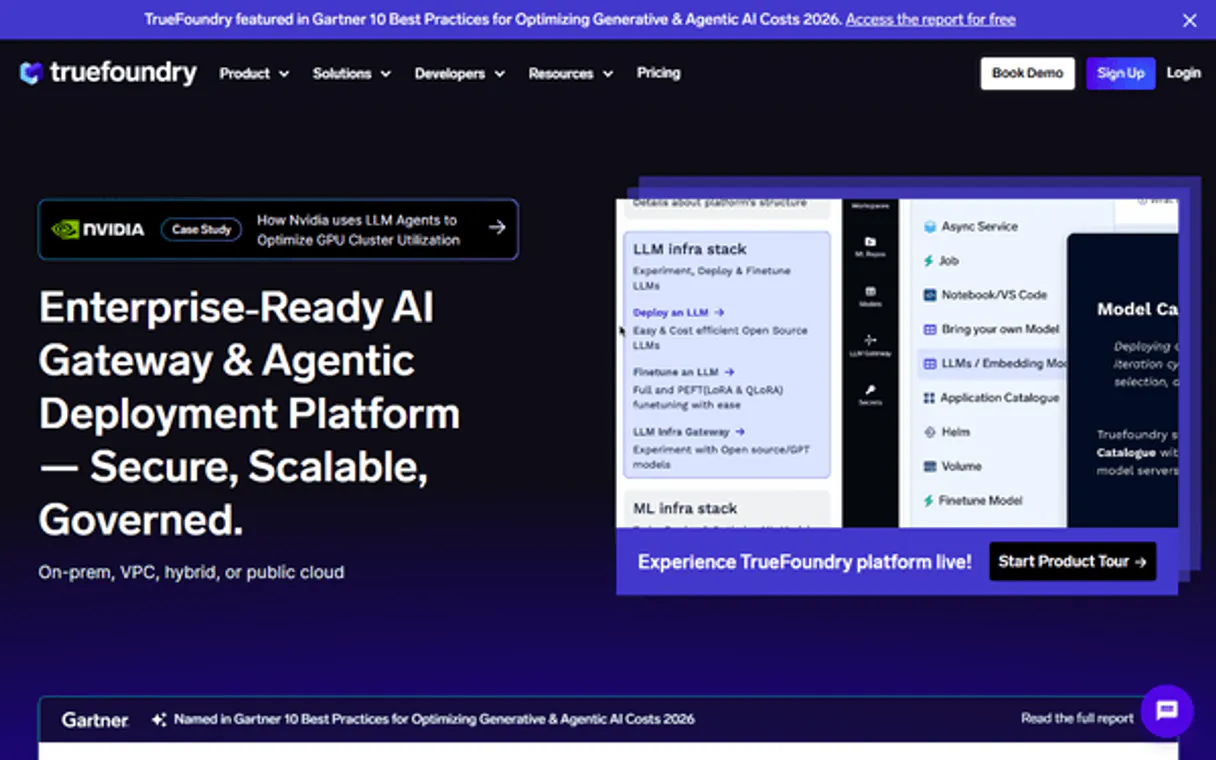
Independent Platform Disclaimer: Vinkius is an independent platform and is not affiliated with, endorsed by, sponsored by, verified by, or otherwise authorized by Cognita. All third-party trademarks, logos, and brand names are the property of their respective owners. Their use on this website is strictly for informational purposes to identify service compatibility and interoperability.
VINKIUS INFRASTRUCTURE
Cloud Hosted
Managed infra
V8 Isolated
Sandboxed per request
Zero-Trust Proxy
No stored credentials
DLP Enforced
Policy on every call
GDPR Compliant
EU data residency
Token Compression
~60% cost reduction
Works with Claude, ChatGPT, Cursor, and more
The Model Context Protocol standardizes how applications expose capabilities to LLMs. Instead of operating in isolation, your AI gains direct access to external platforms, live data, and real-world actions through secure, standardized connections.
This server provides 7 capabilities that interface natively with Claude, ChatGPT, Cursor, and any MCP client. No middleware. No custom integration required.
Available Capabilities
Manual data pipelines are a nightmare to debug.
Today, updating a knowledge base means logging into a dozen different dashboards. You check the source repository, then you write a script to pull data, then you manually trigger the chunking process, and finally, you check the vector store to see if the data actually landed. It takes hours, and one missed step means the AI is working with bad data.
Use Cognita (RAG Framework) MCP Server to control your knowledge.
Forget the manual steps of schema validation and chunk auditing. The agent handles the complex logic. You use `list_collections` to audit the structure, and `rag_query` to test the final output. This gives you a full loop: check the structure, run the query, validate the answer.
Common Questions About Cognita (RAG Framework) MCP
How do I check what data sources are connected to Cognita using the `list_data_sources` tool? +
Run the list_data_sources tool. It performs structural extraction of properties and shows you every external data source mapped into your AI workflows.
What is the best way to test a new question against the knowledge base using `rag_query`? +
Use rag_query and specify the target collection. This tool runs the automated query, fetching the context and synthesizing the answer for you.
Can I see the raw text chunks from my documents with `search_chunks`? +
Yes. search_chunks enumerates attached structured rules and exports the raw document chunks, letting you verify the exact text segments used by the AI.
How do I list all available LLMs and embedding models with `list_models`? +
Call the list_models tool. It inspects the deep internal arrays and shows you all the registered models within your modular Cognita installation.
Is `ingest_data` the correct tool to update the knowledge base? +
Yes, ingest_data is the tool. It provisions a JSON payload and generates new resource directories, forcing a sync of remote files into your vector space.
How do I check which RAG collections exist using the `list_collections` tool? +
The list_collections tool shows you every bounded routing space configured in Cognita. This lets you audit the names and basic metadata of all your knowledge collections.
What should I do if an `ingest_data` run fails or throws an error? +
Check the specific error logs provided by the get_collection tool. This helps pinpoint if the failure is due to permissions, format issues, or a missing source ID.
Can I see the raw data mapping properties using `list_data_sources`? +
Yes, list_data_sources performs structural extraction of the properties driving active Buckets. This confirms exactly which external data is mapped into your AI workflows.
Can my agent perform semantic RAG queries against my collections? +
Yes. The 'rag_query' tool allows you to ask questions in natural language. The agent queries your vector store via Cognita and uses an LLM to synthesize a final answer based explicitly on the retrieved context.
How can I trigger a data ingestion pipeline through the agent? +
Provide the collection name and the data source FQN (Fully Qualified Name). The 'ingest_data' tool will command the Cognita backend to start a sync, updating your RAG vector space with the latest remote documents.
Can I audit the raw document chunks before LLM generation? +
Absolutely. Use the 'search_chunks' tool to perform vector searches that return raw text segments and metadata without LLM synthesis. This is the perfect way to verify that your retrieval logic is pulling the correct data boundaries.
Use it with your favorite AI tools
Connect this server to Cursor, Claude, VS Code, and more.
More in this category
LangSmith
Observability and evaluation platform for LLM applications — monitor traces, debug agent runs, and track performance metrics across your AI stack.

Cognee
Build knowledge graphs from unstructured data — ingest text, extract entities and relationships, and search with graph-aware AI reasoning.
TrueFoundry
Universal LLM Gateway & ML deployment hub: invoke 1000+ proxy models and manage MCP service instances natively.
You might also like
Jiguang Aurora / 极光
Dominant push notification platform in China — manage device segments, schedules, and delivery reports via AI.

Audiomack Music
Explore and discover music via Audiomack — search for songs, albums, and trending artists directly from any AI agent.

BCB Juros — Selic, CDI e Expectativas Focus
Brazilian interest rates: Selic target rate (COPOM decisions), daily effective Selic rate, CDI (interbank deposit certificate rate), and Focus Survey market expectations for future Selic rates from Brazil's Central Bank.