
Flip MCP. Automate Indonesian payments and payouts via AI conversation.
 Gemini
 Works with every AI agent you already use
…and any MCP-compatible client









Just plug in your AI agents and start using Vinkius.
Flip MCP Server manages disbursements, validates bank accounts, and handles payment collection for Indonesian payouts. Connect your Flip for Business account to any AI client and automate your entire financial workflow, from checking balances to sending bulk payments, using natural conversation.
What your AI agents can do
Create bill
Generates a payment link (Bill) for customers to remit funds to your account.
Create disbursement
Sends money (payout) to a specific Indonesian bank account.
Get balance
Checks your current available balance in your Flip for Business account.
The agent sends real-time money transfers to Indonesian bank accounts, supporting both single and bulk payouts.
The agent creates standardized payment links (Bills) that customers use to remit funds to your account.
The agent checks if a specified bank account exists and retrieves the name of the account holder for validation purposes.
The agent retrieves the current available balance of your Flip for Business account.
The agent pulls historical data, allowing you to list all recent payments and payouts, or view recurring scheduled tasks.
Ask AI about this MCP
Supported MCP Clients
Gemini Waiting for input…
Flip MCP Server: 12 Tools for Financial Operations
Use these tools to manage money transfers, create billing links, and validate bank accounts across the Indonesian financial ecosystem.
019d759bcreate bill
Generates a payment link (Bill) for customers to remit funds to your account.
019d759bcreate disbursement
Sends money (payout) to a specific Indonesian bank account.
019d759bget balance
Checks your current available balance in your Flip for Business account.
019d759bget bill
Retrieves the specific details for a previously created payment link (Bill).
019d759bget disbursement
Gets the detailed record for a specific payout transaction.
019d759blist banks
Returns a list of all banks supported by the Flip system.
019d759blist bills
Lists all payment links (Bills) you have previously generated.
019d759blist cities
Returns a list of all supported cities for transaction entry.
019d759blist disbursements
Lists all past and scheduled payout transactions.
019d759blist payments
Lists all incoming payments received into your Flip for Business account.
019d759blist recurring payments
Shows the status of configured automatic or recurring payment tasks.
019d759bvalidate bank account
Verifies if a bank account exists and returns the name of the account holder.
Choose How to Get Started
Build a custom MCP for your own tools, or connect a ready-made integration from our catalog.
Build Your Own
Turn any API into an MCP. Import a spec, define Agent Skills, or deploy with MCPFusion.
- Import from OpenAPI, Swagger, or YAML specs
- Create Agent Skills with progressive disclosure
- Deploy to edge with MCPFusion framework
- Built in DLP, auth, and compliance on every call
- Real time usage dashboard and cost metering
- Publish to catalog or keep private
Make Your AI Do More
Start with Flip, then connect any of our 4,700+ other servers whenever your AI needs more. One click, no limits.
- Use this MCP plus 4,700+ others, all in one place
- Add new capabilities to your AI anytime you want
- Every connection is secured and compliant automatically
- Track usage and costs across all your servers
- Works with Claude, ChatGPT, Cursor, and more
- New servers added to the catalog every week
What you can do with this MCP connector
Run your whole financial operation through your AI client. Connect your Flip for Business account and let your agent handle all the money stuff for Indonesian payouts. You'll get your AI client to run disbursements, create payment links, check balances, and track every transaction without logging into any banking portal.
Processing Disbursements: Your agent sends real-time money transfers to Indonesian bank accounts; it handles both single payments and big bulk payouts.
Generating Payment Links: Your agent creates standardized payment links—what they call 'Bills'—that customers use to pay you. You can also list all the Bills you've ever made (list_bills) or pull the specific details for a Bill you already created (get_bill).
Verifying Bank Details: Before you send cash, your agent checks if a bank account is real using validate_bank_account, and it pulls the account holder's name for you.
Checking Account Status: You can get the current available balance in your Flip for Business account by calling get_balance.
Listing and Tracking Transactions: Your agent pulls historical data for you. You can list all your incoming payments (list_payments), view all past and scheduled payouts (list_disbursements), or check the status of recurring payment tasks (list_recurring_payments). You can also list all supported banks (list_banks) or supported cities for transaction entry (list_cities).
If you need to see all the payments you've received, you can use list_payments. If you need to see all the payouts you've sent, you can use list_disbursements. You can also get the details of a specific payout with get_disbursement.
How Flip MCP Works
- 1 Subscribe to the server on Vinkius and provide your Flip Secret Key.
- 2 Tell your AI client what you need—for example, 'Send 500,000 IDR to Budi Santos'.
- 3 The agent translates that request into a tool call (like
create_disbursement), executes it against Flip, and returns the transaction confirmation.
The bottom line is that your AI client handles the complex, multi-step API calls; you just talk to it naturally.
Who Is Flip MCP For?
Financial Operations Managers, SaaS Platform Owners, and Business Owners who manage payouts or client billing. If you spend time manually jumping between a banking portal, a billing system, and a spreadsheet just to process payments, this is for you. It automates the entire payment lifecycle.
Uses the agent to initiate bulk disbursements or validate incoming payment details before approving a wire transfer.
Connects the agent to automatically create create_bill links for user subscriptions and track payments using list_payments.
Uses the agent to pull list_disbursements and list_payments to reconcile daily transaction records against a general ledger.
What Changes When You Connect
- Real-time payout initiation. Use
create_disbursementto send money instantly, whether you're paying one person or running a bulk payroll. You don't need to jump into a web portal to start a transfer. - Instant revenue collection.
create_billgenerates customer payment links immediately. Your AI client handles the link creation and ensures the billing details are correct every time. - Pre-payment risk mitigation. Before sending funds, run
validate_bank_account. The agent confirms the account exists and gives you the account holder's name, preventing failed transfers. - Full financial visibility. Use
get_balanceto check your available funds before any transaction. You always know your liquidity status before your AI client executes a payout. - Simplified record keeping. Instead of exporting data and matching it in Excel, use
list_paymentsandlist_disbursements. Your AI client pulls the transaction history directly into the chat window. - Manage recurring tasks. The
list_recurring_paymentstool lets you monitor scheduled payouts and disbursement rules without logging into the backend system.
Real-World Use Cases
Processing a payroll batch
A company needs to pay 50 employees. Instead of manually entering 50 transactions into the bank portal, the agent takes the list of recipients and runs create_disbursement for each person, then uses list_disbursements to confirm the entire batch was successful.
Onboarding a new client
A sales team needs to invoice a client. They ask the agent to 'Create a payment link for the retainer fee.' The agent runs create_bill and returns a live, trackable link, getting the client paid in minutes.
Investigating a failed payment
A user knows a payout failed but doesn't know why. They ask the agent to check the details using get_disbursement. The agent pulls the specific transaction data, showing the exact failure reason and allowing immediate follow-up.
Daily reconciliation check
A bookkeeper needs to reconcile the day's sales. They prompt the agent: 'What payments came in today?' The agent executes list_payments and provides a clean list of incoming funds, which can be immediately cross-referenced.
The Tradeoffs
Manual data entry
Copying bank details from a spreadsheet into a banking portal and manually initiating payments for dozens of people, wasting hours and risking typos.
→
Instead, use the agent to run create_disbursement for the entire batch. You simply provide the list of recipients, and the agent handles the sequential, accurate payout process.
Ignoring account validation
Sending money to a bank account without checking if it's active, resulting in a failed transfer and wasted time waiting for bank reversals.
→
Always run validate_bank_account first. The agent confirms the account's existence and provides the account holder's name before you commit to the transfer using create_disbursement.
Forgetting to check balances
Attempting to pay out funds when the account balance is low, leading to transaction failure and unexpected operational downtime.
→
Always start by asking the agent to run get_balance. This confirms you have the necessary liquidity before attempting any disbursement or payment collection.
When It Fits, When It Doesn't
Use this server if your primary pain point is managing the full payment lifecycle—from generating customer bills (create_bill) to validating the recipient (validate_bank_account) and finally, making the payout (create_disbursement). You need a single, conversational point of truth for all Indonesian financial movements.
Don't use this if your only task is simple data retrieval (e.g., listing cities). For that, a simpler, single-purpose data service might suffice. If you only need to check your balance, get_balance handles that. But if you need to act on the balance, you need the whole package.
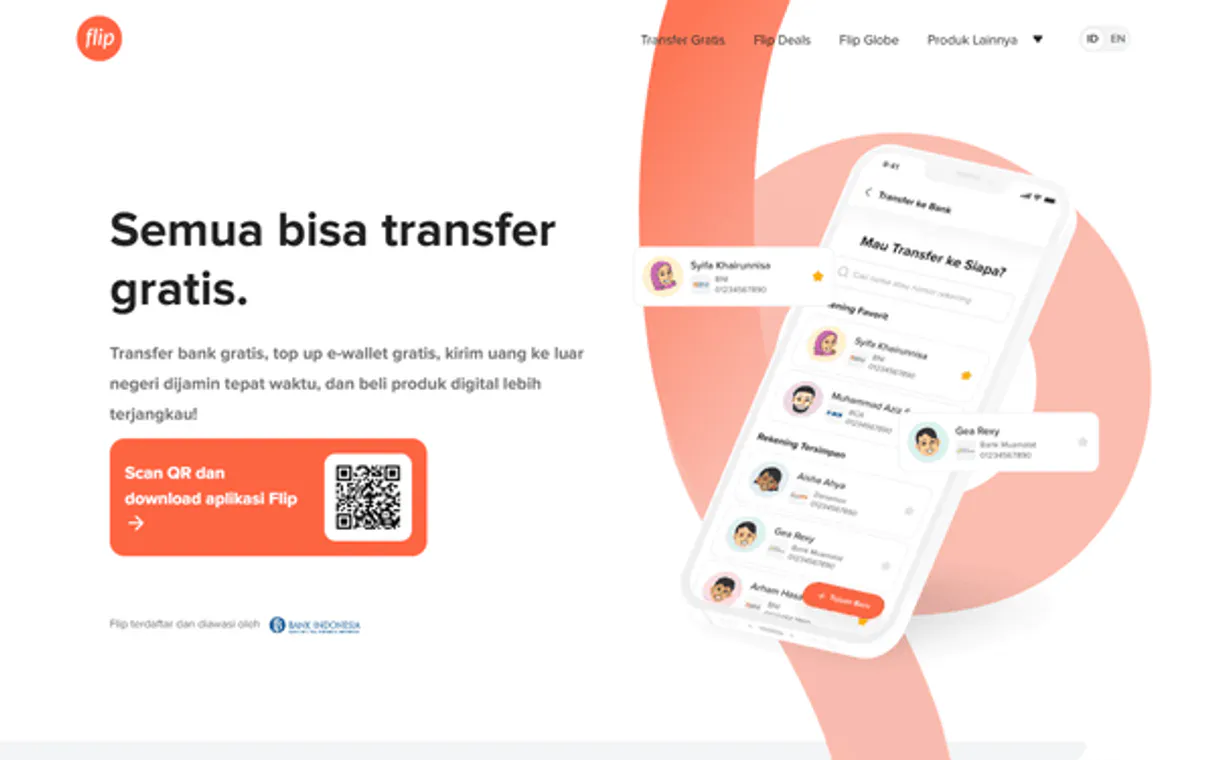
Independent Platform Disclaimer: Vinkius is an independent platform and is not affiliated with, endorsed by, sponsored by, verified by, or otherwise authorized by Flip. All third-party trademarks, logos, and brand names are the property of their respective owners. Their use on this website is strictly for informational purposes to identify service compatibility and interoperability.
VINKIUS INFRASTRUCTURE
Cloud Hosted
Managed infra
V8 Isolated
Sandboxed per request
Zero-Trust Proxy
No stored credentials
DLP Enforced
Policy on every call
GDPR Compliant
EU data residency
Token Compression
~60% cost reduction
Works with Claude, ChatGPT, Cursor, and more
The Model Context Protocol standardizes how applications expose capabilities to LLMs. Instead of operating in isolation, your AI gains direct access to external platforms, live data, and real-world actions through secure, standardized connections.
This server provides 12 capabilities that interface natively with Claude, ChatGPT, Cursor, and any MCP client. No middleware. No custom integration required.
Available Capabilities
Processing payments shouldn't feel like a trip through three different websites.
Today, processing payments means opening your billing system, logging into your bank portal, and then maybe opening a separate CRM just to confirm who paid. You copy-paste account numbers, switch tabs, and manually hit 'submit' multiple times, wasting minutes and making errors inevitable.
With the Flip MCP Server, you tell your agent, 'Set up payment links for our top 10 clients.' The agent handles the `create_bill` process, generating the links and confirming them—all within the chat. It’s a single workflow, not five clicks across five tabs.
Flip MCP Server: Send payouts and manage accounts from chat.
The manual steps that disappear are account validation, checking the balance, and initiating the transfer. You used to check `get_balance` manually, then validate the account via a separate tool, and finally, manually run the transfer tool. It was a sequence of disconnected actions.
Now, you just ask your agent, 'Send the payment to Budi Santos.' The agent runs `validate_bank_account` and `create_disbursement` sequentially, giving you the final confirmation, every time.
Common Questions About Flip MCP
How do I send money using the create_disbursement tool? +
You tell your agent the amount and the recipient's details. The agent executes create_disbursement and handles the payout to the specified Indonesian bank account. You just need to provide the necessary account information.
Can I check my current account balance with get_balance? +
Yes, get_balance checks your available funds in your Flip for Business account. It gives you a real-time number so you know if you can afford the next batch of payments.
What is the difference between list_payments and list_disbursements? +
The difference is direction. list_payments pulls records of money received into your account. list_disbursements pulls records of money sent out from your account.
How do I make a payment link for a customer? +
You ask the agent to create a payment link, which triggers create_bill. The agent returns a unique, active link that the customer can use to pay you.
Does validate_bank_account check if the account is active? +
Yes, validate_bank_account verifies the bank account's existence and confirms the name of the account holder, giving you confidence before you send the money.
How do I use list_banks and list_cities to prepare for a transaction? +
You run list_banks to get all supported banks, and then list_cities to get the valid city codes. This ensures your transaction details are accurate before running create_disbursement or validate_bank_account.
If a disbursement fails, how can I use get_disbursement to debug the issue? +
get_disbursement provides the full transaction record, including failure codes and timestamps. This lets you trace exactly why a payout didn't go through, saving you time on manual investigation.
What is the best way to keep track of all my payouts and received funds? +
Use list_disbursements to see a history of all sent money, and use list_payments to see all incoming payments. You can then cross-reference these lists to keep your books clean and up-to-date.
How do I validate an Indonesian bank account before sending money? +
You can use the 'validate_bank_account' tool. Provide the bank code and account number, and the agent will call the Flip Bank Account Inquiry API to confirm the account is valid and return the registered holder's name.
Can I check my current account balance using this server? +
Yes! The 'get_balance' tool retrieves the current available balance of your Flip for Business account, helping you ensure you have enough funds for your upcoming disbursements.
How do I create a payment link for a customer? +
Use the 'create_bill' tool. Provide a title and the amount in IDR. The agent will generate a payment link (Bill) that you can share with your customer to collect the funds.
Use it with your favorite AI tools
Connect this server to Cursor, Claude, VS Code, and more.
More in this category

Lexware Office (Accounting & Invoicing)
Manage bookkeeping via Lexware Office (lexoffice) — create contacts, track invoices, and audit accounting vouchers in Germany.
Optum Claims & Billing
Securely submit medical bills, track 837 EDI claims, and process UHG bank remittance advices.

ClickTime
Manage time tracking and resource planning via ClickTime — track entries, monitor projects, and audit client hours directly from any AI agent.
You might also like

Mastercard
Identify cards, validate accounts, find merchants, and detect fraud via Mastercard payment APIs.

Boathouse Connect
Manage marina operations with boat slip reservations, customer records, and facility maintenance in one connected system.

Abstract API
Enrich and verify data — audit geolocation, emails, and VAT via AI.