
Gainsight PX MCP. Run product analytics directly from your AI agent.
 Gemini
 Works with every AI agent you already use
…and any MCP-compatible client









Just plug in your AI agents and start using Vinkius.
Gainsight PX MCP Server manages product analytics and user behavior tracking by exposing your Gainsight PX data via the Model Context Protocol.
Your AI agent can use this server to query user profiles, list product features, track custom server-side events, and retrieve engagement metadata in natural conversation.
It helps product managers understand user adoption and customer success ops track account changes without leaving their primary workspace.
What your AI agents can do
Get account details
Retrieves metadata for a specific Gainsight PX account.
Get my identity
Gets the profile metadata for the currently authenticated account.
Get user details
Retrieves metadata for a specific Gainsight PX user.
Queries and returns metadata for specific users or accounts based on defined filters.
Creates or updates identity records for users and accounts, ensuring accurate mapping for future event tracking.
Records custom interaction events from your server backend, enriching product usage data without client-side changes.
Retrieves a list of every product feature currently set up for tracking within Gainsight PX.
Retrieves a list of active in-app guides, sliders, and surveys to check your current engagement setup.
Lists all available products, accounts, or users in the Gainsight PX environment.
Ask AI about this MCP
Supported MCP Clients
Gemini Waiting for input…
Gainsight PX MCP Server: 12 Tools for Product Analytics
These tools let your AI agent query, sync, and track data across your entire Gainsight PX environment, from user profiles to custom backend events.
019d75a2get account details
Retrieves metadata for a specific Gainsight PX account.
019d75a2get my identity
Gets the profile metadata for the currently authenticated account.
019d75a2get user details
Retrieves metadata for a specific Gainsight PX user.
019d75a2identify px account
Syncs and confirms the profile identity for a Gainsight PX account.
019d75a2identify px user
Syncs and confirms the profile identity for a Gainsight PX user.
019d75a2list product features
Lists every product feature that Gainsight PX is currently tracking.
019d75a2list px accounts
Queries and lists all available accounts in Gainsight PX.
019d75a2list px engagements
Lists all active in-app guides, sliders, and surveys configured in Gainsight PX.
019d75a2list px products
Lists all available products managed by Gainsight PX.
019d75a2list px users
Queries and lists all available users in Gainsight PX.
019d75a2track server event
Logs a custom event from your backend system into Gainsight PX.
019d75a2verify api connection
Checks the connection status between your AI client and Gainsight PX.
Choose How to Get Started
Build a custom MCP for your own tools, or connect a ready-made integration from our catalog.
Build Your Own
Turn any API into an MCP. Import a spec, define Agent Skills, or deploy with MCPFusion.
- Import from OpenAPI, Swagger, or YAML specs
- Create Agent Skills with progressive disclosure
- Deploy to edge with MCPFusion framework
- Built in DLP, auth, and compliance on every call
- Real time usage dashboard and cost metering
- Publish to catalog or keep private
Make Your AI Do More
Start with Gainsight PX, then connect any of our 4,700+ other servers whenever your AI needs more. One click, no limits.
- Use this MCP plus 4,700+ others, all in one place
- Add new capabilities to your AI anytime you want
- Every connection is secured and compliant automatically
- Track usage and costs across all your servers
- Works with Claude, ChatGPT, Cursor, and more
- New servers added to the catalog every week
What you can do with this MCP connector
Connect your Gainsight PX account to any AI agent using the Model Context Protocol. This server lets your AI agent handle product analytics and user behavior tracking. You'll get direct access to user profiles, account data, and custom server-side events without writing client-side code.
Find and list user and account details
Your agent can pull metadata for specific users or accounts using defined filters. You can get details for the currently authenticated account using get_my_identity, or check specific user details with get_user_details and account details with get_account_details. You can also sync and confirm identities for both users and accounts using identify_px_user and identify_px_account.
Query product and user lists
Need to see who's around or what products you've got? You can list all available users using list_px_users, all accounts with list_px_accounts, and all products with list_px_products. You can also check what engagement tools you've set up by listing all active in-app guides, sliders, and surveys with list_px_engagements.
List tracked product features
Want to know what Gainsight PX is tracking? You can get a list of every product feature it's currently tracking using list_product_features.
Log backend-initiated events
Your backend system can record custom interaction events into Gainsight PX using track_server_event, enriching your product usage data without client-side changes.
Verify Connection
Before you start, you can check the connection status between your AI client and Gainsight PX with verify_api_connection.
How Gainsight PX MCP Works
- 1 Subscribe to the Gainsight PX server on the Vinkius Marketplace.
- 2 Provide your Gainsight PX Region and API Key (found in Administration > Products).
- 3 Use your AI client to issue commands like 'List all users active in the last 24 hours.' The agent then calls the relevant tools to get the data.
The bottom line is that your AI agent speaks the Gainsight PX API language, letting you run complex reports and manage data without leaving your current development environment.
Who Is Gainsight PX MCP For?
This is for Product Managers and Growth Engineers who are tired of jumping between dashboards and running manual queries. If you need to verify user adoption metrics or automate the identification of new accounts, this server gives your agent the direct API access it needs. It cuts out the dashboard clicks.
Uses the server to quickly check user adoption metrics or verify if a specific feature is being tracked, instead of navigating through manual dashboard filters.
Automates the identification and syncing of new users or accounts via simple AI commands, ensuring all future events are properly attributed.
Syncs account metadata and tracks custom server-side events, keeping records accurate without manual data entry or external tooling.
What Changes When You Connect
- Get instant visibility into user behavior. Instead of clicking through multiple dashboard filters, use
get_user_detailsorget_account_detailsto pull specific profile metadata directly into your chat. - Automate data logging. Use
track_server_eventto log custom interactions from your backend. This enriches your product usage data without needing a dedicated client-side code push. - Simplify identity management. Run
identify_px_accountoridentify_px_userto sync and confirm profiles. This ensures that even new users are correctly attributed to the right account from day one. - Audit your setup instantly. Run
list_product_featuresto see exactly which product features are being tracked. You don't have to manually check the instrumentation coverage dashboard. - Understand engagement strategy. Call
list_px_engagementsto retrieve a list of active guides, sliders, and surveys. You monitor your in-app communication strategy programmatically. - Manage scope easily. Use
list_px_productsandlist_px_accountsto define the exact boundaries of your data. You know what data sets are available before running complex queries.
Real-World Use Cases
New User Onboarding Tracking
A Growth Engineer needs to track the first session of a newly signed-up client. They ask their agent to 'identify the new account and track the initial login event.' The agent runs identify_px_account followed by track_server_event. This immediately syncs the account and logs the activity, solving the need for manual setup steps.
Comparing User Cohorts
A Product Manager wants to compare feature usage between two user groups. They ask the agent to 'list all users who used Feature X in the last 30 days.' The agent calls list_px_users and potentially get_user_details to pull the necessary data, eliminating the need to run custom SQL reports.
Verifying Data Integrity
A Customer Success Ops specialist needs to confirm if a key feature, like 'Advanced Reporting,' is actually being tracked. They ask the agent to 'list all tracked product features.' The agent runs list_product_features and provides an instant list, preventing time wasted checking the dashboard settings.
Debugging Data Flow
A backend developer needs to confirm that a specific server-side action is correctly logging. They ask the agent to 'log a custom event for user X.' The agent executes track_server_event, giving immediate confirmation that the data point is captured correctly.
The Tradeoffs
Assuming data is always current
Trying to analyze a user's profile using get_user_details without first running identify_px_user. The data might be old, or the tool might fail because the identity isn't synced.
→
Always run identify_px_user before you call get_user_details to ensure the profile is synced. This guarantees the agent is working with the most current identity map.
Manually listing all available data
Asking the agent to 'list all users and all accounts.' This is clunky and requires multiple, disconnected commands, making the workflow feel disjointed.
→
Use list_px_users to get the full list of users, then use list_px_accounts for the full list of accounts. Treat them as separate, distinct data retrieval steps.
Debugging by guessing the event name
Trying to manually track a new event by just describing it, without using the proper API call. The event will likely fail to log or map incorrectly.
→
You must use track_server_event and provide the precise parameters needed for the event. This forces structured data logging from your backend.
When It Fits, When It Doesn't
Use this server if your job requires linking raw user behavior data (events, profiles) to specific product features and account ownership. You need a single interface to query, update, and track activity.
Don't use this if you only need to read static marketing data or if your data source lives outside of Gainsight PX. For example, if you need to check internal HR records, this server won't help. You'll need a different tool for that. If you just want to list available products, list_px_products is sufficient, but if you need to act on the data, you need the full server.
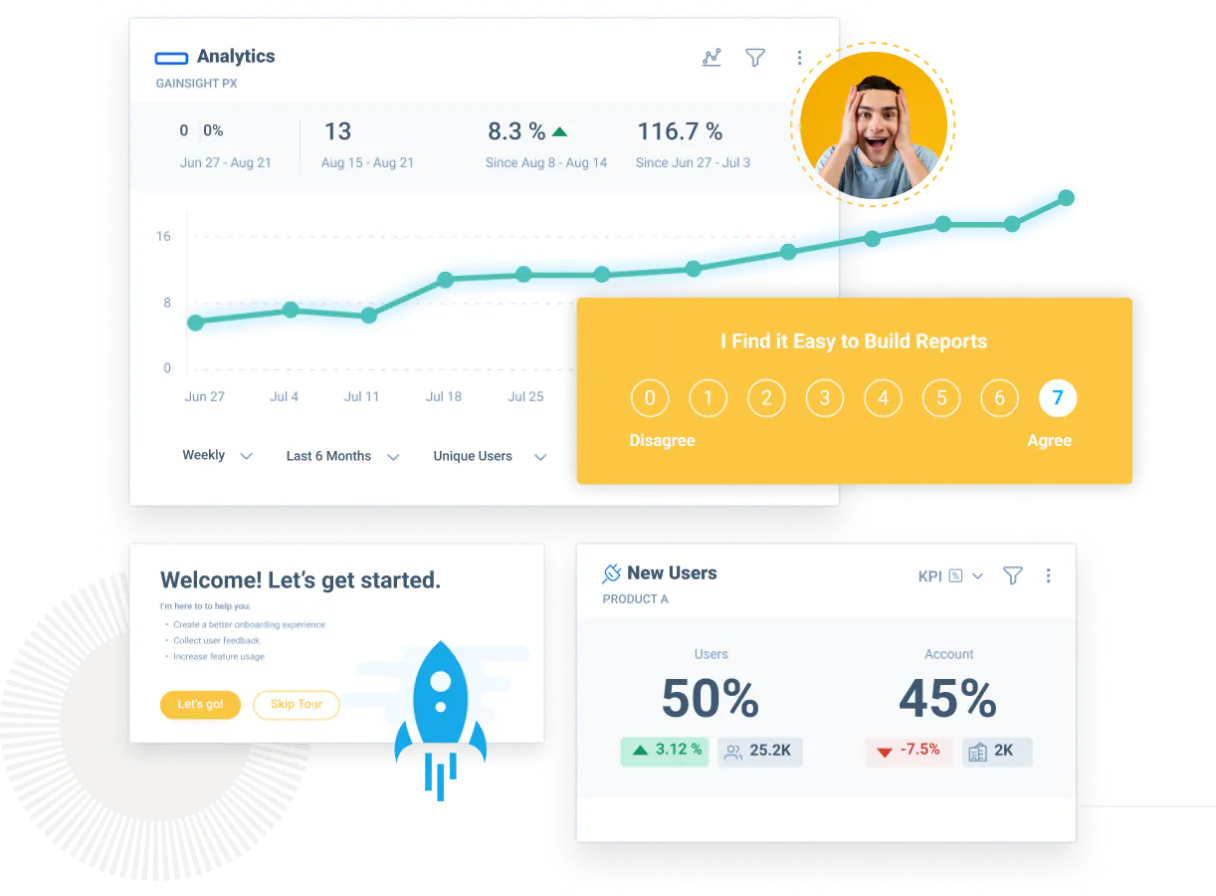
Independent Platform Disclaimer: Vinkius is an independent platform and is not affiliated with, endorsed by, sponsored by, verified by, or otherwise authorized by Gainsight PX. All third-party trademarks, logos, and brand names are the property of their respective owners. Their use on this website is strictly for informational purposes to identify service compatibility and interoperability.
VINKIUS INFRASTRUCTURE
Cloud Hosted
Managed infra
V8 Isolated
Sandboxed per request
Zero-Trust Proxy
No stored credentials
DLP Enforced
Policy on every call
GDPR Compliant
EU data residency
Token Compression
~60% cost reduction
Works with Claude, ChatGPT, Cursor, and more
The Model Context Protocol standardizes how applications expose capabilities to LLMs. Instead of operating in isolation, your AI gains direct access to external platforms, live data, and real-world actions through secure, standardized connections.
This server provides 12 capabilities that interface natively with Claude, ChatGPT, Cursor, and any MCP client. No middleware. No custom integration required.
Available Capabilities
Checking user adoption metrics used to take hours of clicking through dashboards.
Right now, checking a single user's adoption requires jumping into the Gainsight dashboard, finding the user, manually applying date filters, and then cross-referencing which product features were used. It’s a multi-tab, copy-paste, and guesswork process.
With this MCP server, you ask your agent: 'What features did John Doe use last month?' The agent runs the necessary tools (`get_user_details` and `list_product_features`) and spits out a structured list. You get the answer in seconds, right in your chat.
Using the Gainsight PX MCP Server: Account & Behavior Metrics
The `identify_px_account` and `identify_px_user` tools eliminate the need to manually run identity checks or update profiles in a separate system. You tell your agent who the user is, and it handles the sync and validation against the Gainsight PX records.
This means your data is always tied to the correct identity. No more guessing if the user profile is fresh. It just works.
Common Questions About Gainsight PX MCP
How do I get an API Key for Gainsight PX? +
Log in to Gainsight PX, go to Administration > Products, select your product, and you will find the API Key in the product settings.
Which region should I select? +
Select 'US' if your account is hosted at api.aptrinsic.com, or 'EU' if it is hosted at api-eu.aptrinsic.com.
Can I identify new users through the agent? +
Yes! Use the 'identify_px_user' tool and provide a unique 'identifyId'. The agent will create or update the user profile in Gainsight PX instantly.
Does this server support tracking custom events? +
Yes, the 'track_server_event' tool allows you to log custom behavioral events for any identified user directly from your backend or chat interface.
How do I use the `list_px_accounts` tool to query PX accounts? +
The list_px_accounts tool queries your Gainsight PX environment for account metadata. You can filter these results by custom criteria to find specific accounts or groups.
Can I use `get_user_details` to find user metadata for a specific email? +
Yes, get_user_details fetches comprehensive metadata for a specified user. It allows you to pull key profile information like last activity date or associated roles.
What is the purpose of the `track_server_event` tool? +
The track_server_event tool lets your agent log custom interaction events from your backend. This enriches your product usage data without needing client-side code.
How do I check if the API connection is working with `verify_api_connection`? +
Running verify_api_connection confirms that your AI client has the necessary permissions and that the server can connect to Gainsight PX. It provides a quick health check.
Use it with your favorite AI tools
Connect this server to Cursor, Claude, VS Code, and more.
More in this category

GenerateBanners
Create professional ad banners and social media graphics automatically with templates that match your brand guidelines.

Kit (ConvertKit)
Enable your AI agent to manage email subscribers, organize tags, and monitor broadcast campaigns via the Kit API.

Awin
Global affiliate marketing automation — manage advertiser programmes, track transactions, and generate tracking links via AI.
You might also like
ON24
Host enterprise webinars and virtual events that generate pipeline with interactive engagement tools and first-party intent data.

EBI InterPro
Classify protein sequences into families, predict functional domains, and explore evolutionary relationships across species.

PaperQuotes
Access a vast library of quotes, search by author or tags, and get the quote of the day directly in your AI agent.