
MeiQia MCP. Orchestrate live chats, CRM data, and agent status.
 Gemini
 Works with every AI agent you already use
…and any MCP-compatible client









Just plug in your AI agents and start using Vinkius.
MeiQia connects your AI agent directly to a major live chat and CRM system. Your client can list active conversations, pull full message histories, look up customer profiles, update contact details, and monitor team workload—all without you ever opening the web interface.
It makes complex customer engagement data instantly accessible for any workflow.
What your AI agents can do
Create customer
Adds a brand new customer record directly into the CRM database.
Get agent status
Checks and reports on if specific support agents are online, busy, or offline.
Get conversation
Retrieves all key details for a specified chat thread ID.
The agent pulls a list of all live chat threads, showing which are active, closed, or pending follow-up.
You can request the complete message log for any conversation, seeing every comment and interaction that has taken place.
The agent writes new customer records or modifies existing ones with contact details and updated information.
You send a reply directly through the chat interface, making sure the customer gets an immediate response without manual copy/pasting.
The agent checks if specific support agents are online or pulls aggregate metrics on team capacity to route incoming queries better.
Ask AI about this MCP
Supported MCP Clients
Gemini Waiting for input…
MeiQia MCP Server: 10 Tools for Customer Support Ops
Use these tools to manage everything from live chat threads and message history to updating customer profiles in real time.
019d8456create customer
Adds a brand new customer record directly into the CRM database.
019d8456get agent status
Checks and reports on if specific support agents are online, busy, or offline.
019d8456get conversation
Retrieves all key details for a specified chat thread ID.
019d8456get customer
Looks up the complete profile of an existing customer by their identifier.
019d8456get workload summary
Pulls high-level statistics on team capacity, showing who is overworked or underutilized.
019d8456list agents
Provides a roster and status of all support agents connected to the platform.
019d8456list conversations
Retrieves a list of active and closed chat conversations in your workspace.
019d8456list customers
Pulls a paginated list of every customer record stored in the CRM.
019d8456list messages
Gets the full, ordered text history for messages within a specific conversation thread.
019d8456send message
Sends an outgoing message reply to the customer through the live chat interface.
Choose How to Get Started
Build a custom MCP for your own tools, or connect a ready-made integration from our catalog.
Build Your Own
Turn any API into an MCP. Import a spec, define Agent Skills, or deploy with MCPFusion.
- Import from OpenAPI, Swagger, or YAML specs
- Create Agent Skills with progressive disclosure
- Deploy to edge with MCPFusion framework
- Built in DLP, auth, and compliance on every call
- Real time usage dashboard and cost metering
- Publish to catalog or keep private
Make Your AI Do More
Start with MeiQia, then connect any of our 4,700+ other servers whenever your AI needs more. One click, no limits.
- Use this MCP plus 4,700+ others, all in one place
- Add new capabilities to your AI anytime you want
- Every connection is secured and compliant automatically
- Track usage and costs across all your servers
- Works with Claude, ChatGPT, Cursor, and more
- New servers added to the catalog every week
What you can do with this MCP connector
Your AI agent hooks up directly to your live chat and CRM system with MeiQia. It lets you run complex customer service operations without ever opening a single browser tab or juggling multiple dashboards. You're not just reading data; your client acts on it, making sure every conversation gets handled instantly.
For managing active conversations, the agent first pulls a list of all chats—whether they’re live, closed out, or waiting for follow-up (list_conversations). Once you identify a specific thread ID, your AI client retrieves all key details about that chat (get_conversation), giving context right away. To see what actually went down in the discussion, it fetches the complete, ordered text log of every message sent and received within that thread (list_messages).
When an agent needs to reply, your AI client sends a direct outgoing message straight through the live chat interface (send_message), ensuring the customer gets an immediate response without you having to copy and paste anything.
When it comes to handling customer data, your agent keeps everything current in the CRM. You can run a comprehensive list of every single customer record stored—it's paginated so you don’t miss a thing (list_customers). If you need a specific person's file, you look them up by their identifier using get_customer.
Need to add someone brand new? It handles that too; it creates the whole record in the CRM database right away (create_customer). Beyond just reading profiles, your agent updates things. You can modify existing customer records with updated contact info or any other details you need to capture.
For team management and routing incoming work, your agent gives you full visibility into who's available and how much capacity the team has. It provides a roster of every support agent connected to the platform (list_agents), showing their real-time status—are they online, busy, or offline? To get the big picture on staffing levels, it pulls a workload summary that shows high-level metrics on who's overworked and who's got bandwidth for more queries (get_workload_summary).
These tools let your AI client check specific agent availability right now (get_agent_status), helping you route incoming calls or chats to the best available person. It lets you process everything—from finding a customer record, gathering their chat history, and sending the final reply—all in one continuous workflow.
How MeiQia MCP Works
- 1 First, subscribe to the MeiQia server and provide your access token.
- 2 Next, tell your AI client exactly what you need (e.g., 'List all open chats for Enterprise clients').
- 3 Finally, the agent executes the required tools—like
list_conversationsthenget_customer—and returns the structured data to your chat window.
The bottom line is: You talk to your AI client, and it does the multi-step API calls needed behind the scenes.
Who Is MeiQia MCP For?
This is for anyone whose job requires switching between a chat dashboard, a CRM database, and a team status board. It’s built for the Support Agent who's tired of losing context across three different tabs, or the Ops Manager who needs real-time performance data without logging into a separate reporting panel.
Uses list_conversations and get_workload_summary to audit team responsiveness and track quality of engagement across multiple accounts.
Uses get_customer and send_message in sequence: pulling background info first, then replying directly via the AI workspace.
Runs list_customers to pull lead lists, checking their status with get_agent_status before assigning a new sales query.
Uses the AI client to aggregate data by asking for key metrics like 'How many chats were resolved today?' using the available tools.
What Changes When You Connect
- You get real-time team metrics. Instead of asking a human for an update, your AI client runs
get_workload_summaryto tell you exactly where the bottlenecks are right now. - Customer history is immediate. You don't need to navigate five different tabs; one prompt triggers
list_conversations, thenget_customer, and finallylist_messagesfor full context. - Never lose a lead again. Your agent can use
create_customerimmediately after a chat ends, ensuring all contact data is captured before you move to the next ticket. - Direct action in conversation. You send replies using
send_message, meaning your AI doesn't just read the context—it acts on it instantly. - Team visibility improves dramatically. You can use
get_agent_statusandlist_agentsto confirm who is available before assigning a high-priority query.
Real-World Use Cases
Handling an Escalated Support Query
A customer complains about billing. Instead of manually checking three places, the agent prompts: 'Get details for John Doe and list his last 5 messages.' The AI runs get_customer followed by list_messages. You immediately see his account history and can use send_message to confirm the fix.
Daily Shift Handoff Audit
At end-of-shift, you need a status report. You ask your agent to 'Give me a summary of today's volume and who was busy.' The AI runs get_workload_summary and list_agents, giving the next person an instant, data-backed handover.
Capturing a New Lead's Details
A prospect chats with you. When they leave, you prompt: 'Create a customer for this chat.' The AI runs create_customer using the contact info from the chat, and then updates their profile using get_customer to ensure data integrity.
Reviewing Old Campaign Interactions
You need to check what a specific customer talked about last month. You prompt: 'Show me all chats for user X.' The AI runs list_conversations, narrows it down, and executes get_conversation to pull the required data.
The Tradeoffs
Manual Context Switching
You open the web UI to check a customer's details. Then you switch tabs to the chat log. You copy the name, paste it into the CRM search bar, and then repeat this process for every single ticket.
→
Tell your AI client: 'Get the full profile for customer X, review their history using list_messages, and let me know the current status.' Your agent handles all the tool calls automatically.
Guessing Agent Availability
You need to assign a high-priority ticket but don't know which team member is free. You waste time sending internal pings or waiting for someone to reply.
→
Run get_agent_status and list_agents. The AI instantly tells you who is online, busy, or available, letting you route the query immediately.
Assuming Data Exists
You start writing a message assuming you know the customer's full contact info, but then realize you don't have their most recent address.
→
Always run get_customer first. The AI checks for required data points and prompts you if any key fields (like email or phone) are missing before drafting your reply.
When It Fits, When It Doesn't
Use this server if your core workflow revolves around a live, continuous conversation loop—support, sales chat, immediate service queries. You need to read context (history), write responses (send_message), and update the record (CRM) all in one go.
Don't use it if you only need to manage internal tickets that don't involve real-time messaging. If your primary task is complex data transformation or analyzing structured CSV files, a dedicated database connector will be better. This toolset is purely for front-line, conversational customer engagement.
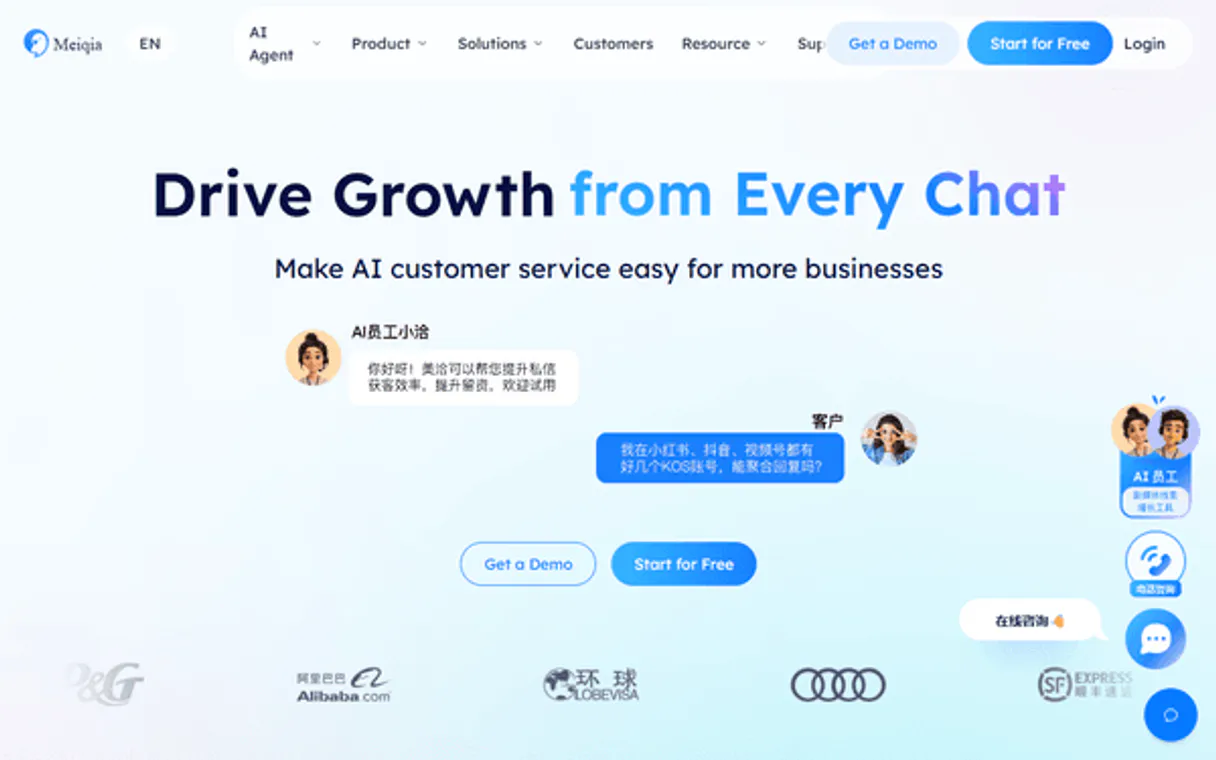
Independent Platform Disclaimer: Vinkius is an independent platform and is not affiliated with, endorsed by, sponsored by, verified by, or otherwise authorized by MeiQia. All third-party trademarks, logos, and brand names are the property of their respective owners. Their use on this website is strictly for informational purposes to identify service compatibility and interoperability.
VINKIUS INFRASTRUCTURE
Cloud Hosted
Managed infra
V8 Isolated
Sandboxed per request
Zero-Trust Proxy
No stored credentials
DLP Enforced
Policy on every call
GDPR Compliant
EU data residency
Token Compression
~60% cost reduction
Works with Claude, ChatGPT, Cursor, and more
The Model Context Protocol standardizes how applications expose capabilities to LLMs. Instead of operating in isolation, your AI gains direct access to external platforms, live data, and real-world actions through secure, standardized connections.
This server provides 10 capabilities that interface natively with Claude, ChatGPT, Cursor, and any MCP client. No middleware. No custom integration required.
Available Capabilities
Checking a customer’s background shouldn't require jumping between three different web tabs.
Today, when a chat comes in, you have to do this dance: click the conversation link. Then, switch over to the separate CRM tab and manually search for that customer by name or ID. You copy the account details—the address, the last purchase date—and then paste them into your notes before finally getting back to type your response.
With MeiQia MCP, you tell your agent: 'Give me all context on this chat.' The AI runs `get_customer` and `list_messages` in seconds. You get a single, unified data block that shows the history *and* the profile info. It’s instant.
MeiQia MCP Server: Update customer records with `create_customer`.
Manual processes usually mean logging into a spreadsheet, finding the right row, and updating multiple fields—contact info, status flags, internal notes. If you forget one field or click the wrong button, your data is corrupted.
The agent handles this via `create_customer` or by querying existing records with `get_customer`. You just provide the data payload to the AI client; it manages the complex API calls and ensures every required field gets written correctly. Period.
Common Questions About MeiQia MCP
How do I check if an agent is available using `get_agent_status`? +
You ask your agent to 'Check support team availability.' The system runs get_agent_status, giving you a real-time list of who is online, busy, or away. It's instant status checks for routing.
Can I use `list_customers` if I only know the name? +
No. list_customers requires running a search query on the CRM database to pull all records. If you need specific details, run get_customer and provide the customer ID.
What's the difference between `list_conversations` and `get_conversation`? +
list_conversations gives you a list of all chats (like a directory). You must then use get_conversation on a specific chat ID to pull the actual details or message history.
How do I send an automatic reply using `send_message`? +
You simply instruct your agent: 'Send the message [text] to conversation ID [ID].' The tool handles authentication and delivery through the live chat system.
When using `create_customer`, what information must I provide? +
You must include mandatory fields like name, primary email, and associated account ID. The tool validates these parameters before creating the record in the CRM.
What specific data points does `get_workload_summary` return? +
This function provides aggregate metrics on team performance, including the total count of open chats, average response time per agent, and number of pending tickets for the shift.
How does `list_messages` handle deep conversation history? +
list_messages retrieves a paginated log of every message exchanged in a thread. You can specify date ranges or maximum message counts to limit the data retrieved.
What fields are available when I call `get_customer`? +
The tool returns comprehensive customer details, including contact information, account tier status, and a summary of all past interactions linked through MeiQia.
How do I obtain a MeiQia Access Token? +
Log in to your MeiQia workspace, go to [Settings] → [Developer] → [APIs], and generate a new Access Token. Make sure to copy it carefully.
Can I reply to customers through the agent? +
Yes. Use the send_message tool with the specific conversation ID and your message content. This allows for rapid responses directly from your AI workspace.
Is it possible to see the current team workload? +
Yes! Use the get_workload_summary tool to retrieve a real-time overview of how many active chats each agent is handling, helping you manage team capacity.
Use it with your favorite AI tools
Connect this server to Cursor, Claude, VS Code, and more.
More in this category

Alchemer
Survey and feedback orchestration — manage surveys, responses, and reports via AI.

Birdeye
Manage reputation and customer experience via Birdeye — list reviews, manage contacts, and trigger surveys directly from any AI agent.
Observe.AI
Analyze and evaluate contact center interactions via Observe.AI — track transcripts, QA scores, and coaching directly from your AI agent.
You might also like

Albi Restoration
Manage restoration projects from damage assessment through job completion with tools built for contractors and adjusters.

Eventbrite Alternative
Manage your Eventbrite events — audit organizations, attendees, and orders via AI.

Recruit CRM
Manage candidates, jobs, and client companies with Recruit CRM and AI agents.