
Bitly MCP. Track clicks, analyze sources, and manage links from your chat.
 Gemini
 Works with every AI agent you already use
…and any MCP-compatible client









Just plug in your AI agents and start using Vinkius.
Bitly. Manage your links and track performance directly from any AI client. Shorten long URLs into branded Bitlinks, track real-time click counts, and analyze traffic sources by country or referrer.
Get full oversight of your link groups and tags without leaving your workflow.
What your AI agents can do
Create qr code
Generates a QR code image for a specified link.
Get bitlink
Retrieves core details for a specific bitlink.
Get clicks
Gets the total click count and basic analytics for a given link.
Shortens a long URL into a branded Bitlink, and allows you to change the link's title if needed.
Retrieves specific details about a link, including its current status and general metrics.
Pulls aggregate click data for a specific link, giving you the total number of times it was accessed.
Analyzes the source of clicks, providing a list of countries that accessed the link.
Pulls a list of referring websites and networks that directed traffic to the link.
Lists all available Bitly groups and retrieves aggregated data across those groups.
Creates a scannable QR code image for a specified URL.
Ask AI about this MCP
Supported MCP Clients
Gemini Waiting for input…
Bitly MCP Server: 10 Tools for Link Management
Use these tools to shorten URLs, track performance, pull geographic data, and manage link groups directly through your AI client.
019d755dcreate qr code
Generates a QR code image for a specified link.
019d755dget bitlink
Retrieves core details for a specific bitlink.
019d755dget clicks
Gets the total click count and basic analytics for a given link.
019d755dget countries
Gets click analytics, showing which countries accessed the link.
019d755dget referrers
Gets a list of websites that sent traffic to the link.
019d755dget user
Retrieves basic information about the connected Bitly account.
019d755dlist bitlinks
Lists all active links within a defined Bitly group.
019d755dlist groups
Lists all the link groups available in your Bitly account.
019d755dshorten url
Creates a new bitlink from a long URL, with options for custom domains and titles.
019d755dupdate bitlink
Changes the title of an existing bitlink.
Choose How to Get Started
Build a custom MCP for your own tools, or connect a ready-made integration from our catalog.
Build Your Own
Turn any API into an MCP. Import a spec, define Agent Skills, or deploy with MCPFusion.
- Import from OpenAPI, Swagger, or YAML specs
- Create Agent Skills with progressive disclosure
- Deploy to edge with MCPFusion framework
- Built in DLP, auth, and compliance on every call
- Real time usage dashboard and cost metering
- Publish to catalog or keep private
Make Your AI Do More
Start with Bitly, then connect any of our 4,700+ other servers whenever your AI needs more. One click, no limits.
- Use this MCP plus 4,700+ others, all in one place
- Add new capabilities to your AI anytime you want
- Every connection is secured and compliant automatically
- Track usage and costs across all your servers
- Works with Claude, ChatGPT, Cursor, and more
- New servers added to the catalog every week
What you can do with this MCP connector
You'll manage your links and track performance straight from your AI client. You don't gotta jump between tabs or copy-paste numbers into a spreadsheet.
Create and Update Links: You can use shorten_url to turn a long URL into a branded Bitlink, even specifying custom domains. If you gotta change the link's name later, just use update_bitlink.
Get Link Details and Performance: You can call get_bitlink to pull the core details for any specific bitlink, and get_user to grab basic info about your connected Bitly account. To see a link's general metrics, you'll use get_clicks.
Analyze Click Metrics: For deep dives, get_countries pulls analytics showing which countries accessed the link. get_referrers lists the websites and networks that sent traffic to the link. You can also get a full list of all active links in a group using list_bitlinks, or see all available groups with list_groups.
Generate QR Codes: Need a physical way to track it? create_qr_code generates a scannable QR code image for any link you specify.
How Bitly MCP Works
- 1 Subscribe to the Bitly server and enter your Bitly Generic Access Token.
- 2 Tell your AI agent what you need—for example, 'Show me the clicks for my main campaign link.'
- 3 The agent calls the necessary Bitly tools, and you receive the structured, plain-language data in your chat.
The bottom line is, you manage your entire link presence and all its metrics without leaving your AI client.
Who Is Bitly MCP For?
This is for marketing analysts and growth managers who are sick of switching between Bitly, Google Analytics, and their CMS just to track one campaign. If your job involves launching campaigns, tracking regional performance, or managing dozens of unique URLs, this saves you hours of manual API calls and dashboard clicking.
Quickly shorten links for posts and check performance metrics directly in the chat window, rather than opening the Bitly dashboard.
Automate the creation of new links and then pull aggregated click data across multiple link groups for campaign reporting.
Need to know which external sites are driving traffic to a key product landing page? Use the agent to pull referrer data immediately for a campaign review.
What Changes When You Connect
- See total click metrics instantly. Instead of opening the Bitly dashboard to find a link's total count, your agent runs
get_clicksand delivers the number in the chat. - Pinpoint regional traffic. Use
get_countriesto immediately see if your link is performing better in Germany versus Brazil, informing your next campaign push. - Know who sent the traffic. When a campaign underperforms, run
get_referrersto determine if the issue is the content or the source network. - Automate link creation. Use
shorten_urlto generate a clean bitlink, and thencreate_qr_codeto instantly get a scannable image for print materials. - Keep everything organized. Use
list_groupsandlist_bitlinksto see all your links and groups in one place, eliminating the need to manually review multiple dashboards. - Manage brand consistency. Use
update_bitlinkto change a link's title if the campaign goal changes, keeping your links current without logging into the web portal.
Real-World Use Cases
Campaign review after launch
A marketing manager launches a product page. Instead of going to the Bitly site, they ask their agent to run get_clicks and get_countries on the link. The agent reports the total clicks and breaks down the top 3 countries in the chat, allowing the manager to adjust ad spend instantly.
Content repurposing
A content creator writes a long blog post. They ask the agent to shorten_url the URL and then create_qr_code the output. They get a clean bitlink and a ready-to-post image, skipping the manual steps of the Bitly web interface.
Audit link consistency
A growth team member needs to audit links across three different internal teams. They ask the agent to list_groups and then list_bitlinks for each group. The agent compiles a full inventory list, flagging any links missing a tag.
Debugging poor traffic
A campaign owner sees low traffic. They ask the agent to run get_referrers on the link. The agent identifies that traffic is coming from an unexpected, low-value network, pointing the owner to the true source of the problem.
The Tradeoffs
Forgetting link groups
A user manually checks the main link dashboard, assuming all links are there. They miss campaign-specific links that were placed in a separate 'Q3 Sales' group.
→
Always start by asking the agent to run list_groups. Then, use list_bitlinks against the specific group name to ensure you have a complete inventory.
Using generic analytics
Checking the main Bitly dashboard only gives a total click count. You can't tell if the clicks came from a specific country or a specific source site.
→
Don't just look at total numbers. Run get_countries or get_referrers to filter the data and get actionable insights.
Over-reliance on the web UI
Manually copying and pasting click data from the web dashboard into a spreadsheet. This is slow, error-prone, and requires multiple logins.
→
Let your agent handle it. Ask for the data directly. Use get_clicks or get_countries to get the raw metrics you need, all within the chat.
When It Fits, When It Doesn't
Use this server if your primary need is tracking and managing links across multiple campaigns, departments, or geographical areas. You need to know where the traffic is coming from (referrers) and how many clicks happened (get_clicks). Don't use this if you just need to generate a single, static URL for a one-off personal project—you'd be better off with a simple dedicated URL shortening service. If your only goal is to read a link's current status, get_bitlink is enough, but this server gives you the full analytics package.
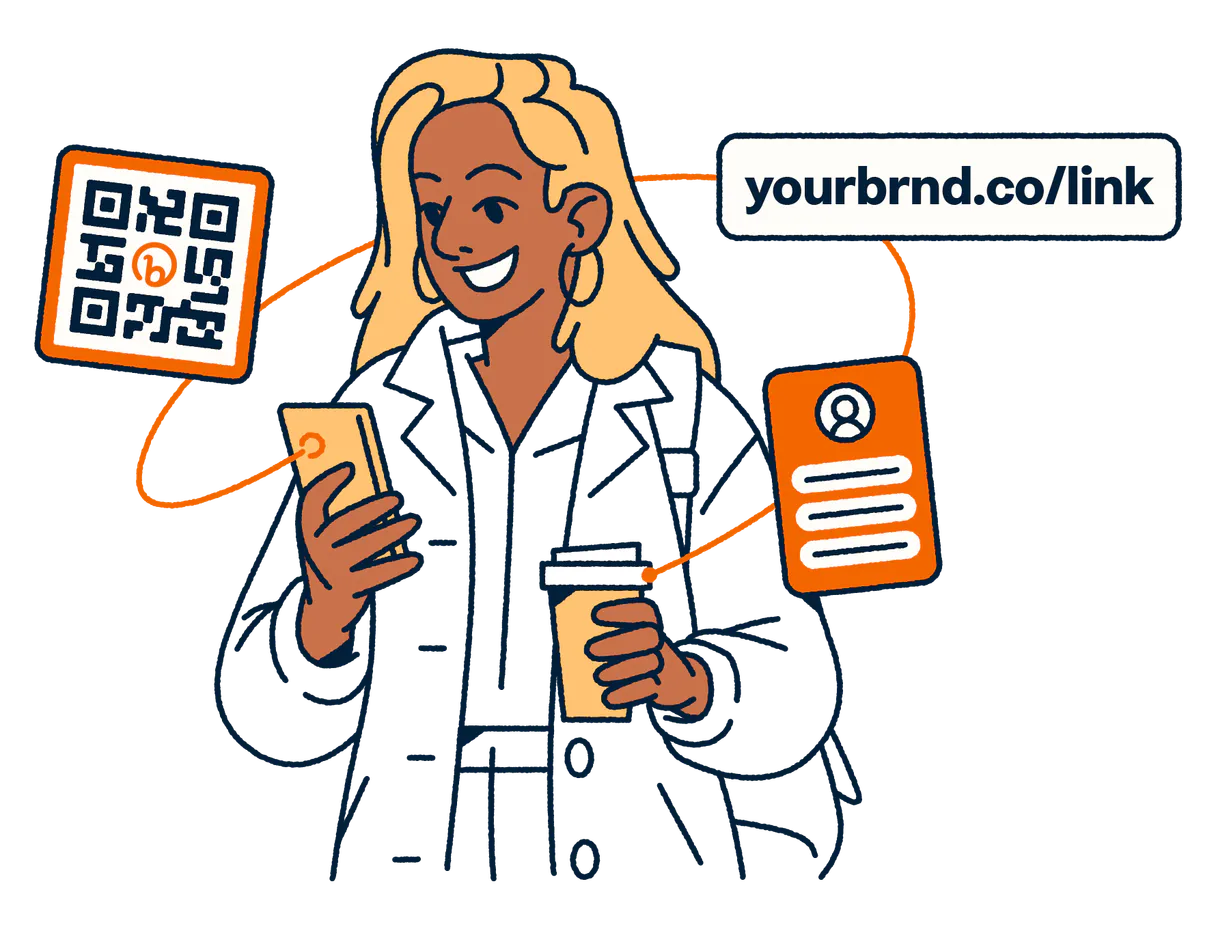
Independent Platform Disclaimer: Vinkius is an independent platform and is not affiliated with, endorsed by, sponsored by, verified by, or otherwise authorized by Bitly. All third-party trademarks, logos, and brand names are the property of their respective owners. Their use on this website is strictly for informational purposes to identify service compatibility and interoperability.
VINKIUS INFRASTRUCTURE
Cloud Hosted
Managed infra
V8 Isolated
Sandboxed per request
Zero-Trust Proxy
No stored credentials
DLP Enforced
Policy on every call
GDPR Compliant
EU data residency
Token Compression
~60% cost reduction
Works with Claude, ChatGPT, Cursor, and more
The Model Context Protocol standardizes how applications expose capabilities to LLMs. Instead of operating in isolation, your AI gains direct access to external platforms, live data, and real-world actions through secure, standardized connections.
This server provides 10 capabilities that interface natively with Claude, ChatGPT, Cursor, and any MCP client. No middleware. No custom integration required.
Available Capabilities
Tracking links used to be a mess of tabs and dashboards.
Today, checking link performance means logging into Bitly, finding the specific link, waiting for the analytics dashboard to load, then maybe exporting a CSV. You jump between the main dashboard, the geographic breakdown, and the referrer list. It’s slow, and you lose context by the time you get the data into a spreadsheet.
With the Bitly MCP Server, you ask your agent for the data. You tell it, 'Show me the clicks and the top countries.' The agent runs the tools, pulls the data, and presents it all in a clean, structured response. You get the answer instantly.
Bitly MCP Server: Analyze link performance with `get_clicks`
Before, getting a full picture of a link's performance required manually pulling the total click count, then cross-referencing that with separate reports for geographic data. This was a multi-step, multi-tool process.
Now, you just ask for the click summary. The agent uses `get_clicks` and gives you the single, definitive total. It streamlines the process from a 5-minute manual effort to a single prompt.
Common Questions About Bitly MCP
How do I use the get_clicks tool to see total link performance? +
You ask your agent to run get_clicks and specify the link. It pulls the total click count and basic metrics into the chat. This is faster than opening the web dashboard.
Does the get_referrers tool show all sources of traffic? +
Yes, the get_referrers tool identifies which specific websites and networks are sending traffic to the link. This helps you find the exact source of a campaign's traffic.
What is the best way to track regional performance with get_countries? +
Just ask the agent to use get_countries on the link. It immediately breaks down the click metrics by country, letting you see regional trends without leaving your chat.
Can I create a link and get a QR code using create_qr_code? +
Yes. First, use shorten_url to create the bitlink, and then immediately ask the agent to run create_qr_code on the new link. You get both the link and the image in one flow.
How do I manage links across different teams using list_groups? +
Use list_groups first to see all available groups. Then, use list_bitlinks with the group name to pull the full inventory for that specific team or department.
How do I check the details of a specific link using the get_bitlink tool? +
The get_bitlink tool returns all metadata for a given link. You'll get the original URL, the creation date, and any custom title set on the link.
Can I list all my groups and then list links within a group using list_groups and list_bitlinks? +
Yes, you must call list_groups first to get the group GUIDs. Then, pass a specific group GUID to list_bitlinks to retrieve the links inside it.
What happens if I try to shorten a URL with an invalid custom domain in shorten_url? +
The shorten_url tool will return an error detailing the invalid domain or format. Your AI client can catch this specific error and prompt you to fix the input.
Can I check how many people clicked my link today? +
Yes! Use the get_link_clicks tool with your Bitlink. Your agent will fetch the total click summary directly from the Bitly engine.
How do I see which countries my clicks are coming from? +
Simply ask the agent to get_clicks_by_country for a specific Bitlink. It will return a breakdown of traffic by geographic origin.
Does the integration allow me to delete a Bitlink? +
Bitlinks cannot be truly deleted via the standard API; they can only be archived or hidden. Currently, the toolset focuses on creation and monitoring (shortening links, checking metrics).
Use it with your favorite AI tools
Connect this server to Cursor, Claude, VS Code, and more.
More in this category

Every.org
Enable donations to over a million nonprofits through a single integration with tax-deductible receipts and giving widgets.

Crisp
Chat with website visitors in real time, manage support conversations, and build a knowledge base that reduces ticket volume.

Breezy HR
Manage your recruitment process via Breezy HR — track candidates, positions, and stages directly from any AI agent.
You might also like
Kyte
Manage your POS store — list products, track orders, and audit inventory.

Substack
Equip your AI agent with direct access to Substack — manage publications, draft posts, and track subscriber data without opening the Substack editor.

Malaysia Weather
Get real-time tropical weather forecasts, severe weather warnings, and earthquake alerts for Malaysia and Southeast Asia from MET Malaysia.