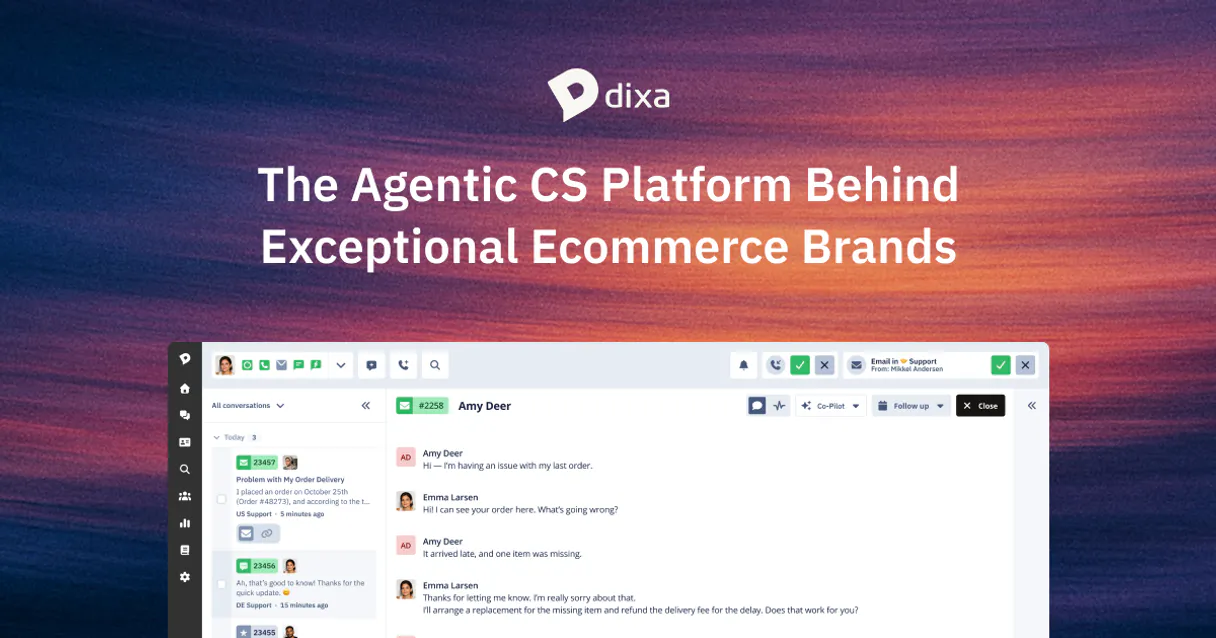
Dixa MCP. Manage your support ops through conversation.
Works with every AI agent you already use
…and any MCP-compatible client

Just plug in your AI agents and start using Vinkius.
Dixa. Manage your entire customer support operation by connecting Dixa to your AI agent. This server lets your agent read conversation history, check agent availability, monitor service queues, and audit support team structures.
You get a single chat interface to handle the entire customer service workflow without switching apps.
What your AI agents can do
Get agent profile
Pulls the full profile and performance data for a single support agent.
Get conversation details
Retrieves all detailed information for a specific customer conversation.
Get service account metadata
Gets metadata and usage limits for your Dixa account.
Your agent retrieves detailed information for a single customer conversation using get_conversation_details.
Your agent identifies and lists conversations currently marked as 'Open' or 'Unassigned' using list_open_support_tickets.
Your agent pulls agent profiles and performance data for specific users with get_agent_profile, or gets a quick summary using quick_agent_presence_audit.
Your agent shows you all active service queues configured in Dixa using list_service_queues and lets you list all support teams with list_support_teams.
Your agent searches through all conversations using a keyword in the subject line via search_conversations_by_subject.
Ask AI about this MCP
Supported MCP Clients
Waiting for input…
Dixa MCP Server: 10 Tools for Support Operations
Use these tools to get immediate, granular data on customer conversations, agent performance, and service queue health.
019d7586get agent profile
Pulls the full profile and performance data for a single support agent.
019d7586get conversation details
Retrieves all detailed information for a specific customer conversation.
019d7586get service account metadata
Gets metadata and usage limits for your Dixa account.
019d7586list customer conversations
Lists all customer service conversations in your Dixa account.
019d7586list open support tickets
Finds all conversations that are currently marked as 'Open' or 'Unassigned'.
019d7586list service agents
Lists every support agent registered in your Dixa organization.
019d7586list service queues
Lists all active service queues set up in Dixa.
019d7586list support teams
Lists all configured support teams and shows their members.
019d7586quick agent presence audit
Provides a quick, high-level summary of all active agent presence statuses.
019d7586search conversations by subject
Searches all conversations using a specific keyword in the subject line.
Choose How to Get Started
Build a custom MCP for your own tools, or connect a ready-made integration from our catalog.
Build Your Own
Turn any API into an MCP. Import a spec, define Agent Skills, or deploy with MCPFusion.
- Import from OpenAPI, Swagger, or YAML specs
- Create Agent Skills with progressive disclosure
- Deploy to edge with MCPFusion framework
- Built in DLP, auth, and compliance on every call
- Real time usage dashboard and cost metering
- Publish to catalog or keep private
Make Your AI Do More
Start with Dixa, then connect any of our 4,700+ other servers whenever your AI needs more. One click, no limits.
- Use this MCP plus 4,700+ others, all in one place
- Add new capabilities to your AI anytime you want
- Every connection is secured and compliant automatically
- Track usage and costs across all your servers
- Works with Claude, ChatGPT, Cursor, and more
- New servers added to the catalog every week
What you can do with this MCP connector
You'll manage your entire support operation by connecting Dixa to your AI agent. This server lets your agent read conversation history, check agent availability, monitor service queues, and audit support team structures. You get a single chat interface to handle the entire customer service workflow without switching apps.
Find and review specific customer chats. Your agent pulls all detailed info for one customer conversation using get_conversation_details. You can also list every customer service chat with list_customer_conversations, or search through all conversations using a keyword in the subject line via search_conversations_by_subject. You'll spot all conversations marked 'Open' or 'Unassigned' using list_open_support_tickets.
Check agent status and performance metrics. You can pull a full profile and performance data for any specific agent using get_agent_profile, or get a quick, high-level summary of all agent presence statuses with quick_agent_presence_audit. To see who's working where, your agent lists every support agent registered in your organization with list_service_agents.
List and monitor support queues. Your agent shows you all active service queues configured in Dixa using list_service_queues. You can also list all configured support teams and see their members using list_support_teams.
Audit the system. You can check the metadata and usage limits for your Dixa account with get_service_account_metadata.
How Dixa MCP Works
- 1 Connect the Dixa integration to your AI agent and authorize it using your Dixa API Token.
- 2 Your agent runs a tool call (e.g.,
list_open_support_tickets) to pull the necessary support data. - 3 The data returns to your agent, which then synthesizes it into a readable summary for you.
The bottom line is: your AI agent handles the connection and the data retrieval; you just talk to it.
Who Is Dixa MCP For?
Support Managers and Operations Leads need this. If you spend your day jumping between the helpdesk dashboard, the agent directory, and the team chat to get a full picture of support operations, this saves you time. It gives you a single source of truth about who's working, what's broken, and what the customers are saying.
Checks queue volumes and agent availability on the fly. Needs to know instantly if the 'Billing' queue is backed up or if all agents are marked 'Away'.
Researches a customer's full conversation history and checks the performance of the agent who handled their ticket, all through chat.
Monitors the overall support team structure and metadata to ensure proper team assignments and service continuity.
What Changes When You Connect
- Check agent status instantly. Need to know who's available? Use
quick_agent_presence_auditto get a high-level status report for your entire support team. - Audit open tickets easily. Instead of clicking through multiple dashboards, run
list_open_support_ticketsto get a single list of all conversations needing attention. - Track agent performance. Use
get_agent_profileto pull a specific agent's performance data and history. This is crucial for one-on-one reviews. - Map out your support structure.
list_support_teamsshows you every team and which members belong to it, giving you an instant organizational map. - Deep dive into conversations. Use
get_conversation_detailsto pull every piece of info about a single customer thread, including timestamps and message bodies. - Filter conversations by topic. If you know the issue is billing, use
search_conversations_by_subjectto narrow down the search without manually filtering.
Real-World Use Cases
A manager needs to check queue backups.
The manager asks, 'What's the status of the billing queue?' The agent runs list_service_queues and list_open_support_tickets. The result shows the queue name, its current volume, and a list of the oldest open tickets, telling the manager exactly where resources are strained.
A CS lead needs to investigate a customer issue.
A CS lead needs to know why a customer called about 'Login Issue.' They ask the agent to search_conversations_by_subject for that keyword. The agent finds the thread ID, then runs get_conversation_details to get the full history and agent notes, solving the problem instantly.
An ops team needs to check agent coverage.
The ops team asks, 'Who is available in the Sales team?' The agent uses quick_agent_presence_audit and list_service_agents. The result gives a count of available vs. away agents, allowing the team to reallocate resources immediately.
A user needs to audit account limits.
A new user asks, 'What are our API usage limits?' The agent runs get_service_account_metadata and returns the current usage and usage limits, letting the user know if they're approaching a cap.
The Tradeoffs
Over-relying on manual dashboard filtering
Logging into the helpdesk platform, navigating to 'Open Tickets,' applying filters for 'Unassigned' status, then running a search for 'Payment.' This takes five clicks and three minutes.
→
Tell your agent, 'List all open support tickets related to payment.' The agent runs list_open_support_tickets and search_conversations_by_subject in one step, giving you the answer instantly.
Checking agent status via multiple screens
Opening the Agent Directory, then opening the Queue Dashboard, and finally checking the Team Roster to see who is available. This requires switching context and gathering data manually.
→
Just ask your agent, 'Who is currently available in the Support team?' The agent runs quick_agent_presence_audit and list_service_agents to give a single, consolidated status report.
Forgetting to check team structure
Assuming an agent is part of a specific team when the tickets suggest otherwise. You waste time trying to locate the right team contact.
→
Ask your agent to run list_support_teams. This shows the full organizational structure, confirming which agents belong to which teams before you start your investigation.
When It Fits, When It Doesn't
Use this if you need to centralize visibility across disparate support systems. If your workflow requires synthesizing data from conversations, agent status, and queue backlogs, this is your tool. Don't use it if your only goal is to view a single, static report (like a monthly performance PDF); those systems are fine. If your primary need is deep, cross-domain business logic (e.g., calculating ROI from sales leads), you need a dedicated analytics tool, not a service management layer. This server is built for real-time operations monitoring.
Independent Platform Disclaimer: Vinkius is an independent platform and is not affiliated with, endorsed by, sponsored by, verified by, or otherwise authorized by Dixa. All third-party trademarks, logos, and brand names are the property of their respective owners. Their use on this website is strictly for informational purposes to identify service compatibility and interoperability.
VINKIUS INFRASTRUCTURE
Cloud Hosted
Managed infra
V8 Isolated
Sandboxed per request
Zero-Trust Proxy
No stored credentials
DLP Enforced
Policy on every call
GDPR Compliant
EU data residency
Token Compression
~60% cost reduction
Works with Claude, ChatGPT, Cursor, and more
The Model Context Protocol standardizes how applications expose capabilities to LLMs. Instead of operating in isolation, your AI gains direct access to external platforms, live data, and real-world actions through secure, standardized connections.
This server provides 10 capabilities that interface natively with Claude, ChatGPT, Cursor, and any MCP client. No middleware. No custom integration required.
Available Capabilities
Checking support status shouldn't require switching between four different tabs.
Right now, figuring out the health of your support operations means jumping through hoops. You open the queue dashboard to see volume, then switch to the agent roster to see who's online. Then you open the conversation tracker to see if the tickets are actually being worked. You copy and paste IDs across three different tabs just to get a basic picture.
With the Dixa MCP Server, you just talk to your agent. You ask about the queue status, and the agent runs `list_service_queues` and `list_open_support_tickets`. The result comes back clean, combining the necessary data points into a single, actionable summary.
Dixa MCP Server: Get a full picture of agent performance.
Manually pulling agent data means logging into the agent directory, searching for the user, and then running separate reports for metrics. It's slow and you often miss the latest performance score.
Now, you just ask your agent to run `get_agent_profile`. You get the agent's full performance data and profile instantly, without leaving your chat interface. It's all there.
Common Questions About Dixa MCP
How do I find all the open support tickets using the list_open_support_tickets tool? +
The list_open_support_tickets tool finds all conversations marked as 'Open' or 'Unassigned'. This is perfect for daily triage. If you only care about tickets from a specific time, you'll need to refine your prompt or check the tool's specific parameters.
Can I see a list of all agents and their status using quick_agent_presence_audit? +
Yes, quick_agent_presence_audit gives a high-level summary of agent status. For detailed individual profiles, you should run get_agent_profile with the agent's ID.
How do I search for a specific conversation using search_conversations_by_subject? +
You run search_conversations_by_subject and provide the keyword from the subject line. This is faster than listing everything and manually filtering for the keyword you need.
What is the difference between list_customer_conversations and search_conversations_by_subject? +
The list_customer_conversations tool gives you a list of every conversation. The search_conversations_by_subject tool filters that list down to only those conversations containing your specified keyword in the subject.
How do I check the structure of my support teams using list_support_teams? +
Running list_support_teams lists all configured teams and shows exactly which members are assigned to those units. It's the clearest way to audit your organizational metadata.
How do I list all active service queues using the list_service_queues tool? +
The list_service_queues tool retrieves every active queue configured in Dixa. You can then check routing settings to ensure support delivery is efficient.
What is the difference between list_customer_conversations and list_open_support_tickets? +
list_customer_conversations lists every conversation record, regardless of status. list_open_support_tickets filters this list to show only conversations marked 'Open' or 'Unassigned'.
Can I get performance data for an agent using the get_agent_profile tool? +
Yes, the get_agent_profile tool provides the full profile and performance data for a specific agent. This lets you audit their activity and performance history.
How do I get a Dixa API Token? +
Log in to your Dixa account as an administrator, navigate to Settings > Integrations > API Tokens, and click Create Token. Note that you may need a specific plan for API access.
Can the agent reply to customers? +
This integration currently focuses on listing and auditing conversations, agents, and queues. Sending replies to customers should be managed via the Dixa agent interface.
Does the integration show real-time agent presence? +
Yes, you can use the list_service_agents or quick_agent_presence_audit tools to see the current presence status of your support team.
Use it with your favorite AI tools
Connect this server to Cursor, Claude, VS Code, and more.
More in this category
Netease Yunxin IM
Equip your AI Agent with Netease Yunxin to massively manage Live Chat Rooms, moderate IM participants, and broadcast messages.
SimplyBook.me
Enable your AI agent to manage appointments, browse staff calendars, and handle client records via the SimplyBook.me scheduling platform.
Refiner
Survey your SaaS users with in-app micro-surveys that capture NPS, feature feedback, and churn signals at the perfect moment.
You might also like
GoSquared
Monitor real-time web traffic and analyze historical trends via AI.
Salesforce Service Cloud
Manage support cases, search the knowledge base, track case metrics, and resolve customer issues through natural conversation.
Relevance AI
Equip your AI to trigger custom autonomous agents, execute chained prompts, and manage unstructured knowledge datasets directly within your Relevance AI studio.