
WHOOP MCP. Get deep biometrics from your WHOOP data.
 Gemini
 Works with every AI agent you already use
…and any MCP-compatible client









Just plug in your AI agents and start using Vinkius.
WHOOP MCP Server gives your AI client deep access to personal health metrics from the WHOOP platform. You can run complex queries on everything—sleep cycles, workout strain, recovery scores, and body measurements.
Instead of manually checking dashboards, you ask your agent for a summary: 'How was my sleep last night compared to my total weekly workload?' The server handles pulling data via `get_cycle`, `get_workouts`, and `get_recovery` so you get a unified health report instantly.
What your AI agents can do
Get body measurement
Retrieves a user's static WHOOP metrics, such as height, weight, and maximum heart rate.
Get cycle
Pulls combined health data for a 24-hour period, including sleep, strain, recovery, and average heart rate.
Get cycle recovery
Gets detailed recovery metrics for one WHOOP cycle, covering the score, HRV, resting HR, and sleep balance.
Call get_body_measurement to pull static user data like height, weight, and maximum heart rate.
Use get_workouts to fetch lists of past workouts across a date range, including strain scores and calories burned.
Call get_sleep_by_id to get detailed sleep data for one night, covering all stages (light, deep, REM) and disturbances.
Run get_cycle to pull a combined view of sleep, strain, recovery, and heart rate for an entire day.
Access get_recovery when you need to track how your body's readiness changes over weeks or months using HRV data.
Ask AI about this MCP
Supported MCP Clients
Gemini Waiting for input…
WHOOP MCP Server: 11 Tools for Health Metrics
Use these tools to access every aspect of your WHOOP data. Analyze everything from daily sleep stages via get_sleep_by_id to long-term trends using get_workouts and get_recovery.
019d849dget body measurement
Retrieves a user's static WHOOP metrics, such as height, weight, and maximum heart rate.
019d849dget cycle
Pulls combined health data for a 24-hour period, including sleep, strain, recovery, and average heart rate.
019d849dget cycle recovery
Gets detailed recovery metrics for one WHOOP cycle, covering the score, HRV, resting HR, and sleep balance.
019d849dget cycle sleep
Retrieves comprehensive sleep data for a specific 24-hour period, including stages (light/deep/REM) and disturbances.
019d849dget cycles
Fetches historical WHOOP cycle data over a date range, which contains combined metrics like sleep, strain, and recovery.
019d849dget profile
Verifies authentication and retrieves the basic user profile information needed to access other endpoints.
019d849dget recovery
Retrieves historical recovery data, allowing you to track trends in HRV and rest heart rate over time by date range.
019d849dget sleep
Fetches sleep data for a specified period, detailing duration and performance metrics based on date ranges.
019d849dget sleep by id
Gets the full sleep record for one night, including specific stages, disturbances, and respiratory rate.
019d849dget workout
Retrieves detailed data for a single workout session by ID, covering strain score, heart rate zones, and calories burned.
019d849dget workouts
Fetches historical workout records over a date range, providing key metrics like strain scores and average heart rate.
Choose How to Get Started
Build a custom MCP for your own tools, or connect a ready-made integration from our catalog.
Build Your Own
Turn any API into an MCP. Import a spec, define Agent Skills, or deploy with MCPFusion.
- Import from OpenAPI, Swagger, or YAML specs
- Create Agent Skills with progressive disclosure
- Deploy to edge with MCPFusion framework
- Built in DLP, auth, and compliance on every call
- Real time usage dashboard and cost metering
- Publish to catalog or keep private
Make Your AI Do More
Start with WHOOP, then connect any of our 4,700+ other servers whenever your AI needs more. One click, no limits.
- Use this MCP plus 4,700+ others, all in one place
- Add new capabilities to your AI anytime you want
- Every connection is secured and compliant automatically
- Track usage and costs across all your servers
- Works with Claude, ChatGPT, Cursor, and more
- New servers added to the catalog every week
What you can do with this MCP connector
You connect your AI client to this server and suddenly you've got deep access to all your personal biometrics from WHOOP. You don't gotta manually jump through dashboards or cross-reference logs anymore. Instead, you just ask your agent a complex question—like, 'How did my sleep last night stack up against the strain I put in over the whole week?' The server handles pulling every single piece of data via specific tools so you get one unified health report instantly.
Getting Basic Body Measurements
To start, you'll use get_body_measurement to pull your static WHOOP numbers. This gives you core metrics like your height, weight, and maximum heart rate right out the gate.
Retrieving Full Workout Histories
Need to know what you were doing last month? You call get_workouts. This function fetches a list of all your past workout sessions over any date range you pick. It doesn't just give you a count; it hands you key metrics for every session, including the strain score and how many calories you burned.
Getting Detailed Recovery Metrics
If you wanna track if your body's ready to go—like, are you fried or primed?—you use get_recovery. This tool lets you see trends in your recovery status over weeks or months. You get the score, resting heart rate (RHR), and Heart Rate Variability (HRV) all tracked against a date range.
Analyzing Specific Sleep Records
When you wanna drill down on just one night's sleep, get_sleep_by_id is what you use. It gives you the full sleep record for that single night, detailing every stage—light, deep, and REM—and flagging any disturbances or changes in your respiratory rate.
Checking 24-Hour Cycle Status
To get a quick, combined view of how an entire day went, you run get_cycle. This pulls together sleep quality, strain level, recovery status, and average heart rate for one full 24-hour period. You can also use get_cycles to pull these combined metrics across a broader date range.
Getting Sleep Data Over Time
If you're looking at historical sleep patterns, you call get_sleep. This fetches general sleep data for a specified time window, providing total duration and performance metrics based on the dates you choose. For an even more detailed look at combined daily stats, you can use get_cycle_sleep.
Handling General Profile Info
Before anything else, your agent runs get_profile. This verifies your account and pulls basic user information needed for all the other endpoints to work.
Here's a rundown of what these tools actually do:
get_body_measurement: Pulls static measurements like height, weight, or max heart rate.get_cycle: Returns combined data for one day—sleep, strain, recovery, and average HR.get_cycle_recovery: Gives deep metrics on one WHOOP cycle: the score, HRV, RHR, and sleep balance.get_cycle_sleep: Retrieves detailed sleep stages (light/deep/REM) and any disturbances for a full day.get_cycles: Pulls combined health data—sleep, strain, recovery—across multiple days you specify.get_profile: Verifies your account and gets basic user info needed to run other queries.get_recovery: Tracks historical body readiness by date range, giving you HRV and rest heart rate trends.get_sleep: Fetches general sleep data for a period, detailing duration and performance metrics over time.get_sleep_by_id: Gets the complete sleep record for one night, including stages, disturbances, and respiratory rates.get_workout: Pulls detailed stats for one workout session by ID, covering strain score, heart rate zones, and calories burned.get_workouts: Fetches historical records of all your workouts over a date range, giving you strain scores and average HR for each session.
How WHOOP MCP Works
- 1 First, subscribe to the WHOOP server and provide your Client ID, Secret, and Access Token.
- 2 Next, prompt your AI agent with a natural language request (e.g., 'Compare last week's sleep to this month's workouts').
- 3 The agent executes multiple tools—like
get_sleepandget_workouts—and compiles the data into one coherent answer for you.
The bottom line is: you ask a question in plain English, and your AI client handles all the complex API calls across 11 different WHOOP tools to deliver an accurate report.
Who Is WHOOP MCP For?
This is for the athlete or coach who gets tired of clicking through multiple dashboards at 2 a.m. You need a single source of truth that aggregates sleep, strain, and recovery data instantly. If your job involves monitoring physical performance trends over time, this server saves hours of manual data gathering.
Uses the server to cross-reference get_workouts strain scores with get_sleep depth and recovery status to adjust training load.
Monitors multiple athletes' profiles by running daily checks on get_cycle data, ensuring no athlete pushes too hard before a major event.
Integrates the various tools (get_profile, get_recovery, etc.) into an agent workflow to build custom biometrics reporting pipelines.
What Changes When You Connect
- See your full picture of recovery. Instead of checking separate dashboards, you can ask for a summary that combines
get_recovery(HRV trends) with the sleep metrics pulled byget_sleepto know exactly how ready you are for training. - Track performance history without manual downloads. By using
get_workouts, your agent pulls strain scores and heart rate zones across weeks, letting you spot patterns that suggest overtraining or under-recovery. - Analyze specific sleep events instantly. The
get_sleep_by_idtool lets you focus on one night's data—like a bout of poor REM sleep—without wading through months of logs. - Get comprehensive daily summaries. Tools like
get_cyclecombine strain, sleep, and recovery into one view, giving you the immediate 'how was my day?' answer without needing multiple API calls. - Build robust monitoring dashboards. By combining
get_workoutswithget_body_measurement, you can track how changes in weight correlate with your peak performance metrics.
Real-World Use Cases
Diagnosing Poor Sleep Quality
A runner notices their recovery score is low, but they don't know why. They ask the agent to run get_cycle_sleep for the last three nights and compare it with get_recovery. The agent highlights that while sleep duration was fine, Deep REM stages dropped significantly, suggesting stress or illness.
Evaluating Training Load
A coach needs to check if an athlete is ready for a marathon. They prompt the server with get_workouts data from the last month and ask it to compare the total strain against the trends found in get_recovery. The agent reports that while overall mileage was high, recovery scores dropped too fast, signaling burnout.
Reviewing a Specific Incident
A user remembers a particularly hard workout from six months ago. They use the date range filter with get_workouts and specify the exact day to check strain and average heart rate for that single, critical session.
Establishing Baseline Metrics
A new client signs up. The agent runs get_profile first to capture baseline measurements (weight, height). Then it pulls 30 days of data using date ranges on both get_sleep and get_recovery to establish a healthy starting pattern.
The Tradeoffs
Over-fetching redundant data
Asking the agent for 'all my sleep, all my workouts, and all my recovery metrics' without defining a time period. This floods the chat with raw JSON objects.
→
Don't ask for everything. Start specific: 'Show me get_workouts for this week and then use that to compare against get_recovery data.' Limit your scope, or you'll get noise.
Missing necessary identifiers
Asking the agent about 'my last workout' without providing a date range or ID. The API fails because it doesn't know which get_workout record to pull.
→
Always provide constraints. If you want last week’s data, specify: 'Use get_workouts for dates between [Start Date] and [End Date].'
Assuming one tool covers everything
Thinking that just running get_cycle gives you the deepest dive into sleep. It won't; it only provides a summary.
→
If you need granular detail, call the specific tools: Use get_sleep_by_id for deep stage breakdowns. Then use get_cycle_recovery to pair that with your recovery score.
When It Fits, When It Doesn't
Use this server if your primary goal is longitudinal health trend analysis and combining disparate biometric data points (e.g., correlating low sleep performance from get_sleep with high strain scores from get_workouts). It's built for synthesis, not single-point checks.
Don't use it if you only need basic personal info—just running get_profile is overkill. Similarly, if you just want to check one metric like 'Did I sleep enough?' and don't care about the strain context, a simple dedicated health app might be faster. This server shines when your question requires combining data from multiple domains: for instance, asking the agent to summarize how poor recovery scores (get_cycle_recovery) relate to recent heavy workouts (get_workouts).
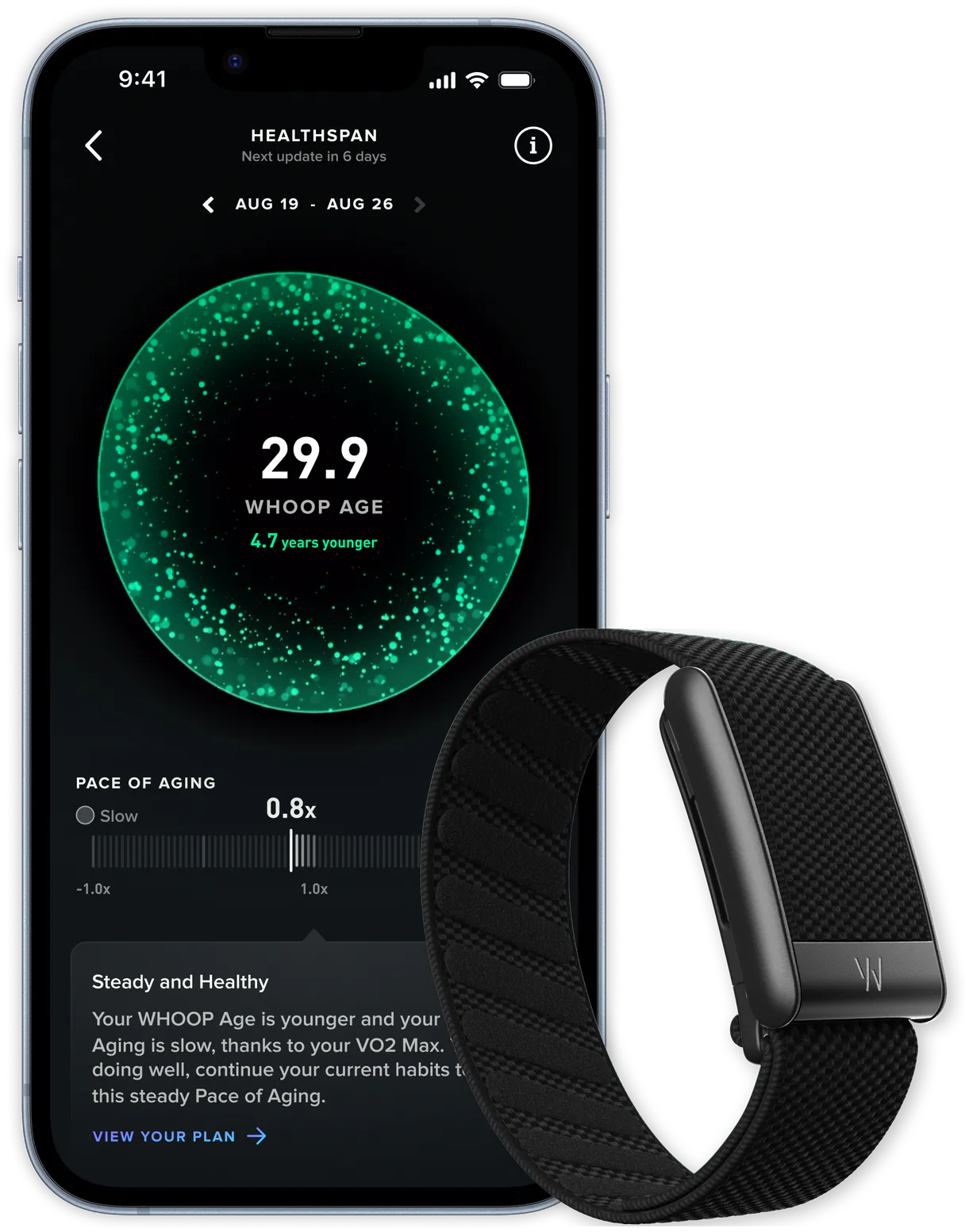
Independent Platform Disclaimer: Vinkius is an independent platform and is not affiliated with, endorsed by, sponsored by, verified by, or otherwise authorized by WHOOP. All third-party trademarks, logos, and brand names are the property of their respective owners. Their use on this website is strictly for informational purposes to identify service compatibility and interoperability.
VINKIUS INFRASTRUCTURE
Cloud Hosted
Managed infra
V8 Isolated
Sandboxed per request
Zero-Trust Proxy
No stored credentials
DLP Enforced
Policy on every call
GDPR Compliant
EU data residency
Token Compression
~60% cost reduction
Works with Claude, ChatGPT, Cursor, and more
The Model Context Protocol standardizes how applications expose capabilities to LLMs. Instead of operating in isolation, your AI gains direct access to external platforms, live data, and real-world actions through secure, standardized connections.
This server provides 11 capabilities that interface natively with Claude, ChatGPT, Cursor, and any MCP client. No middleware. No custom integration required.
Available Capabilities
The worst part about tracking fitness metrics is jumping between 5 different dashboards.
Today, if you want a full picture of your readiness, you have to open the workout tracker to see strain. Then you jump over to the sleep tab for total duration. Next, you go to the recovery page for HRV trends, and finally, you check the body metrics dashboard just to confirm weight changes. It's five different logins, five different dates, and three hours of clicking.
With this MCP server, you tell your agent: 'Summarize my readiness.' The agent then autonomously runs `get_cycle` and cross-references it with `get_recovery`. You get a single, clean answer that synthesizes strain, sleep quality, *and* recovery score. No dashboard hopping required.
WHOOP MCP Server: Get deep biometrics from your WHOOP data
Before this server, pulling a complete picture of your body meant fetching multiple records manually—using `get_workouts` for the activity list, then running separate calls to `get_sleep` and `get_cycle_recovery` using specific IDs. This workflow was slow, error-prone, and required deep API knowledge.
Now, you just ask a question like 'What does my total weekly load look like?' The agent executes the necessary tools—like `get_workouts` followed by data aggregation from `get_cycles`—and gives you the actionable summary. It’s immediate.
Common Questions About WHOOP MCP
How do I get WHOOP API credentials? +
Visit developer.whoop.com, create an app to get a Client ID and Client Secret. Then complete the OAuth2 flow to obtain an Access Token. All three are required for API access.
What is a WHOOP cycle? +
A WHOOP cycle represents a 24-hour period combining your sleep, strain and recovery data. Each cycle starts when you wake up and includes the previous night's sleep, the day's strain, and your recovery score for the next day.
How much historical data can I access? +
You can access all historical data recorded by your WHOOP device. Use the start and end date parameters (ISO 8601 format) to filter results. Pagination returns up to 25 records per request; use the nextToken to retrieve more.
Does the API include heart rate data? +
Yes! Heart rate data (average and max) is included in the cycle, workout and recovery responses. There's no dedicated heart rate endpoint, but the data is nested within these resources.
When using `get_workouts` or `get_cycles`, how do I handle pagination? +
You must use the nextToken provided in the API response to pull more data. Since these tools limit results to 25 per request, you'll need a loop that continues calling the endpoint until the token is null.
What is the difference between using `get_cycle_sleep` and `get_sleep`? +
get_cycle_sleep provides detailed sleep stages tied to a specific 24-hour WHOOP cycle ID. Use get_sleep when you need general sleep records filtered only by a date range, without linking it to the full cycle context.
What format must I provide for date ranges when calling `get_recovery`? +
You must pass all start and end dates using ISO 8601 format (YYYY-MM-DD). This strict formatting ensures your agent retrieves accurate recovery data across the exact time window you specify.
How do I combine `get_body_measurement` with my workout analysis? +
You execute these tools separately. You use the body measurement tool first to get metrics like weight and height, then pass those numbers contextually when your agent analyzes a specific strain score from get_workouts.
Use it with your favorite AI tools
Connect this server to Cursor, Claude, VS Code, and more.
More in this category

3Scribe
Automated audio and video transcription — create jobs, monitor progress, and retrieve text via AI.

JobScore
Manage jobs, candidates, and hiring teams via JobScore ATS API.

Zapier
Monitor automated workflows, audit app connections, and search for Zap templates on Zapier — the leader in AI orchestration.
You might also like
Strava Social
Explore Strava activities feed, kudos, comments, clubs, and discover new segments.

WordPress
Build and manage websites with the CMS that powers over 40 percent of the web through posts, pages, plugins, and themes.

SITA Airport Reference API
Query global airport infrastructure data — IATA codes, terminals, gates, and reference metadata via AI.