
Bring Visual Regression
to Cline
Create your Vinkius account to connect Percy to Cline and start using all 10 AI tools in minutes. Fully managed, enterprise secure, and ready to use without writing a single line of code. No hosting, no server setup — just connect and start using.
 GDPR Free for Subscribers
Compatible with every major AI agent and IDE
 Gemini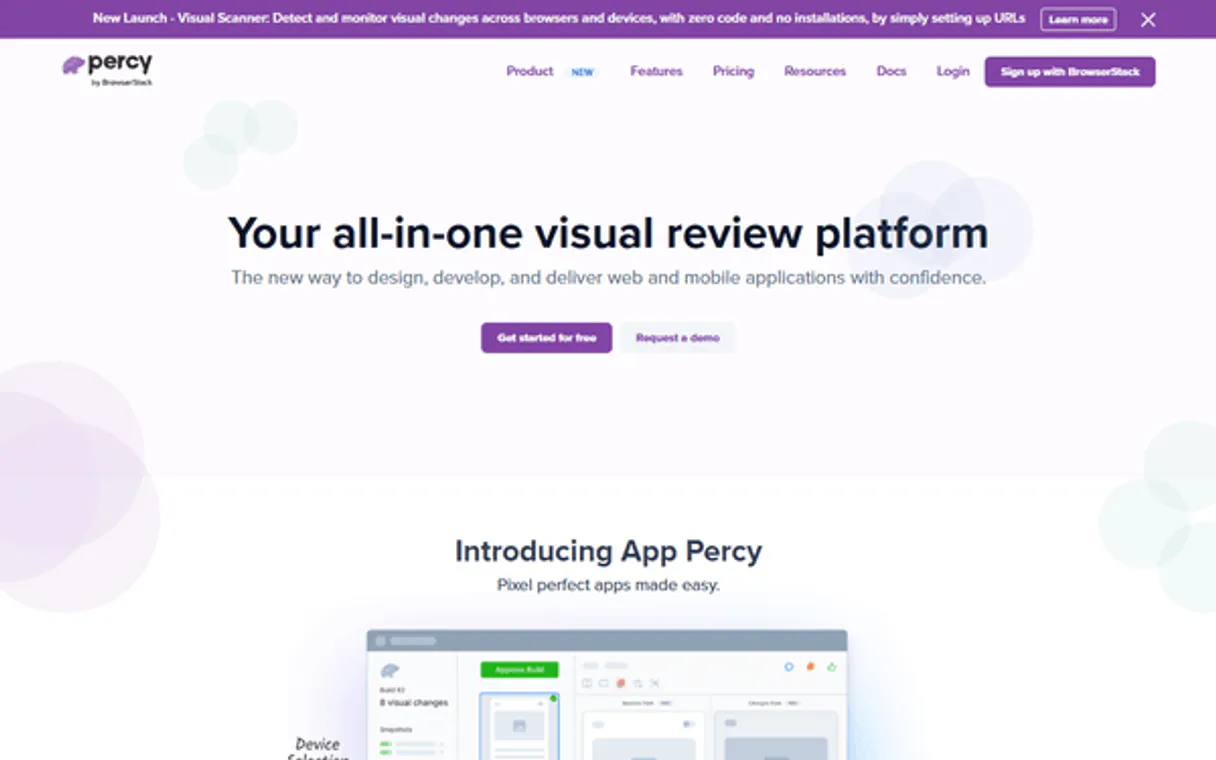
What is the Percy MCP Server?
Inject precision quality assurance workflows directly bounding LLM models via the Percy Visual Testing API (by BrowserStack). Programmatically verify pixel regressions executing queries evaluating visual boundaries natively across target projects. Inspect deep status arrays parsing CI build limits dynamically, extract metrics evaluating granular snapshot checkpoints asynchronously, and force immediate test baseline approvals seamlessly directly from explicit prompt commands naturally.
What you can do
- Project Navigation — Read bounded parameters tracking Percy deployments isolating configurations determining explicitly specific active QA targets natively
- Automated Build Oversight — Track specific arrays extracting dynamic checks returning pipeline checkpoints (approved/failed/unreviewed limits) explicitly seamlessly
- Visual Snapshot Operations — Log natively extracting bounds verifying comparison properties logging rendering differences mapping exact explicit width constraints
- Baseline Affirmations — Mutate bounding loops forcing active execution of JSON logic structurally bypassing native clicks allowing test approvals implicitly (
approve_buildorapprove_snapshot)
How it works
- Enable the structural node mapping target locally inside your logic constraints securely
- Incorporate explicitly bounds adding your single Percy Project Token statically internally gracefully
- Engage conversational agents dynamically explicitly retrieving UI test results bounding seamlessly
Who is this for?
- QA & Testing Engineers — extract specific arrays parsing failed assertions tracking structural rendering regressions safely returning granular boundaries immediately iteratively
- Frontend Teams — resolve visual bounds logging pipeline limits running explicitly without traversing complex dashboards isolating errors easily intelligently natively
- DevOps Admins — verify explicit pipeline health tracking CI loop states explicitly monitoring unreviewed elements globally reliably securely
Built-in capabilities (10)
/approve` moving the test suite to green. Approve all unreviewed snapshots in a Percy build. Marks the entire build as visually approved for deployment
Approve a single Percy snapshot. Marks it as visually correct, updating the baseline for future comparisons
Get full details of a Percy build including state, total/unreviewed snapshot counts, approved/rejected snapshots, branch, commit SHA, and finalized timestamp
Get full details of a Percy project including name, slug, default branch, auto-approve enabled, browser targets, and build count
Get full details of a Percy snapshot including name, review state, widths, fingerprint, and comparison count
List all supported browser families on Percy. Returns browser names, versions, and OS combinations for cross-browser visual testing
List builds for a Percy project. Each build contains snapshots from a test run. Returns build IDs, states (processing/finished/failed), branch names, commit SHAs, and snapshot counts
List visual comparisons for a Percy snapshot. Each comparison shows the diff between baseline and head at a specific width/browser. Returns diff images, diff percentages, and browser info
List all projects on Percy (BrowserStack). Percy is the leading visual regression testing platform that captures snapshots and detects pixel-level UI differences across builds. Uses JSON:API format. Returns project names, slugs, and browser configs
List snapshots in a Percy build. Each snapshot is a captured page/component at specific widths and browsers. Returns snapshot names, review states (unreviewed/approved/rejected), and diff percentages
Why Cline?
Cline operates autonomously inside VS Code. it reads your codebase, plans a strategy, and executes multi-step tasks including Percy tool calls without waiting for prompts between steps. Connect 10 tools through Vinkius and Cline can fetch data, generate code, and commit changes in a single autonomous run.
- —
Cline operates autonomously. it reads your codebase, plans a strategy, and executes multi-step tasks including MCP tool calls without step-by-step prompts
- —
Runs inside VS Code, so you get MCP tool access alongside your existing extensions, terminal, and version control in a single window
- —
Cline can create, edit, and delete files based on MCP tool responses, enabling end-to-end automation from data retrieval to code generation
- —
Transparent execution: every tool call and file change is shown in Cline's activity log for full visibility and approval before committing
Percy in Cline
Why run Percy with Vinkius?
The Percy connection runs on our fully managed, secure cloud infrastructure. We handle the hosting, maintenance, and security so you don't have to deal with servers or code. All 10 tools are ready to work instantly without any complex setup.
You stay in complete control of your data. Your AI only accesses the information you approve, keeping your sensitive passwords and private details completely safe. Plus, with automatic optimizations, your AI works faster and more efficiently.
* Every connection is hosted and maintained by Vinkius. We handle the security, updates, and infrastructure so you don't have to write code or manage servers. See our infrastructure
Over 4,000 integrations ready for AI agents
Explore a vast library of pre-built integrations, optimized and ready to deploy.
Connect securely in under 30 seconds
Generate tokens to authenticate and link external services in a single step.
Complete visibility into every agent action
Audit live requests, latency, success rates, and active security compliance policies.
Optimize spending and track token ROI
Analyze real-time token consumption and cost metrics detailed by connection.




Explore our live AI Agents Analytics dashboard to see it all working
This dashboard is included when you connect Percy using Vinkius. You will never be left in the dark about what your AI agents are doing with your tools.
Percy and 4,000+ other AI tools. No hosting, no code, ready to use.
Professionals who connect Percy to Cline through Vinkius don't need to write code, manage servers, or worry about security. Everything is pre-configured, secure, and runs automatically in the background.
Raw MCP | Vinkius | |
|---|---|---|
| Ready-to-use MCPs | Find and configure each manually | 4,000+ MCPs ready to use |
| Connection Setup | Manual coding & server setup | 1-click instant connection |
| Server Hosting | You host it yourself (needs 24/7 uptime) | 100% hosted & managed by Vinkius |
| Security & Privacy | Stored in plaintext config files | Bank-grade encrypted vault |
| Activity Visibility | Blind execution (no logs or tracking) | Live dashboard with real-time logs |
| Cost Control | Runaway AI token spend risk | Automatic budget limits |
| Revoking Access | Must delete files or code to stop | 1-click disconnect button |
How Vinkius secures
Percy for Cline
Every request between Cline and Percy is protected by our secure gateway. We automatically keep your sensitive data private, prevent unauthorized access, and let you disconnect instantly at any time.
Frequently asked questions
Can the AI automatically approve an entire Percy build limit safely via constraints natively?
Absolutely strictly explicitly natively. The integration encapsulates the approve_build action dynamically structurally executing the final endpoint verification marking bounds explicitly matching visual approvals effortlessly saving limits.
How explicitly strict are the parameter bounds when extracting image comparisons logistically?
Invoking Explicit bounding via list_comparisons tracks native image differences safely cleanly bounding metrics returning explicit difference percentages mapping base width loops directly over testing node grids explicitly gracefully natively.
Where structurally globally do I find my Explicit Percy integration token accurately gracefully?
Navigate explicit bounds inside your native Percy workspace parameters explicitly mapping 'Project Settings > Integrations/Tokens'. Globally limit testing node arrays explicitly generating Token strings seamlessly securely correctly internally securely elegantly here.
How does Cline connect to MCP servers?
Cline reads MCP server configurations from its settings panel in VS Code. Add the server URL and Cline discovers all available tools on initialization.
Can Cline run MCP tools without approval?
By default, Cline asks for confirmation before executing tool calls. You can configure auto-approval rules for trusted servers in the settings.
Does Cline support multiple MCP servers at once?
Yes. Configure as many servers as needed. Cline can use tools from different servers within the same autonomous task execution.
Server shows error in sidebar
Click the server name to see logs. Verify the URL and token are correct.
Explore More MCP Servers
View all →
AI21 Labs
10 toolsAccess state-of-the-art language models for text generation, summarization, and semantic understanding at enterprise scale.

WhatsApp Message Sender
1 toolsThis MCP does exactly one thing: it sends text messages using the official Meta WhatsApp Cloud API. That's its only function, and nothing else. Incredible for giving your AI agents direct access to customers.

CrossRef Alternative
13 toolsSearch 150M+ academic works — find journal articles, books, DOIs, citations and scholarly metadata.
Salespanel
11 toolsAutomate lead tracking and visitor intelligence via Salespanel — manage contacts, website visitors, and engagement directly from any AI agent.