
Bring Web Analytics
to LangChain
Create your Vinkius account to connect GoSquared to LangChain and start using all 11 AI tools in minutes. Fully managed, enterprise secure, and ready to use without writing a single line of code. No hosting, no server setup — just connect and start using.
 GDPR Free for Subscribers
Compatible with every major AI agent and IDE
 Gemini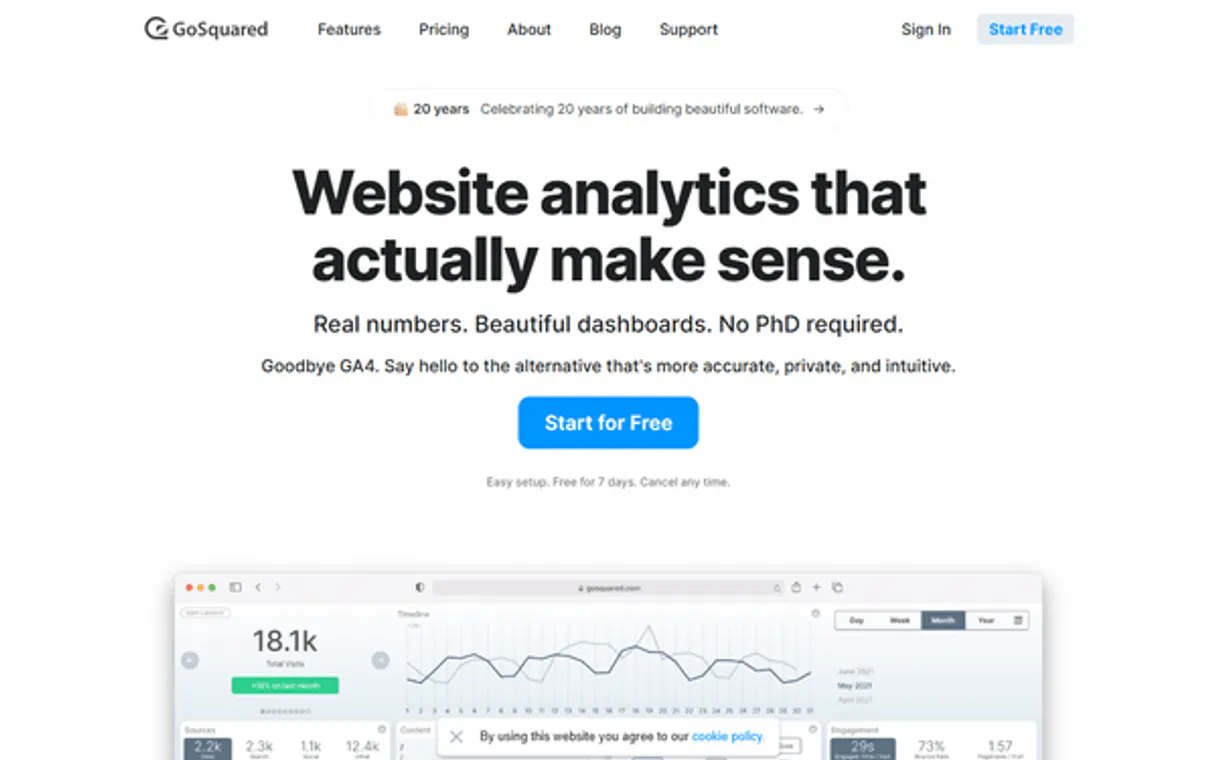
What is the GoSquared MCP Server?
Connect your GoSquared account to your AI agent and get instant, conversational access to your web analytics. Query real-time active visitors, track marketing campaign performance, and analyze historical traffic trends directly from your workflow.
What you can do
- Real-Time Analytics (Now API) — Check exactly how many visitors are on your site right now, what pages they are viewing, and where they came from
- Historical Trends (Trends API) — Analyze past traffic data, including page views, traffic sources, and campaign effectiveness over specific date ranges
- Audience Insights — Understand your visitors' technology preferences with detailed breakdowns of browsers and devices
How it works
- Subscribe to this server
- Enter your GoSquared Site Token and API Key (found in your account settings)
- Start querying your web analytics from Claude, Cursor, or any MCP-compatible client
Your AI agent acts as a dedicated web analyst, transforming complex dashboards into simple, actionable answers.
Who is this for?
- Marketing Teams — instantly check how much live traffic a new campaign or newsletter is generating
- Product Managers — analyze historical page view trends to understand feature adoption and user behavior
- Website Owners — keep a pulse on your site's performance without constantly logging into an analytics dashboard
Built-in capabilities (11)
Get active campaigns currently driving traffic
Get a top-level overview of concurrent active visitors
Get a list of pages currently being viewed
Get active traffic sources (referrers)
Get a list of individual visitors currently online
Get historical browser breakdown data
Get historical campaign performance data
Get historical device breakdown data
Get historical aggregate data overview
Get historical aggregate data for pages
Get historical traffic sources data
Why LangChain?
LangChain's ecosystem of 500+ components combines seamlessly with GoSquared through native MCP adapters. Connect 11 tools via Vinkius and use ReAct agents, Plan-and-Execute strategies, or custom agent architectures. with LangSmith tracing giving full visibility into every tool call, latency, and token cost.
- —
The largest ecosystem of integrations, chains, and agents. combine GoSquared MCP tools with 500+ LangChain components
- —
Agent architecture supports ReAct, Plan-and-Execute, and custom strategies with full MCP tool access at every step
- —
LangSmith tracing gives you complete visibility into tool calls, latencies, and token usage for production debugging
- —
Memory and conversation persistence let agents maintain context across GoSquared queries for multi-turn workflows
GoSquared in LangChain
Why run GoSquared with Vinkius?
The GoSquared connection runs on our fully managed, secure cloud infrastructure. We handle the hosting, maintenance, and security so you don't have to deal with servers or code. All 11 tools are ready to work instantly without any complex setup.
You stay in complete control of your data. Your AI only accesses the information you approve, keeping your sensitive passwords and private details completely safe. Plus, with automatic optimizations, your AI works faster and more efficiently.
* Every connection is hosted and maintained by Vinkius. We handle the security, updates, and infrastructure so you don't have to write code or manage servers. See our infrastructure
Over 4,000 integrations ready for AI agents
Explore a vast library of pre-built integrations, optimized and ready to deploy.
Connect securely in under 30 seconds
Generate tokens to authenticate and link external services in a single step.
Complete visibility into every agent action
Audit live requests, latency, success rates, and active security compliance policies.
Optimize spending and track token ROI
Analyze real-time token consumption and cost metrics detailed by connection.




Explore our live AI Agents Analytics dashboard to see it all working
This dashboard is included when you connect GoSquared using Vinkius. You will never be left in the dark about what your AI agents are doing with your tools.
GoSquared and 4,000+ other AI tools. No hosting, no code, ready to use.
Professionals who connect GoSquared to LangChain through Vinkius don't need to write code, manage servers, or worry about security. Everything is pre-configured, secure, and runs automatically in the background.
Raw MCP | Vinkius | |
|---|---|---|
| Ready-to-use MCPs | Find and configure each manually | 4,000+ MCPs ready to use |
| Connection Setup | Manual coding & server setup | 1-click instant connection |
| Server Hosting | You host it yourself (needs 24/7 uptime) | 100% hosted & managed by Vinkius |
| Security & Privacy | Stored in plaintext config files | Bank-grade encrypted vault |
| Activity Visibility | Blind execution (no logs or tracking) | Live dashboard with real-time logs |
| Cost Control | Runaway AI token spend risk | Automatic budget limits |
| Revoking Access | Must delete files or code to stop | 1-click disconnect button |
How Vinkius secures
GoSquared for LangChain
Every request between LangChain and GoSquared is protected by our secure gateway. We automatically keep your sensitive data private, prevent unauthorized access, and let you disconnect instantly at any time.
Frequently asked questions
Can I see exactly how many people are on my site right now?
Yes! The get_now_overview tool provides an instant snapshot of your concurrent active visitors. You can also use get_now_pages to see exactly which URLs they are currently reading.
How do I check traffic for a specific day in the past?
You can use any of the get_trends_* tools (like get_trends_overview) and provide the date parameter. You can use 'today', 'yesterday', or a specific date format like 'YYYY-MM-DD'.
Does it track which external links visitors click?
Yes. The real-time events functionality tracks specific outbound interactions out of the box, exposing exactly what resources capture audience interest the most.
How does LangChain connect to MCP servers?
Use langchain-mcp-adapters to create an MCP client. LangChain discovers all tools and wraps them as native LangChain tools compatible with any agent type.
Which LangChain agent types work with MCP?
All agent types including ReAct, OpenAI Functions, and custom agents work with MCP tools. The tools appear as standard LangChain tools after the adapter wraps them.
Can I trace MCP tool calls in LangSmith?
Yes. All MCP tool invocations appear as traced steps in LangSmith, showing input parameters, response payloads, latency, and token usage.
MultiServerMCPClient not found
Install: pip install langchain-mcp-adapters
Explore More MCP Servers
View all →
Maildroppa
12 toolsGrow your email list and send targeted campaigns with a simple email marketing platform designed for solopreneurs and creators.

XML JSON Converter
2 toolsParse legacy systems easily. Deterministically convert massive XML, SOAP, or RSS feeds into clean JSON (and back) without LLM hallucinations.
Relevance AI
11 toolsAutomate autonomous AI agents via Relevance AI — manage tools, trigger tasks, and monitor results directly.

DeepSeek
12 toolsAccess powerful open-weight language models for reasoning, code generation, and complex problem solving at competitive cost.