
Bring Election Results
to OpenAI Agents SDK
Create your Vinkius account to connect AP Elections API to OpenAI Agents SDK and start using all 4 AI tools in minutes. Fully managed, enterprise secure, and ready to use without writing a single line of code. No hosting, no server setup — just connect and start using.
 GDPR Free for Subscribers
Compatible with every major AI agent and IDE
 Gemini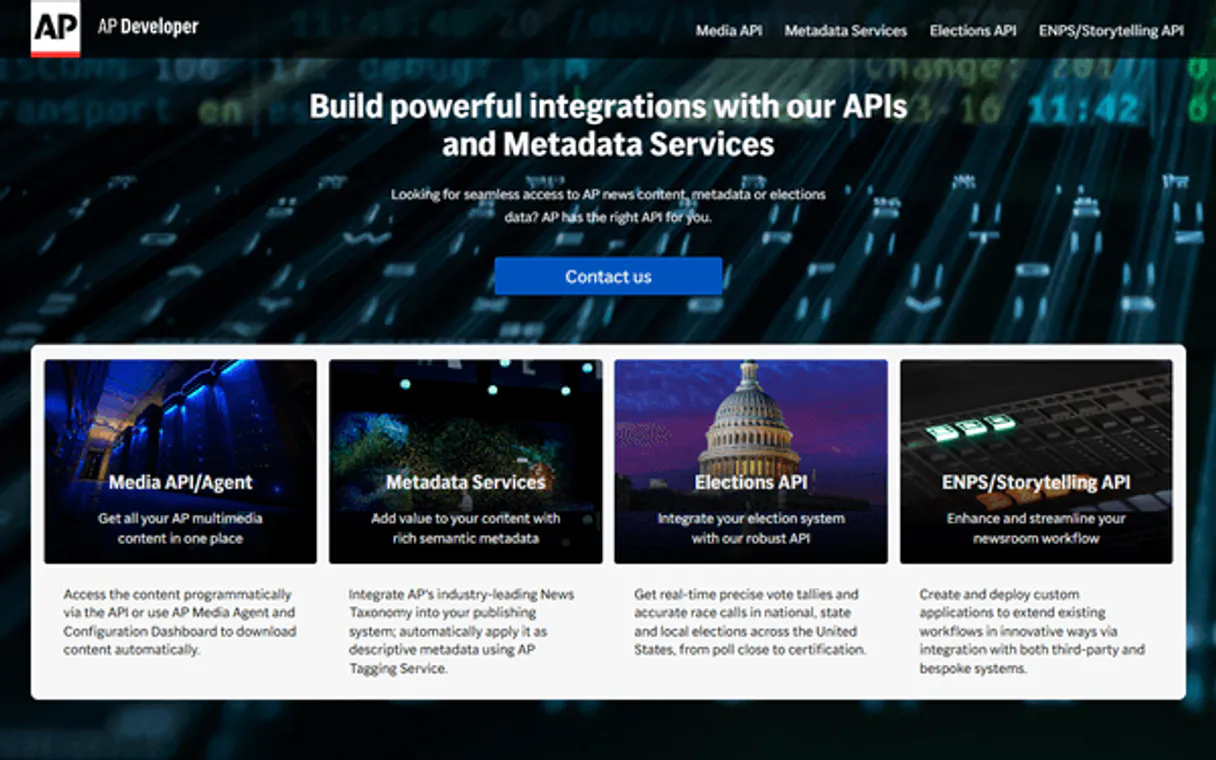
What is the AP Elections API MCP Server?
Empower your AI agent to orchestrate your entire political research and election auditing workflow with the AP Elections API, the gold standard for real-time election data. By connecting the Associated Press API to your agent, you transform complex results querying into a natural conversation. Your agent can instantly retrieve race outcomes, audit candidate performance, and query vote totals without you ever touching a news terminal. Whether you are conducting political analysis or monitoring local legislative shifts, your agent acts as a real-time political consultant, ensuring your data is always authoritative and up-to-the-minute.
What you can do
- Race Auditing — Retrieve high-resolution results for specific election dates and races, including office names and geographic distribution.
- Candidate Oversight — Audit individual candidate performance to maintain a clear view of party distribution and vote share.
- Electoral Discovery — Query election results by state to understand regional political shifts and scale instantly.
- Data Intelligence — Retrieve vote counts and candidate metadata to assist in deep-dive electoral classification.
- Operational Monitoring — Check API status to ensure your political research workflow is always operational.
How it works
- Subscribe to this server
- Enter your AP Elections API Key
- Start managing your political intelligence through Claude, Cursor, or any MCP-compatible client
Who is this for?
- Political Analysts — monitor election results and retrieve official metadata straight from your workflow.
- Journalists & Newsrooms — verify candidate performance and audit vote totals without manual searching.
- Policy Researchers — perform rapid audits of legislative races and identify relevant electoral markers through natural language.
- Operations Leads — automate election data querying to orchestrate cross-functional research teams smoothly.
Built-in capabilities (4)
Check if the AP Elections API is operational
Get election results for a specific date (YYYY-MM-DD)
Get detailed results for a specific race ID
List all candidates participating in an election date
Why OpenAI Agents SDK?
The OpenAI Agents SDK auto-discovers all 4 tools from AP Elections API through native MCP integration. Build agents with built-in guardrails, tracing, and handoff patterns. chain multiple agents where one queries AP Elections API, another analyzes results, and a third generates reports, all orchestrated through Vinkius.
- —
Native MCP integration via
MCPServerSse, pass the URL and the SDK auto-discovers all tools with full type safety - —
Built-in guardrails, tracing, and handoff patterns let you build production-grade agents without reinventing safety infrastructure
- —
Lightweight and composable: chain multiple agents and MCP servers in a single pipeline with minimal boilerplate
- —
First-party OpenAI support ensures optimal compatibility with GPT models for tool calling and structured output
AP Elections API in OpenAI Agents SDK
Why run AP Elections API with Vinkius?
The AP Elections API connection runs on our fully managed, secure cloud infrastructure. We handle the hosting, maintenance, and security so you don't have to deal with servers or code. All 4 tools are ready to work instantly without any complex setup.
You stay in complete control of your data. Your AI only accesses the information you approve, keeping your sensitive passwords and private details completely safe. Plus, with automatic optimizations, your AI works faster and more efficiently.
* Every connection is hosted and maintained by Vinkius. We handle the security, updates, and infrastructure so you don't have to write code or manage servers. See our infrastructure
Over 4,000 integrations ready for AI agents
Explore a vast library of pre-built integrations, optimized and ready to deploy.
Connect securely in under 30 seconds
Generate tokens to authenticate and link external services in a single step.
Complete visibility into every agent action
Audit live requests, latency, success rates, and active security compliance policies.
Optimize spending and track token ROI
Analyze real-time token consumption and cost metrics detailed by connection.




Explore our live AI Agents Analytics dashboard to see it all working
This dashboard is included when you connect AP Elections API using Vinkius. You will never be left in the dark about what your AI agents are doing with your tools.
AP Elections API and 4,000+ other AI tools. No hosting, no code, ready to use.
Professionals who connect AP Elections API to OpenAI Agents SDK through Vinkius don't need to write code, manage servers, or worry about security. Everything is pre-configured, secure, and runs automatically in the background.
Raw MCP | Vinkius | |
|---|---|---|
| Ready-to-use MCPs | Find and configure each manually | 4,000+ MCPs ready to use |
| Connection Setup | Manual coding & server setup | 1-click instant connection |
| Server Hosting | You host it yourself (needs 24/7 uptime) | 100% hosted & managed by Vinkius |
| Security & Privacy | Stored in plaintext config files | Bank-grade encrypted vault |
| Activity Visibility | Blind execution (no logs or tracking) | Live dashboard with real-time logs |
| Cost Control | Runaway AI token spend risk | Automatic budget limits |
| Revoking Access | Must delete files or code to stop | 1-click disconnect button |
How Vinkius secures
AP Elections API for OpenAI Agents SDK
Every request between OpenAI Agents SDK and AP Elections API is protected by our secure gateway. We automatically keep your sensitive data private, prevent unauthorized access, and let you disconnect instantly at any time.
Frequently asked questions
How do I find my AP Elections API Key?
Log in to your AP Developer portal, register for the Elections API, and you will find your API Key in your dashboard. Copy and paste it below.
Does it support real-time vote counts?
Yes. The Associated Press provides official, real-time vote counts and delegate allocations as they are reported on election night.
Can the agent show candidate party affiliation?
Yes. Every candidate record retrieved by your agent includes their party code (e.g., 'Dem', 'GOP') and other relevant affiliation metadata.
How does the OpenAI Agents SDK connect to MCP?
Use MCPServerSse(url=...) to create a server connection. The SDK auto-discovers all tools and makes them available to your agent with full type information.
Can I use multiple MCP servers in one agent?
Yes. Pass a list of MCPServerSse instances to the agent constructor. The agent can use tools from all connected servers within a single run.
Does the SDK support streaming responses?
Yes. The SDK supports SSE and Streamable HTTP transports, both of which work natively with Vinkius.
MCPServerStreamableHttp not found
Ensure you have the latest version: pip install --upgrade openai-agents
Agent not calling tools
Make sure your prompt explicitly references the task the tools can help with.
Explore More MCP Servers
View all →
Uniphore Conversation AI
8 toolsAccess meeting transcripts, summaries, action items, and analytics via Uniphore API.

Celigo integrator.io
8 toolsManage integrations and automation flows via Celigo — trigger flows, monitor errors, and audit connections directly from any AI agent.

Cronitor (Cron Monitoring)
44 toolsMonitor cron jobs, heartbeats, and websites. Track performance, receive alerts, and manage uptime directly from your AI agent.

HTML XSS Sanitizer
1 toolsProtect your database from malicious code. Clean and sanitize user-generated HTML payloads instantly local.